
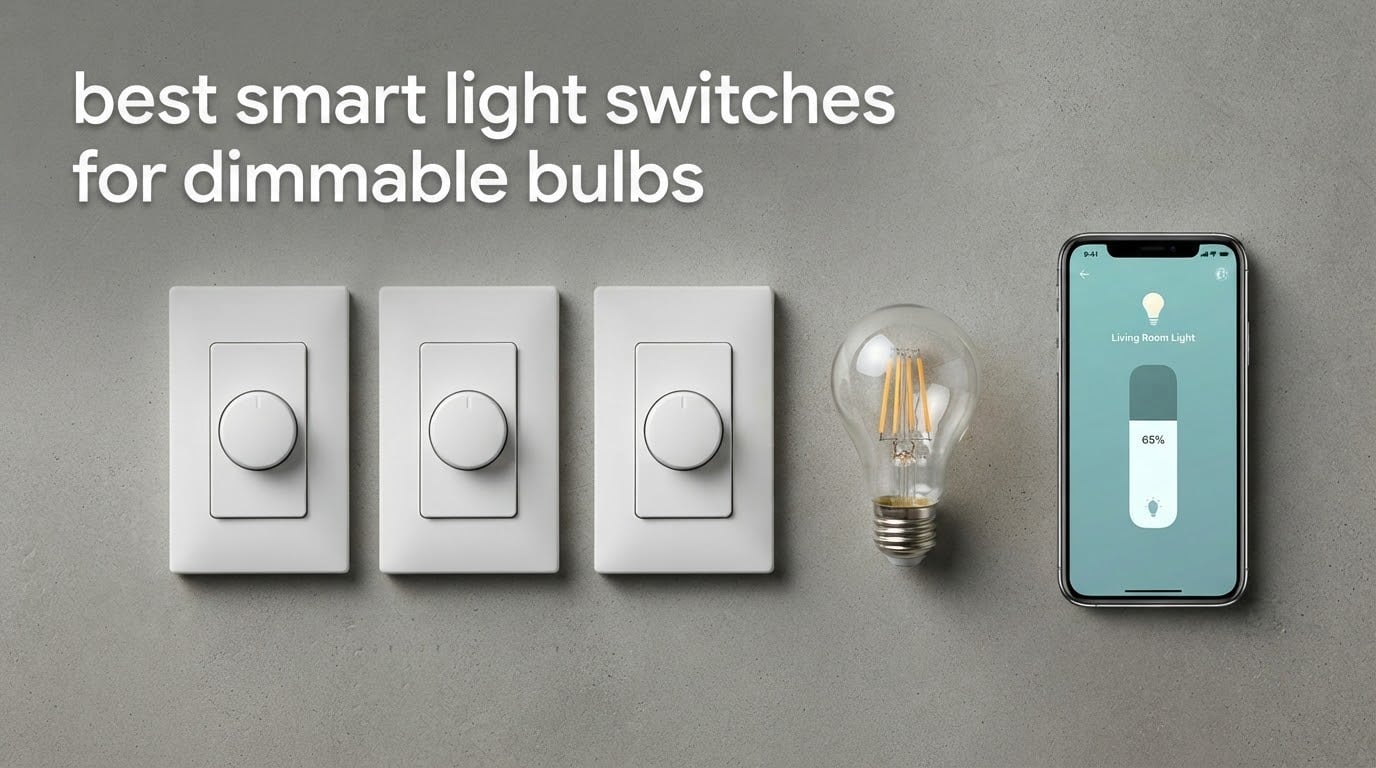
A smart light switch for dimmable bulbs is a wall switch with dimming electronics built in, and it dims ordinary dimmable LED bulbs from the app, a schedule, or your voice assistant. The fixture stays powered at all times and the intelligence lives in the switch, which is the opposite of how a smart bulb works. That single distinction decides everything else in this guide, including the ten picks below.
Smart bulbs fail in a specific, well-documented way. Flip the wall switch and the bulb loses power entirely, so it stops responding to the app, the voice assistant, and every automation you wrote. Nothing brings it back except a person walking to the room and flipping the switch up again. On r/smarthome and r/homeautomation this is the most repeated complaint in the entire category, and it is the reason smart dimmer switches exist rather than being a fancier alternative.
Our team compared ten in-wall smart dimmers across the four decisions that actually matter: does your box have a neutral wire, does the dimmer work without a hub, does it handle 3-way circuits, and does it behave sensibly with a low-wattage LED load. We did not hands-on test these units in a live panel, so where we describe behaviour we are drawing on manufacturer specifications, load ratings, and the patterns that recur in owner reports. If you want the wider category covered first, read our smart light switch roundup and our smart light bulb picks before you commit.
Table of Contents
Top 3 Best Smart Light Switches for Dimmable Bulbs in 2026
Three picks cover most households: the Kasa HS220 for sheer volume of owner feedback, the Lutron Caseta for reliability in older wiring, and the Tapo S505D for anyone who does not want to pick a single ecosystem.


All 10 Smart Dimmers Compared in 2026
Every switch in this table is a true dimmer rather than an on/off relay, so all of them work with dimmable bulbs. The columns that decide your purchase are the neutral wire requirement and the maximum LED load.
| Product | Specifications | Action |
|---|---|---|
| Kasa Smart Dimmer Switch HS220 |
|
Check Latest Price |
| Lutron Caseta Smart Dimmer Switch |
|
Check Latest Price |
 TREATLIFE Smart Dimmer Switch DS01 TREATLIFE Smart Dimmer Switch DS01 |
|
Check Latest Price |
 Kasa Smart 3-Way Dimmer Kit KS230 Kasa Smart 3-Way Dimmer Kit KS230 |
|
Check Latest Price |
 Amazon Basics Smart Dimmer SD29-01 Amazon Basics Smart Dimmer SD29-01 |
|
Check Latest Price |
| Tapo Matter Smart Dimmer S505D |
|
Check Latest Price |
 GHome Smart Dimmer SW2 Three Pack GHome Smart Dimmer SW2 Three Pack |
|
Check Latest Price |
 ELEGRP Smart Dimmer DTR10 Two Pack ELEGRP Smart Dimmer DTR10 Two Pack |
|
Check Latest Price |
 Leviton Decora Smart Dimmer D26HD Leviton Decora Smart Dimmer D26HD |
|
Check Latest Price |
 Zooz 800 Series ZEN72 Dimmer Zooz 800 Series ZEN72 Dimmer |
|
Check Latest Price |
1. Kasa Smart HS220 Dimmer Switch – 300W and No Hub Required
Kasa Smart Dimmer Switch HS220, Single Pole, Needs Neutral Wire
300W load
Neutral wire required
Wi-Fi 2.4 GHz
No hub
UL listed
2 year warranty
Pros
- Flicker-free dimming across mixed LED bulbs
- Low-end calibration in the Kasa app
- Customizable fade-on and fade-off
- Works with Alexa and Google Assistant
- Holds Wi-Fi over long installs
Cons
- Needs a neutral wire
- Bulky body fights shallow boxes
- Replaces toggle plates not rocker plates
The HS220 is our pick as the best smart light switch for dimmable bulbs because of the combination nobody else in this list matches: a 4.6 rating across more than 34,000 reviews, a 300 watt ceiling, and no hub anywhere in the chain. It is the switch we would put in a house with modern wiring that just wants dimming to work and to keep working.
Owners consistently describe the dimming as smooth across mixed bulb types, which matters more than it sounds. Most cheap dimmers are tuned for one bulb family and wobble on the next. The Kasa app adds a low-end calibration setting that lets you push the dim floor down until the bulbs stop flickering, which is the single most useful control on any switch in this guide.
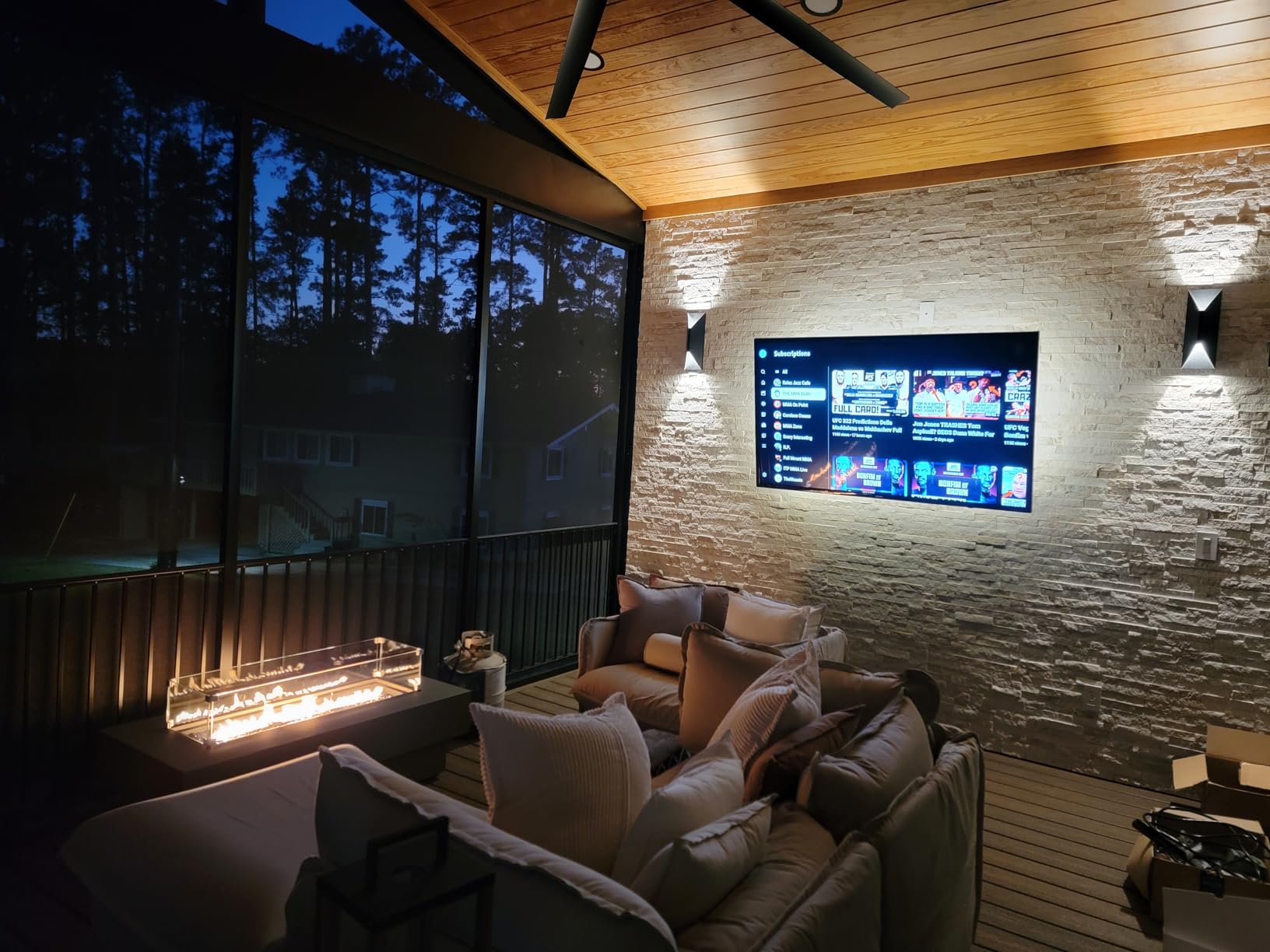
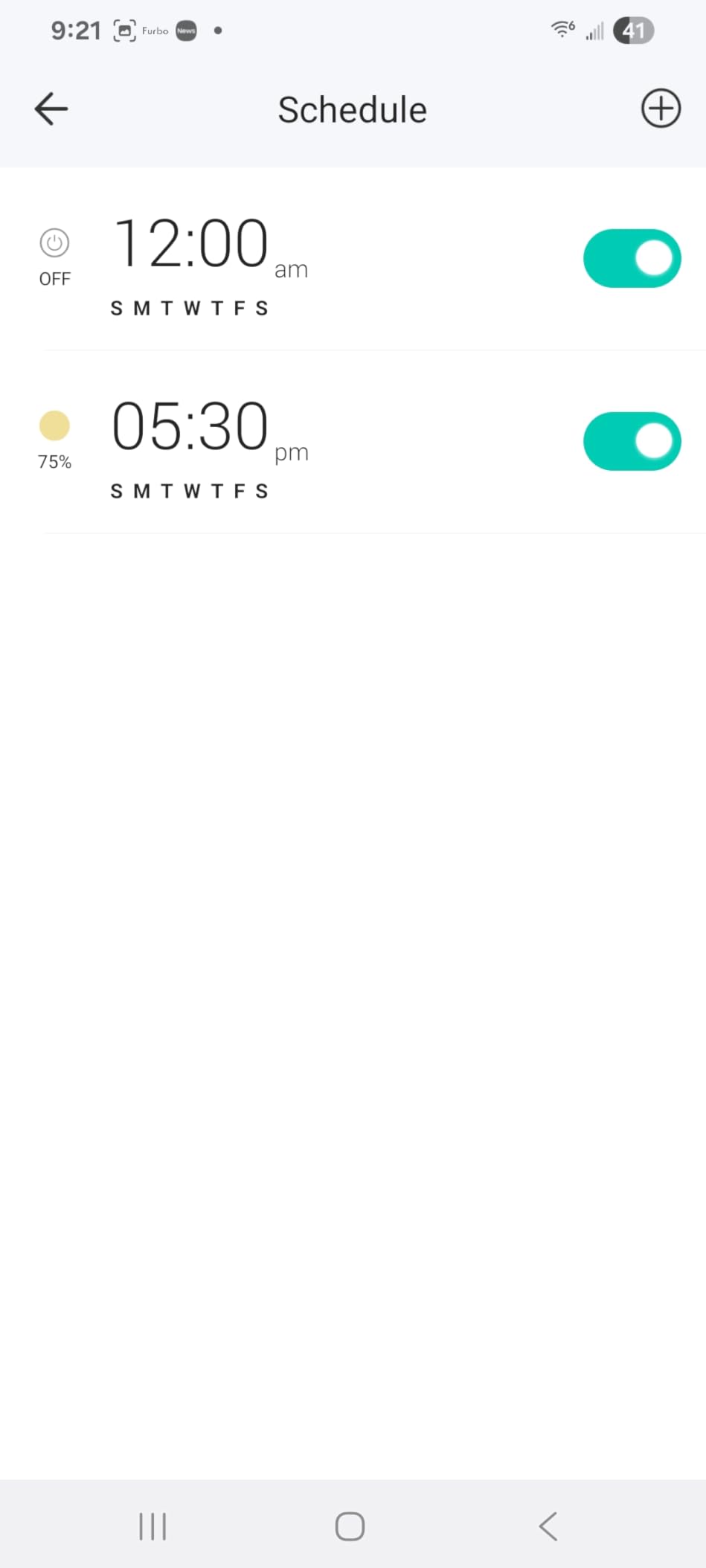
On the technical side it is a straightforward part: 300 watts, 2.5 amps, 120 volts, UL listed, a two year warranty, and a body measuring 1.77 by 3.35 by 5.04 inches. Gentle Off fades the lights down with a double tap, and scheduling, countdown timers, and Away Mode are all in the same app you already use if you own Kasa plugs.
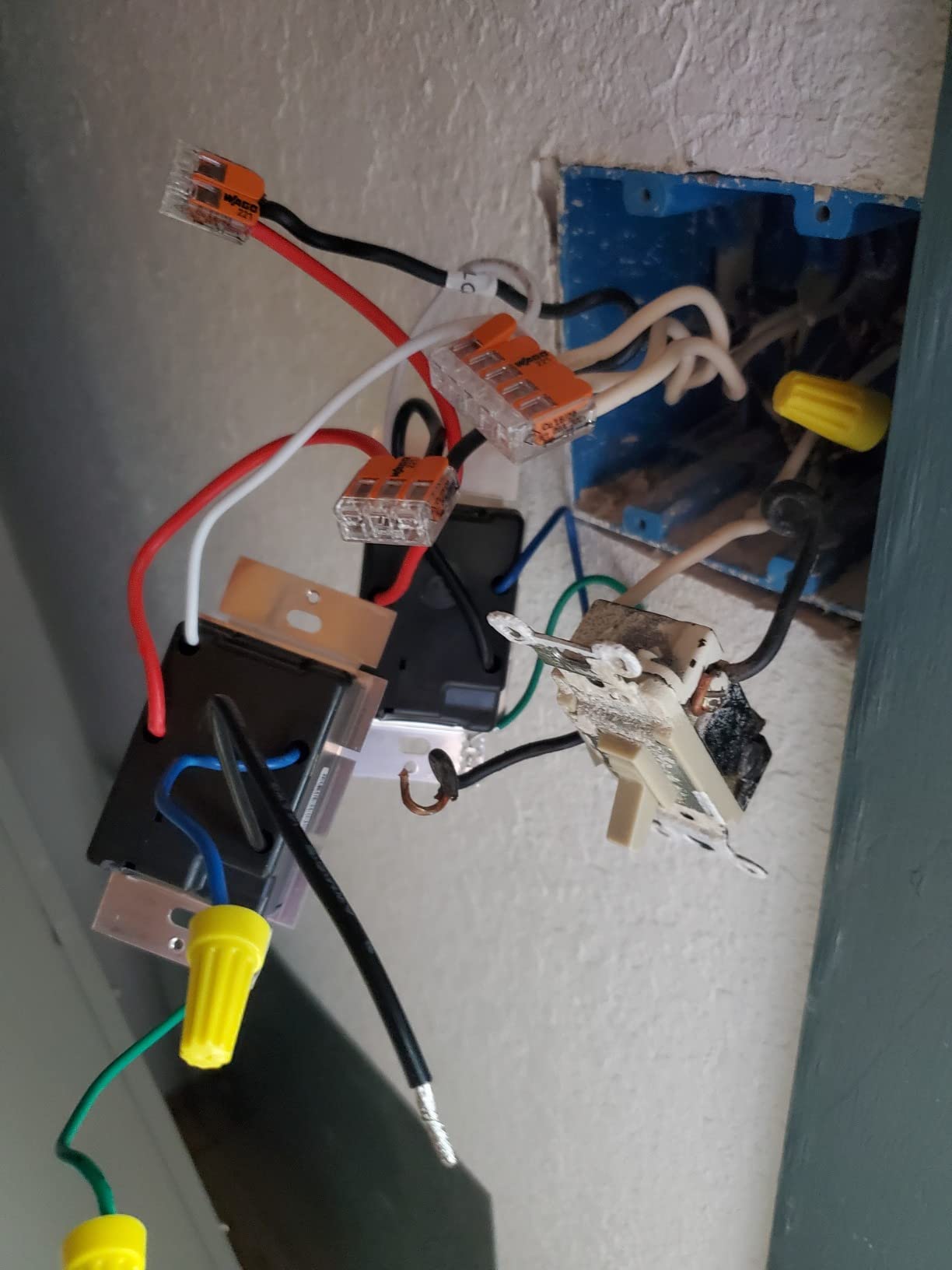
The catch is physical. The module is deep and wide, and reviewers regularly report fighting for space in shallow or crowded boxes. A handful of units also squeak when the on/off button is pressed, which is a minor annoyance rather than a fault. Replacing a traditional toggle switch also means buying a new rocker wall plate, though one is included in the box.
What you should check before buying it
Count your bulbs and their wattage. The 300 watt ceiling is generous, but a large chandelier of Edison-style filament lamps can reach it faster than you would expect, and the limit applies to the whole fixture rather than each bulb.
Then confirm your box depth and your neutral. If the switch box is shallow, this module is a tight fit and the wiring becomes the hard part of the job.
Where it falls short
It is Wi-Fi only, so if your router is down the switch stops responding to the app. Hubless systems behave that way, and that is the trade you accept in exchange for skipping bridge hardware and setup.
It also does nothing for 3-way circuits. If you are dimming from a hallway and a stairwell landing, you need the kit in entry four instead.
2. Lutron Caseta Smart Dimmer – No Neutral Wire Required
Lutron Caseta Smart Dimmer Switch (Smart Hub Required), No Neutral Required
No neutral wire
150W LED, 600W halogen
Lutron hub required
1.25A
1 year warranty
Pros
- Only no-neutral option here with a 4.7 rating
- Hub keeps working without Wi-Fi
- Adjustable minimum and maximum dim range
- Widest ecosystem support
- Refined fade behaviour
Cons
- Hub and wall plate sold separately
- Highest cost in this category
- Lights come on at full power
- Pico not included
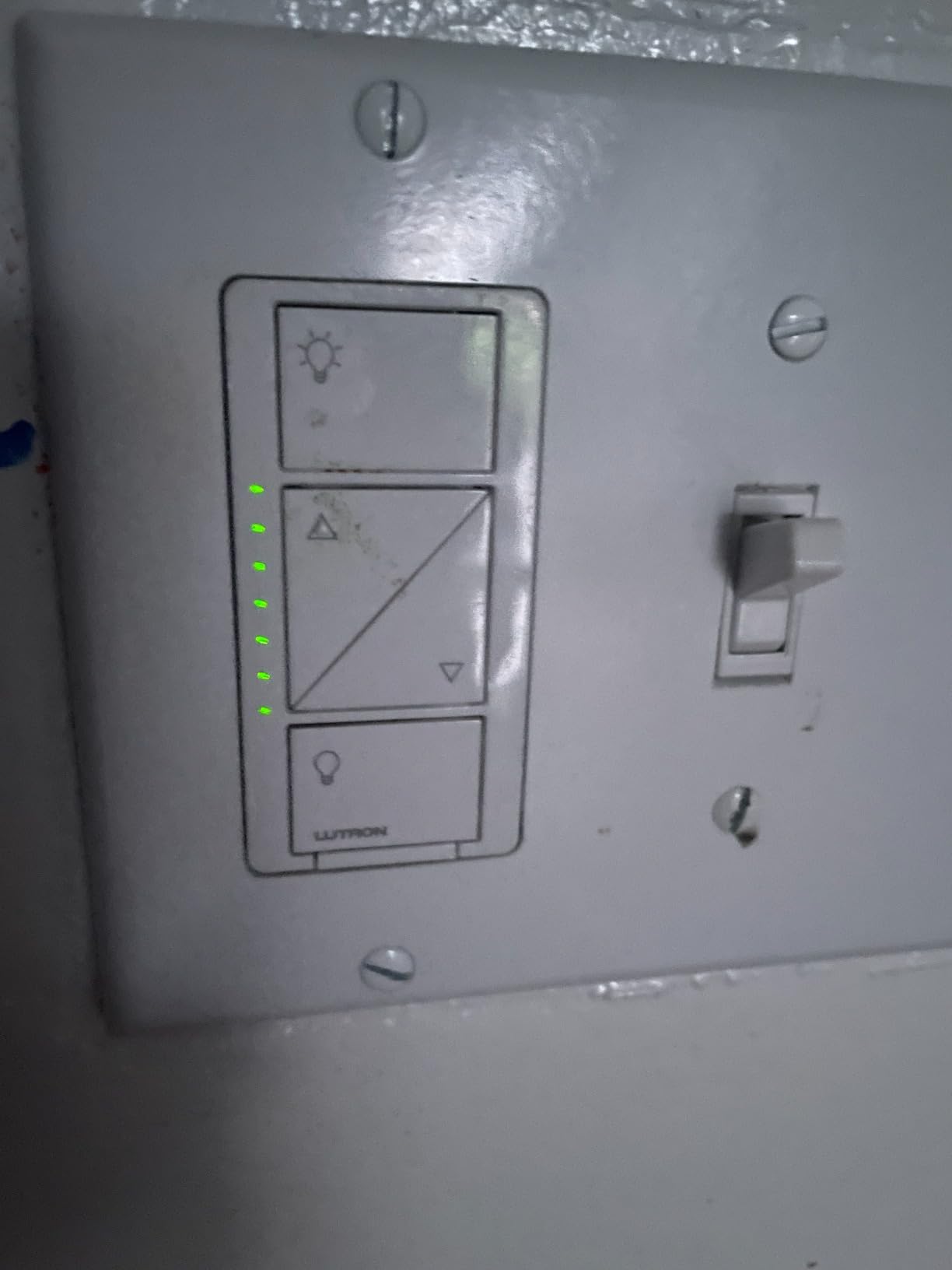
The Caseta is the answer when your box has no neutral wire, which is the situation that knocks most Wi-Fi dimmers off your shortlist. It uses power-sharing instead, and on r/homeautomation it is described again and again as the old reliable choice among owners with multi-year installations.
That reliability is structural rather than marketing. The Lutron Smart Hub runs its own radio mesh and keeps controlling the switches when Wi-Fi drops, so a router failure does not leave you in the dark. The same forum threads name Caseta and Philips Hue as the two systems rated most reliable for Home Assistant users.
The dimming itself is the best behaved here. You get adjustable minimum and maximum levels, so you can match the dim range to whatever LED bulbs you actually installed instead of accepting whatever curve the bulbs came with. Owners with long installs report consistent behaviour across bulb types and no flicker.
It is also the widest in what it talks to: Alexa, Apple HomeKit, Google Home, Ring, Sonos, SmartThings, and Serena shades, all through the hub. The app handles scenes, scheduling, geofencing, smart-away, and timers.
What you should check before buying it
Budget for the whole system, not the switch. The hub, the coordinating wall plate, and any Pico remotes are all separate purchases, and on r/homeautomation the recurring complaint is exactly this: the cost balloons quickly across a multi-room job.
Check your existing 3-way wiring too. The switch is not designed to sit inside a conventional 3-way plan, so converting means turning the far end into a Pico.
Where it falls short
There is no preset on-level in the wall switch, so lights come on at full power until you dim them down from the app or a remote. Owners also report that on earlier revisions the flat face is hard to find in the dark.
And if you are wiring one room on your own, the hub and the extra plate can cost more than the rest of the install combined.
3. TREATLIFE Smart Dimmer DS01 – 400W of Halogen Headroom
TREATLIFE Smart Dimmer Switch, Single-Pole Smart Switch for Dimmable Bulbs, 2.4GHz WiFi Smart Light Switch Works with Alexa and Google Home, APP Remote Control, Neutral Wire Required
400W halogen, 150W LED
Neutral wire required
2.4 GHz only
3.3A
FCC
2 year warranty
Pros
- Highest halogen load in the lineup
- Remembers last brightness after a power cut
- Touch slider plus app and voice
- Wall plate and wire nuts included
- 400W ceiling for legacy fixtures
Cons
- Neutral wire and pre-1980 homes excluded
- Single pole only
- No HomeKit support
- Not for smart bulbs
The DS01 is the pick if you still have legacy incandescent or halogen fixtures, because its 400 watt ceiling for those loads is the highest in this group. The LED side is rated to 150 watts, which is normal for a budget part and adequate for most rooms.
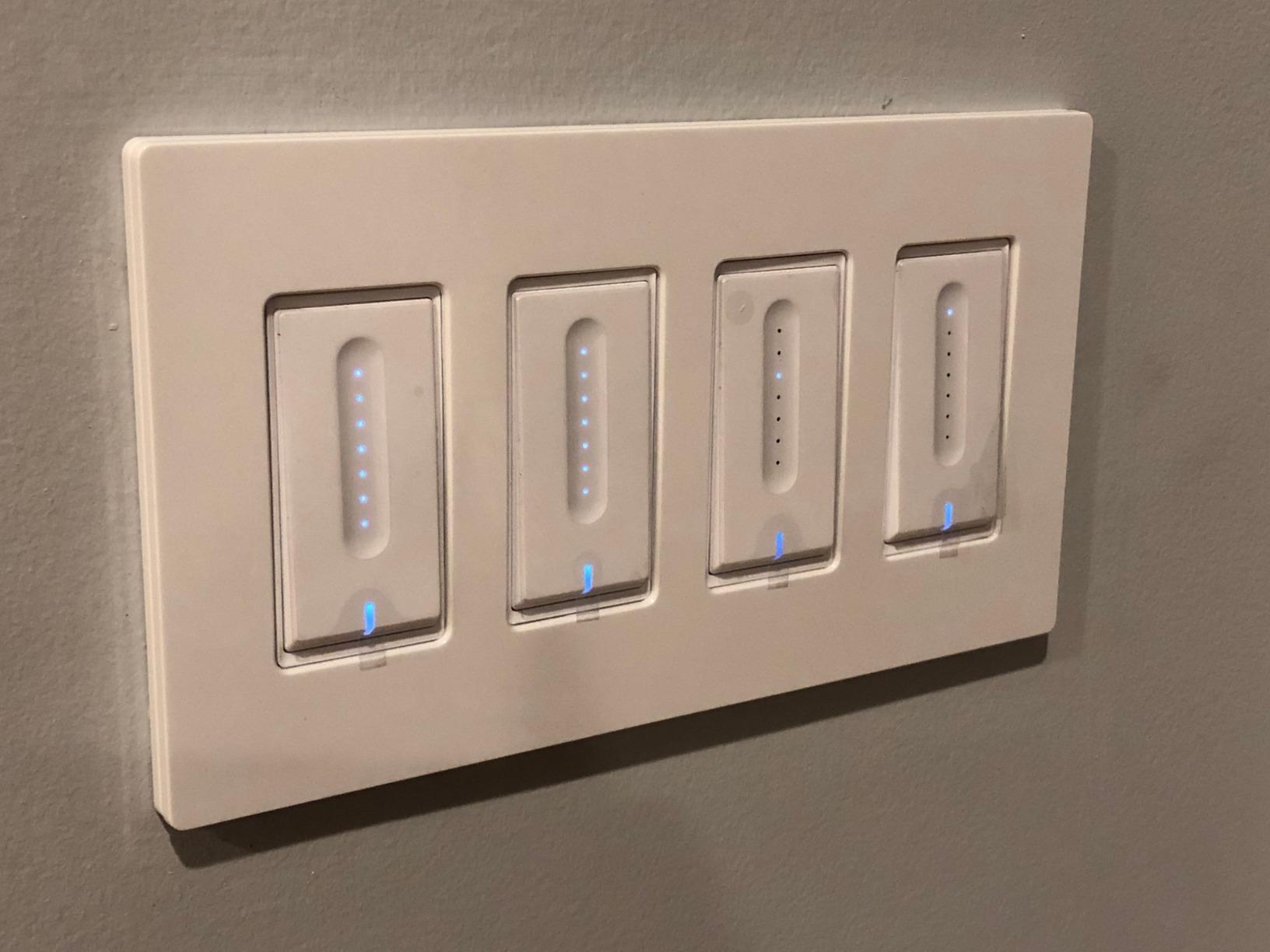
Reviewers like that it remembers the last brightness level after a power restoration, so a brief outage does not leave you staring at a fully lit room. The touch slider, the app, and voice control all adjust brightness, and the wall plate and wire nuts arrive in the same box.
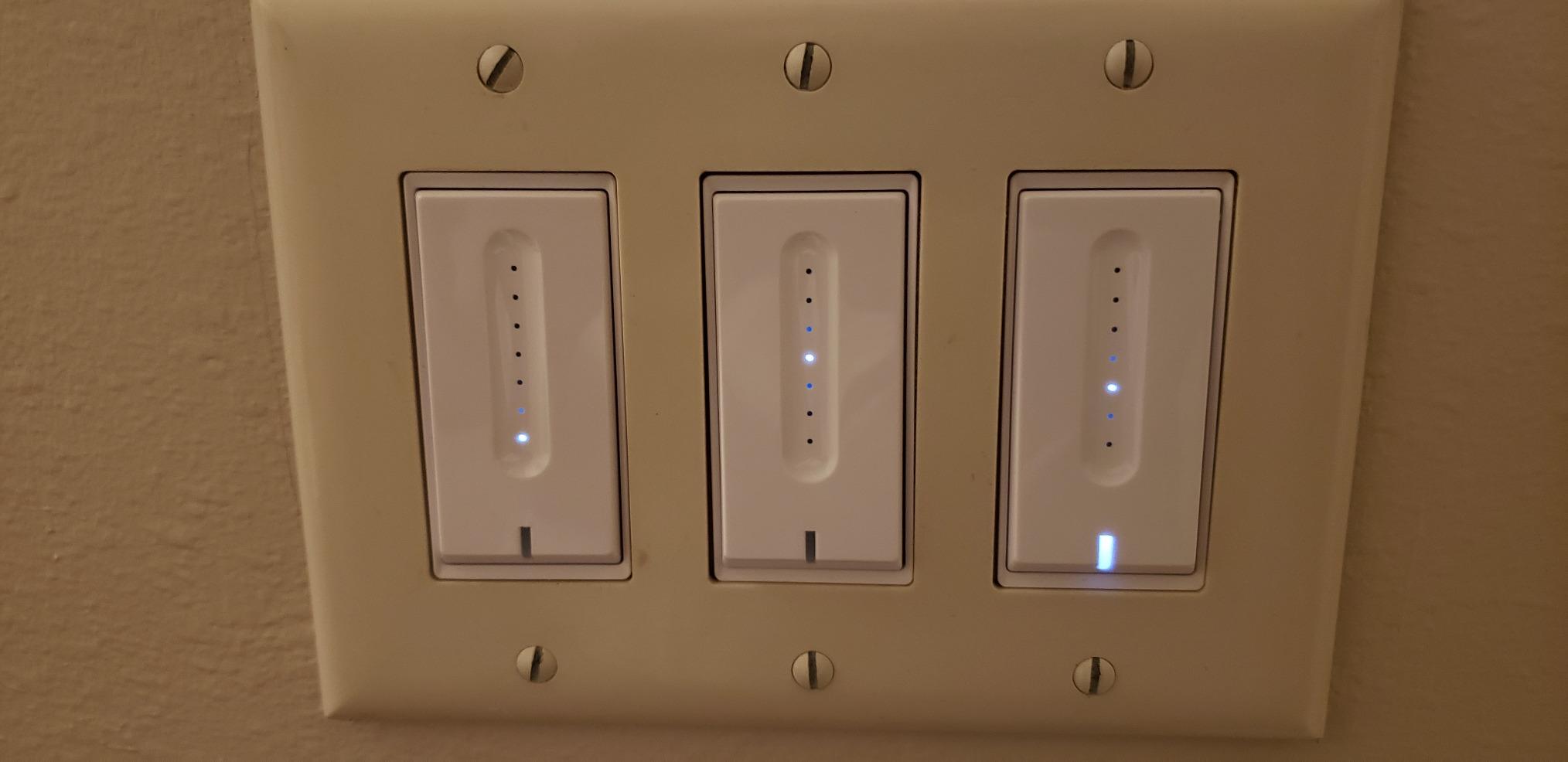
Technically it is a 120 volt single-pole dimmer rated at 3.3 amps, with a two year warranty and FCC listing. It pairs with Alexa and Google Assistant directly over 2.4 GHz Wi-Fi with no hub, and it supports schedules, custom brightness levels, device groups, and family sharing.
Owners also mention being able to dial in the low end for bulbs that flicker, which is the same low-end calibration idea the Kasa app offers. That single setting resolves most of the complaints people bring to this category.
What you should check before buying it
Confirm you have a neutral wire. The manufacturer states the switch is not compatible with homes built before 1980, which is the honest version of the no-neutral problem.
Confirm the circuit is single pole. There is no satellite and no companion unit, so a stairwell or hallway with two switches is out of scope.
Where it falls short
It is 2.4 GHz only with no 5 GHz support, and it has no HomeKit compatibility. The listing is also explicit that it will not work with non-dimmable bulbs, smart bulbs, or bulbs with built-in remote controls.
The touch slider is the only physical brightness control, so there is no tactile feel for finding a level in the dark.
4. Kasa Smart KS230 3-Way Dimmer Kit – Dimming From Two Locations
Kasa Smart 3-Way Dimmer Switch Kit, KS230 KIT v2, Need Neutral Wire
Main and satellite included
1 to 100 percent dimming
300W, 150W LED
Neutral at both boxes
ETL
Pros
- Complete kit with both switches in the box
- Smooth 1 to 100 percent adjustment
- Schedules can bring lights up at a set level
- No hub needed
- ETL certified with two year warranty
Cons
- Neutral wire needed in both boxes
- 2.4 GHz required for setup
- Satellite switches on and off only
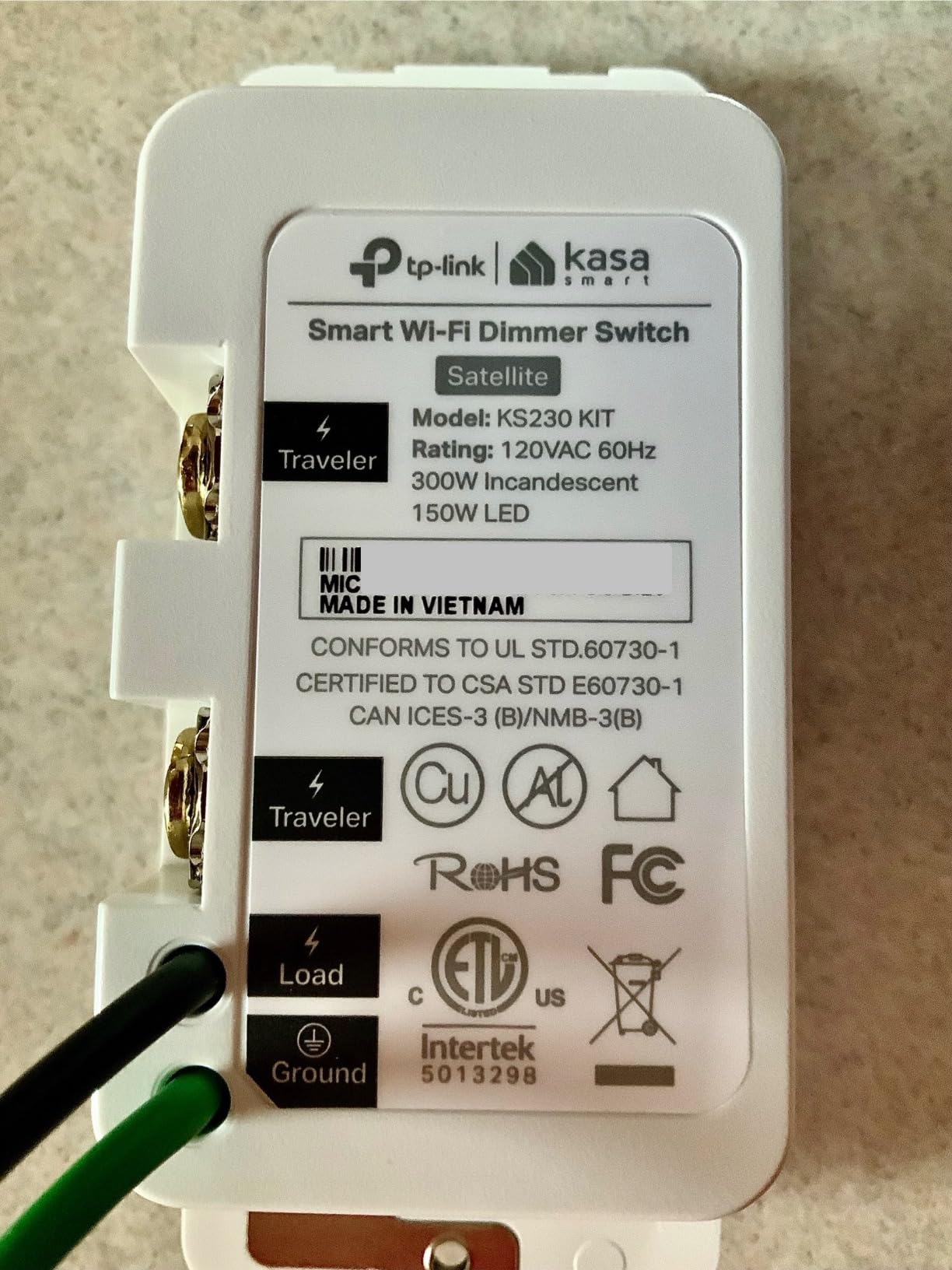
The KS230 is the answer for staircases, hallways, and long corridors where you want dimming from two rooms. It ships as a complete kit with the main dimmer, the satellite switch, two wall plates, and wire nuts, so there is no hunting for a matching companion part later.
Owners value it as a hub-free alternative to the expensive 3-way dimming systems. The dimming range runs from 1 to 100 percent from either the switch or the app, and schedules can bring lights up at a set brightness for a gentler wake-up than a full blast.
On paper it handles 300 watts of incandescent or 150 watts of dimmable LED, draws up to 15 amps, and is ETL certified with a two year warranty. Firmware updates come through the Kasa or Tapo app, and it works with Alexa, Google Assistant, and SmartThings without a hub.
The wiring is the real work. A 3-way circuit has travelers running between two boxes, and the common report from owners is a genuine learning curve the first time you do it.
What you should check before buying it
You need a neutral wire at both switch locations, not just one. That is a bigger electrical job than a single-pole swap and the main reason people return kits like this.
Also confirm you actually have a 3-way circuit. Two switches on the same wall plate in one room means something else entirely.
Where it falls short
Only the main switch dims. The satellite turns the load on and off, which is fine for staircases but will frustrate you if you wanted independent dimming from both ends.
Setup needs 2.4 GHz Wi-Fi, so a dual-band router without a separate 2.4 GHz network will stop the install cold.
5. Amazon Basics Smart Dimmer SD29-01 – Alexa-Only Done Simply
Amazon Basics Smart Dimmer Switch, Single Pole, Works with Alexa Only, Voice Control, 2.4 GHz Wi-Fi, No Hub Required, Neutral Wire Required, White
Alexa only
160W rating
4A
Compact body
ETL
Neutral wire required
Pros
- No hub and no separate smart home app
- Works with Echo devices out of the box
- Alexa routines handle scheduling
- Guided installation video and manual
- Compact body fits shallow boxes
Cons
- Alexa only
- no Google Home or Apple Home
- Neutral wire required
- 2.4 GHz Wi-Fi required
- Limited dimming customization
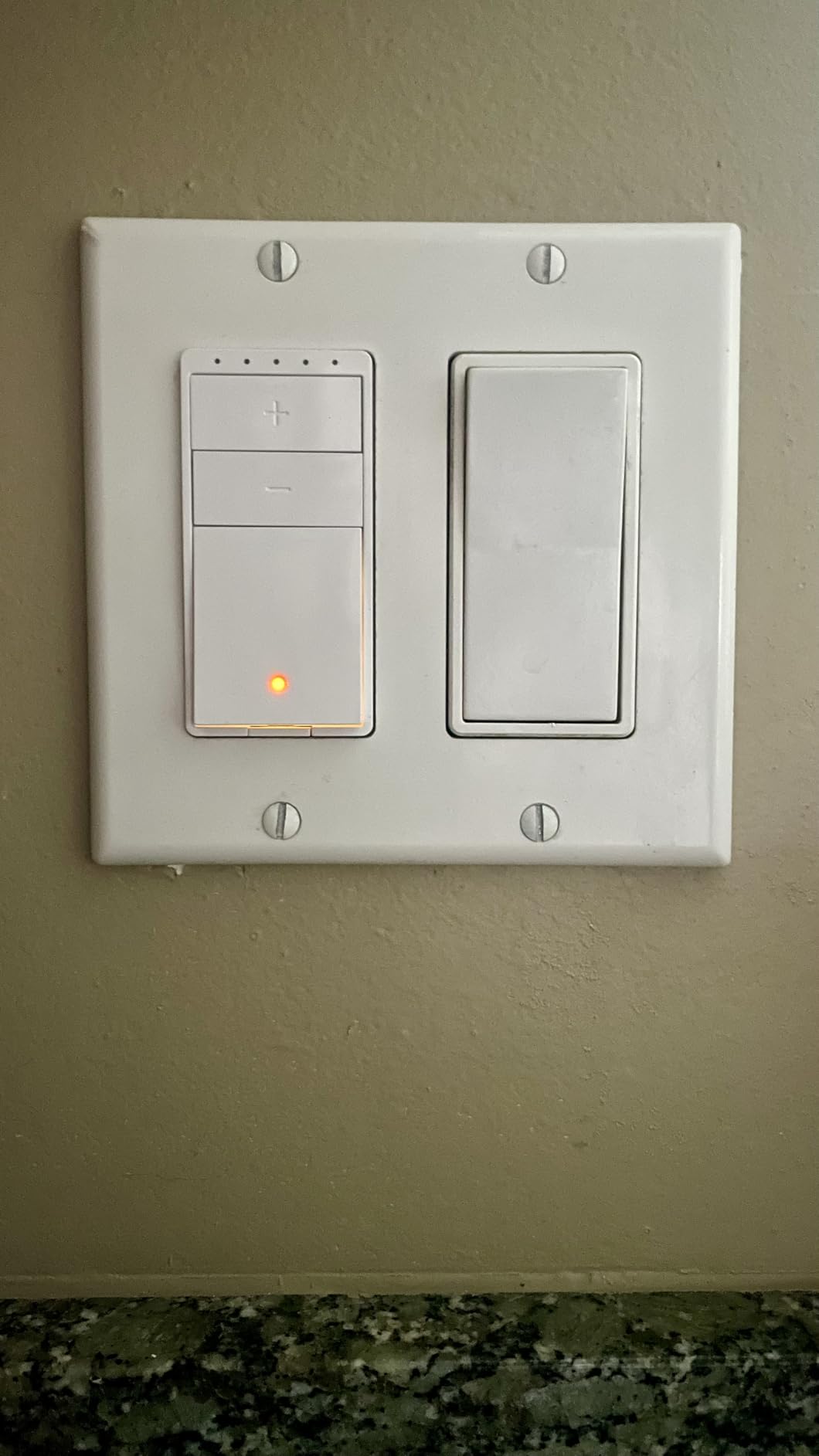
The Amazon Basics dimmer is the simplest thing on this list that still counts as a smart dimmer. There is no hub and no separate smart home app. Setup happens through Alexa, and if you already run Echo devices the whole thing is nearly frictionless.
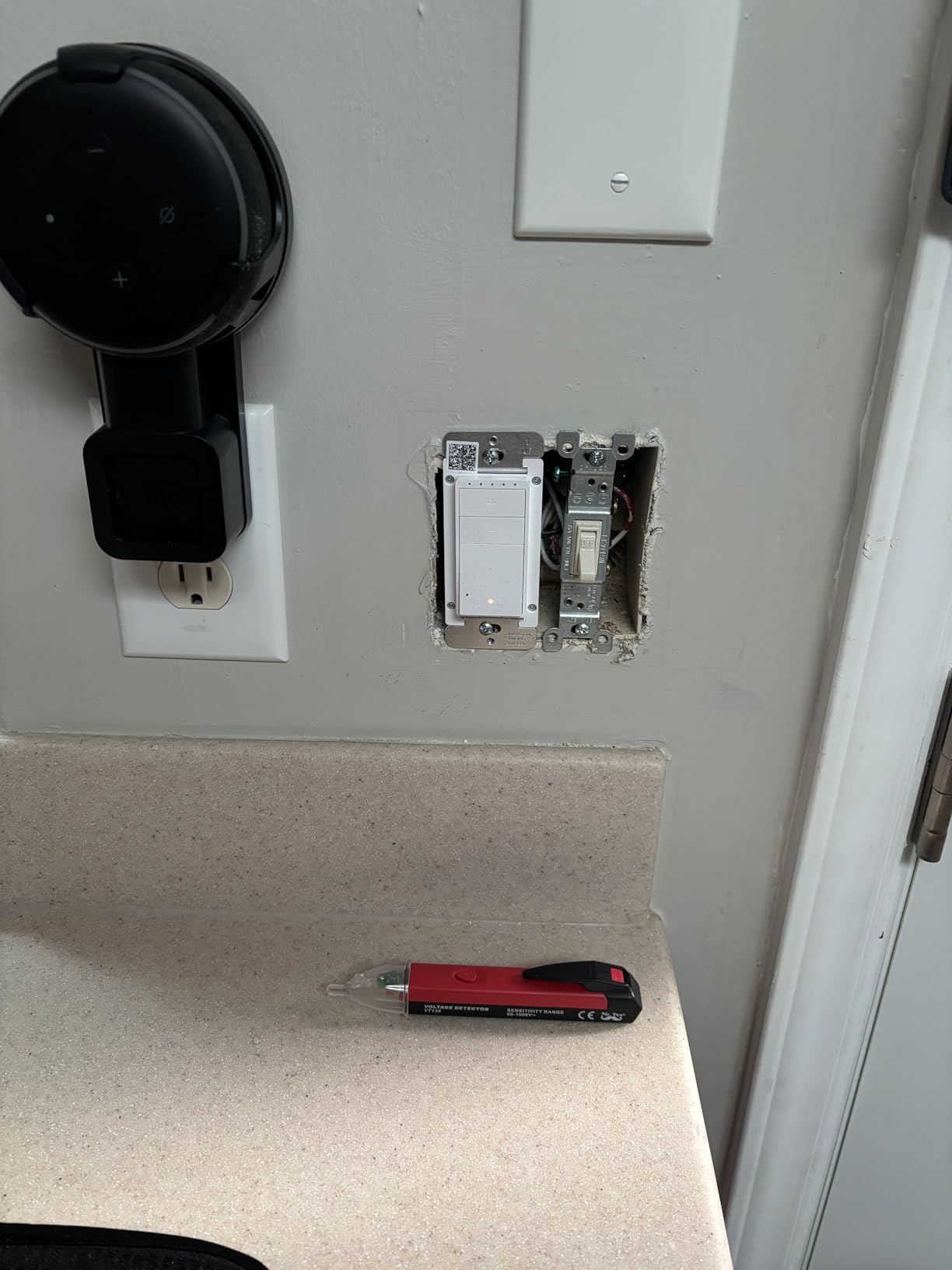
Reviewers describe a straightforward install that takes about fifteen minutes, and the compact body is a genuine advantage in shallow boxes where the Kasa and TREATLIFE modules are tight. It is a 120 volt single-pole unit rated at 160 watts and 4 amps, ETL listed.
Scheduling runs through Alexa routines rather than a dedicated app, which is both the convenience and the limitation. You get on, off, and routine-based control, but you do not get the fine minimum-dimming calibration that the Kasa, Leviton, and GHome units offer.
Guided installation video, a user manual, and a troubleshooting guide all ship with it, which matters more than it sounds for a first-time in-wall install.
What you should check before buying it
Decide whether Alexa is your only voice platform. This switch will not work with Google Home, Apple Home, or SmartThings, and that closed ecosystem is the limitation owners cite most often.
Check the 160 watt ceiling and confirm a neutral wire is present, since both are firm requirements.
Where it falls short
Dimming and scheduling customization are limited compared with app-based rivals. There is no way to tune a minimum brightness floor, so a bulb that flickers low stays flickering low.
It needs 2.4 GHz Wi-Fi, and it is single pole, so staircases and hallways are not candidates.
6. Tapo Matter Smart Dimmer S505D – Best Value for Mixed Ecosystems
Tapo Matter Smart Dimmer Switch, S505D, Single Pole, Need Neutral Wire
Matter certified
0 to 100 percent dimming
150W
Neutral wire required
UL
2 year warranty
Pros
- Works across Apple Home
- Alexa
- Google Home
- SmartThings
- Fade On and Off transitions
- Deterrent Burst Away Mode
- No hub required
- App-guided install
Cons
- Neutral wire required
- Single pole only
- 2.4 GHz needed for setup
- 150W ceiling is modest
The S505D is the value pick, and its real argument is Matter. Owners who live in mixed Apple Home, Alexa, and Google Home households pick it specifically to avoid locking the whole house into one vendor.
Dimming runs the full 0 to 100 percent range from the switch face, the app, or voice. The Fade On and Off transitions are smooth enough that reviewers single them out, and the Deterrent Burst Away Mode mimics occupancy for home security while you are away.
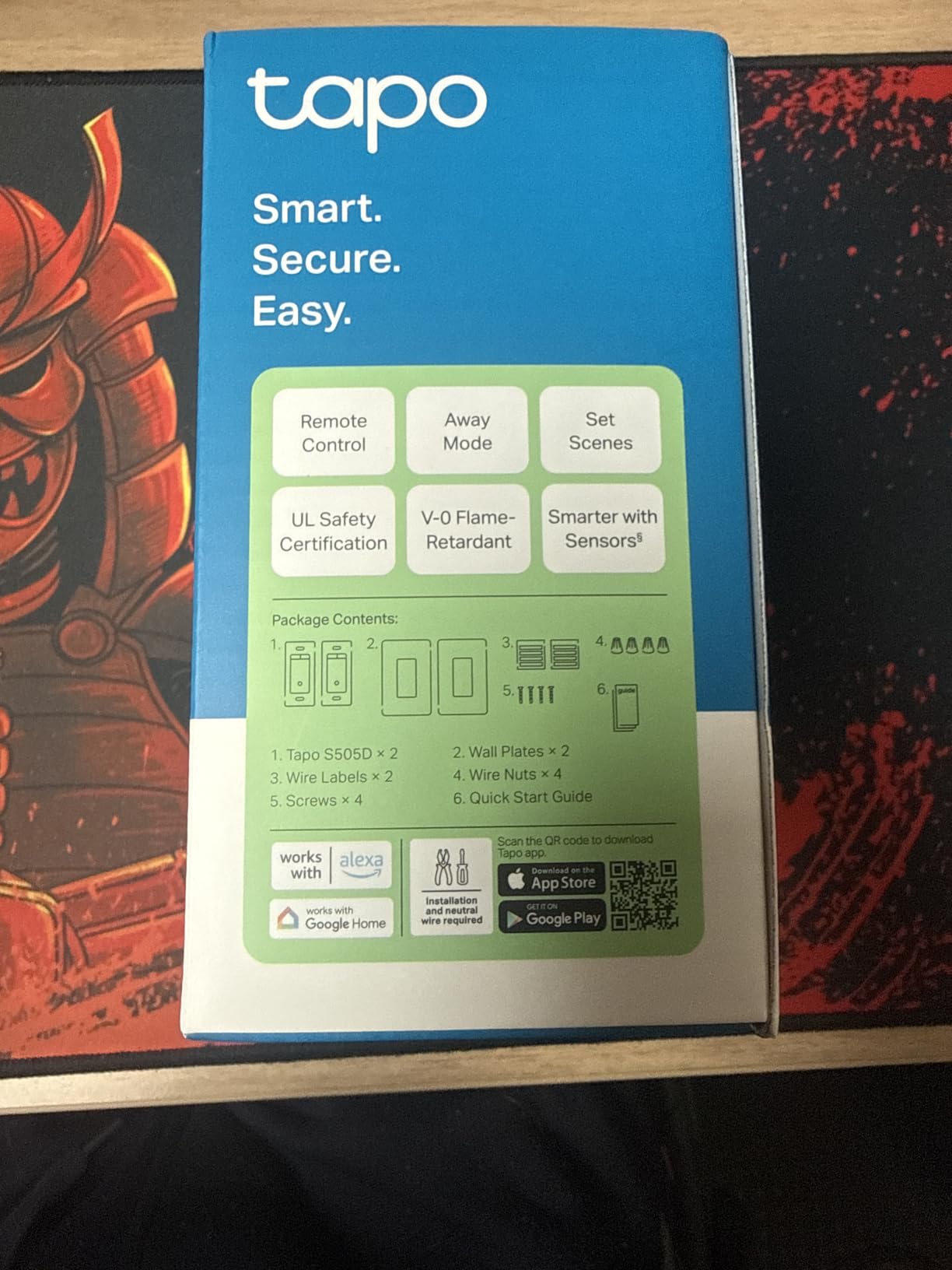
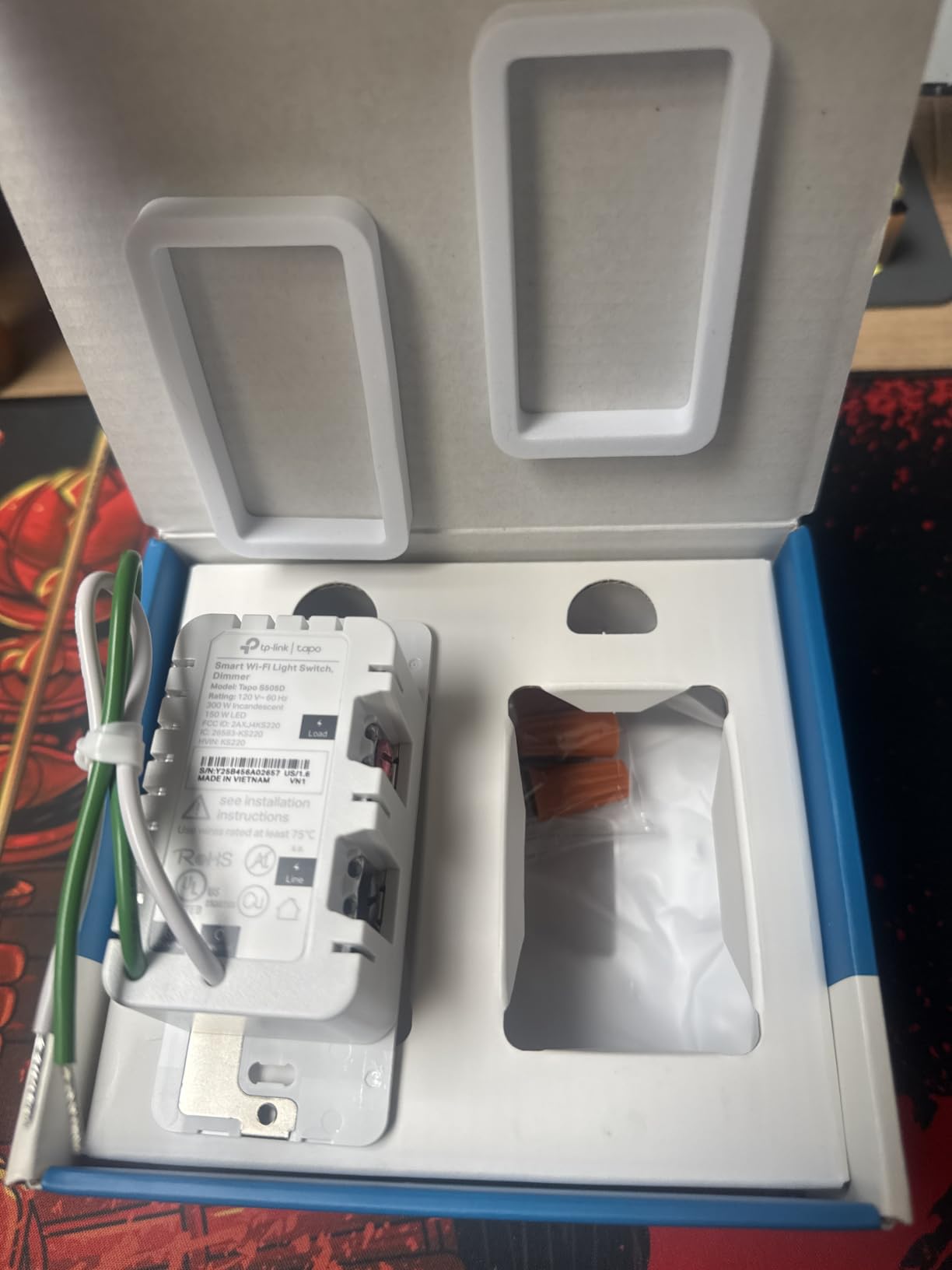
It is a single-pole 120 volt unit rated at 2.5 amps and 150 watts, UL listed with a two year manufacturer warranty. The box contains the switch, a wall plate, wire nuts, screws, and a quick start guide, and installation is walked through in the Tapo app.
That 150 watt ceiling is the trade for the low cost. It is ample for LED bulbs, which is what the target keyword is about, but it will not carry a room full of legacy incandescent fixtures.
What you should check before buying it
It needs a neutral wire and a single-pole circuit. Both are non-negotiable, and the second one rules out hallways and staircases unless you rewire.
It also needs 2.4 GHz Wi-Fi during setup, and Matter needs a controller that speaks Matter, not just a phone app.
Where it falls short
The 150 watt rating is the lowest ceiling among the mainstream single-pole options here. Owners converting from older incandescent lighting are the ones who notice it.
There is no companion or satellite unit, so multi-location dimming is not possible with this model.
7. GHome SW2 Smart Dimmer Three Pack – Multi-Room Rollouts
GHome Smart Dimmer Light Switch, Single Pole, 1%-100% Dimming, SW2(3 Pack)
1 to 100 percent dimming
450W halogen, 150W LED, 150W CFL
4A
UL and FCC listed
Neutral required
Pros
- Fine-grained 1 to 100 percent touch dimming
- Low-end range setting reduces low-level flicker
- Three pack suits whole-home installs
- Scheduler
- timer
- sunrise and sunset scenes
- Multi-room grouping in the app
Cons
- Neutral wire required
- 2.4 GHz only
- Single pole only
- Touch slider can be finicky at very low brightness
The SW2 is the pick when you are rolling smart dimming through several rooms at once, because it is a three pack. Per-switch cost across a whole floor drops sharply compared with buying single units, and owners call out the value specifically for that reason.
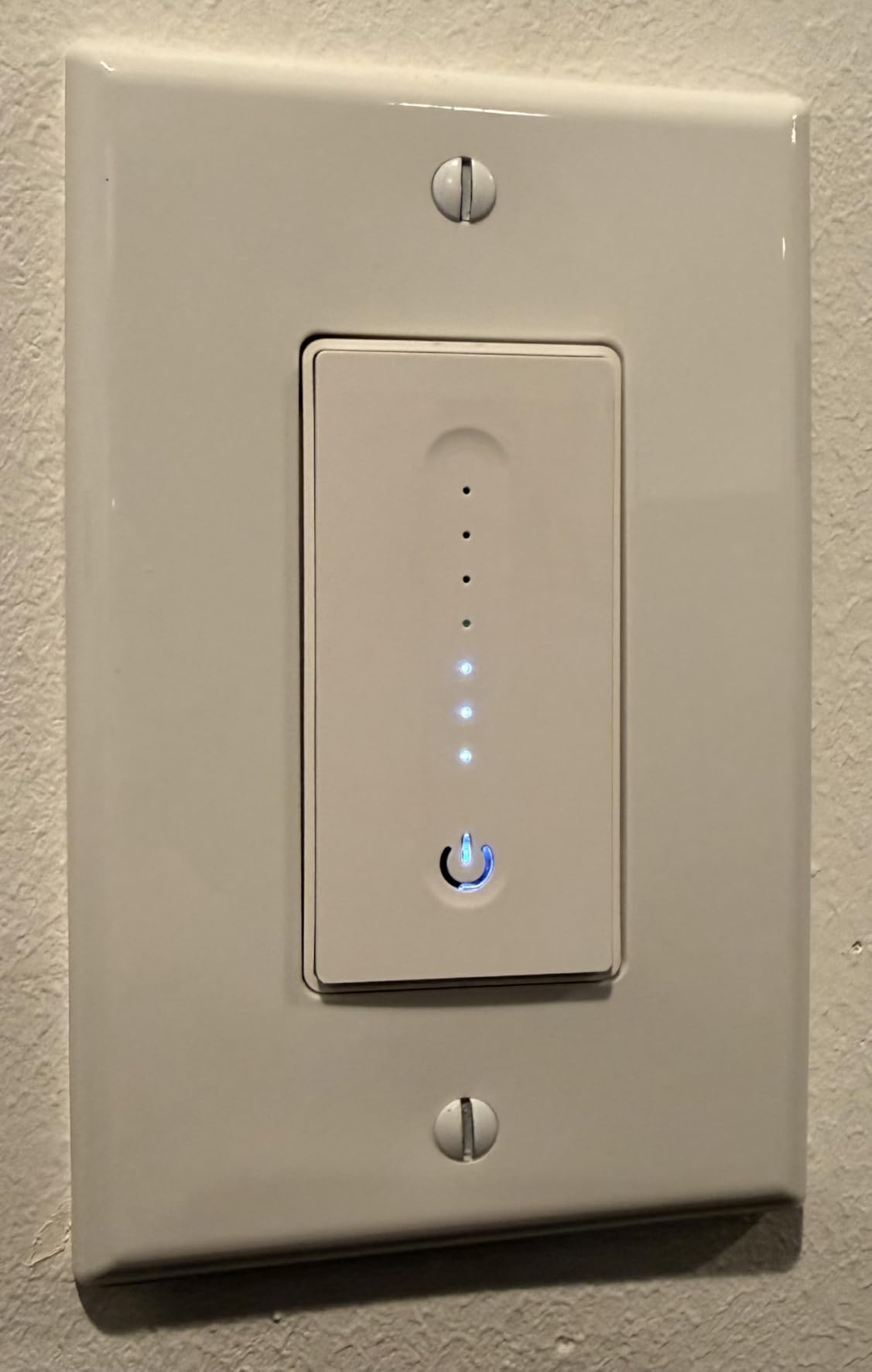
Dimming is fine-grained across 1 to 100 percent using a touch IC chip, and the app includes a dimming range setting specifically for bulbs that flicker near the bottom. That is the same low-end control that makes the difference between a dimmer people keep and a dimmer people return.
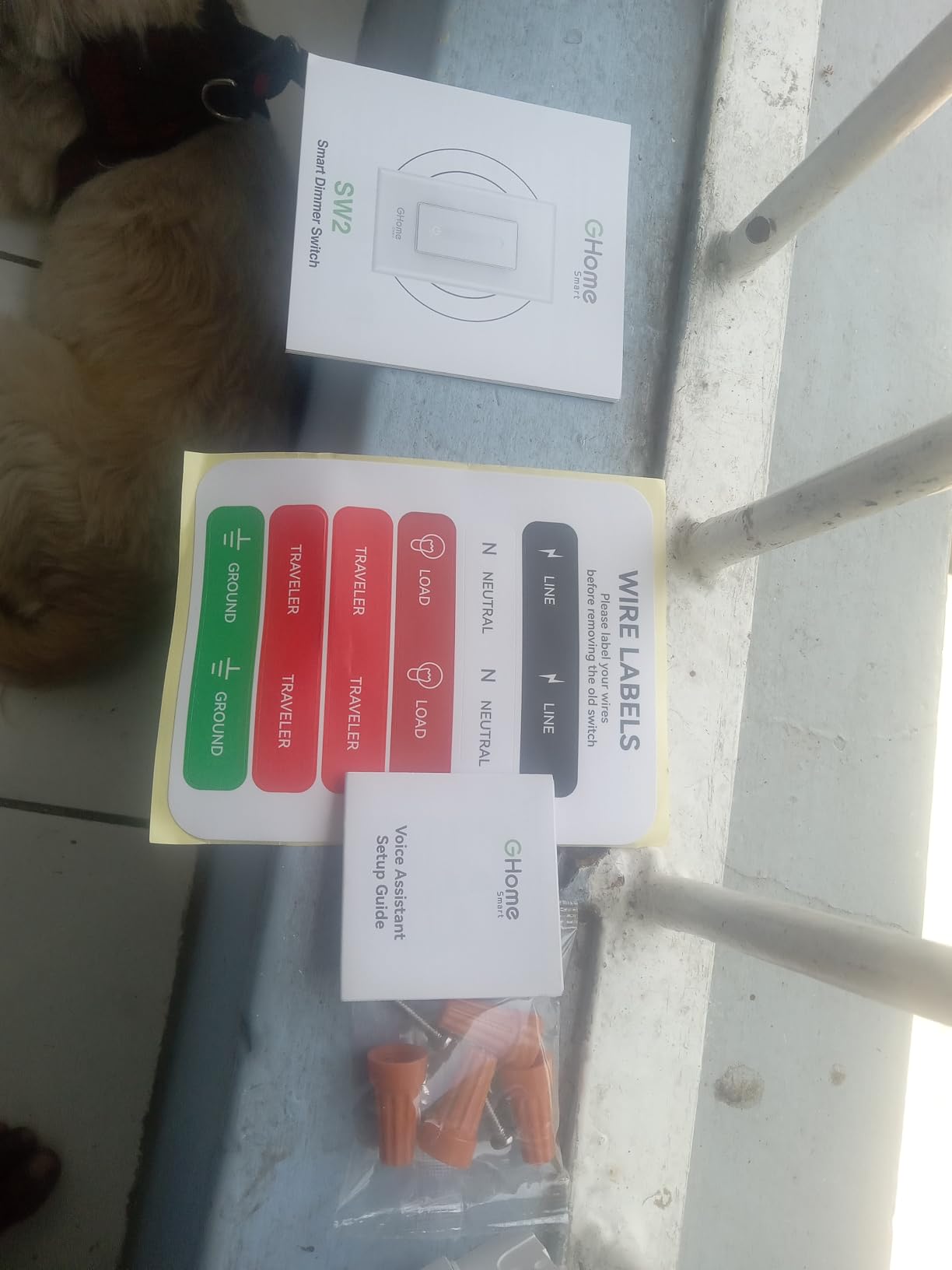
Output is rated at 150 watts for LED, 150 watts for CFL, and 450 watts for incandescent, with a 4 amp maximum at 120 volts. The input and output are 120V at 60Hz, and the switch is both UL and FCC listed.
Scheduling, timers, sunrise and sunset based scenes, app remote control, status checks, and multi-switch grouping are all covered, and it works with Alexa and Google Assistant without a hub.
What you should check before buying it
Every box in the house needs a neutral wire, so map the rooms first. Single pole only, and 2.4 GHz only, so staircases and dual-band-only networks are problems.
Count total load per room rather than per switch. Three switches on three different circuits are fine, but a single circuit carrying three high-wattage fixtures is not.
Where it falls short
It is not compatible with smart bulbs, which rules out the pairing some buyers assume is the point of a smart dimmer. The touch slider can also be finicky at very low brightness on some bulbs.
There is no companion switch, so 3-way dimming from two locations is not available with this model.
8. ELEGRP DTR10 Smart Dimmer – Slim Body for Crowded Boxes
ELEGRP Smart Dimmer Light Switch DTR10, Single Pole Setup, 2.4GHz Wi-Fi Touch Dimmer Compatible with Alexa and Google Assistant, Needs Neutral Wire, No Hub Required, UL and FCC Listed, White, 2 Pack
Slim profile
450W halogen, 150W LED
UL and cUL listed
Neutral wire required
3.75A
Pros
- Slim profile leaves room for easier wiring
- Touch panel slides for brightness
- Minimum dimming setting reduces flicker
- Schedules
- timers
- scenes
- sunrise and sunset
- Home Assistant through Tuya
Cons
- Neutral wire required and single pole only
- 2.4 GHz network only
- Indicator bar hides the current level
- Not compatible with smart bulbs
The DTR10 exists for one reason: fitting. Owners comparing it against Leviton on appearance and against Caseta on cost keep coming back to the slim body, because it leaves genuine room for wiring in a shallow or crowded box.
The touch panel slides to adjust brightness on a matte finish, and the app lets you set a minimum dimming level to avoid flicker plus a ramp time so the transition is not abrupt. Schedules, countdown timers, sunrise and sunset automation, and custom scenes are all included.
It handles up to 450 watts of incandescent or 150 watts of dimmable LED, runs on 125 volts, and is UL and cUL listed at 3.75 amps. Because it runs on the Tuya platform, owners confirm it also works with Home Assistant, which is unusual at this price point. Alexa and Google Assistant work directly over 2.4 GHz Wi-Fi with no hub required.
What you should check before buying it
It needs a neutral wire and a single-pole circuit. The 2.4 GHz restriction is firm, with no 5 GHz support.
Note the packing: the model we analysed is a two pack, so a single-room job leaves a spare. That is a planning detail, not a problem.
Where it falls short
The dim-level indicator bar turns itself off after a few seconds, so you cannot see the current brightness without waking it. Some owners also report intermittent Wi-Fi disconnections.
The slim wall plate may not cover a wider wall opening, and it is not compatible with smart bulbs.
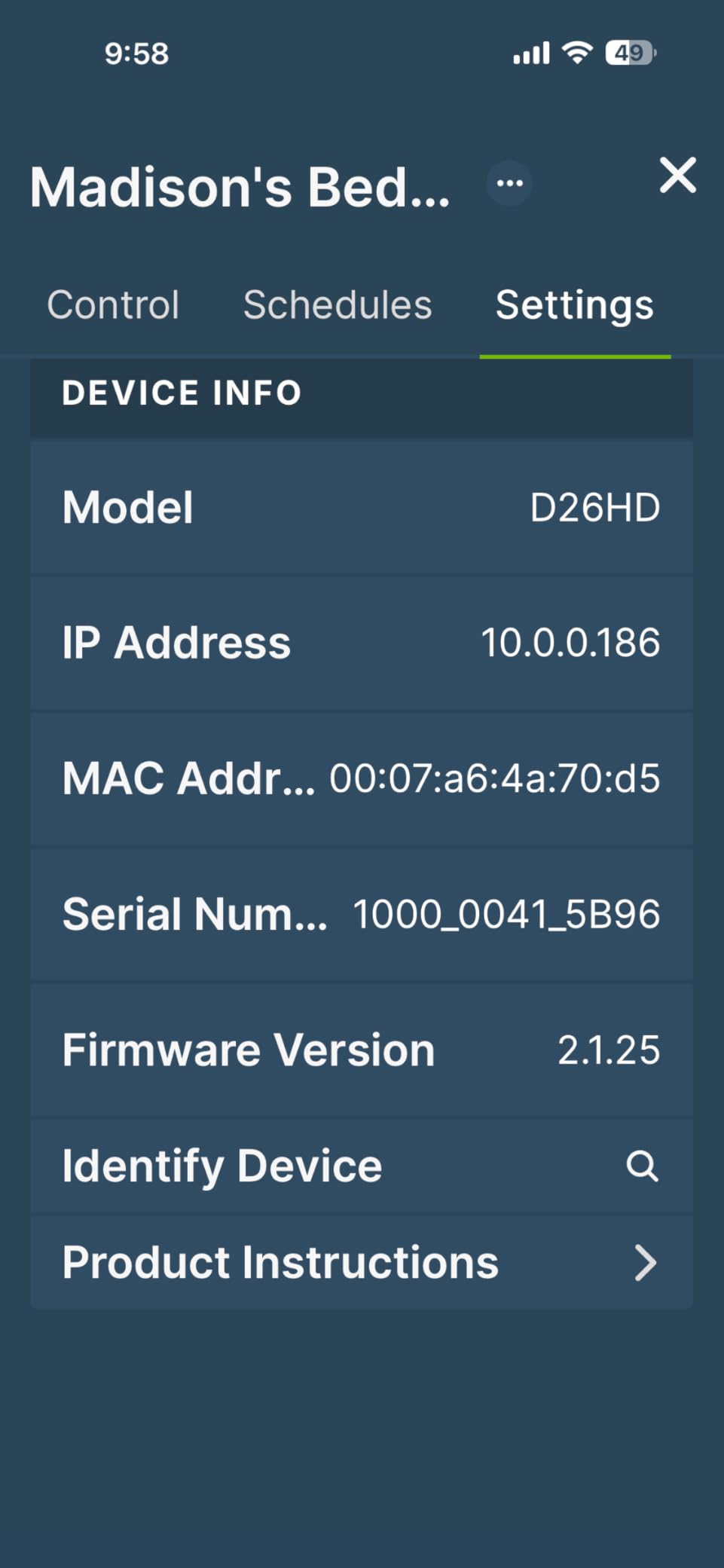
9. Leviton Decora Smart Dimmer D26HD – Matter With the Finest LED Tuning
Leviton Decora Smart Dimmer Switch, Wi-Fi 2nd Gen, Neutral Wire Required, Works with Matter, Alexa, Google Assistant, Apple Home/Siri, Wired or Wireless 3-Way, D26HD-1RW, White
Matter via firmware
600W rating
25W minimum load
CSA listed
3-way wired or wireless
Pros
- Adjustable min dim and max bright that kill LED flicker
- Customizable fade rates and preset on-levels
- Works wired 3-way or with companion switches
- Two-way status reporting in the app
- Smooth dimming across mixed lamp styles
Cons
- Neutral wire required
- Matter pairing needs extra app steps
- 25W minimum load below which flicker is expected
The D26HD is the pick if LED flicker is your specific complaint. It exposes bulb type, minimum dim, and maximum brightness settings in the app, and long-term owners describe the dimming as noticeably smoother than cheaper alternatives that need a max-brightness workaround.
It also carries the largest load rating in this lineup at 600 watts, plus a 15 amp current rating and IP54 protection. That headroom means you can put it on a fixture with legacy lamps and it will not flinch.
For multi-location control it works as a wired 3-way switch or with Leviton companion and Anywhere switches. Voice and app control cover Google Assistant, Amazon Alexa, Apple Siri, SmartThings, Sonos, and Resideo, and Matter support arrives through a firmware update in the My Leviton app.
The My Leviton Night Settings add automatic softer lighting at night, and the preset light levels let you pick a favourite on-state instead of always starting at full output.
What you should check before buying it
Read the minimum load figure, which is 25 watts. Below that the switch will flicker, and modern low-wattage LED bulbs can genuinely fall under that ceiling in a single fixture.
For 3-way circuits, plan on Leviton companion switches. Some users report misbehaviour when the dimmer is paired with a plain mechanical 3-way switch instead.
Where it falls short
Matter pairing is a multi-step process. You set the switch up in the My Leviton app, add it to a Matter controller, and then have to remove it from the Leviton app, which is unusual and confusing the first time.
On some units the dim and bright function sits on a separate side button rather than a press-and-hold, which is a small inconsistency users do mention.
10. Zooz ZEN72 Z-Wave Dimmer – Shallow Boxes and Home Assistant
Zooz 800 Series Z-Wave Long Range Dimmer Switch ZEN72 800LR, White | Direct 3-Way (No Add-On Switch Needed) | Z-Wave Hub Required
Direct 3-way, no add-on switch
1.16 inch deep
500W
Z-Wave hub required
ETL
5 year warranty
Pros
- Direct 3-way works with existing on/off switches
- Only 1.16 inches deep for crowded boxes
- No heat sink tabs so it sits beside other switches
- Mesh repeater extends network range
- Built-in range test tool
- S2 security with SmartStart pairing
Cons
- Z-Wave hub sold separately
- Neutral wire required
- Hub must support Z-Wave Long Range
- Voice control routes through the hub
The ZEN72 is the enthusiast and local-control pick. It speaks Z-Wave 800 Series Long Range rather than Wi-Fi, which means it keeps working when your internet is down and it joins the mesh as a repeater, extending coverage for everything else on the network.
Two details set it apart from the add-on switch kits competitors sell. Direct 3-way means it dims from a second location using the plain on/off switch you already have, with no extra dimmer module, and the body is only 1.16 inches deep with no heat sink tabs, which solves the crowded multi-gang box problem outright.
Double tap gives full brightness, single tap returns to the last level, and multi-tap can trigger scenes. You can also disable the relay entirely and use the switch purely as a remote for smart bulbs, which is a clean escape hatch from the double-dimming problem.
It is rated to 500 watts, works with Home Assistant, Hubitat, Aeotec, and Z-Box hubs, and carries S2 authenticated security, SmartStart pairing, Z-Wave Plus, and ETL certification with a five year warranty on registration.
What you should check before buying it
You need a Z-Wave hub, and that hub and its software must both support Z-Wave Long Range. Voice control only works by routing through the hub, never directly from a smart speaker.
A neutral wire is still required even in a smart dimmer with this much going on, and only one operating voltage of 120 volts applies.
Where it falls short
It is the least accessible pick here. If you do not already run a Z-Wave hub, the hardware cost of getting started is higher than buying a hubless Wi-Fi switch.
Owners also report that dimming quality depends on the bulbs, and that big-box store brands give worse results than quality dimmable LED lamps.
Why Smart Dimmers Flicker and Buzz on LED Bulbs
Flicker at low brightness is the number one complaint in this category, and it has four causes that appear in roughly this order of frequency.
First, the LED driver. A dimmable LED bulb contains a small electronic driver, and cheap drivers do not tolerate chopped power well. The r/homeassistant community describes the core problem plainly: the dimming happens inside the bulb, whereas a wall dimmer chops AC on your house wiring, which effectively turns the wiring into an antenna. The fix is bulbs sold as dimmable rather than bulbs that merely get less bright.
Second, the load floor. Very low wattage bulbs, including many Edison-style retrofits, drop below what the dimmer needs to keep the circuit alive, so the light flashes or refuses to go dim. The Leviton states a 25 watt minimum outright, and the practical advice is to keep every fixture on a dimmer above roughly 3 watts of load.
Third, leading-edge versus trailing-edge. A trailing-edge electronic dimmer switches power at the end of each AC cycle, which suits modern LED loads. A leading-edge design chops at the peak and is far harsher. Every switch in this guide is electronic, so you are choosing within the better half of the market already.
Fourth, the low-end setting. Most of these switches let you raise the minimum dim level until flicker stops. If you are seeing flicker, adjust that before you change anything else, because it fixes the majority of cases in one tap.
Smart Switch Plus Smart Bulb: The Double-Dimming Problem
You can pair a smart dimmer with a smart bulb, but you should not, and that is the single most reported failure in the forums. Two dimming systems in series produce flicker, drop-out below a certain level, or a bulb that never responds at all. MacRumors forum advice puts it simply: do not use a smart bulb on a dimmer, because it needs full voltage and uses its own internal circuitry to dim.
There are two architectures that work, and picking one is the whole decision.
Option A: dumb dimmable LED bulbs plus a smart dimmer switch. This is what all ten picks in this guide are built for. The switch is the only dimmer in the chain, the fixture stays powered, and the wall switch keeps working when the network does not.
Option B: always-on wall switch plus smart bulbs. Leave the physical switch locked in the on position and control the bulbs from a battery-powered scene remote. The Philips Hue Dimmer Switch pattern works exactly this way, mounting over the existing switch and sending tap and hold commands over Bluetooth to the bulbs. The Zooz ZEN72 above can go one better, with its relay disabled so it acts purely as a remote for smart bulbs.
On r/HomeKit, owners also decouple with brightness-level scenes that trigger other dimmers and bulbs, which is a third route if your hub supports scene binding. Whatever you choose, decide before you buy, because retrofitting Option A onto an Option B install means pulling the smart bulbs back out.
Smart Dimmer Buying Guide: Wires, Hubs, Loads and Total Cost
Hub or no hub. Hubless Wi-Fi switches like the Kasa HS220, Tapo S505D, and TREATLIFE DS01 connect straight to your router and cost nothing extra to run. The trade is that they depend on your network, so when the router reboots the switch is unreachable. Hub-based systems like Lutron Caseta and the Zooz ZEN72 keep working locally when Wi-Fi drops, and Home Assistant users on community.home-assistant.io consistently rate Caseta and Hue as the two most reliable options they have installed.
Minimum and maximum load. This is the spec most buyers ignore and most returns trace back to. The Leviton D26HD states a 25 watt minimum explicitly. If a single fixture holds three 7 watt bulbs you are already at 21 watts, and adding another lamp tips the circuit into flicker territory. Check the maximum rating too: the TREATLIFE and ELEGRP reach 450 watts for incandescent, the Zooz and Leviton go higher, and the Tapo S505D caps out at 150 watts.
Single pole or 3-way. Single pole covers most rooms. A 3-way circuit has two switches, and you need either a kit with a satellite, as the Kasa KS230 provides, or a switch that does direct 3-way like the Zooz ZEN72. Lutron solves it wirelessly with a Pico remote instead.
Wall box depth. The slim ELEGRP DTR10 and the 1.16 inch deep Zooz ZEN72 exist because the Kasa, TREATLIFE, and Leviton modules are physically large. If your box is shallow or ganged with other cables, the slim options will save you an electrician.
Total cost, not switch cost. A single Lutron Caseta room means a dimmer, a hub, a coordinating wall plate, and a Pico per extra location, and on r/homeautomation the cost is the part people warn each other about most. The Kasa and Tapo route costs nothing beyond the switch, which is why they take the first two or three rooms in a new build. For accent lighting where a smart bulb already does the work, our smart light strip guide covers the alternative approach.
How we chose these picks. We ranked on four things: published load ratings, whether the manufacturer states the neutral wire requirement plainly, how many owners report flicker or drop-out, and how the product behaves when the network or the hub is unavailable. We did not bench-test dimming curves, so treat the dimming-range percentages as manufacturer figures rather than measurements of our own.
Frequently Asked Questions
Which smart dimmer switch is the best?
The Kasa HS220 is the best overall for most homes because it handles 300 watts, needs no hub, and has the largest owner base in this group at more than 34,000 reviews. The Lutron Caseta wins when you have no neutral wire. The Tapo S505D wins on Matter support for mixed ecosystems.
Which smart dimmer switch is better, Lutron or Kasa?
Lutron Caseta is better for older homes because it works without a neutral wire and keeps controlling switches when Wi-Fi drops, but it costs more once you add the hub and wall plate. Kasa HS220 is better for modern homes with a neutral wire, offering 300 watts, no hub, and a lower per-room cost.
Do smart dimmers need a neutral wire?
Most do, including every hubless Wi-Fi dimmer in this guide. The Lutron Caseta Smart Dimmer is the exception listed here, using power-sharing instead of a neutral connection. Check your switch box for a bundle of wires held by a wire nut, and confirm with a voltage tester before you buy anything.
Can you use smart light bulbs with a dimmer switch?
You can, but you should not, because two dimming systems in series cause flicker, drop-out at low levels, or an unresponsive bulb. Either pair ordinary dimmable LED bulbs with the smart dimmer, or keep the wall switch always on and control smart bulbs from a battery scene remote instead.
How many LED bulbs can a smart dimmer switch support?
It depends on total wattage rather than bulb count, and the ceiling differs by model. The Kasa HS220 handles 300 watts, the Leviton D26HD 600 watts, and the Tapo S505D 150 watts. Watch the minimum too, since the Leviton needs 25 watts or the output will flicker.
Which bulbs are compatible with a dimmer switch?
Look for bulbs explicitly labelled dimmable rather than bulbs that merely get less bright. Keep each fixture above roughly 3 watts of load, since very low wattage LED and Edison-style bulbs fall below what an in-wall dimmer needs. Smart bulbs are not compatible with any dimmer in this guide.
What are the disadvantages of smart light switches?
Most need a neutral wire, which rules out older homes outright, and many are single pole with no 3-way support. Hubless models depend on your router, and bulbs below the dimmer’s minimum load will flicker. A good number also need a new wall plate and enough box depth to fit.
The Verdict for Best Smart Light Switches for Dimmable Bulbs in 2026
The Kasa HS220 is our pick for the best smart light switches for dimmable bulbs because it pairs a 300 watt rating with no hub, app-based low-end calibration that fixes flicker, and more owner history than any other switch here. It wins whenever your box has a neutral wire.
If it does not, the Lutron Caseta is the only pick in this list that installs without one, and its hub keeps working when your Wi-Fi does not. For mixed Apple Home, Alexa, and Google Home households the Tapo S505D gets you Matter at the lowest cost. Staircases and hallways need the Kasa KS230 kit or the Zooz ZEN72.
Whichever you choose, pair it with ordinary dimmable LED bulbs, keep every fixture above the minimum load, and set the low-end calibration before you blame the switch. Those three habits remove most of the problems people bring to this category.