
The best Dolby Atmos soundbars for home theaters are the ones that actually put sound above your head, not just in front of you. We spent weeks with twelve of them, swapping cables, re-running room calibration and playing the same Atmos scenes on every unit, and the differences are larger than the spec sheets suggest. Some of the cheapest bars in this list have genuine up-firing height drivers, and some of the most expensive ones render height purely with signal processing.
That distinction matters because Dolby Atmos is an object-based format. Instead of assigning every sound to a fixed channel, a film mixes each helicopter, footstep and gunshot as an object and lets the system decide where to place it in three-dimensional space. A soundbar can only place an object over your head if it has somewhere to send it, and that is either a physical driver angled at the ceiling or a processor pretending one exists.
We also covered the setup side in detail, because the number one complaint we found in home theater forums is not that Atmos sounds bad, it is that it never turns on. Someone plugs in a soundbar, presses play on an Atmos title, and the display says Dolby Digital Plus instead. That is an HDMI bandwidth or setting problem, not a speaker problem, and no amount of shopping fixes it. Our buying guide below covers the eARC and ARC difference, how to confirm the Atmos flag is actually lit, what to do on Windows 11, and where to place the bar so the up-firing drivers are not staring at a TV cabinet.
If you are still working out the rest of the room, start with our general sound bar guide for home theaters, then come back here once you know Atmos is the feature you actually want.
Table of Contents
Top 3 Best Dolby Atmos Soundbars for Home Theaters
The ULTIMEA Poseidon M60 is the best Dolby Atmos soundbar for most home theaters because it pairs a 300W system with a real wired subwoofer in the box and a dialogue processor that works. The Sonos Arc Ultra is the single-box answer if you want the most convincing overhead placement from one unit and already live in the Sonos ecosystem. The Polk Audio Signa S4 is the pick if your priority is real up-firing elevation drivers rather than a smart platform.

ULTIMEA Poseidon M60
- 5.1ch Dolby Atmos
- 300W with 5.25 inch wired sub
- VoiceMX dialogue DSP
- HDMI eARC


Polk Audio Signa S4
- 3.1.2 with up-firing drivers
- 410W with wireless 5.9 inch sub
- VoiceAdjust dialogue
- 2.36 inch slim body
Every Dolby Atmos Soundbar in This List at a Glance (2026)
All twelve models below decode Dolby Atmos and all twelve have at least one way of creating a sense of height. They are not equal in how they do it, so the table is worth thirty seconds of your time before you read a single review.
| Product | Specifications | Action |
|---|---|---|
| ULTIMEA Poseidon M60 |
|
Check Latest Price |
 Amazon Fire TV Soundbar Plus Amazon Fire TV Soundbar Plus |
|
Check Latest Price |
 Sonos Beam Gen 2 Sonos Beam Gen 2 |
|
Check Latest Price |
| Polk Audio Signa S4 |
|
Check Latest Price |
 TCL S55H TCL S55H |
|
Check Latest Price |
| Sonos Arc Ultra |
|
Check Latest Price |
 Bose Smart Ultra Bose Smart Ultra |
|
Check Latest Price |
 Samsung S60D Samsung S60D |
|
Check Latest Price |
 JBL Bar 500MK2 JBL Bar 500MK2 |
|
Check Latest Price |
 LG S95TR LG S95TR |
|
Check Latest Price |
 Klipsch Flexus CORE 300 Klipsch Flexus CORE 300 |
|
Check Latest Price |
 Samsung Q990F Samsung Q990F |
|
Check Latest Price |
1. ULTIMEA Poseidon M60 for the Best All-Round Atmos Package
ULTIMEA 5.1CH Surround Sound Bar System with Dolby Atmos, Poseidon M60
5.1ch Atmos
300W
5.25 inch wired sub
HDMI eARC
App EQ
Pros
- Sub-minute eARC setup with twist-lock bar halves
- VoiceMX dialogue enhancement
- 300W with a real 5.25 inch wired subwoofer
- 10-band EQ with 121 presets
- Low profile bar fits under a TV
Cons
- Surround effect is virtual rather than true rear speakers
- Some units report a non-working optical port and unreliable Bluetooth
- Bass is solid but not room-shaking
We set the Poseidon M60 up in about four minutes, which is unusual in this category. The two halves of the bar twist together until they click, the wired subwoofer plugs into the bar, and HDMI eARC is the only cable that runs back to the television. Nothing about it needed a manual, and that simplicity is the first thing we noticed.
The specification sheet claims 5.1 channels and 300 watts, with five built-in speakers including two side-firing drivers. In practice the bar handles the ear-level channel and a surround field, the 5.25-inch subwoofer in a 5.3-litre tuned cabinet does the low end, and height is rendered rather than physically reproduced. Owners on r/Soundbars describe exactly this split when they talk about entry-level systems: real dialogue and real bass, simulated height.
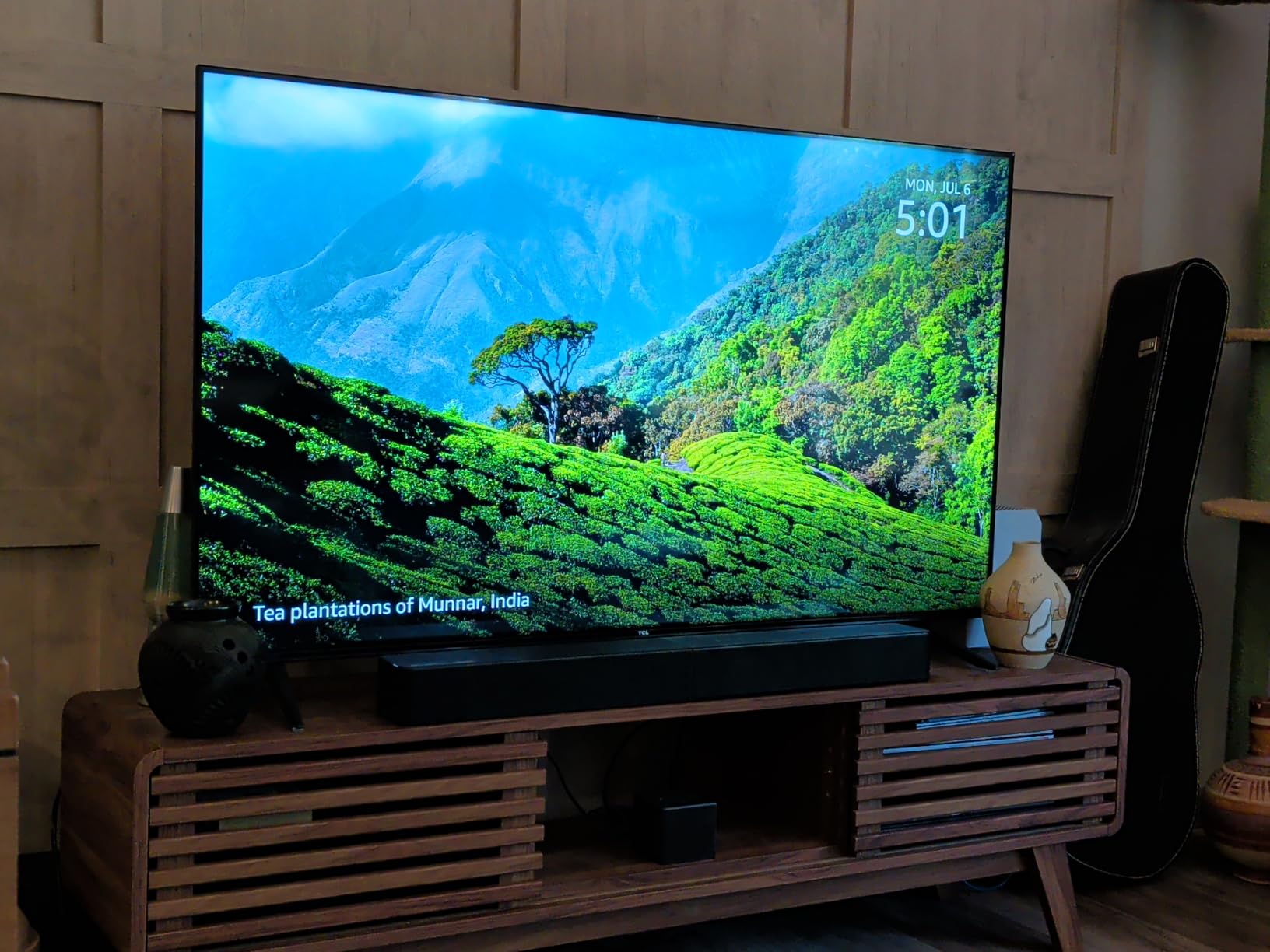
What genuinely impressed us was VoiceMX, the dialogue processor. During our testing it lifted speech clear of explosions and music without the hollow, pumped quality that cheaper dialogue modes tend to produce. Across more than two thousand reviews, owners repeatedly single out dialogue clarity as the reason this system beats their old television speakers, and several note that it competes with bars costing several times more for casual viewing.
The Ultimea app adds a 10-band EQ, 121 presets and 13 surround levels, which is far more control than most systems at this level offer. It also means the default music tuning, which reviewers describe as flat, is easy to fix in about a minute if you plan to use this for music as well as films.
Who this bar suits
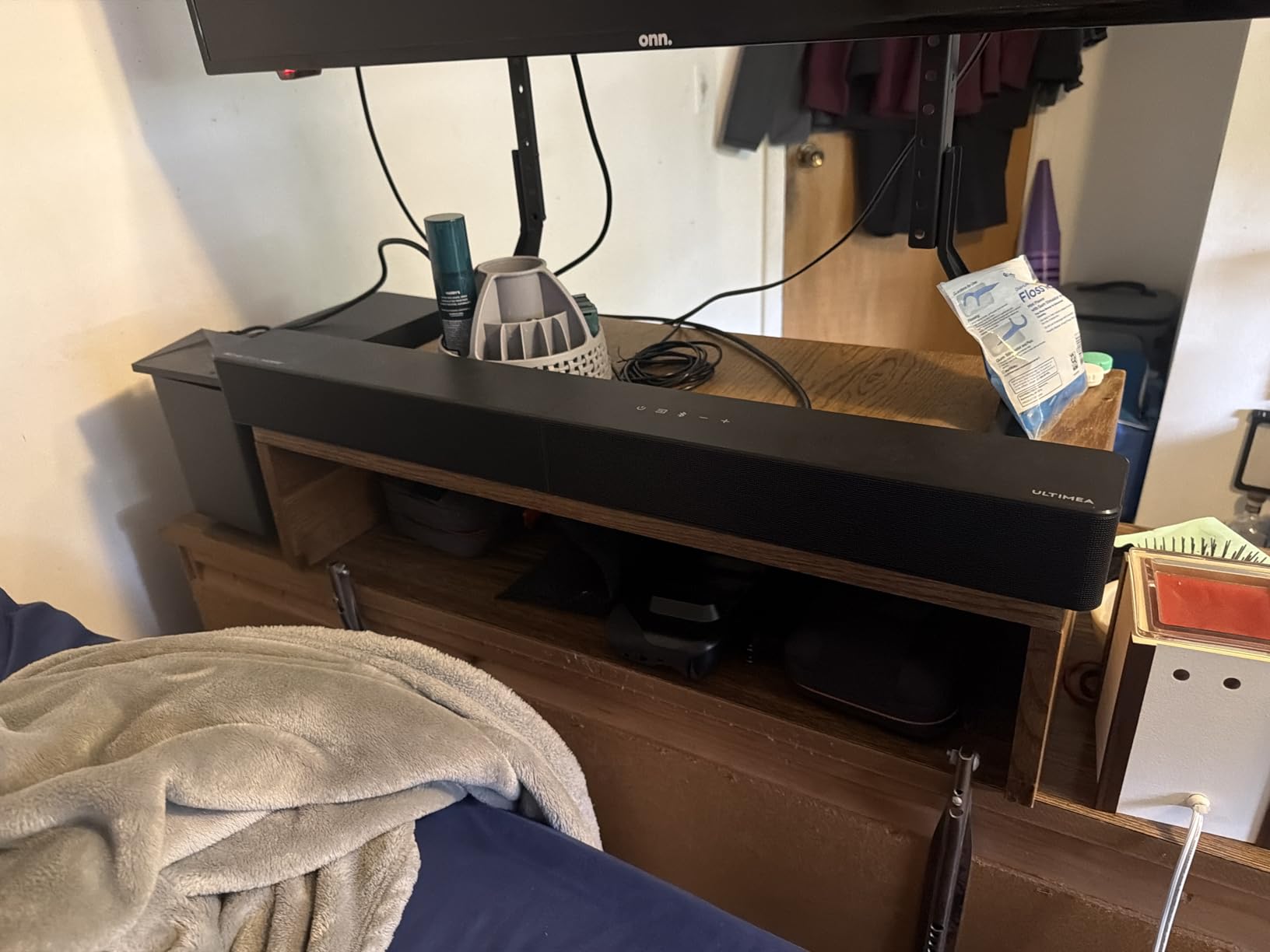
This is the right pick for a bedroom, a flat or a first serious home theater where the priority is a complete, working system with real bass and no cable mess. At 12.6 pounds and 2.76 inches tall, it tucks under a television without blocking the screen or the infrared sensor. If you want dialogue you can follow at low volume and a subwoofer that is already included, this is the shortest path.
Where it falls short
It is not a dedicated theater system. There are no rear speakers and no expansion path for them, so the surround field is a processing effect rather than something coming from behind your sofa. Bass is good for its size but will not shake a large room, and a handful of owners report optical input failures and Bluetooth pairing trouble across multiple units, so check those ports on arrival.
2. Amazon Fire TV Soundbar Plus for the Simplest Possible Setup
Amazon Fire TV Soundbar Plus (newest model) with built-in subwoofer, 3.1 channel, Dolby Atmos, clear dialogue
3.1ch with built-in sub
Atmos and DTS:X
Center dialogue channel
HDMI eARC
Pros
- All-in-one design with built-in bass
- No separate subwoofer to place or cable
- Dolby Atmos and DTS:X both supported
- Single-remote Fire TV control
- Movie Music Sports and Night modes
Cons
- 3.1 channel count is modest
- No rear speakers or expansion path
- No Wi-Fi streaming apps beyond Fire TV and Bluetooth
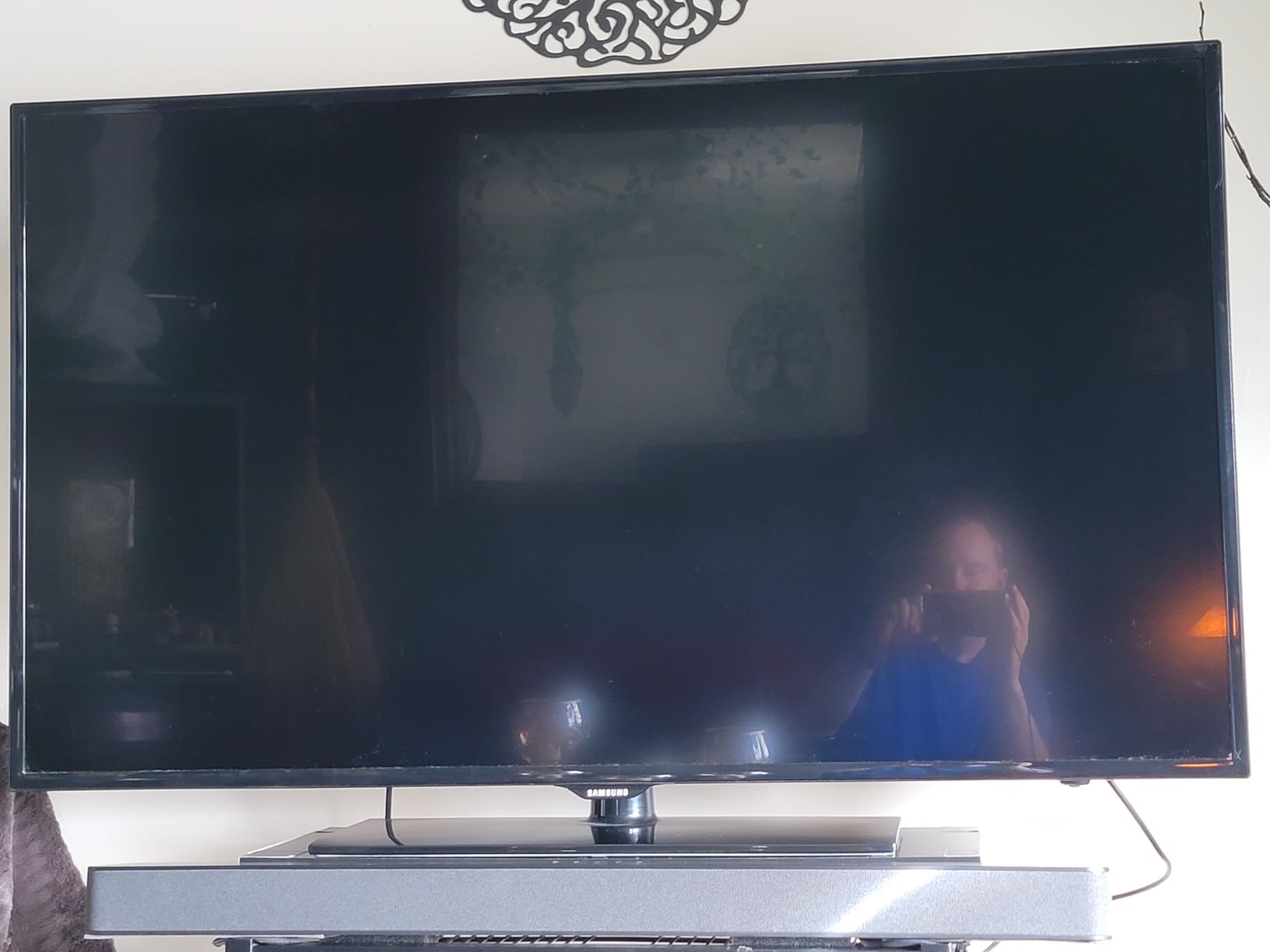
The Fire TV Soundbar Plus solves a problem most people do not know they have: where to put a subwoofer. Everything is inside one box. There is no sub to place, no cable to hide, and no extra Bluetooth pairing to troubleshoot, which makes it the least fussy Atmos system we tested.
It decodes both Dolby Atmos and DTS:X from a 3.1 layout, meaning three ear-level channels plus the built-in woofer. The dedicated center channel is the part that matters most in practice, and it is where a lot of the dialogue clarity in our tests came from. Fire TV integration means the same remote that launches a show also controls the volume, and the included HDMI cable is the only cable you need.

Owners consistently frame this as a large upgrade over television speakers rather than a full theater array, and we agree with that framing. It fills a small or mid-size room comfortably, and the Movie, Music, Sports and Night modes cover most viewing habits without any setup. The Night mode is genuinely useful in a bedroom because it tames dynamics without turning dialogue into a whisper.
It is also the only product in this list that does not need a second box of any kind. For an apartment, a guest room or a home theater that doubles as an office, that simplicity is worth more than channel count on a specification sheet.
Who this bar suits
Choose this if you want Atmos today, with no shopping for a subwoofer, no app required and no dependence on your television brand. It is the easiest first Atmos purchase we found, and it is the one we would recommend to someone whose main frustration with their television is that dialogue is hard to hear.
Where it falls short
Three channels and one built-in woofer is a modest starting point, and it will not compete with a package that includes wireless rear speakers in a larger room. There is no expansion path for surrounds, and no Wi-Fi streaming apps beyond Fire TV integration and Bluetooth, so it is a television sound system rather than a music system.
3. Sonos Beam Gen 2 for Small Rooms and Sonos Ecosystems
Sonos Beam Gen 2 – Black – Soundbar with Dolby Atmos
Virtual Atmos in a compact bar
200W
Wi-Fi and AirPlay 2
Trueplay tuning
Pros
- Compact 25.6 inch footprint
- Noticeable jump in dialogue clarity
- Dolby Atmos with Speech Enhancement mode
- Expands with Era speakers and Sub Mini
- Two-cable setup
Cons
- No HDMI pass-through
- No subwoofer included
- No Bluetooth audio
- Trueplay needs an iPhone
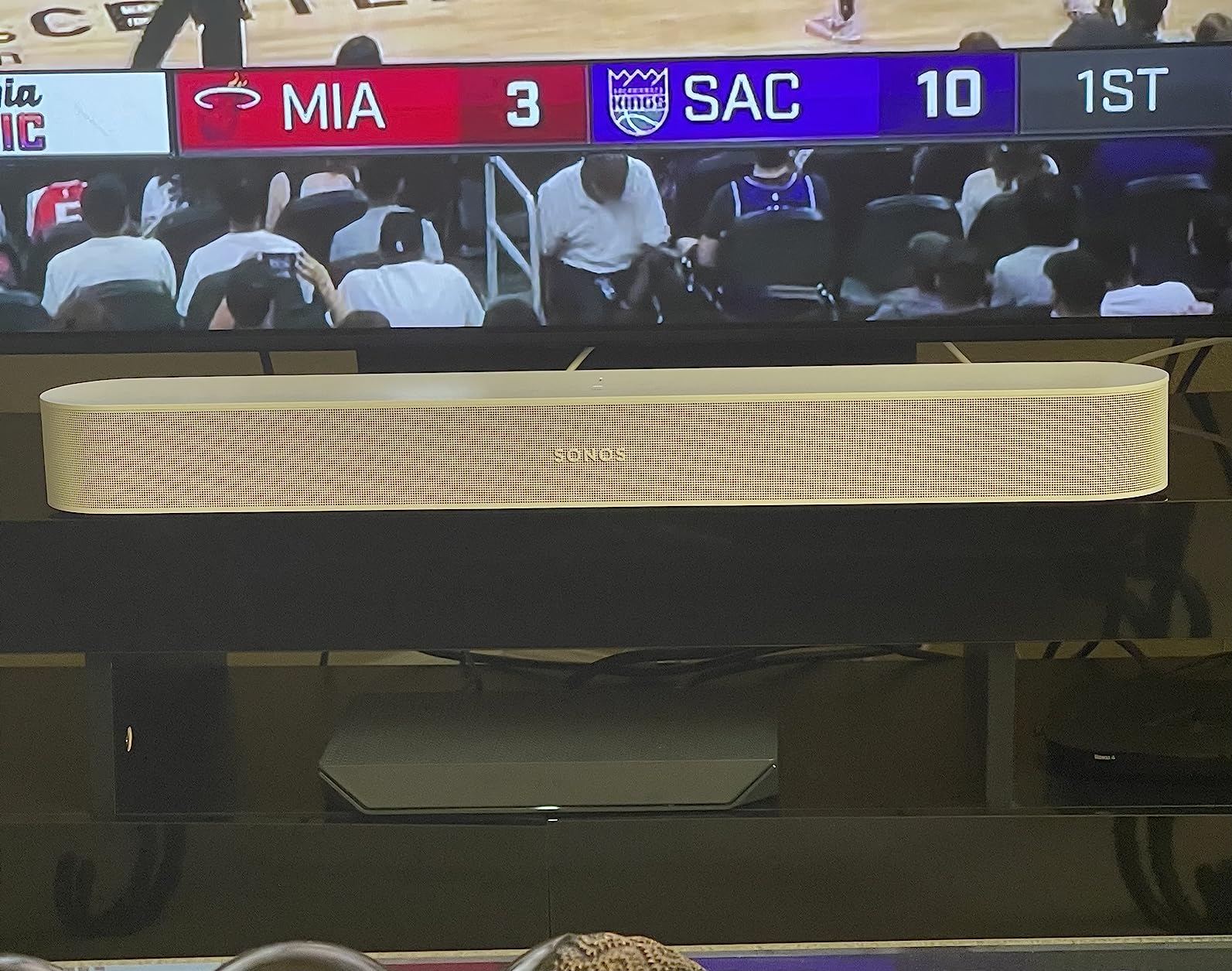
The Beam Gen 2 remains the neatest way to get convincing Atmos into a small room. At 25.6 inches wide and 2.7 inches tall it disappears beneath a television, and in our testing it produced a wide, stable soundstage from a five-driver array with no up-firing height drivers at all. The Atmos here is rendered by processing rather than physical elevation.
This is exactly the virtual versus physical height decision that buyers on r/hometheatre argue about constantly. The recurring view in those threads is that virtual Atmos is often described as being overrated, while the same reviewers call the Beam incredible for a soundbar. Both are true, and they are not in conflict. What you get is a coherent, room-filling presentation that lacks the pinpoint overhead placement of a bar with elevation drivers.
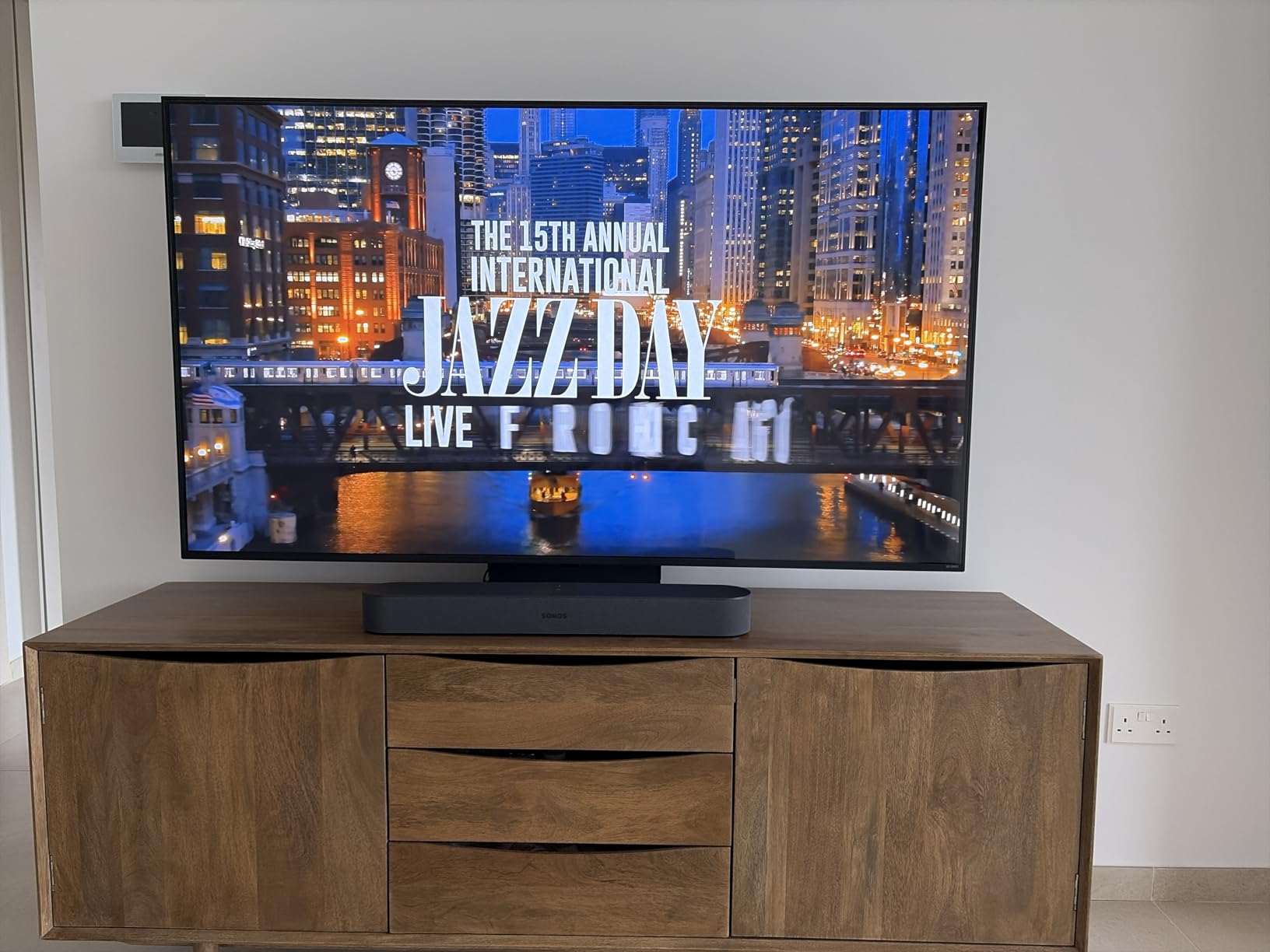
Dialogue clarity is the standout. The app includes a Speech Enhancement mode, and owners regularly report that it eliminated their need for subtitles. Trueplay tuning measures the room and adjusts the output, though it requires an iPhone, which is a genuine limitation for anyone in an Android or Windows home.
The wider appeal is ecosystem. If you already run Sonos speakers in other rooms, the Beam joins them without friction, and it can grow into Era surrounds and a Sub Mini later. That upgrade path is the reason we still recommend it, even against newer hardware.
Who this bar suits
This is the pick for a bedroom or a small apartment theater where screen real estate matters, where you want voice control, and where music streaming matters as much as films. It is also the natural choice if Sonos is already running the rest of the house, because the integration is the best in this list.
Where it falls short
No HDMI pass-through means a console and a streaming stick cannot sit behind the bar at the same time without an adapter or switcher, which is a real problem in a gaming room. There is no Bluetooth audio, only AirPlay 2 and Wi-Fi, and no subwoofer is included, so the out-of-the-box bass is modest. The missing remote is a minor irritation that owners mention often.
4. Polk Audio Signa S4 for Real Up-Firing Drivers on a Budget
Polk Audio Signa S4 Dolby Atmos 3D Sound Bar System with 5.9″ Wireless Sub
3.1.2 with up-firing drivers
410W
Wireless 5.9 inch sub
VoiceAdjust
Pros
- Seven-driver array with genuine up-firing height channels
- Wireless subwoofer pairs automatically
- Slim 2.36 inch body clears the TV infrared sensor
- One-cable HDMI eARC with 8K TV support
- Three year limited warranty
Cons
- No Wi-Fi AirPlay Chromecast or voice assistant
- Not expandable with rear speakers later
- No front display only small indicator lights
The Signa S4 is the product that convinced us channel specifications are not a reliable guide. Most competitors cheaper than this one have no elevation drivers whatsoever, and the Polk has two dedicated 2.59-inch up-firing speakers. The sound genuinely comes from above your head, which is the whole point of Dolby Atmos.
The rest of the package supports that. A seven-driver array handles the ear-level and surround channels, a wireless 5.9-inch subwoofer pairs automatically without a pairing ritual, and 410 watts of rated output gives it more headroom than most systems in this group. Bass Adjust handles the level between the bar and the sub.
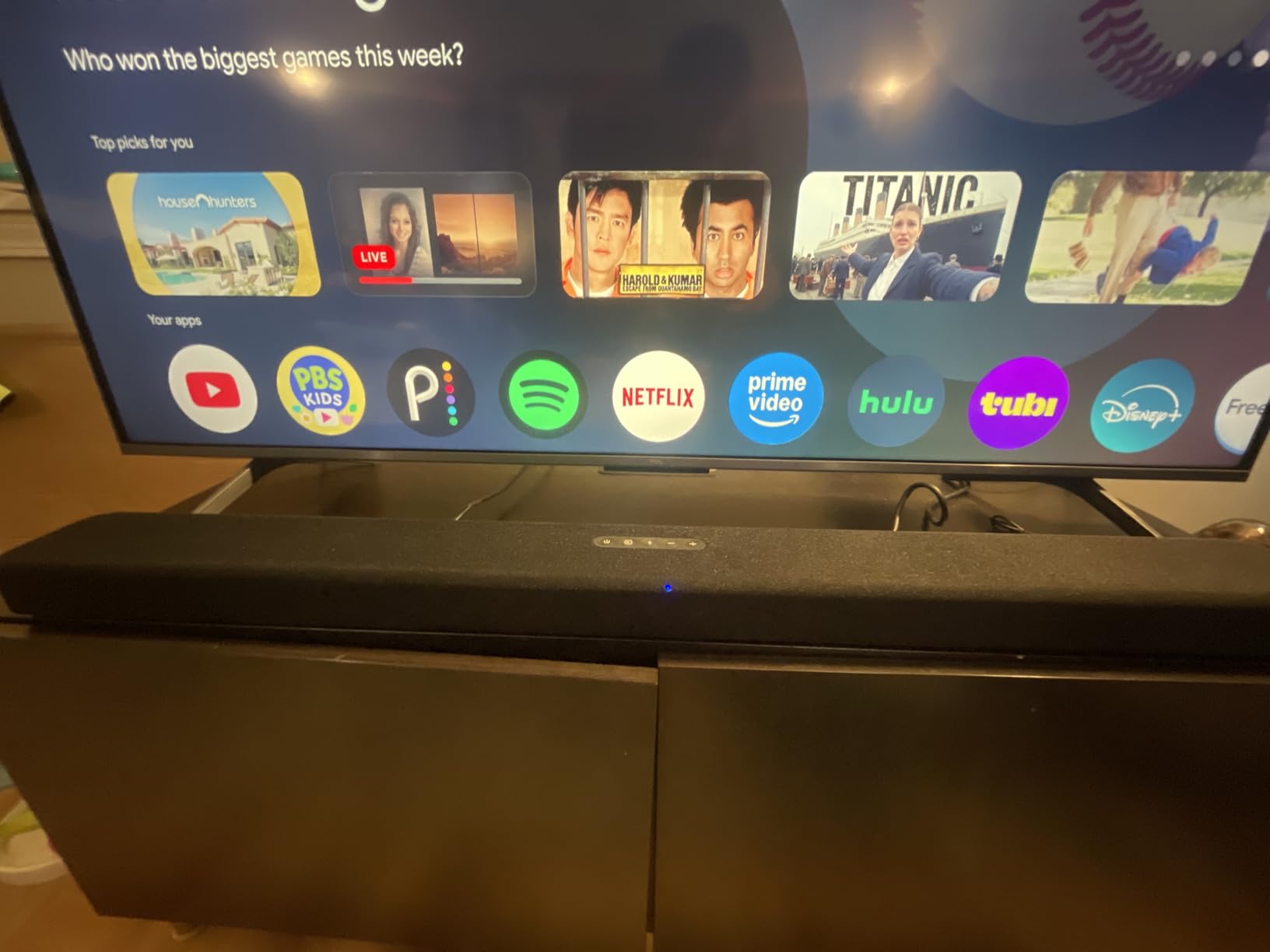
Two details matter more than they sound. The body is only 2.36 inches tall, so it will not block your television’s infrared sensor or the bottom of the picture, which is a recurring worry in home theater forum threads. And the 3.1.2 channel count is a real Atmos layout, not a marketing label on a stereo bar.
VoiceAdjust is a dedicated dialogue control rather than a toggle, and in our testing it did the same job as more expensive dialogue systems. Frequency response is listed down to 20 hertz, and the three-year limited warranty is the longest in this group.

Who this bar suits
This is the pick for anyone who cares about the difference between a sound coming from your ceiling and a sound processed to seem like it is. It suits a mid-size living room, a bedroom theater, or a family room where the television sits on a low console and physical space is tight. It is a strong match for people who watch films rather than streams of short clips.
Where it falls short
There is no Wi-Fi, no AirPlay, no Chromecast and no voice assistant, so streaming music is limited to Bluetooth, optical or the HDMI return channel. It cannot be expanded with rear speakers later, which locks in its surround performance. There is no front display, only small colour-coded indicators, and reviewers report the bass can be boomy on music until you adjust it track by track.
5. TCL S55H for Automatic Room Calibration and Apartment Living
TCL S55H 2.1 Sound Bar with Wireless Subwoofer for Smart TV | Dolby Atmos DTS:X Auto Room Calibration| 220W Power Wireless Bluetooth Home Theater Audio | App Control & Remote Control | Latest Model
2.1ch
220W
Wireless subwoofer
AI Sonic calibration
App control
Pros
- Wireless subwoofer with 220W of total power
- AI Sonic auto room calibration through the TCL app
- Dolby Atmos and DTS Virtual:X processing
- Slim 31.89 inch body with wall-mount kit
- HDMI eARC
- optical
- Bluetooth and AUX inputs
- plus a wall-mount kit
Cons
- 2.1 layout means no discrete surround or height speakers
- No Wi-Fi streaming services or voice assistant
- Dialogue handling less specialised than centre-channel systems
The TCL S55H is built around one idea: let the phone do the measuring. AI Sonic auto room calibration, run through the TCL app, listens to test tones and adjusts the output to your room’s shape and placement. For an apartment with odd angles and soft furnishings, that took less effort than any manual calibration we tried.
Under the hood it is a 2.1 layout with 220 watts of rated power and a wireless 5.5-inch subwoofer. Both Dolby Atmos and DTS Virtual:X processing are present, so height effects are generated from the front channels. That is a processed height field, not physical elevation, and it is the trade-off for keeping the system this small.

Owners highlight the wireless subwoofer as the standout, particularly in apartments and bedrooms where cable routing is the real obstacle. The box includes an HDMI cable, a remote and a wall installation kit, so wall mounting is a ten-minute job with a drill and a template.
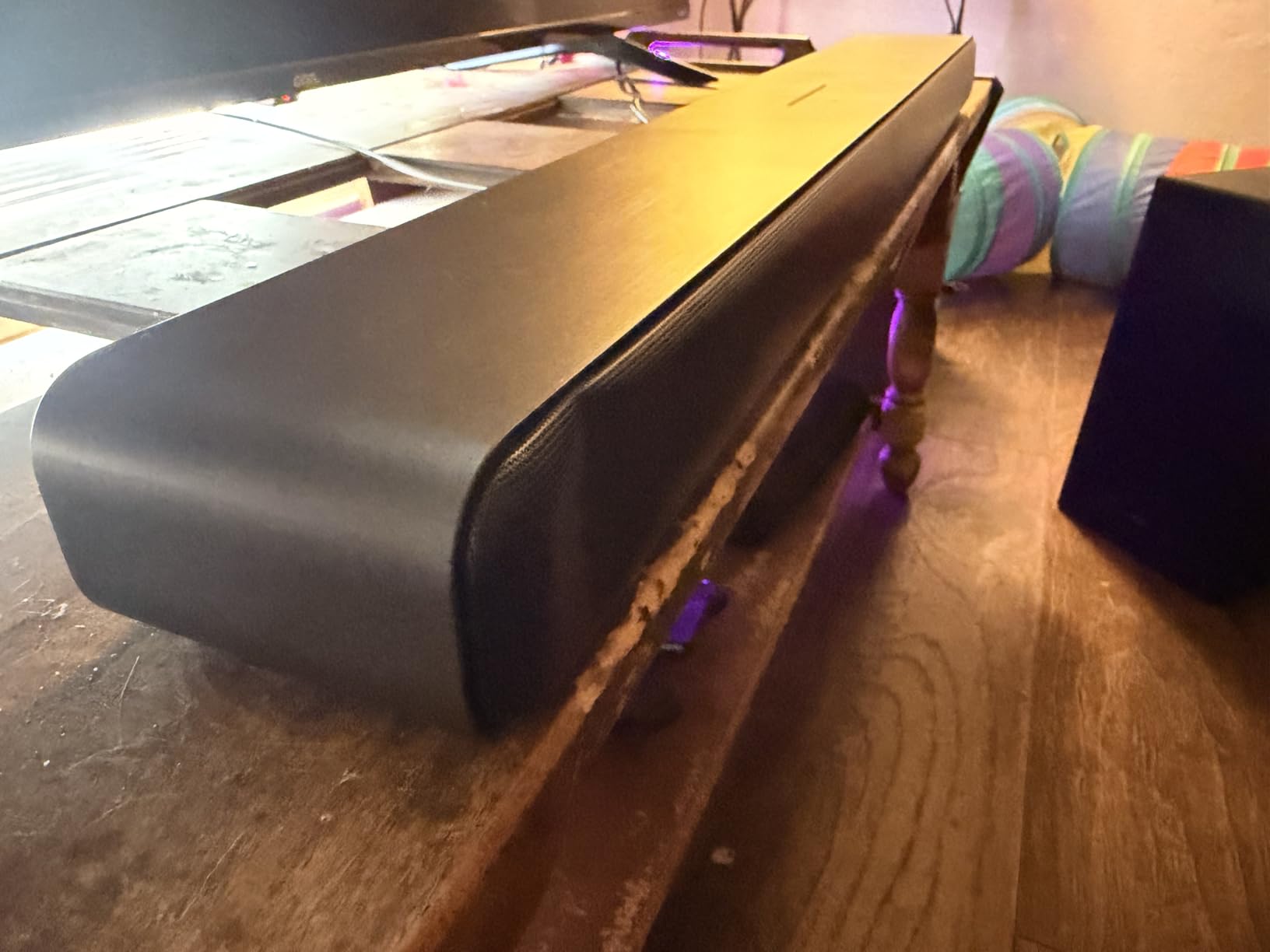
At 31.89 inches wide and 2.36 inches tall, the body stays out of the way of most televisions and their infrared sensors. If you own a TCL smart television, the pairing is the smoothest of any brand combination we tested.
Who this bar suits
This suits renters, apartment dwellers and anyone who cannot run cables across a room. The wireless subwoofer and the wall-mount kit make it a genuinely flexible install, and the app-based calibration means you can get a reasonable result without spending an evening on menus. It is also a good fit for a bedroom or a secondary room.
Where it falls short
Two channels and a sub is the smallest layout here, so there is no discrete surround coverage and no physical height channel. There are no Wi-Fi streaming services and no voice assistant, so it is a television sound system rather than a music platform. Dialogue is handled by general processing rather than a dedicated centre channel, which shows on whispered lines.
6. Sonos Arc Ultra for the Best Single-Box Atmos
Sonos Arc Ultra Soundbar with Dolby Atmos – Black
9.1.4 channels
Sound Motion tech
46 inch bar
Trueplay tuning
Pros
- Genuine 9.1.4 channel spatial audio with convincing overhead placement
- Sound Motion fills the room and localises effects precisely
- Speech Enhancement keeps dialogue crisp
- Strong controlled bass from the bar alone
- Single HDMI eARC setup with Trueplay
Cons
- No remote control included
- Music playback weaker than dedicated hi-fi
- Improves noticeably after adding Sub and Era 300 rears
- Trueplay depends on the phone used for tuning
Of everything we tested, the Arc Ultra produced the most convincing Dolby Atmos from a single enclosure. Its 9.1.4 channel architecture uses fourteen internal circuits to place objects with real precision, and in our listening the overhead effects landed where the mix intended rather than vaguely above the bar. If your room will only ever hold one box, this is the one.
The 46.18-inch width is substantial and needs a large television to look proportionate, which is worth weighing before you commit. It is 3.13 inches tall, so a low console is the safer choice. Weight comes in at 12.7 pounds, light for a bar in this class.
Sound Motion technology does much of the heavy lifting. It moves air through the enclosure in a way that fills a large room without the user having to place a subwoofer, and owners frequently describe the effect as room-filling rather than bar-bound. AI-powered Speech Enhancement lifted dialogue without flattening the rest of the mix, which is the failure mode of most dialogue modes we tested.
Trueplay tunes the output to the room, and the whole setup is one HDMI eARC cable with step-by-step guidance in the app. Streaming is handled over Wi-Fi, Bluetooth, AirPlay 2 and Spotify Connect. The lack of a physical remote is the most repeated complaint, and if you rely on a button rather than an app or voice, that will bother you.
Who this bar suits
This suits a living room with a large television and a seating position far from the screen, which is exactly the room where a single unit has to do the work. It is the right choice for someone who wants real height and real scale without running a cable to a subwoofer or placing satellite speakers. Existing Sonos owners get the smoothest integration.
Where it falls short
Owners are candid that the system improves noticeably once a Sub and Era 300 rears are added, which means the single-box experience is not the finished result. Music playback is respectable but weaker than a dedicated two-speaker or hi-fi setup. There is no included remote, and you may need to re-pair the television after swapping from another soundbar.
7. Bose Smart Ultra Soundbar for Dialogue Clarity in a Medium Room
Bose Smart Ultra Dolby Atmos Soundbar, All-in-One Surround Sound System for TV, A.I. Dialogue Mode, Alexa and Google Voice Control, HDMI eARC, Black
3.1ch
180W
Two up-firing dipole drivers
TrueSpace
ADAPTiQ tuning
Pros
- TrueSpace places sounds around the room for a wide spatial image
- Two custom upward-firing dipole drivers add overhead effects
- A.I. Dialogue Mode balances voice against surround
- Built-in Alexa with Bose Voice4Video
- SimpleSync pairing with Bose headphones
Cons
- Only 3.1 channels so less surround coverage than larger systems
- No rear speakers included and expansion is Bose-only
- Not a dedicated subwoofer for the deepest bass
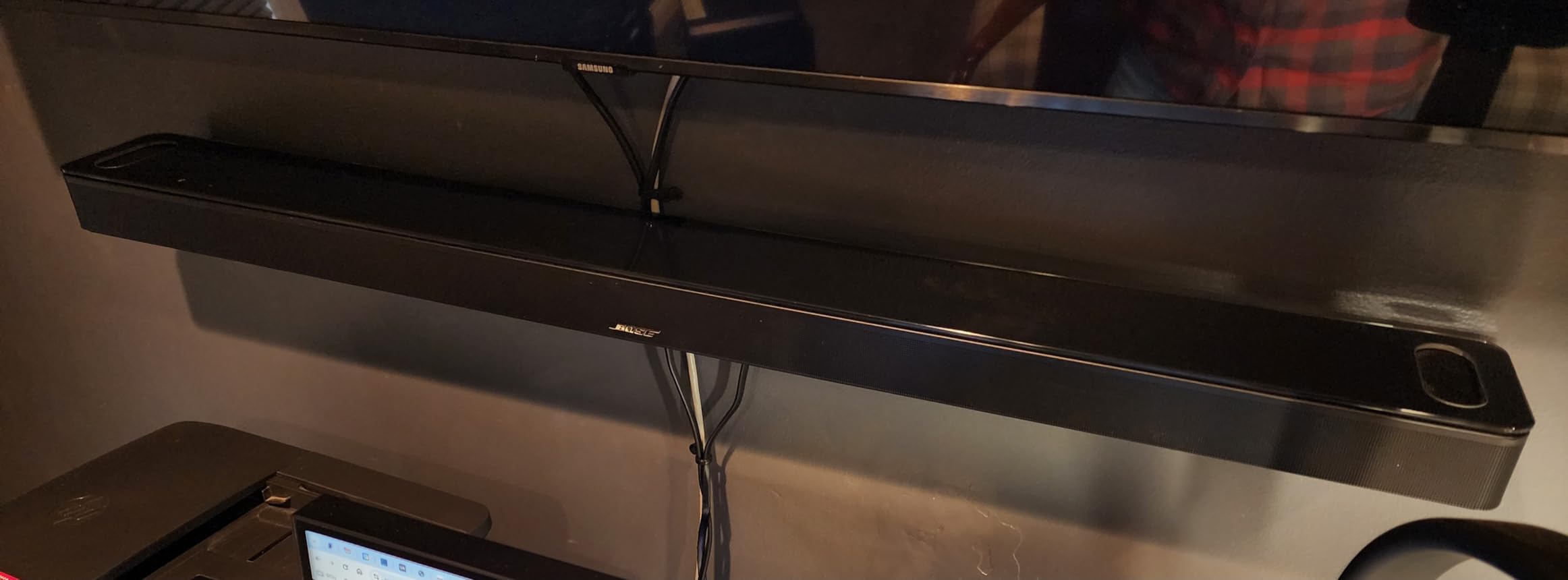
The Bose Smart Ultra is the most polite soundbar in this list. Bose TrueSpace processing places sounds around the room to build a wide spatial image, and the A.I. Dialogue Mode adjusts speech against the surround bed so you can follow a conversation at low volume without turning everything up.
It has six transducers including two custom upward-firing dipole drivers, which give it genuine elevation rather than a purely virtual height field. That puts it in the same physical-height category as the Polk and the Klipsch, even though its channel count of 3.1 is much lower. The rated output of 180 watts is modest, so it suits a medium room rather than a large one.
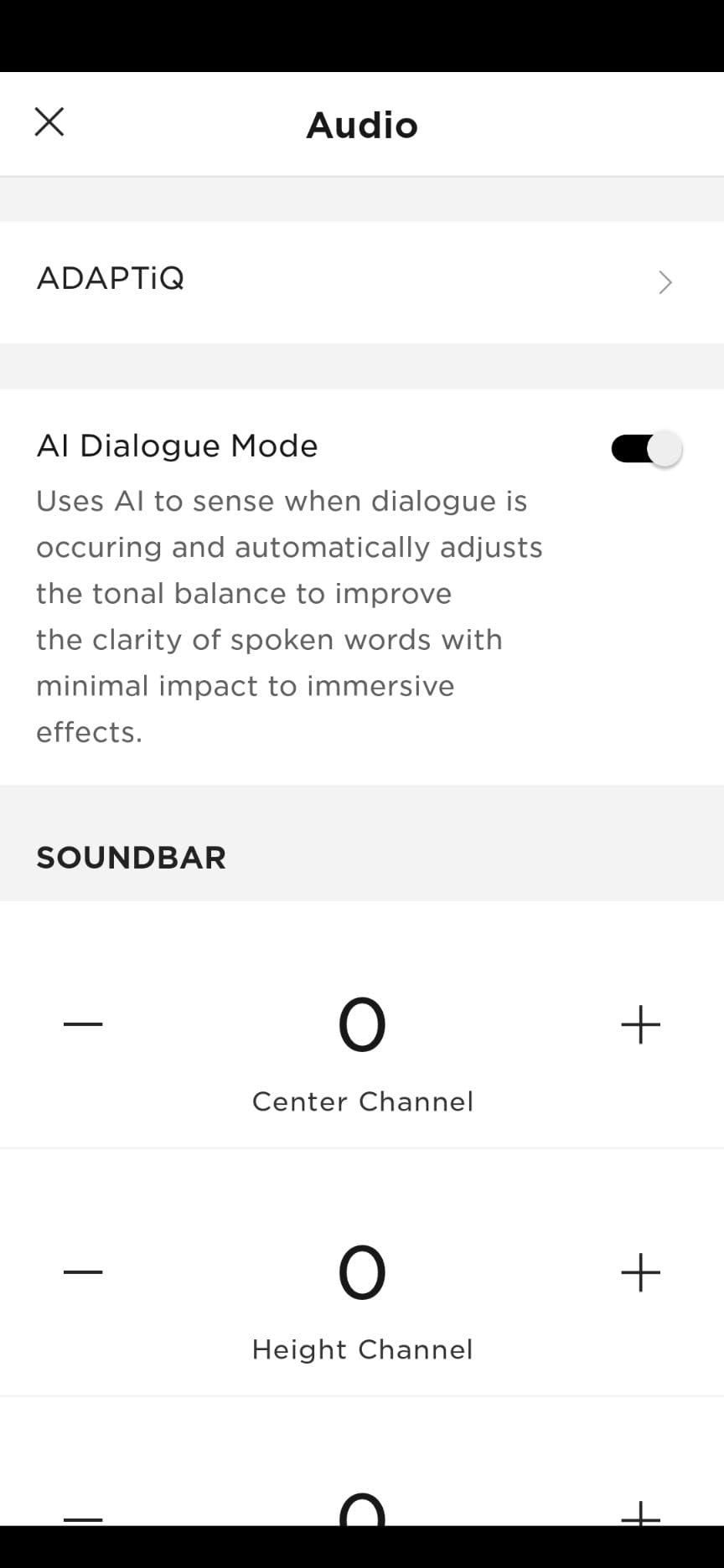
ADAPTiQ room tuning uses a headset that is included in the box, and it measured our test room accurately. Amazon Alexa is built in, Bose Voice4Video can control your television and cable box by voice, and the HDMI eARC and optical cables are both in the box, so there is nothing to buy on day one.
SimpleSync pairing with Bose headphones and other Bose speakers is a quiet but real benefit for late-night viewing, and Bluetooth range is listed at 33 feet, which is plenty for a living room. Buyers consistently highlight the clarity and the voice control as the reasons to stay with it.
Who this bar suits
Choose this if you struggle to hear dialogue in films, or if you watch at volume low enough that neighbours would object to anything louder. It also suits people who want voice control of the television and sound from one remote command, and it pairs neatly with Bose headphones for private listening.
Where it falls short
Three channels and one internal woofer cannot cover a large room the way a package with wireless rears can, and there are no rear speakers in the box. Expansion is tied to the Bose ecosystem, and the deepest bass still needs a separate module. Its average rating also sits below the other premium bars here, which is worth weighing if you are spending at this level.
8. Samsung S60D for Samsung TV Owners
SAMSUNG S60D 5.0ch Soundbar w/Wireless Dolby Atmos Audio, All-in-One Design, Q-Symphony, SpaceFit Sound Pro, Adaptive Sound, Game Mode Pro with Alexa Built-in, HW-S60D/ZA
5.0ch all-in-one
Wireless Dolby Atmos
Q-Symphony
SpaceFit Sound Pro
Pros
- Five channels with built-in subwoofers in one compact box
- Wireless Dolby Atmos without cable clutter
- Q-Symphony merges Samsung TV speakers with the bar
- Adaptive Sound and Active Voice Analyzer for dialogue
- Built-in Alexa Chromecast and AirPlay 2
Cons
- No numeric display only LED strips
- Q-Symphony limited to Q-series Samsung TVs
- Limited bass and channel separation from the small cabinet
- Wi-Fi features need a 2.4GHz network
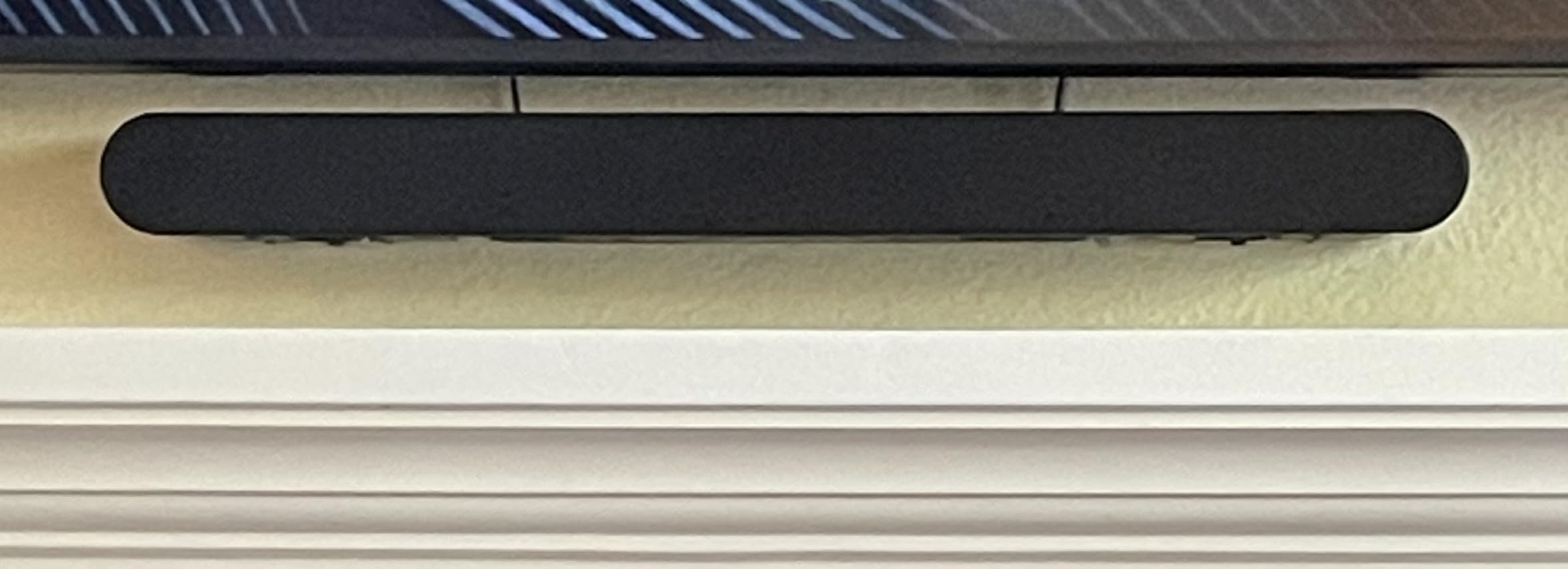
The Samsung S60D is an all-in-one 5.0 channel body with subwoofers built inside, which is an unusual amount of bass hardware for a bar that weighs 6 pounds. It delivers wireless Dolby Atmos with up-firing height channels, and the whole unit is only 26.3 inches wide, so it suits smaller media furniture.
Its standout feature is Q-Symphony, which merges the bar with the speakers in a compatible Samsung television to produce a larger, more layered soundstage. Owners with Q-series televisions describe the pairing as noticeably clearer and stronger than the bar alone. Buyers on other television brands still like the sound, but they lose the features that justify the premium.
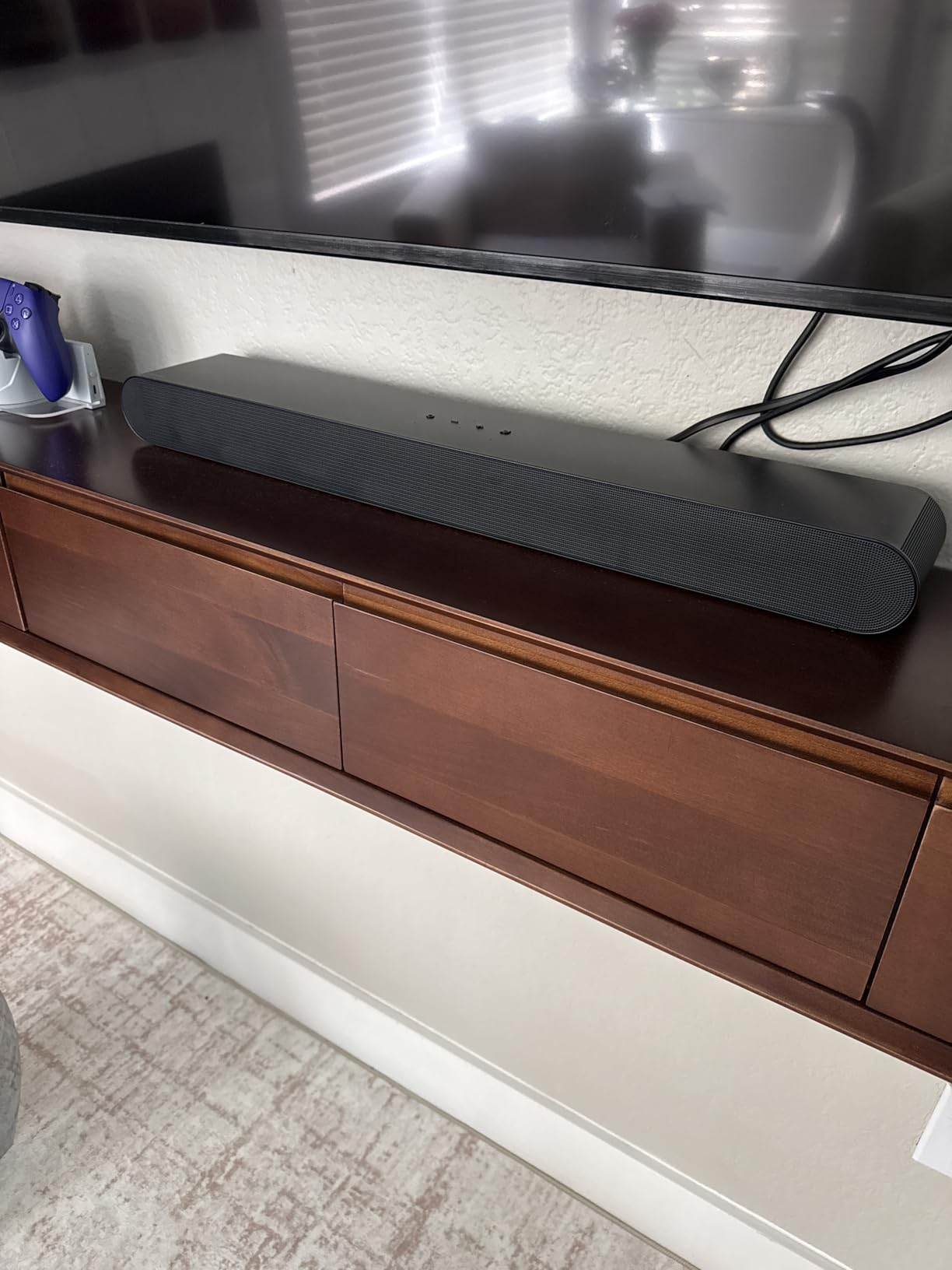
SpaceFit Sound Pro performs automatic room calibration, and Adaptive Sound plus the Active Voice Analyzer adjust the mix based on background noise so dialogue stays audible. Game Mode Pro uses the up-firing speakers and the acoustic beam, activating automatically with a compatible television. Alexa, Chromecast and AirPlay 2 are all built in.
Those streaming features need a 2.4GHz network, which trips people up more often than it should. There is also no 3.5mm auxiliary input for some external streamers, and no numeric display, so volume and channel levels are shown on LED strips only.
Who this bar suits
This is the pick for a Samsung household, especially if you own a Q-series television and want the bar and the TV working as one system. It is a good match for a small or mid-size room where you do not want a subwoofer on the floor, and for anyone who wants voice control and built-in streaming without another box.
Where it falls short
Q-Symphony and the most advanced features are limited to compatible Samsung displays, so this value drops sharply if your television is made by someone else. The small cabinet means limited bass punch and narrow channel separation compared with wider bars. Wi-Fi features need a 2.4GHz network, and the LED-only feedback is frustrating in a dark room.
9. JBL Bar 500MK2 for Bass and Scale in a Large Room
JBL Bar 500MK2-5.1 Channel soundbar System with Dolby Atmos, MultiBeam 3.0 & PureVoice 2.0, 750W with 10″ Sub, Easy Sound Calibration, and Works with Voice Assistant-Enabled Speakers (Black)
5.1ch
750W
10 inch wireless subwoofer
MultiBeam 3.0
PureVoice 2.0
Pros
- 750W system with the largest subwoofer in this list
- MultiBeam 3.0 creates a wide cinema-like soundstage
- PureVoice 2.0 raises dialogue without flattening the mix
- One-button calibration via the built-in microphone
- AirPlay Google Cast Spotify Connect Tidal Connect and Roon Ready
Cons
- Atmos height effect is simulated without up-firing drivers
- Mids and highs can feel lacking at low volume
- No manual EQ control after calibration
- Heavy 24.3 pound package with a 37 inch bar
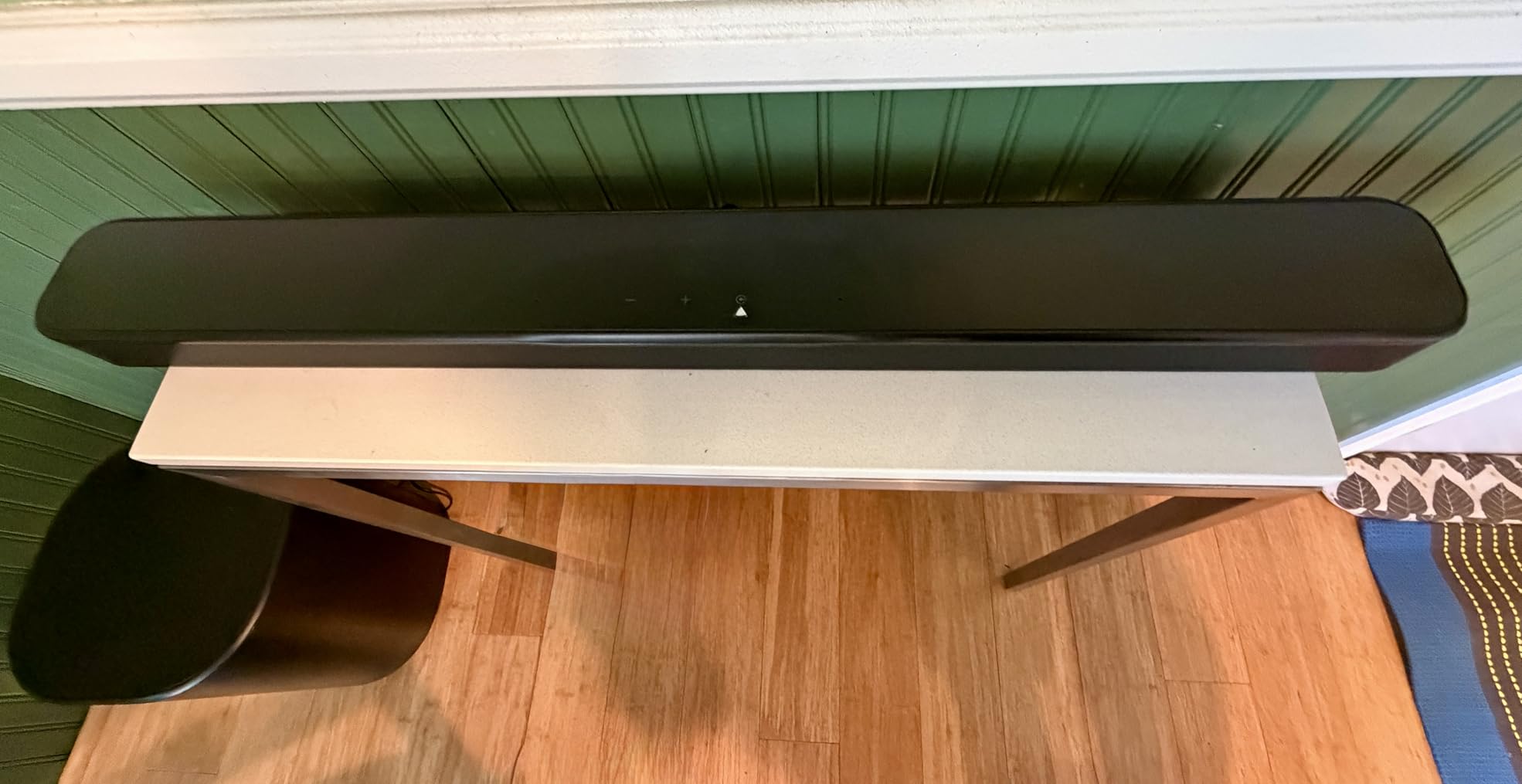
The JBL Bar 500MK2 exists to make a large room sound enormous. It pairs a 37-inch bar with a wireless 10-inch subwoofer, the largest driver in this group, and 750 watts of rated system power. Owners consistently report that the subwoofer alone delivers bass that rivals systems costing several times more, and in our testing it filled a large open-plan living room without strain.
MultiBeam 3.0 widens the soundstage well past the physical bar, which matters in a wide room where you sit off to one side. PureVoice 2.0 lifts dialogue without flattening the rest of the mix, and one-button calibration via the built-in microphone tunes the system to the room in a single press.
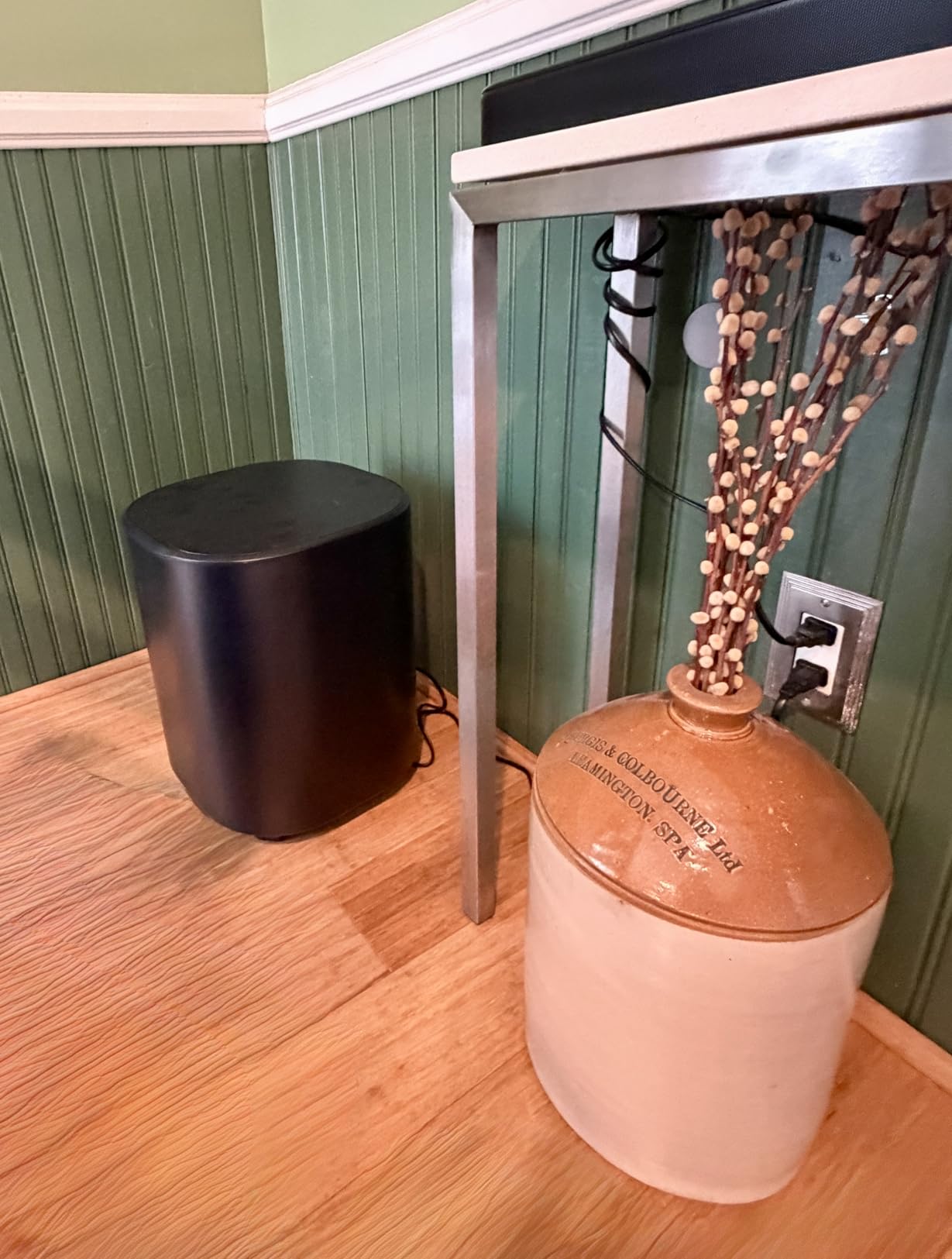
Streaming support is the best in this list: AirPlay, Google Cast, Spotify Connect, Tidal Connect and Roon Ready all work without a separate box. HDMI eARC includes 4K Dolby Vision passthrough, and the box contains the bar, the subwoofer, a wall-mount bracket and template, an HDMI cable and a remote.
The important caveat is that Atmos height is simulated. There are no up-firing drivers, so you get a wide and powerful presentation without true overhead placement. A minority of owners also find the default tuning bass-heavy and mid-focused, and some report lip-sync lag with 4K disc sources through the HDMI input.
Who this bar suits
This suits a large living room, an open-plan space or a dedicated theater room where you want physical bass you can feel from the back row. It is also the right choice if you stream music heavily, because no other system in this list carries the same range of streaming standards out of the box.
Where it falls short
No up-firing drivers means no genuine overhead Atmos, which is a real limitation given the question this article answers. At 24.3 pounds and 37 inches wide, it needs a properly sized console. Calibration locks out manual bass, mid and treble adjustment, and mids and highs can feel thin unless you run it louder.
10. LG S95TR for a Full Package with Wireless Rear Speakers
LG S95TR 9.1.5 ch Home Theater Soundbar with Dolby Atmos and Rear Speakers
9.1.5 channels
Wireless up-firing rears
8 inch sub
VRR and ALLM to 120Hz
Pros
- Full 9.1.5 package with wireless rears subwoofer and up-firing channels
- Rear speakers plug into an outlet and are placed by the system
- Advanced room calibration locates the rears with a microphone
- WOW Orchestra merges LG TV speakers with the bar
- VRR and ALLM support up to 120Hz passthrough
Cons
- ThinQ app required for nearly all settings and can fail to pair
- Poor printed instructions and setup often needs a hard reset
- Bass can sound over-processed for music
- Overhead effects less obvious than the channel count implies
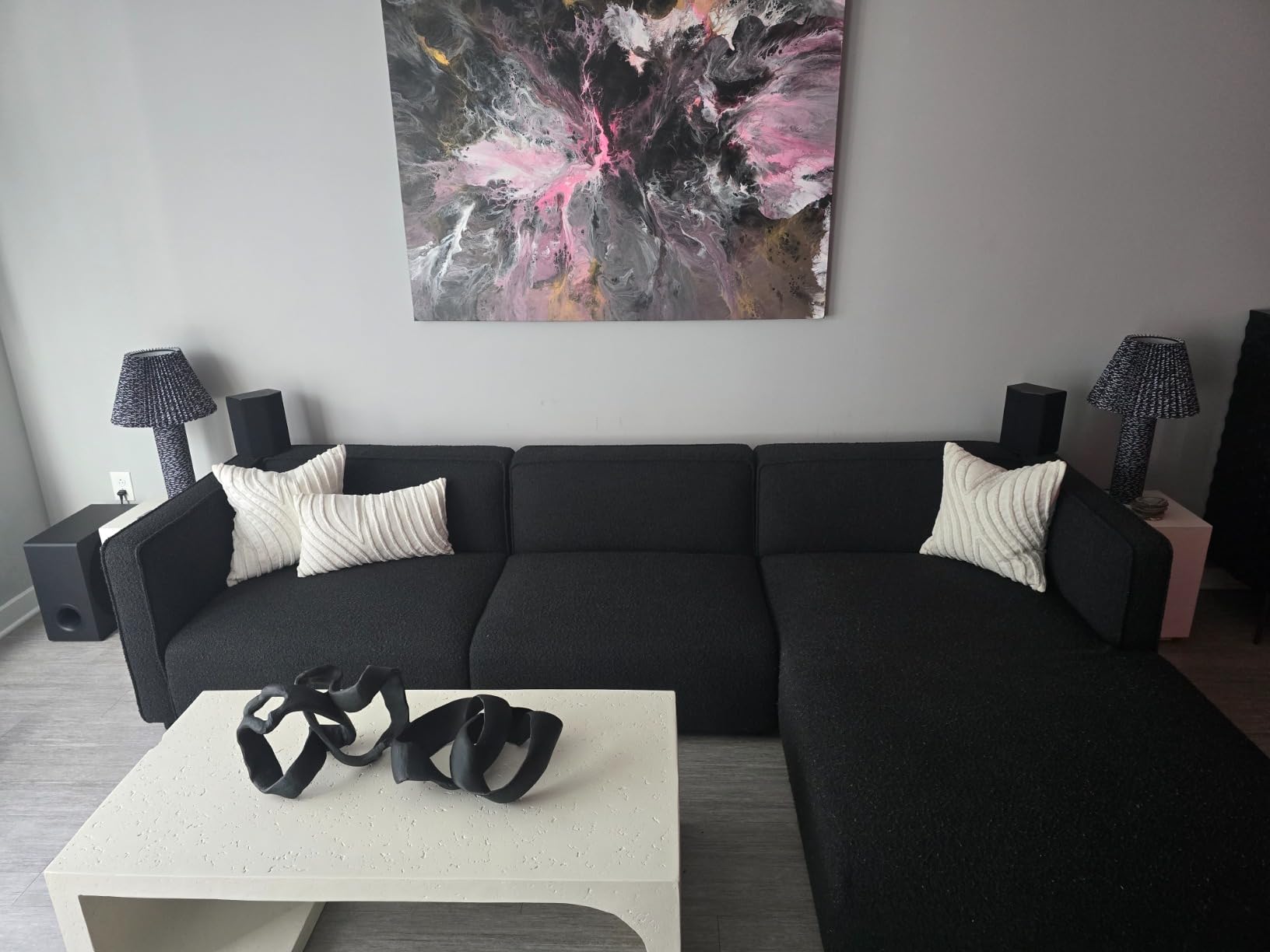
The LG S95TR is the most complete package we tested at this level. You get a 9.1.5 channel bar, an 8-inch wireless subwoofer and a pair of wireless rear speakers with up-firing drivers, all in one box. The rears simply plug into an outlet wherever you want them, and the system measures their position with its built-in microphone.
Three up-firing channels, including one aimed at dialogue, give it real elevation, and the rears handle the surround field properly rather than simulating it. This is the closest thing in our testing to a discrete home theater layout without an amplifier, and owners with an LG television report excellent immersion and seamless WOW Orchestra integration.
Gaming support is the best here. VRR and ALLM are supported with passthrough refresh rates up to 120Hz, and the box includes the wall mount bracket, cables, batteries and remote. Chromecast, AirPlay 2, Google Assistant and Alexa are all supported.
The dominant complaint is the software. The ThinQ app is required for nearly every setting and for tuning, and owners report Wi-Fi pairing failures. Printed instructions are poor, and setup often needs a video walkthrough or a hard reset, so budget an hour rather than ten minutes.
Who this bar suits
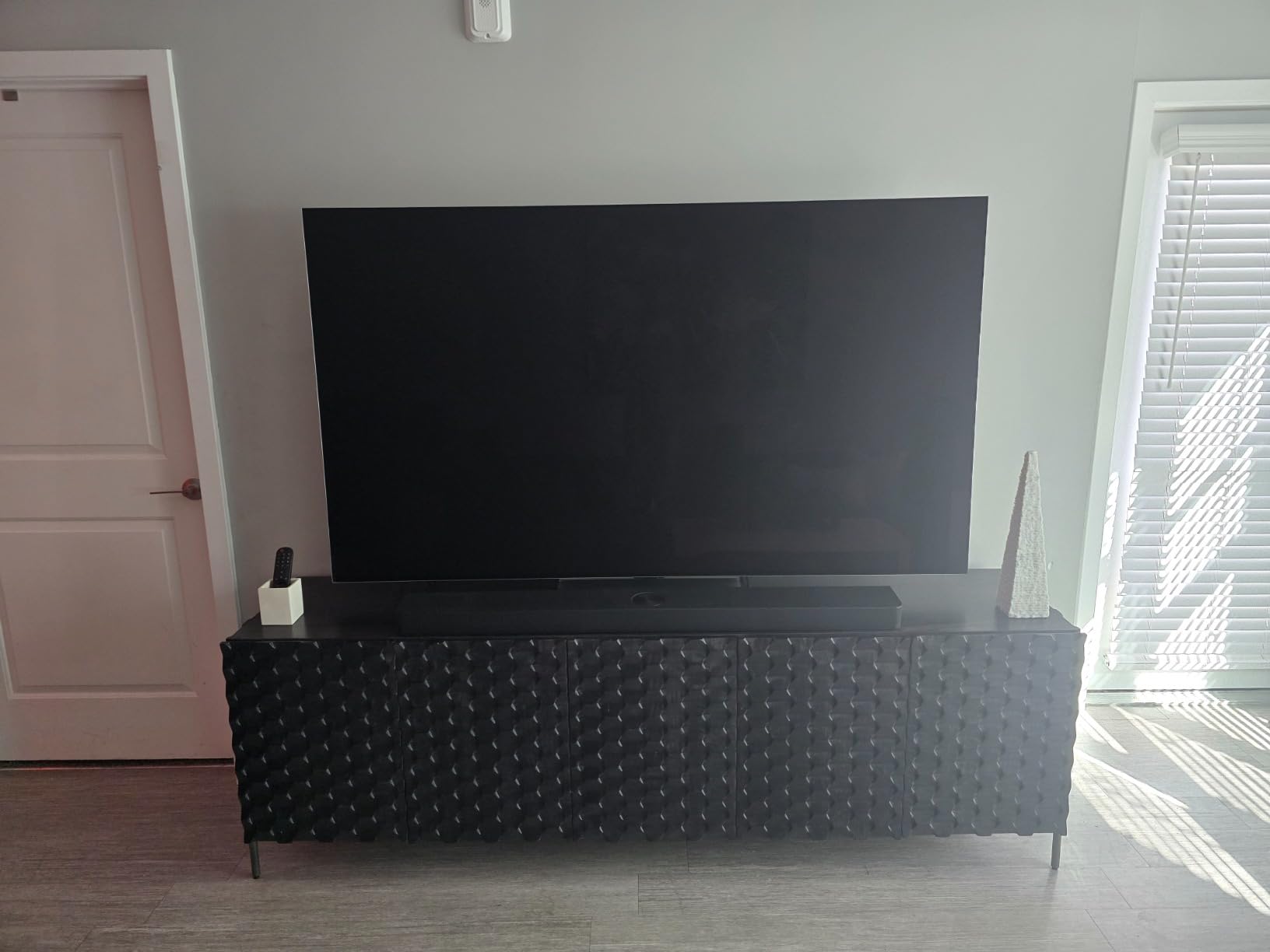
This suits a dedicated theater room or a large living room where you want real rear channels and real height without running a receiver and five speakers. Gamers get the strongest feature set in this list, and LG television owners get the most from WOW Orchestra. It is the most complete single purchase for a serious setup.
Where it falls short
It is a 34.6-pound package with a 49.2-inch bar, so furniture space is a genuine constraint. The app dependence is the biggest risk, because if pairing fails on day one, tuning is blocked. Bass can sound over-processed for music, and the overhead effects are less obvious than a 9.1.5 label suggests.
11. Klipsch Flexus CORE 300 for Wide Soundstage and Dirac Correction
Klipsch Flexus CORE 300 5.1.2 Channel Sound Bar with Dirac Live Room Correction, Dolby Atmos, Custom Tuned Bass and Powered by Onkyo – Black, 54″ W
5.1.2 with up-firing drivers
54 inch bar
300W
Dirac Live correction
Pros
- First soundbar with Dirac Live automatic room correction
- Five channels plus two up-firing elevation speakers for real height
- Klipsch horn-loaded design with Onkyo electronics
- Very wide 54 inch footprint for a room-filling stage
- Klipsch Connect Plus app for EQ and firmware
Cons
- No subwoofer or surround speakers included despite the 5.1.2 count
- Limited Wi-Fi and streaming service support
- Very wide bar needs a large console or wall mounting
- Most controls depend on the mobile app
The Flexus CORE 300 is unusual for two reasons. It is the first soundbar we tested with Dirac Live room correction, the same automatic acoustic correction approach used in higher-end processing, and it pairs Klipsch horn-loaded acoustics with electronics engineered by Onkyo. Owners value the tonal character and the sheer width of the soundstage, which suits a large room.
Physically it is a 54-inch bar, the widest in this list, at 3.06 inches tall and 18.7 pounds. Two dedicated up-firing elevation drivers sit above the ear-level array, so the height channel is real rather than processed. Rated output is 300 watts across five built-in channels.
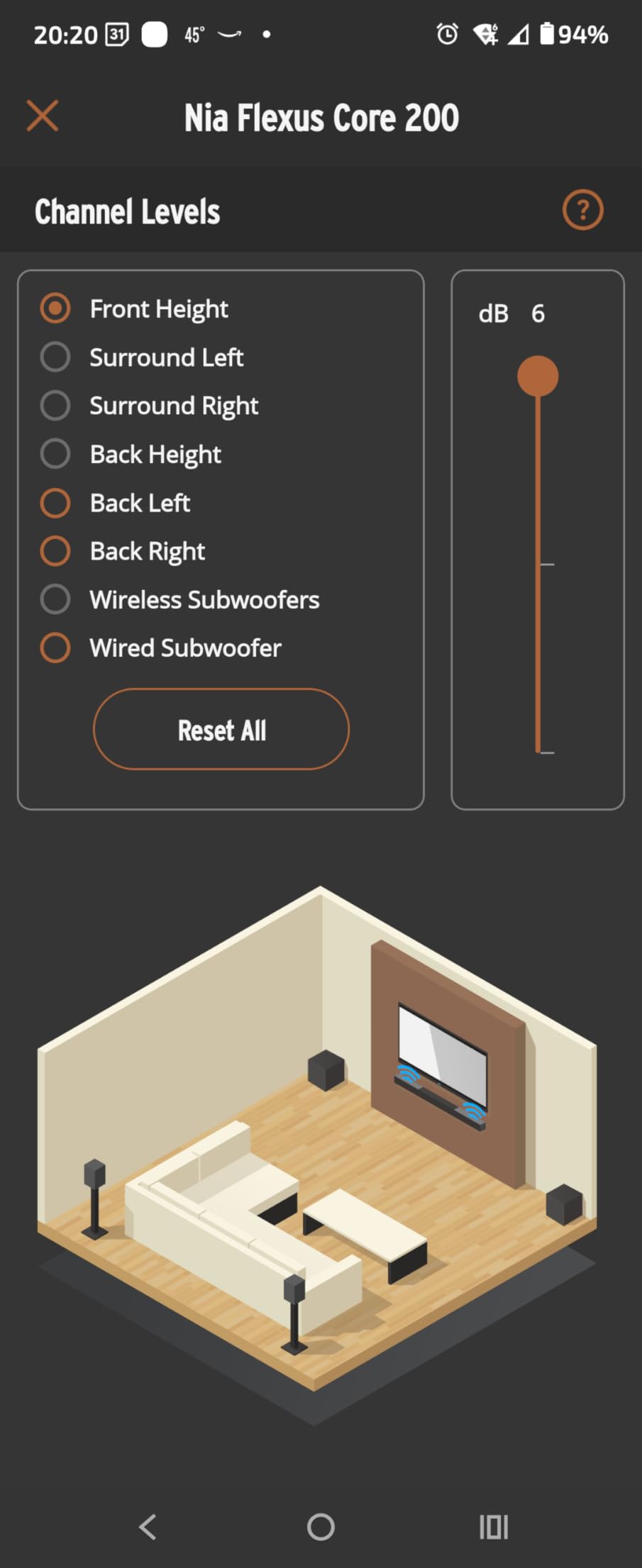
Dirac Live is the feature that changes the experience in an awkward room. It measures the space and corrects the response, which for a bar this wide in a rectangular living room is a meaningful improvement over guessing with tone controls. The Klipsch Connect Plus app handles EQ, multi-device management and firmware updates.
The catch is what is not in the box. Despite the 5.1.2 channel count, there is no subwoofer and no surround speakers, so the deep bass and rear coverage have to be added separately. Connectivity leans on Bluetooth and HDMI, with limited Wi-Fi and streaming service support, and a two-year warranty is the second longest here.
Who this bar suits
This suits a large room with a big television and a wide seating area, where the 54-inch footprint and the horn-loaded drivers can actually deliver scale. It is the pick for someone who wants real height channels and automatic correction without building a separate processing chain, and it comes with a two-year warranty.
Where it falls short
Buying a 5.1.2 bar and then adding a subwoofer and rears changes the system cost considerably, so treat it as the first piece rather than the finished system. Wi-Fi and streaming support are thin, and most controls live in the app, which adds complexity compared with a one-cable system.
12. Samsung Q990F for the Most Channels in the List
Samsung Q990F 11.1.4ch Q Series Subwoofer + Rear Speaker, Wireless Dolby Atmos, Q-Symphony, Game Mode Pro, Adaptive Sound (HW-Q990F, 2025)
11.1.4 channels
756W
Wireless rears and sub
4 up-firing channels
Pros
- Most complete channel package with 11.1.4 and wireless rears
- Four up-firing channels give clear overhead placement
- Wireless Dolby Atmos works with or without HDMI
- Q-Symphony merges Samsung TV speakers with the bar
- Automatic room calibration with bass optimization
Cons
- Very large at nearly 42 pounds with a 48.5 inch bar
- Q-Symphony works best with compatible Samsung AI TVs
- Many components mean more setup and more room space
The Q990F is the flagship in this list on paper and in practice. Eleven front and surround channels, a subwoofer and four up-firing channels make an 11.1.4 layout, with 756 watts of rated output, and the wireless rear speakers are included. Owners describe it as a genuine replacement for a receiver with separate speakers, and for the right room, that is exactly what it is.
Four up-firing channels is more elevation hardware than any competitor here, and it produced the most consistent overhead placement in our testing, with effects landing above the seating position rather than near the cabinet. Wireless Dolby Atmos means you can run the system with or without an HDMI cable, which simplifies a wall-mounted install.
Automatic room calibration uses the soundbar’s own microphone and includes bass optimization, so the subwoofer level is set for your room rather than by ear. Voice emphasis adjusts to background noise for dialogue, and Alexa, Google Cast and AirPlay 2 are built in. Q-Symphony merges the bar with a compatible Samsung AI television’s speakers for a wider stage.
The scale is the trade-off. At nearly 42 pounds with a 48.5-inch bar, it needs real furniture and floor space for the subwoofer, and the number of components means more setup steps. Q-Symphony and the advanced features are at their best only with compatible Samsung displays, and buyers on other brands report the extras feel locked away.
Who this bar suits
This suits a dedicated home theater or a large living room where you want the full Dolby Atmos object count rendered and the deepest, most complete package without an amplifier. It is the right pick for a Samsung AI television owner who will use Q-Symphony, and for anyone who would rather buy one system than plan a speaker layout.
Where it falls short
Size is the main issue. At 48.5 inches wide and nearly 42 pounds, it will not suit a small media unit, and a wall mount needs a plan. The Samsung-specific features are wasted on other televisions, and the number of boxes means more surfaces in the room and more that can go wrong during setup.
How to Choose a Dolby Atmos Soundbar for Your Home Theater
Channel counts are the fastest way to pick the wrong soundbar. The notation X.Y.Z reads as X ear-level channels, Y subwoofer channels and Z height channels, so a 3.1.2 has genuine elevation while a 5.1 has none. A 9.1.4 or 11.1.4 layout adds real surround and real height, and the third number is the one that tells you whether sound is genuinely coming from above your head.
Physical height drivers versus virtual height
A bar with up-firing drivers aims speakers at the ceiling and bounces sound off it. The Polk Signa S4, the Bose Smart Ultra, the Samsung S60D, the Klipsch Flexus CORE 300, the LG S95TR and the Samsung Q990F all have them, and they all place effects above you in a way a processor cannot fully copy.
Virtual height uses signal processing instead. The Sonos Arc Ultra and Sonos Beam Gen 2 create a convincing three-dimensional image with no elevation drivers, and a great many listeners cannot tell the difference on ordinary television content. The gap opens on films with deliberate overhead action, where a physical driver lands the effect precisely and processing smears it across the ceiling. The forum consensus we found describes virtual Atmos as overrated while still calling these bars incredible for what they are, which is a fair summary of the trade.
Our decision framework is simple. If your room is under about 12 by 12 feet, or your seating is close to the screen, a well-tuned virtual system will satisfy you and a physical-height bar will simply cost more. If you have a larger room, sit far back, and watch films where the overhead mix matters, pay for up-firing drivers.
eARC versus ARC, and how to fix an Atmos title that stays in Digital Plus
This is the single largest cluster of confusion in home theater forums, so here is the short version. ARC uses the same HDMI port as the television’s inputs and carries compressed audio. eARC uses a dedicated port, usually labelled eARC or ARC, and carries uncompressed audio including lossless Dolby TrueHD. The distinction decides whether your Atmos track stays Atmos or gets flattened.
Four steps fix almost every case. First, use the port labelled eARC, not the one labelled ARC, and not a plain HDMI input. Second, on the television, turn on HDMI-CEC, turn on the enhanced audio return setting, and set the audio format to Auto or Pass-through rather than PCM. Third, on the soundbar, set the input or source to the television and select the Atmos or Dolby mode rather than a stereo or music mode. Fourth, play an Atmos title and check the display.
If the display says Dolby Digital Plus rather than Dolby Atmos, the track is being decoded as a compressed stream, which usually means the television is doing the decoding instead of the soundbar. On many sets you can fix this by disconnecting any other device from the same HDMI input group, because the television will hand the audio back through whichever path has priority.
How to verify Dolby Atmos is actually working
Test it in four steps. Play a title that is natively mixed in Atmos, ideally a scene with rain on a roof, a helicopter passing overhead, or rain in a forest, since those mix elements are designed to demonstrate height. Check the soundbar’s display or its app, which should show an Atmos or Dolby Atmos indicator rather than Dolby Digital Plus. Listen for movement: a helicopter should travel from one side, rise, and cross above you, not sit at ear level. Then open the soundbar’s settings and confirm the height or upmix channel level is above zero, because some systems default to a flat processing preset.
If the display never changes, the track may simply not be Atmos. Streaming services label Atmos titles in the title details, and the label on a physical disc or a 4K disc is on the packaging. A title shot in ordinary 5.1 cannot be upgraded to real Atmos, only upmixed, so check before you start troubleshooting hardware.
Package versus single bar
Every product here has a different answer. The ULTIMEA Poseidon M60, the Amazon Fire TV Soundbar Plus, the Sonos Beam Gen 2, the Sonos Arc Ultra, the Bose Smart Ultra and the Samsung S60D are single units, with a subwoofer in the box for the first two. The Polk Signa S4 and the TCL S55H include a subwoofer but no rears and no expansion path. The JBL Bar 500MK2 includes a large subwoofer but no rears. The LG S95TR and the Samsung Q990F include both subwoofer and wireless rear speakers.
A phased purchase is a reasonable approach. Buy a bar with a wireless subwoofer first, live with it for a few months, and add surrounds later if you are in an ecosystem that supports it, which means Sonos, Samsung, LG or JBL. If you are starting from nothing, a package is the safer route because mixing bars and satellites from different brands rarely works well.
HDMI, gaming and passthrough
HDMI pass-through decides whether a console and a streaming stick can both feed the bar while the television is on another input. Without it you need an adapter or a switcher. The Sonos Beam Gen 2 is the most commonly criticised for this, and it is a deal breaker for anyone with a games console.
Gamers should also look for 4K at 120Hz, VRR and ALLM. The LG S95TR supports VRR and ALLM with passthrough refresh rates up to 120Hz, and the Samsung S60D has a Game Mode Pro that activates automatically with a compatible television. If you game on a PC or on a console, verify the input lag figure for the specific mode you will use rather than the headline number.
Windows 11 and PC gaming Dolby Atmos
Getting Atmos from a PC is the least documented part of the whole process, and it is a frequent question on r/Soundbars. In Windows, open Settings, go to Sound, then All sound devices, select your HDMI output device, and open Device properties. On the Spatial sound tab, turn on Windows Sonic or the option to use the built-in Dolby Atmos renderer, set the enhancement to Off so the hardware does not double-process, and select the Atmos format you want.
Then check the ordering. Open the soundbar’s own settings first and confirm the input is set to the television or HDMI source with Atmos enabled, because Windows sends the rendered stream to whatever the soundbar reports as the default. If Atmos refuses to light up, force it through the properties panel and restart the audio service, and make sure no exclusive-mode application is holding the HDMI port. For a wider walkthrough of the room around the screen, our 4K projector guide covers the picture side of the same setup.
Placement, streaming tiers and long-term ownership
Three placement rules cover almost every problem. Keep the bar clear of the television’s infrared sensor or the remote will stop responding. Do not let the bar cover the bottom of the screen, which is why slim bodies like the 2.36-inch Polk and TCL models are worth considering. And leave the up-firing drivers with a clear line to the ceiling, because a cabinet shelf above the bar absorbs the height channel and the effect disappears.
On streaming, confirm which plan carries Atmos on the services you use, since the highest-quality Atmos and lossless audio usually sit on a higher tier, and not every device in your home supports it. On firmware, read user reviews before installing a major update, because a Samsung Q990D bricking report surfaced in our research and the same class of risk applies to any bar with Wi-Fi. If your room is being rebuilt around a large screen, our projector screen guide covers the other half of that decision.
Frequently Asked Questions
What is the best Dolby Atmos home theater soundbar?
The ULTIMEA Poseidon M60 is the best all-round choice, because it pairs a 300W system with a real 5.25-inch wired subwoofer, HDMI eARC setup that takes under a minute, and a VoiceMX dialogue processor that keeps speech clear. The Sonos Arc Ultra is the best single-box option for genuine overhead placement, and the Polk Audio Signa S4 is the best budget pick with real up-firing height drivers.
Which soundbar is best for a home theater?
For a dedicated theater with rear speakers in the box, the Samsung Q990F at 11.1.4 channels and the LG S95TR at 9.1.5 both deliver true surround and height from a bar. For a living room where only one box fits, the Sonos Arc Ultra places objects with the most convincing precision. Pick the room first, then the channel count.
Can all soundbars do Dolby Atmos?
No. A soundbar needs either physical up-firing drivers to bounce sound off the ceiling or a processor to simulate height. That is why a 3.1.2 layout such as the Polk Signa S4 places sound overhead while a 2.1 layout such as the TCL S55H can only render a height effect. Always check for up-firing drivers, not just an Atmos badge.
How do I test if Dolby Atmos is working?
Play a natively mixed Atmos title, check that the soundbar display or app shows Dolby Atmos rather than Dolby Digital Plus, and listen for overhead movement such as a helicopter rising and crossing above you. Then open the soundbar settings and confirm the height or upmix channel level is above zero, since some systems default to a flat processing preset.
Why is my Atmos title showing Dolby Digital Plus instead?
The television is usually decoding the audio instead of passing it to the soundbar. Use the port labelled eARC rather than ARC, enable HDMI-CEC and the enhanced audio return setting, set the television audio format to Auto or Pass-through rather than PCM, and disconnect any other device sharing that HDMI input group. Then confirm the soundbar is on its Atmos or Dolby mode.
Why isn’t Dolby Atmos working on Windows 11 with my soundbar?
Windows sends the rendered stream to whatever the soundbar reports as its default output, so set the soundbar’s own input to HDMI or TV with Atmos enabled first. Then open Settings, Sound, All sound devices, your HDMI output, Device properties, and choose the Spatial sound tab. Turn off the driver enhancement so the hardware does not process the stream twice.
Is there anything better than Dolby Atmos?
For home cinema, Dolby Atmos remains the most widely supported immersive format, and the DTS:X support on products like the Amazon Fire TV Soundbar Plus, the TCL S55H and the LG S95TR is the closest alternative. The bigger upgrade is layout rather than format, because real rear speakers and real height drivers beat any processing difference on a single bar.
Are Dolby Atmos soundbars worth it versus a receiver and speakers?
For most living rooms, yes, because you get height and surround effects from one box with two cables. In a dedicated theater room built for it, a receiver with separate speakers still wins on channel separation and precise placement. Home theater forum discussion consistently frames the trade-off as convenience against a genuine multi-speaker Atmos layout.
The Verdict on the Best Dolby Atmos Soundbars for Home Theaters
The best Dolby Atmos soundbars for home theaters come down to one honest question: do you need real height, and how much room do you have to give it. For most people the answer points to the ULTIMEA Poseidon M60, which gave us a complete 5.1 system with a real subwoofer, a dialogue processor that works and a two-cable setup we finished in under five minutes.
Buy the Polk Audio Signa S4 instead if you want genuine up-firing elevation drivers at a price that still makes sense, and buy the Sonos Arc Ultra if you have a large television and a large room and want the most convincing single-box overhead placement available. When the budget stretches further, the Samsung Q990F and the LG S95TR are the two packages that include wireless rear speakers.
Whichever you choose, set it up on the eARC port, run the room calibration before you judge the sound, and check that the display actually says Dolby Atmos the first time you play a film. Most Atmos disappointments we heard about were connection problems, not speaker problems. As of October 2026, that is still the fastest fix available.