
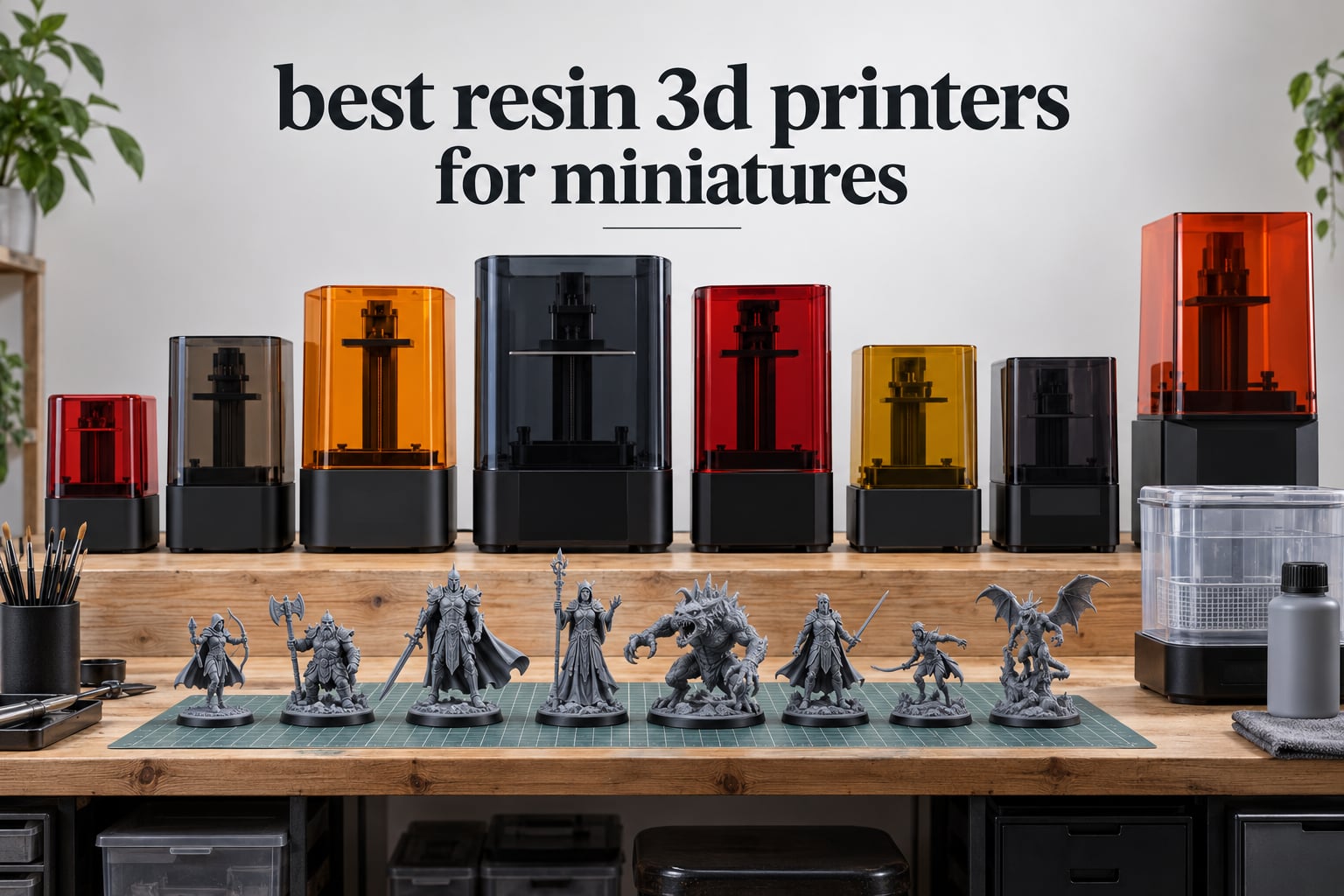
The Anycubic Photon Mono 4 is the best resin 3D printer for miniatures for most people in 2026. Its 7-inch 10K mono LCD puts 17 x 17 micron XY pixels on a 153.4 x 87 x 165 mm plate, it levels itself in one action, and it carries the deepest owner review base of any machine here at 667 ratings. Buy a bigger plate if you are printing an army rather than a character.
I have been printing 28mm and 32mm miniatures on resin machines for the better part of six years, and the thing that surprises new buyers most is how close the detail is across every current-generation printer. On a clean print at 35 micron layer height, the gap between a 17 micron pixel machine and a 20 micron pixel machine is visible only under magnification. What actually decides whether you enjoy resin printing is how many miniatures fit on the plate, whether the machine levels itself, and how much screen life you have left in year three.
That is why I rank these eight on XY resolution in microns, per-plate miniature count, levelling automation and running cost instead of the 8K or 16K number on the box. The marketing number is close to meaningless on its own. A 12K panel on a small screen can have worse pixels than an 8K panel on a large one, and I explain why further down.
The decision fork is simple. If you play D&D and print a character or two a month, a 7-inch plate is plenty and you want the cheapest machine that self-levels. If you are building a 2,000-point army, plate area is the only spec that matters and you should be looking at 10-inch and 15-inch screens. If you print busts, dragons and dioramas, build height matters more than pixel density.
If you want the wider category covered without the miniature focus, our general resin 3D printer roundup breaks the same machines down by use case instead.
Table of Contents
Top 3 Picks for the Best Resin 3D Printers for Miniatures in (October 2026)


Those three cover the sensible range. The Mono 4 is the one I put on a beginner’s desk, the Mars 5 Ultra is the one I recommend when speed across a whole plate matters, and the Saturn 4 Ultra 16K is the one I recommend when detail per pixel is the whole point of the purchase.
Best Resin 3D Printers for Miniatures at a Glance in 2026
| Product | Specifications | Action |
|---|---|---|
| Anycubic Photon Mono 4 |
|
Check Latest Price |
| Elegoo Mars 5 Ultra |
|
Check Latest Price |
 Elegoo Saturn 4 Ultra 16K Elegoo Saturn 4 Ultra 16K |
|
Check Latest Price |
 Phrozen Sonic Mini 8K S Phrozen Sonic Mini 8K S |
|
Check Latest Price |
 Anycubic Photon Mono M7 Pro Anycubic Photon Mono M7 Pro |
|
Check Latest Price |
 Anycubic Photon P1 14K Anycubic Photon P1 14K |
|
Check Latest Price |
 Phrozen Sonic Mega 8K S Phrozen Sonic Mega 8K S |
|
Check Latest Price |
 Elegoo Jupiter 2 Elegoo Jupiter 2 |
|
Check Latest Price |
A note on reading that table: XY resolution is the number that predicts surface detail, plate size is the number that predicts how many models you finish per evening, and the two do not move together. Every machine here is monochrome LCD, which matters because a colour screen costs light energy and shortens mask life for no benefit on unpainted grey resin.
How We Picked the Best Resin Printers for Miniatures
Five criteria, applied in this order:
XY pixel size in microns. Everything else on the spec sheet is marketing. The pixel footprint decides whether a chainmail sleeve reads as chainmail or as a lump.
Plate size and batch capacity. Miniatures per plate is the single biggest driver of how fast you actually finish an army. I count 32mm bases with standard 25mm round footers, not the bare model.
Levelling and automation. Manual levelling is the number one beginner failure mode. Self-levelling, residue detection and camera monitoring are weighted heavily.
Screen longevity and running cost. Mono LCD masks are commonly rated around 2000 on-hours and replacement panels are the hidden cost of ownership. I factor in vat heating, filtration and whether spare parts are easy to source.
Footprint and workflow fit. Build volume is not the same as desk space. A tall machine needs hood clearance and a wet zone beside it, not just floor area.
I weighted detail and reliability above speed, because a fast printer that fails at the bottom layer wastes the night anyway. Where ratings are close, I fell back on the size of the owner review base, since a 4.4 across 667 ratings tells us more than a 4.4 across 58.
1. Anycubic Photon Mono 4 – The Best Overall Resin Printer for Miniatures
ANYCUBIC Photon Mono 4, Resin 3D Printer with 7” 10K Mono LCD Screen
XY: 17 x 17um
Screen: 7-inch 10K mono
Build: 153.4 x 87 x 165 mm
Weight: 7.7 pounds
Pros
- 17 micron XY pixels resolve fine armour detail
- One-touch 4-point leveling removes manual bed work
- Compact and quiet enough for a shared desk
- Power-resume recovers prints after an outage
Cons
- Default profiles need exposure and lift tuning
- Small plate limits large models and batch sizes
- Minority of reports of early LCD or vat failure
The Mono 4 has been my recommendation for first-time resin buyers longer than anything else on this list, and nothing has displaced it. It arrived in July 2024, runs a 7-inch 10K monochrome LCD at 9024 x 5120, and that works out to a 17 x 17 micrometer XY pixel. On a 32mm miniature that is comfortably finer than you need, which is exactly why it keeps winning for character and squad prints.
What I like most is how little ceremony it takes to get a good print. The laser-engraved Print Platform 2.0 grips the first layer well, four-point levelling is a single on-machine action rather than a physical dial-down with a spirit level, and the Anycubic LighTurbo matrix light source spreads the cure evenly enough that you do not get the dim corners that darken face detail. Owners consistently report quiet operation and a footprint that fits beside a normal monitor.
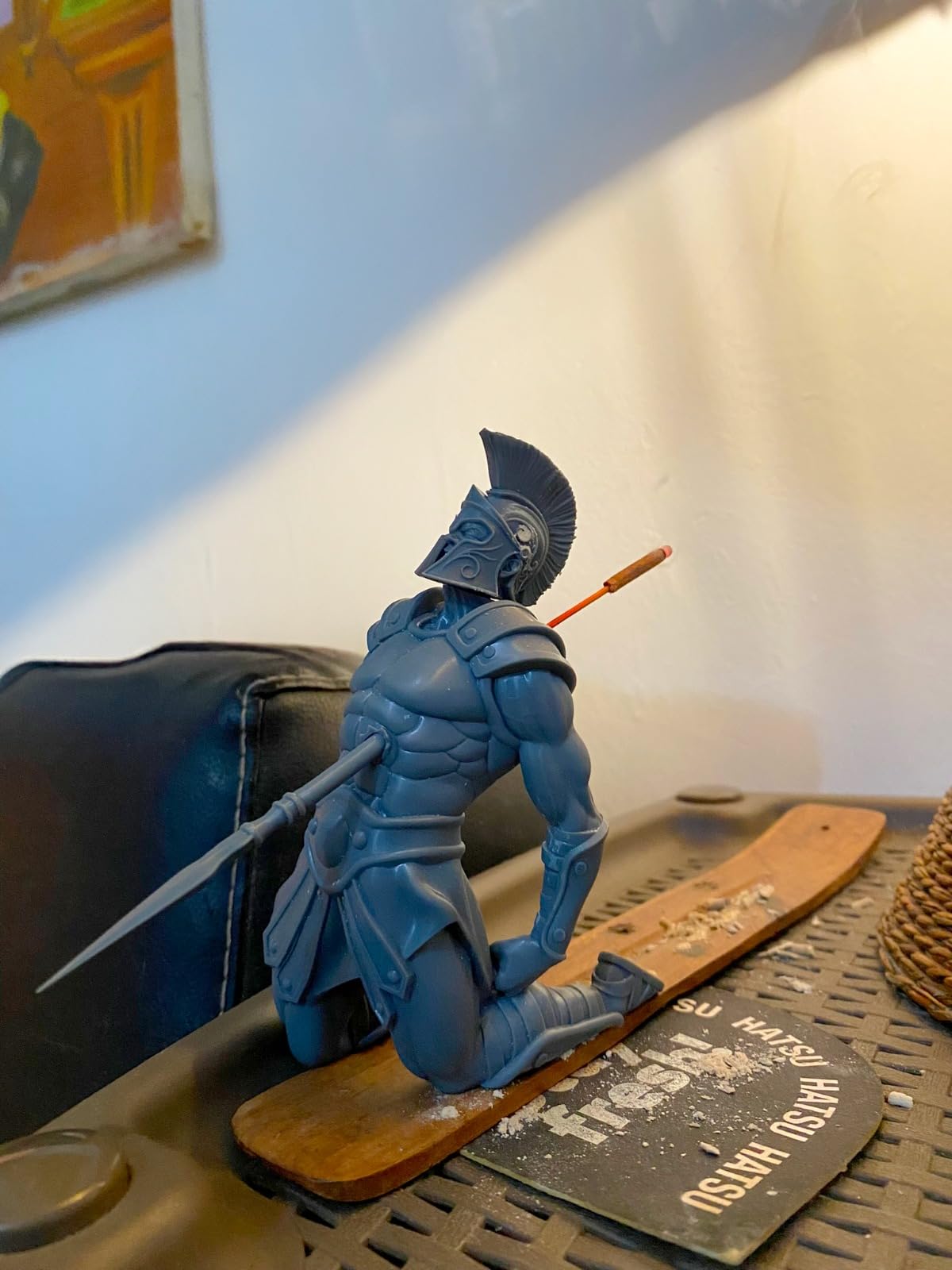
The honest caveat is that this is not a machine you unbox and immediately forget. Default profiles need exposure and lift speed dialled in before results are consistent, and the owner community is split on whether you should treat the shipped settings as a starting point or ignore them entirely. My approach is to print the same exposure test matrix Anycubic provides, pick the row with clean supports and a hard base, and save that as your own profile.
Reliability reports are mixed in a specific way rather than generally poor. Most reviews describe a machine that runs quietly for months, while a recurring minority mentions early-life LCD or touchscreen failures, cracked vats, and adhesion trouble on the first few layers. Power-resume is a genuine safeguard here, because losing a ten-hour print to a switch is the failure mode that hurts most.
Who the Photon Mono 4 suits
This is the machine for anyone printing a handful of 28mm or 32mm figures a week. A 153.4 x 87 mm plate fits a comfortable group of infantry with standard footers, and you will finish a character and its weapons in a single overnight run. The 17 micron pixel means cloth folds, hair strands and sculpted bases all come out crisp enough to prime and paint without any resin sanding work.
It is also the right first machine for a shared desk or a small apartment, which is where a lot of hobbyists actually print. At 7.7 pounds and 10 x 10 x 15 inches it moves easily, and the quiet fans matter if the machine lives in a bedroom-adjacent office. The Anycubic app is not supported for this model, so budget for managing files over USB rather than wireless.
Where the Photon Mono 4 falls short
The plate is the limit, not the optics. Anyone building a 2,000-point army will outgrow a 6 x 3.4 inch plate in weeks, and the fix is a bigger machine rather than clever slicing. Because the mask is rated in on-hours rather than decades, running twenty-hour army batches also burns screen life faster than occasional character prints would.
There is no automatic resin feeding, no heated vat and no built-in filtration, so a cold garage will give you thicker resin and a smellier room. In our broader beginner 3D printer guide we cover the filament side of that tradeoff, but the short version is that resin wants a room around 20 to 25 degrees C and some moving air.
2. Elegoo Mars 5 Ultra – Best Value Resin Printer for Miniatures
ELEGOO Mars 5 Ultra Resin 3D Printer
XY: 18um
Screen: 7-inch 9K mono
Speed: 150 mm/h tilt release
Monitor: AI camera
Pros
- Tilt-release vat roughly halves print time on a standard miniature
- AI camera catches empty plates warps and resin shortages
- Self-levelling build plate needs no manual bed work
- Chitubox Pro subscription included for model prep
Cons
- Rounded resin spout makes clean pouring awkward
- Unhinged lid must be removed fully to open
- Camera can be blocked by tall prints
The Mars 5 Ultra is the machine I put in front of people who ask which resin printer is fastest. The tilting vat peels at up to 150 mm/h by tipping the release film instead of dragging it straight up, and owners report a standard Dungeons and Dragons miniature printing in roughly half the time it takes on a fixed-film machine of the same class. That speed matters most when you are working through a backlog.
The 7-inch 9K monochrome LCD gives an 18 micrometer XY resolution. That is a fraction behind the Mono 4 on paper and a fraction ahead of most of the market, and in practice you will not see the difference on a painted 32mm model. What you will notice is the automation suite: an AI camera watches the build plate, flags empty plates, warps, resin shortages and levelling failures, and a smart mechanical sensor detects residue in the vat.
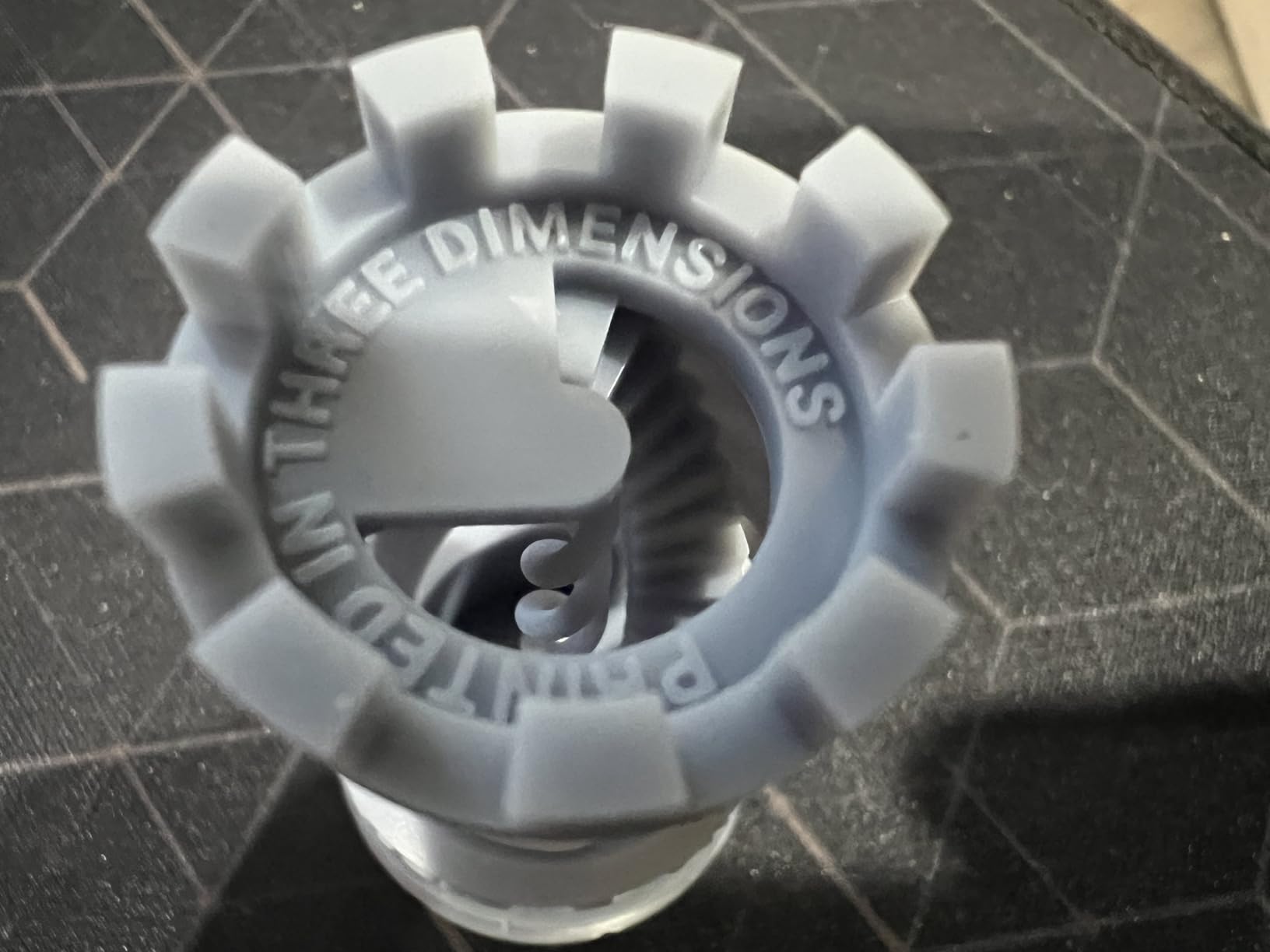
Elegoo ships it with a three-month Chitubox Pro subscription, which removes the single most tedious part of resin preparation for new users. Combined with self-levelling and residue detection, it means the machine is close to plug-and-play. Several owners with years of experience on other brands report that it produces miniatures they are happy to paint straight away, which is the actual test.
The criticisms are ergonomic rather than electrical. The resin spout is rounded so pouring back into a bottle wets the outside of the spout, the lid has no hinges so it must be lifted off completely to load, and the camera is easily occluded by a tall bust so you lose monitoring on exactly the prints you most want to watch.
Who the Mars 5 Ultra suits
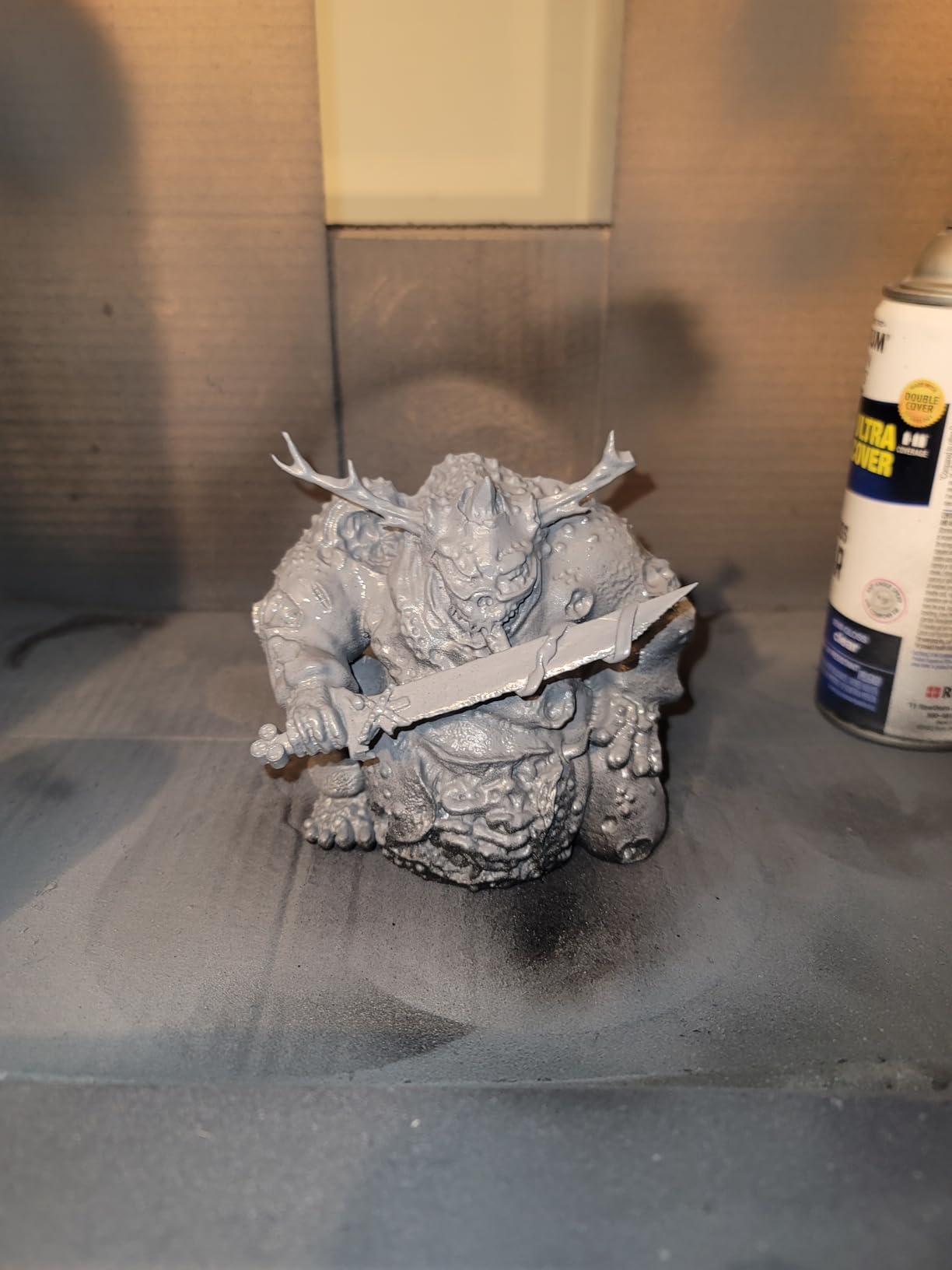
This is the pick for a hobbyist with a queue of models and limited patience for overnight babysitting. The tilt-release speed means a full plate of infantry finishes while you sleep rather than by lunchtime, and the camera and diagnostics mean a failed print usually tells you why instead of leaving you guessing at exposure settings.
It also suits anyone who prints Dungeons and Dragons encounters or skirmish games where each session needs a handful of fresh monsters. At 18 microns you get clean faces on character models, and the 19.36 pound weight and 15.75 x 18.5 inch footprint keep it manageable on a standard desk.
Where the Mars 5 Ultra falls short
It is still a 7-inch machine, so batch capacity is unchanged from the smaller competitors and an army project will outgrow it. The automation also adds a learning curve: a feature-dense machine gives you more menus to understand before the first print, and buyers who wanted a simple box sometimes find the camera and app setup fiddly.
First-layer adhesion failures do appear in a minority of owner reports, usually solved by re-running the levelling routine or cleaning the plate, but if you are prone to that problem the heated vat on the Saturn 4 Ultra is a better answer. There is no vat heating here, so keep the room above 20 degrees C.
3. Elegoo Saturn 4 Ultra 16K – Best Detail Resin Printer for Miniatures
ELEGOO Saturn 4 Ultra 16K Resin 3D Printer
XY: 16K mono LCD
Heated vat: 30C
Speed: 150 mm/h tilt release
Leveling: automatic
Pros
- Best-in-class detail for faces hair and cloth folds
- Heated vat improves layer adhesion and cuts bubbling
- Automatic levelling makes it genuinely plug-and-play
- Chamber light and camera allow monitoring day or night
Cons
- Bulky 24 x 17 x 15 inch chassis at 35.5 pounds
- Large build means more demanding supports and cleanup
- Feature set adds complexity versus simpler machines
If detail per pixel is what you are paying for, the Saturn 4 Ultra 16K is the machine to buy. Its 16K monochrome LCD is one of the two highest resolution panels in this roundup, and owner reviews are consistent that the output is among the sharpest in the desktop resin class. On a bust or a heavily converted miniature, that difference is visible at arm’s length rather than only under a loupe.
The smart tank heating holds resin at 30 degrees C. That is not a gimmick. Cold resin is more viscous, it wets the FEP film less evenly, and the result is exactly the layer separation and bubbling that ruins a tall print at hour six. Several owners report the heater alone cut their failure rate noticeably on multi-part models.
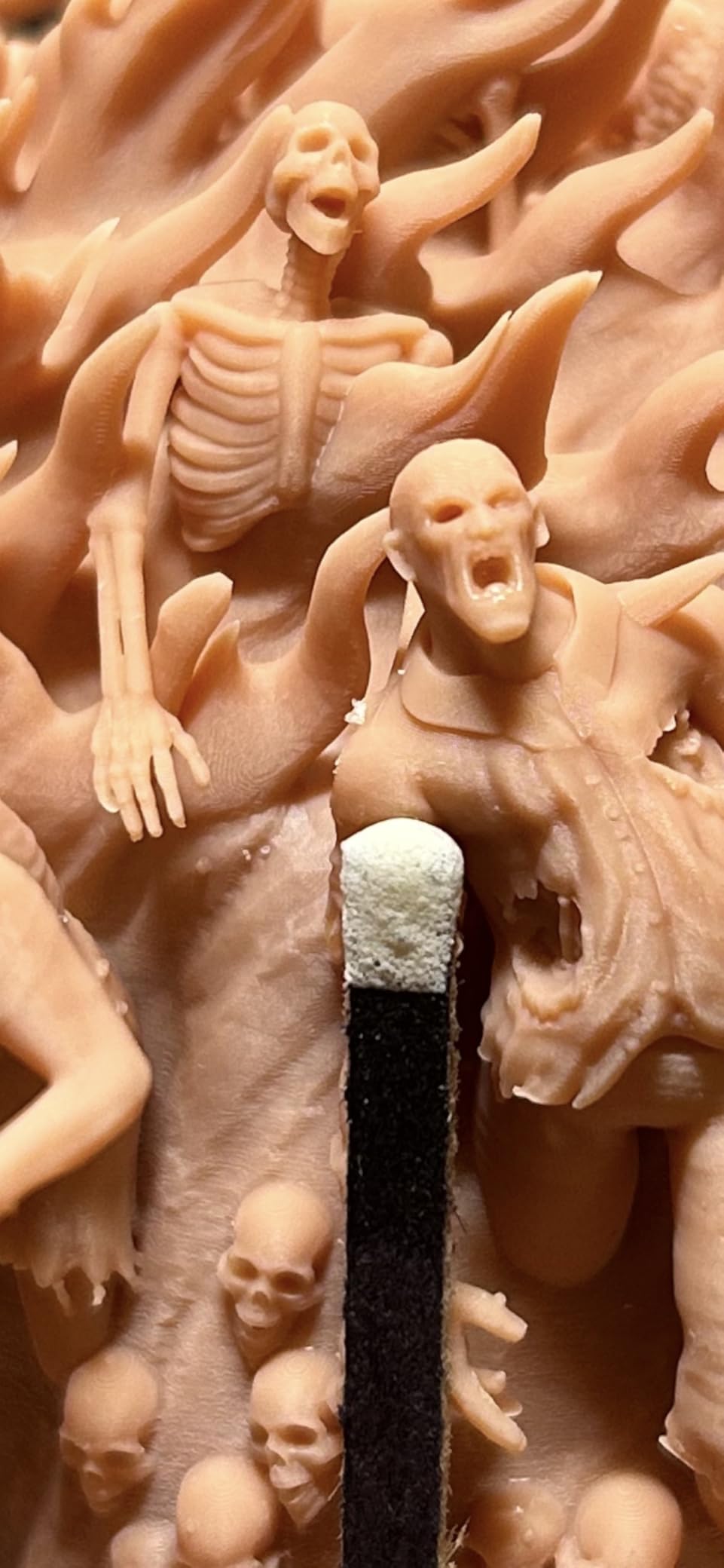
The rest of the automation matches the resolution. Automatic levelling needs no manual adjustment, an AI camera with an integrated chamber light captures time-lapse so you can check a print at night without flooding the room with light, and a smart mechanical sensor detects residue. Tilt release runs at up to 150 mm/h on top of that, so you are not paying a time penalty for the extra pixels.
It launched in January 2025, which makes it one of the newer platforms here and explains the 366-review base rather than 600-plus. Reviews consistently position it as an enthusiast machine: excellent detail, fewer failures, at the cost of size and a feature density that needs a short learning period.
Who the Saturn 4 Ultra 16K suits
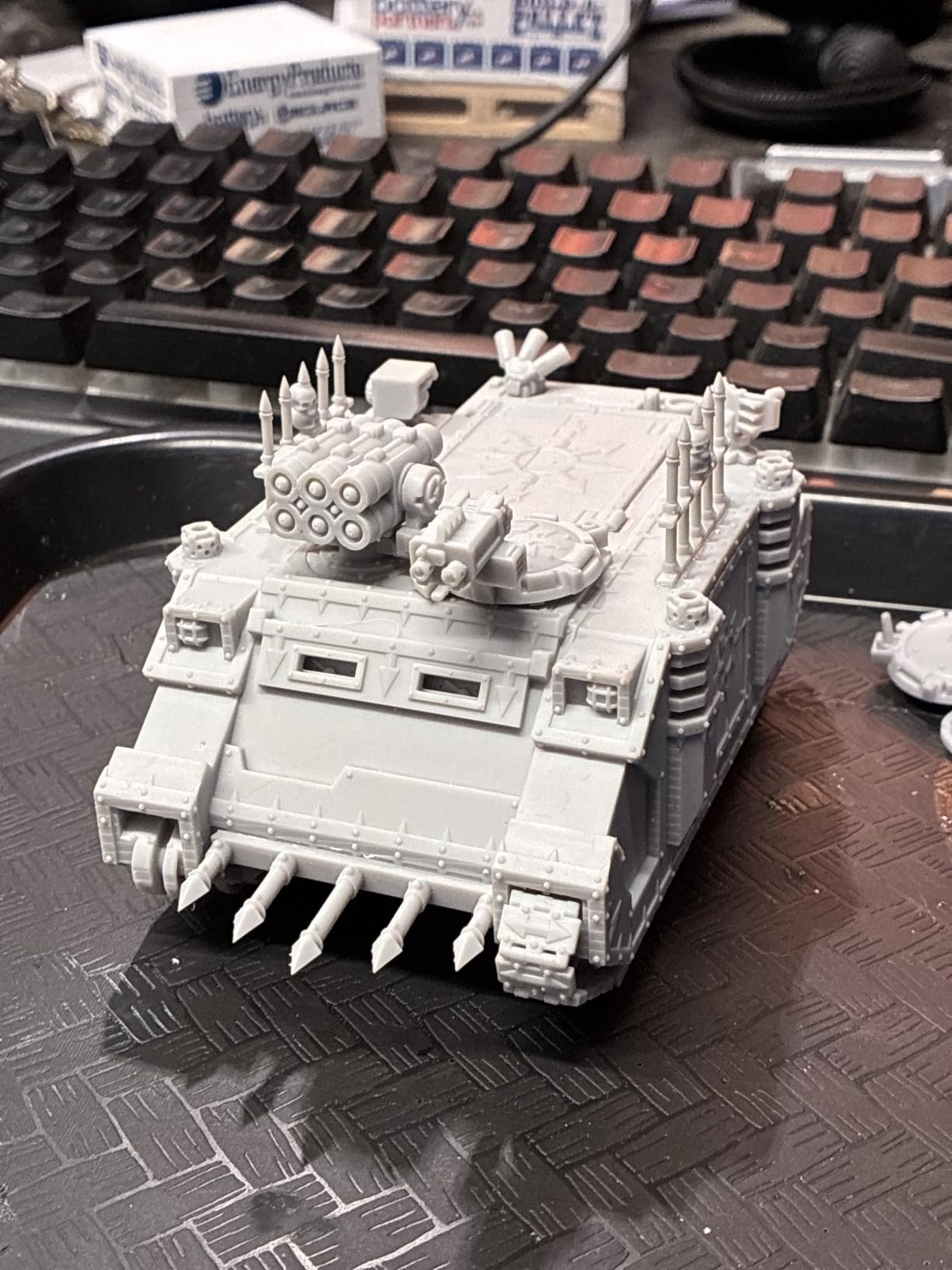
Display busts, dragon models, heavily armoured characters and any print that will be finished with an airbrush and a satin varnish. Those are the jobs where the extra resolution shows. It is also a strong choice for casting masters and resin jewellery patterns, where the same fine features matter for a different reason.
Buyers printing in a cold garage or an unheated spare room should put this high on the list. The 30 degree C vat is the single feature that makes resin printing viable in a space that never sees a warm radiator, and no other 7-to-9-inch machine in this roundup offers it.
Where the Saturn 4 Ultra 16K falls short
It is the heaviest and bulkiest machine in the entry and enthusiast tiers at 35.5 pounds across a 24 x 17 x 15 inch footprint. That is fine on a dedicated hobby bench and a problem in a studio flat, and you will want a proper table that will not rock when you load the vat.
The bigger plate also means bigger support structures, which means more post-processing per print. If your workflow is a hundred small infantry rather than a handful of large models, you are paying for pixels you will not use while your real constraint is how many bases fit in the plate.
4. Phrozen Sonic Mini 8K S – Best Resin Printer for Miniatures on a Small Desk
phrozen Sonic Mini 8K S LCD Resin 3D Printer, 7.1″ Monochrome LCD, Tabletop 3D Resin Printer with 22µm XY Resolution, 6.5 * 2.8 * 6.7 Inch Printing Volume for Models, Miniatures and Action Figures
XY: 22um
Screen: 7.1-inch 8K mono
Volume: 16.5 x 7.2 x 17 cm
Weight: 22 pounds
Pros
- 22 micron XY resolution is strong for tabletop minis
- Compact footprint fits tight workspaces
- Works with Lychee Chitubox and Tango
- 22 pound load capacity handles heavy plates
Cons
- Smallest build volume in the roundup at 2.8 inches wide
- Phrozen films and LCD panels cost more to replace
- 8K panel trails current 14K and 16K rivals
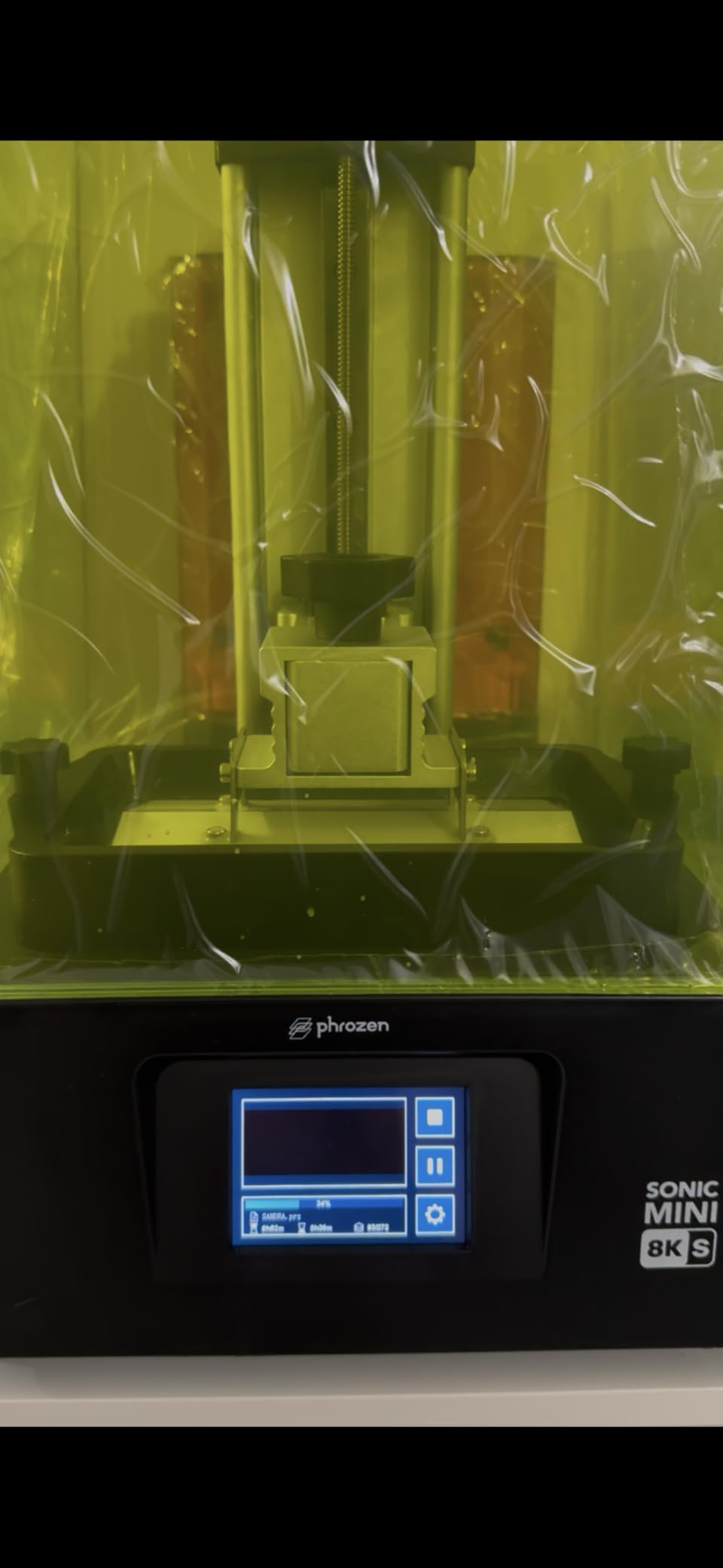
The Sonic Mini 8K S is the machine I recommend when space, not pixels, is the binding constraint. It arrived in May 2023 and its 22 micrometer XY resolution is the second-coarsest of the eight here, yet it still prints 28mm and 32mm miniatures that paint beautifully because 22 microns is comfortably below the detail threshold a tabletop model needs.
Precise Z-axis calibration is the quiet strength. Consistent layer height means consistent texture across a whole face rather than a slightly stepped one, and the 22 pound load capacity means it does not care how heavy the plate assembly gets. Phrozen’s open-source slicer support, including Lychee, Chitubox and Tango, gives you more file-prep flexibility than most competitors at this tier.
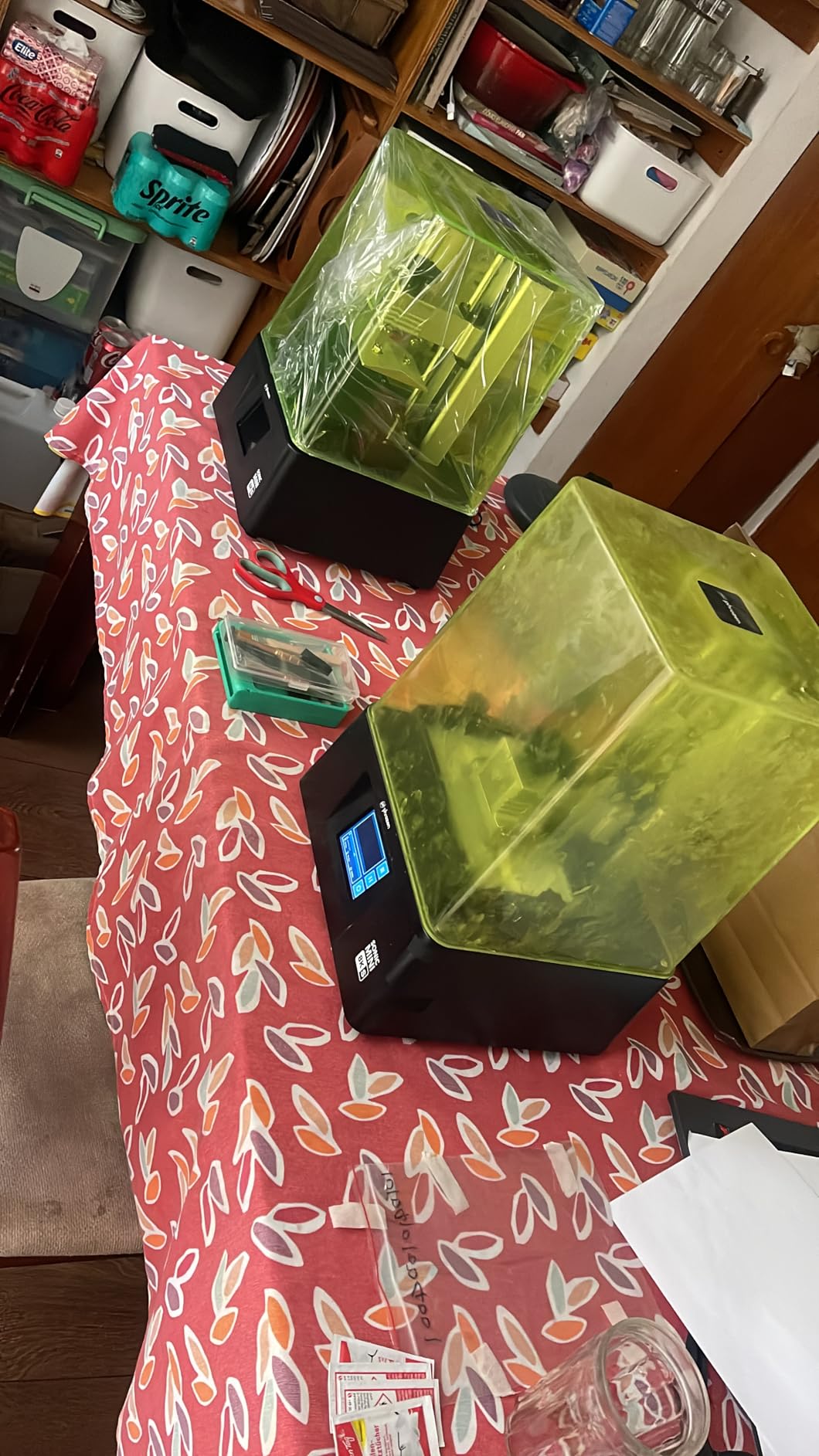
At 4.4 stars across 157 ratings it holds one of the highest average ratings in this group, which suggests the design is simply well executed rather than ambitious. Buyers like the compact desktop footprint and the fact that it is positioned as an accessible entry point, and the machine is marketed specifically at the models, miniatures and action figures this article is about.
The honest framing is that detail is no longer the selling point. An 8K panel is two generations behind the 14K and 16K machines in this roundup, and if you print mostly busts you will notice. If you print mostly rank-and-file figures and value a tidy setup, that trade is easy to accept.
Who the Sonic Mini 8K S suits
Small-space hobbyists and anyone whose printer lives in a home office or a corner of a study. The footprint is genuinely compact and it needs less clear height above the hood than larger machines, which is the constraint people actually forget when shopping for a desktop resin printer.
It is also a good second machine for a hobbyist who already owns something larger and wants a dedicated unit for quick character prints without tying up the big plate. The practical trade-off is on faces and fine details: at 22 microns it is good enough for a character model, but it will not match a 17 micron print under magnification.
Where the Sonic Mini 8K S falls short
The 16.5 x 7.2 x 17 cm print volume is the smallest here, and at 2.8 inches wide you are laying models out almost two abreast. That is fine for a party of adventurers and painful for anything resembling a company of soldiers.
Running costs deserve attention too. Phrozen release films and LCD panels are costlier to replace than some rivals, so over five years the consumable bill is higher than the purchase price suggests. There is also no heated vat, so cold rooms stay a problem.
5. Anycubic Photon Mono M7 Pro – Best Resin Printer for Fast Miniature Work
ANYCUBIC 14K Resin 3D Printer Photon Mono M7 Pro with 170mm/h High Speed
XY: 14K optics
Speed: 170 mm/h
Build: 223 x 126 x 230 mm
Vat: temperature controlled
Pros
- 170 mm/h is among the fastest speeds available on a desktop machine
- Large 223 x 126 x 230 mm build volume for its class
- Temperature-controlled vat stabilises resin in cold rooms
- Auto resin fill removes manual pouring
Cons
- Quality control reported as inconsistent between machines
- Temperature control and fast resin add setup complexity
- Airpure filter is an optional extra some find unnecessary
The M7 Pro is the fastest machine in this roundup and the one I would pick if you hate waiting. Its 14K LighTurbo 3.0 optical system uses Fresnel lenses and reflectors at three degrees or less to keep the light source flat, and it reaches 170 mm/h using Anycubic High Speed 2.0 resin at a 0.1mm layer thickness.
That speed only applies to the fast resin. For standard miniature work at 35 microns you will print nearer the 100 mm/h range, and the forum consensus is firm that 35 micron is the sweet spot for 28mm and 32mm models: more detail than 50 microns without the time penalty of 20. Judge throughput on your own layer height, not the headline number.
The build volume is a genuine step up, at 223 x 126 x 230 mm, which is roughly 8.79 x 4.96 x 9.06 inches and fits far more 32mm bases per plate than any 7-inch machine here. Combined with a temperature-controlled vat and automatic resin feeding with continuous refilling and one-key recovery, it is built for volume rather than for occasional single prints.
The recurring negative theme is variation between machines rather than design fault. Owners who receive a good unit praise the speed and detail strongly, while the 98-review base includes reports of inconsistent quality control between machines. That matters when you are buying for throughput, because a machine that sits idle for warranty service is not printing an army.
Who the Photon Mono M7 Pro suits
Hobbyists with a backlog and a tolerance for tinkering. The automatic resin fill and temperature control remove two of the three things that most often interrupt a long unattended print, which is exactly what you want when you queue forty infantry and go to work.
It also suits anyone printing in a colder space, because the heated vat is one of the reasons the fast speed stays consistent. An Airpure odour filter is included, which matters more than it sounds if the machine is anywhere near living space.
Where the Photon Mono M7 Pro falls short
Newcomers struggle with it. Temperature control plus a specific fast resin plus a large plate is three calibration variables instead of one, and the learning curve is real. If this is your first resin printer, start on a simpler machine and graduate here later.
At 25 x 25 x 28 inches it needs real shelf depth, and a bigger build volume means heavier support trees and more post-processing. The Fast 2.0 resin is also not the best choice for fine display detail, so keep conventional grey resin on hand for busts.
6. Anycubic Photon P1 14K – Best Resin Printer for Thick Resins and Multi-Material Work
ANYCUBIC Photon P1 14K Resin 3D Printer with Auto-Leveling
XY: 16.8 x 24.8um
Screen: 10.1-inch 14K
Build: large 10-inch class
Resin: to 8000 cps
Pros
- Factory-calibrated Smart Leveling 3.0 with four-corner feedback
- Wave Release cuts release force by 60 percent
- Ball screw Z-axis reduces wobble for fine detail
- Handles industrial resins up to 8000 cps viscosity
Cons
- Newer 2026 release with only 58 ratings to judge it by
- Wide 16.93 x 24.41 inch footprint for a desktop machine
- Heavy 29.7 pound chassis is awkward to reposition
The Photon P1 arrived in January 2026 and is the most interesting new release here, because it is not chasing resolution records. Its 10.1-inch 14K monochrome LCD gives an XY pixel of 16.8 x 24.8 micrometers with a minimum aperture of 0.3mm, which is a sensible number for a 10-inch plate rather than a headline figure.
What makes it stand out is Wave Release Technology, which cuts release force on the film by 60 percent. Combined with a ball screw Z-axis on precision guide rails, that is a direct answer to the two failures that kill big resin prints: supports tearing off mid-peel and Z wobble showing up as banding. Smart Leveling 3.0 is factory calibrated with four-corner pressure feedback, so levelling is a menu action rather than a physical procedure.
AI inspection monitors the resin level, the bottom layer and any residue remaining in the vat, and the machine accepts resins up to 8000 cps viscosity. That figure matters for anyone who has ever tried to print with a tough castable or fibre-filled resin and watched it clog a normal machine, and it is the reason this printer shows up in jewellery and industrial workflows as well as the hobby market.
The honest problem is evidence. With 58 ratings the average of 4.4 is encouraging but thin, and long-term reliability data simply does not exist yet for a machine released nine months ago. Treat it as the best-specified option on the list and wait a year before building a critical workflow around it.
Who the Photon P1 14K suits
Anyone who has already run a small resin printer and hit the plate-size wall while still having fine detail demands. A 10-inch plate plus 17-micron-class pixels is the combination this roundup has been missing, and it suits mixed work: infantry in batches on one night, a converted character the next.
It is also a strong pick for castable resin and casting masters, because the 8000 cps ceiling and the reduced release force make tough resins far less punishing on the film. Buyers who value low maintenance will like that levelling is calibrated at the factory.
Where the Photon P1 14K falls short
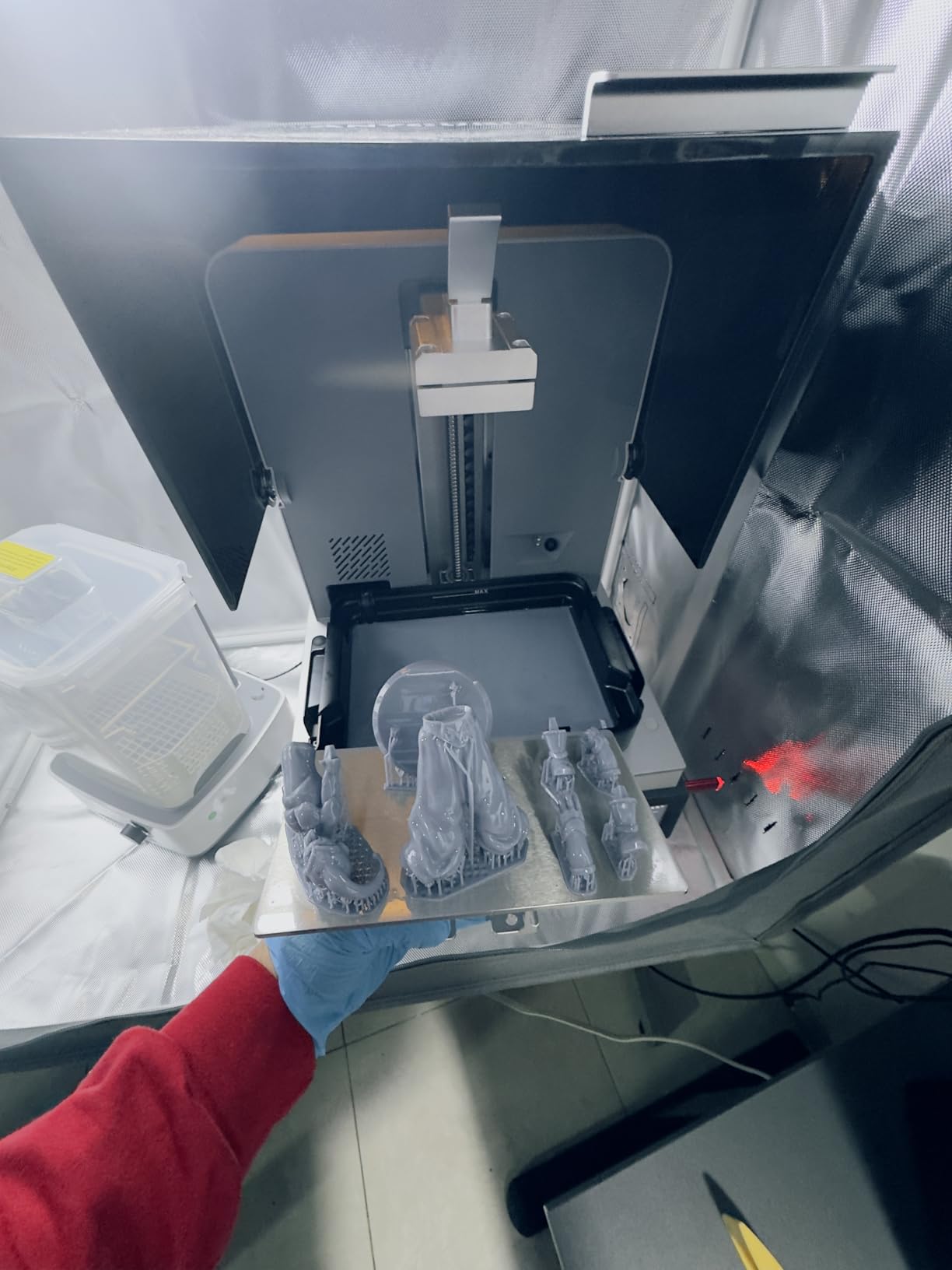
Footprint is the trade. At 16.93 x 24.41 x 16.54 inches and 29.7 pounds it occupies serious desk space, and unlike the Phrozen machines here it does not have a lift-up lid arrangement, so you need real clearance above it to open the hood.
Because the non-square pixel of 16.8 x 24.8 microns is coarser vertically than the Mono 4’s square 17 x 17, you are not getting the sharpest surface available anywhere in this roundup. You are getting a very good surface on a much larger plate, which is a different and often more valuable proposition.
7. Phrozen Sonic Mega 8K S – Best Resin Printer for Printing an Army of Miniatures
phrozen Sonic Mega 8K S LCD/MSLA Resin 3D Printer, 43 µm High Resolution, 15 inch Mono LCD Screen, Fast Production Accurate Details, Large Printing Size L12.99xW7.28xH11.81 Printing Volume
XY: 43um
Screen: 15-inch 8K mono
Volume: 33 x 18.5 x 30 cm
Speed: ACF with TR300 resin
Pros
- Prints roughly 80 one-thirty-second scale minis in about 90 minutes
- 33 x 18.5 x 30 cm build volume for batch production
- ACF film with TR300 resin shortens print times dramatically
- Built-in metal drip hanger recovers resin and tidies the bench
Cons
- 43 micron XY resolution is visibly softer on intricate models
- No auto-leveling camera or Wi-Fi and levelling is manual
- Reports of main board ribbon cable and power supply failures
The Sonic Mega 8K S exists for one reason: volume. Its 15-inch monochrome LCD sits behind a 33 x 18.5 x 30 cm print volume, and the manufacturer quotes up to 80 one-thirty-second scale miniatures in about 90 minutes. That is a different order of magnitude from a 7-inch plate, and for army-scale production it is the difference between weeks and seasons.
The speed comes from ACF fluoropolymer release film paired with TR300 high-speed resin, which the manufacturer rates at up to ten times faster printing than a standard FEP setup. The lift-up lid design makes sense in a production space where you load and unload repeatedly, and the built-in metal drip hanger returns resin to the vat and keeps the bench dry.
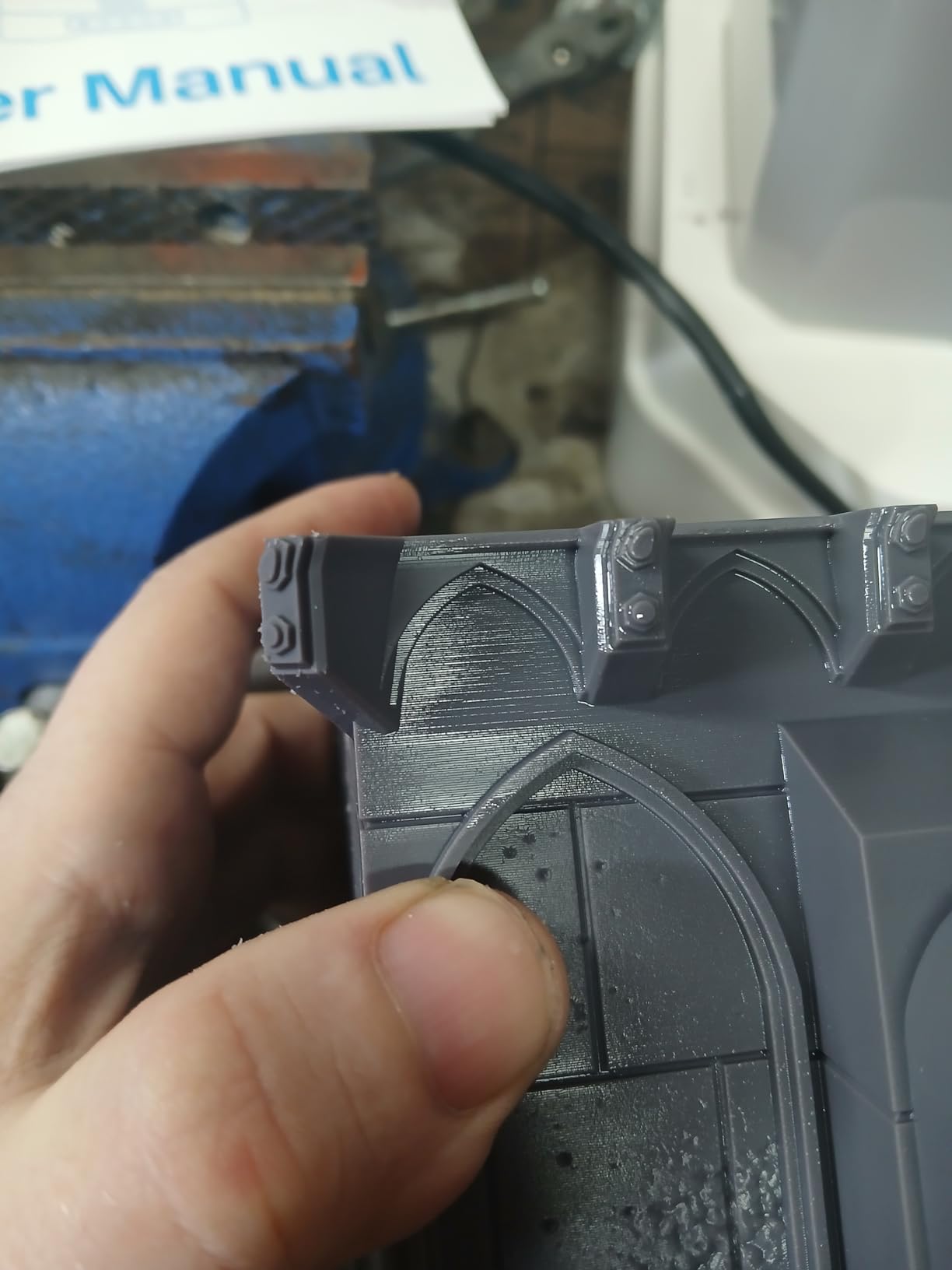
The catch is resolution. At 43 micrometers of XY pixel this is by far the softest screen in the roundup, and reviewers are explicit that fine miniature detail suffers. On a rank-and-file infantry model that is invisible. On a converted character with a hood, cloak trim and facial features it will disappoint you after a six-hour print.
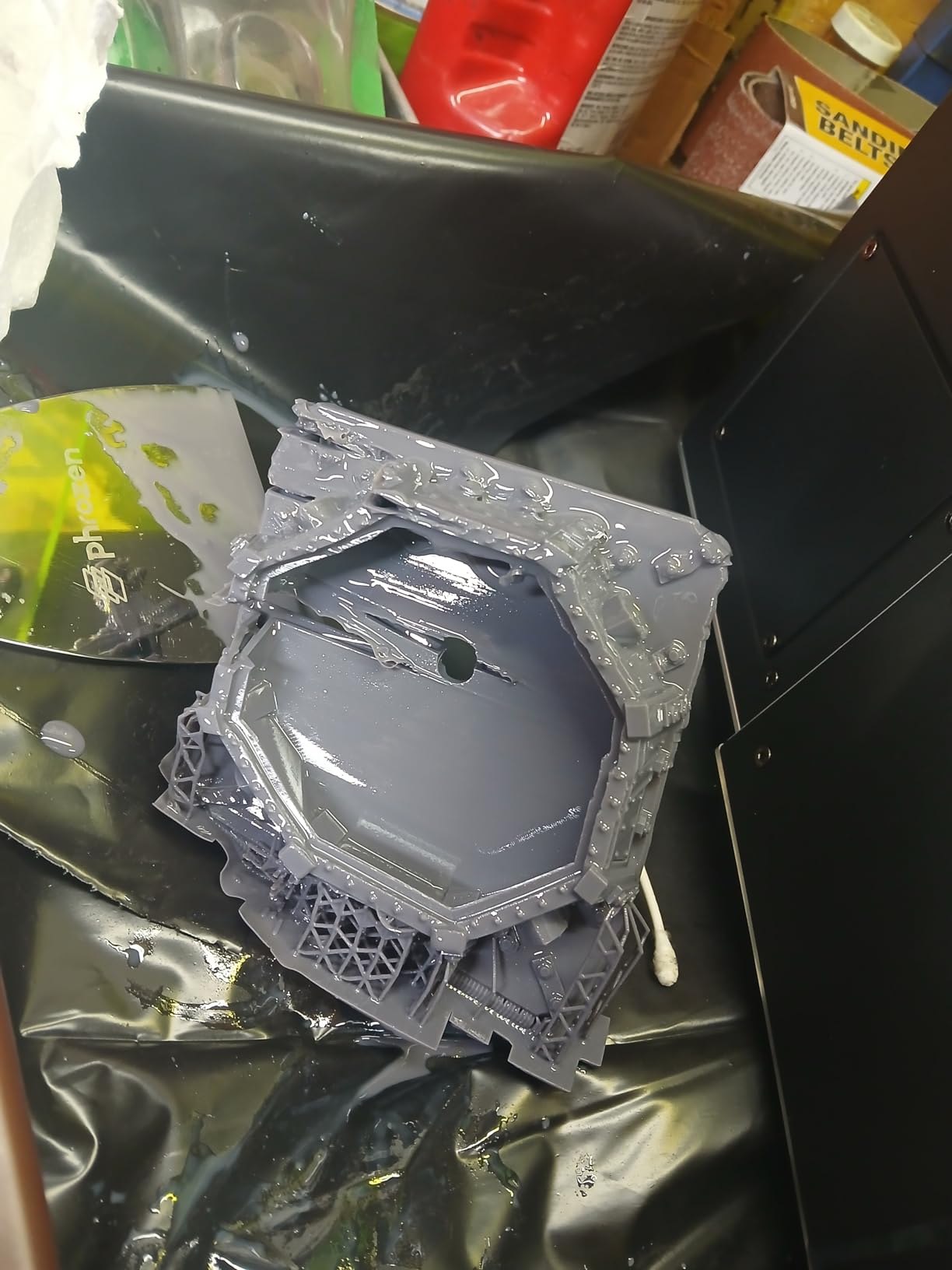
Reliability is the second concern. With a 4.0 average and 49 ratings, including a notable share of one-star reviews, the complaints cluster around component longevity: main board, transfer board, ribbon cable and power supply failures on a machine weighing 57.3 pounds. Owners also note that frequent moving is linked to component death, so plan where it lives before you uncrate it.
Who the Sonic Mega 8K S suits
Large-scale painters producing hundreds of figures a month. If you are printing proxies, massed infantry, or terrain-scale bases in volume, the throughput per square hour beats everything else here by a wide margin. Once dialed in, several owners report reliable repeat prints, which is the only metric that matters at this scale.
It is also the only sensible choice for very large single models among these eight. A 30 cm Z height handles a big monster or a multi-part bust that simply will not fit a 165 mm machine, and for hobby-scale display prints of that size you can accept softer detail on the flat faces.
Where the Sonic Mega 8K S falls short
There is no auto-leveling, no camera and no Wi-Fi. Levelling is manual, which means every time you move or re-levelling the machine you are back to a spirit level and a dial. For a first resin printer that is the single most important feature to have and it is absent here.
Running costs are also the highest in the category. ACF film and a replacement 15-inch LCD are expensive, there is no in-printer vat heater so cold rooms still cause problems, and component failures on a chassis this heavy are a genuine ownership cost rather than a rare event.
8. Elegoo Jupiter 2 – Best Resin Printer for Large Miniatures and Displays
ELEGOO Jupiter 2 Resin 3D Printer, 16K Large MSLA 3D Printing Machine, Auto-Leveling, Smart Tank Heating, Auto Resin Feeding, Smart Mechanical Sensor, Wi-Fi Cluster, Build Size 302.4 × 161.98 × 300 mm
XY: 20 x 26um
Screen: 16K mono at 15120 x 6230
Volume: 302.4 x 161.98 x 300 mm
Vat: heated to 30C
Pros
- Build volume is 2.5 times the Saturn 4 for oversized models
- 16K panel inside an enclosed light source for even exposure
- Multi-point auto-leveling with real-time feedback
- Automatic resin feeding and dual doors with a viewing window
Cons
- Lowest rated in the roundup at 3.6 with 27 percent one-star reviews
- Build plate must be unhooked rather than hinged
- Reports of screen ribbon cable and resin pump failures
The Jupiter 2 is Elegoo’s answer to the Phrozen Mega, and on paper it is the more compelling large-format machine. Its build volume is 302.4 x 161.98 x 300 mm, which the manufacturer puts at two and a half times the Saturn 4, and the 16K mono LCD at 15120 x 6230 gives 20 x 26 micron XY pixels inside an enclosed light source for uniform exposure.
Everything else is aimed at large-format practicality: multi-point auto levelling with real-time feedback, smart tank heating with a quick preheat to 30 degrees C, automatic resin feeding, dual doors with a transparent viewing window, and a 4-inch touch screen with dual-band Wi-Fi and cluster management. Owners who get a working machine praise the value against Phrozen’s large-format pricing and note that Elegoo replacement parts are competitively priced.
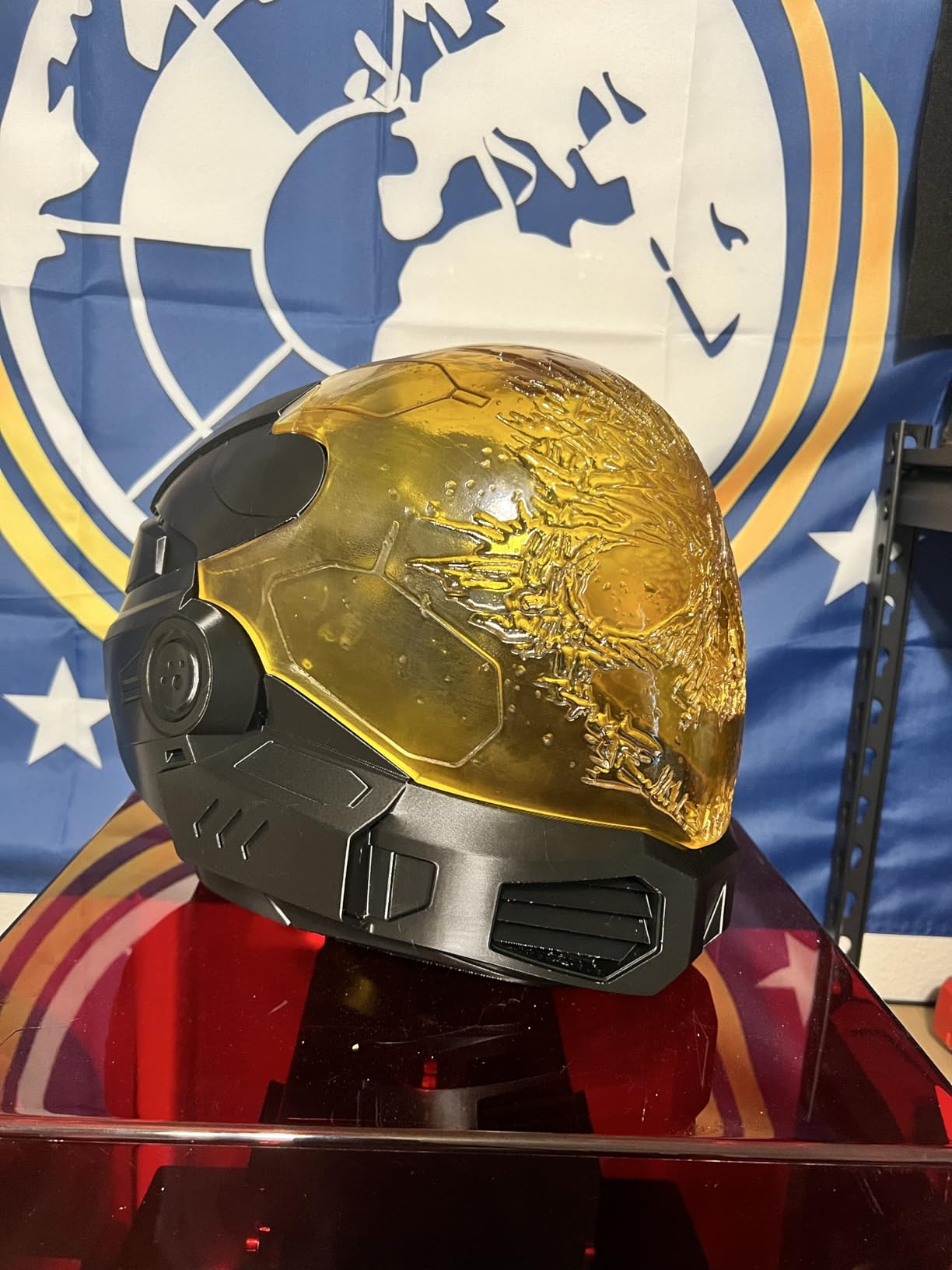
I have to be straight about the reviews though. At 3.6 stars across 82 ratings, including 27 percent one-star reviews, this is the lowest-rated machine here and opinion splits sharply. Buyers with a good unit describe the huge volume and the 16K panel as excellent. Others report screen and ribbon cable failures, auto-levelling that leaves adhesion failures on one side, and a resin level sensor and auto-fill pump that waste resin.
There is a practical issue too. The build plate must be fully unhooked rather than hinged, which is genuinely awkward on a near three-foot-tall machine, and only one third-party wash and cure station is large enough to take it. Most owners agree this is not a beginner’s printer and needs tinkering to reach consistent quality.
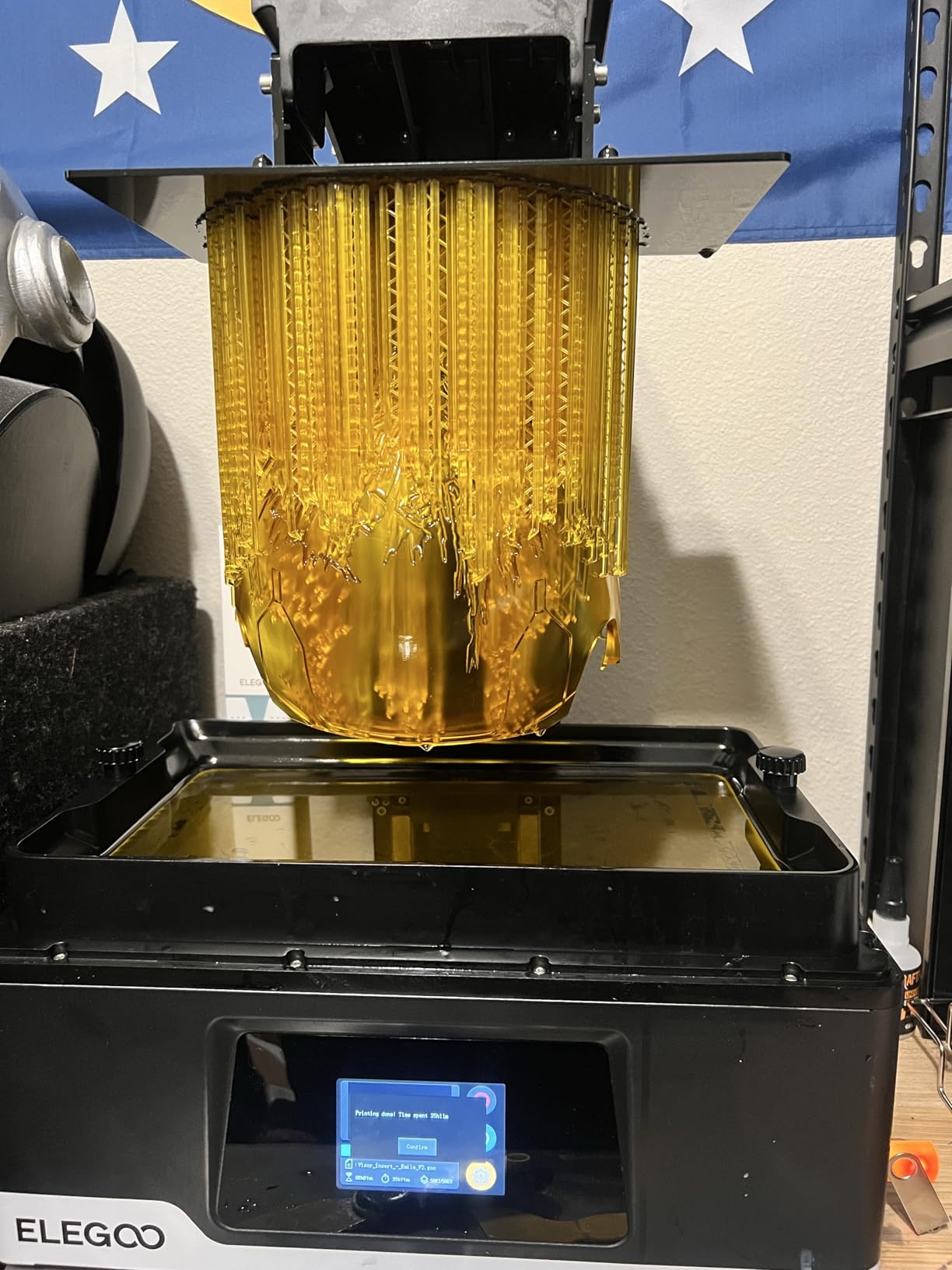
Who the Jupiter 2 suits
Hobbyists with dedicated space who print large single models: dragons, multi-part busts, diorama bases and display statues. A 300 mm Z height and a 30 cm plate width handle things that simply cannot be split across a 7-inch machine, and the heated vat plus enclosed light source help on long prints.
For a buyer who wants a large machine and prefers Elegoo’s parts availability and pricier spares, the specification is strong. Wi-Fi cluster management also makes it a plausible choice for someone running two machines in a dedicated room.
Where the Jupiter 2 falls short
The rating spread is the warning. 27 percent of its 82 ratings are one-star, which points to variation between machines rather than one shared fault, and a large-format machine that fails is not something you can work around with a smaller plate. I would want to see a full year of owner data before recommending it over a Phrozen large-format machine.
At 63.8 pounds across a 27.95 x 20.08 x 19.29 inch footprint it needs a proper stand and real floor or bench space, and the oversized wash station requirement pushes most hobby setups past what a flat allows. If you are printing armies rather than monsters, the plate area here is far more than you need and the risk is not worth it.
Resin vs FDM for Miniatures: Which One Prints Better Minis?
Resin wins on the thing painted miniatures are judged by, which is surface. Masked LCD resin cures liquid photopolymer one thin layer at a time, so a 32mm figure has layer lines that are effectively invisible and detail fine enough for chainmail, separate weapon hafts and readable facial features. FDM extrudes melted filament, and at practical layer heights of 0.15 to 0.4mm it leaves visible rings that ruin primer adhesion and shading.
That said, the FDM argument has got much stronger. Community consensus in tabletop forums is that modern filament machines are good enough for table minis if you are not chasing display quality, and the same hobbyists routinely recommend a budget filament machine for terrain while keeping resin for characters. Our broader 3D printer roundup covers that split in full.
The two-printer setup is genuinely the common answer among hobbyists who print both: resin for 28mm and 32mm figures and busts, filament for terrain, buildings and large flat pieces where impact strength and material cost matter more than detail.
The reason resin printing feels harder than it looks is post-processing. Every print needs supports removed, washing in isopropyl alcohol, curing, and hollowing if you want a usable weight. Budget for a wash and cure station and a proper ventilated bench before you buy the printer, because that is where the real friction sits.
What to Look for When Buying a Resin Miniature Printer
XY resolution beats the 8K, 12K and 16K marketing number
Panel resolution and print resolution are different things, which is where the confusion starts. To work out real XY pixel size, divide the screen’s physical diagonal in millimetres by its pixel count along that diagonal. The 7-inch Mono 4 at 9024 x 5120 lands on 17 x 17 micrometers. A 9-inch 16K panel on a machine with fewer pixels along one axis can easily land on 26 micrometers, which is worse.
So compare microns, not K numbers, and treat 17 micrometers or below as the threshold where miniatures start looking sharp without any post-processing. Above about 25 micrometers you will see softening on faces and fine cloth even if the marketing number is enormous. The 43-micrometer Phrozen Mega is the clearest example in this roundup of a big screen delivering soft pixels.
Build volume is about batch size, not footprint
A 153 x 87 mm plate holds a comfortable squad of 32mm figures on standard footers. A 223 x 126 mm plate roughly doubles that. The 302 x 162 mm Jupiter plate holds a small company, and the 330 x 185 mm Phrozen plate is where army production becomes a weekend activity rather than a month-long project.
Count with real bases, not bare models. A 32mm miniature on a 25mm round footer needs roughly 28mm of plate space each, so six across a 165 mm width works, and the same six fits in a fraction of the length. Bigger plates also mean heavier support trees and longer washing times, so throughput does not scale perfectly with area.
Screen longevity and the real running cost
Monochrome LCD masks are typically rated around 2000 on-hours, and a replacement panel is the biggest hidden cost in this hobby. Combined with resin, nitrile gloves, IPA and a replacement activated carbon filter, the first-year running cost is a meaningful fraction of the printer. That is the number we compare across every roundup, and it changes rankings more often than buyers expect.
Levelling, filtration and heated vats
Self-levelling matters more than any other automation feature for a first machine, because a failed bottom layer costs the whole night. Camera monitoring and residue detection are nice but secondary. A heated vat is the feature that makes cold rooms and long prints survivable. Activated carbon filtration is not optional if the machine lives anywhere near where you sleep, so check whether a filter is included.
How Many Miniatures Can You Really Print in One Night?
This is the question forum buyers ask most and no competitor answers with numbers, so here is the model. A 32mm miniature on a standard footer printed at 35 microns is roughly 800 to 1,100 layers tall. Once you add peel and lift time at a realistic setting, a single 32mm model typically occupies two to four hours of machine time on a tilt-release printer and four to six on a fixed-film one.
That gives four usable printing hours in a typical evening session. On a 7-inch plate running six figures, you are looking at roughly three to six completed miniatures per evening, and the rest finishing overnight. On a 10-inch plate the count scales with area, so around eight to twelve. The Phrozen Mega’s quoted 80 one-thirty-second figures in 90 minutes is production-scale throughput well beyond a hobby evening, and it is the reason that machine is a workshop tool rather than a desk companion.
Run the arithmetic on your actual project. A 50-model unit on a 7-inch plate at five models an evening is ten evenings plus curing and washing. The same 50 models on a 10-inch plate at ten an evening is five. That is the whole reason plate size beats resolution when you have a queue.
One more variable worth mentioning: 35 microns is the layer height the hobby community treats as the sweet spot for miniatures, giving more detail than 50 without the time penalty of 20. Printing at 20 microns on a large plate is beautiful on a bust and a mistake on an infantry block.
Print Problems and How to Fix Them
The model will not stick to the build plate. By far the most common failure. Clean the plate with IPA, roughen it if it is glass, raise bottom exposure in 2-second steps until the base cures through, and confirm levelling is genuinely flat. Cold rooms make this dramatically worse, which is exactly what a heated vat fixes.
Layers separating partway up the model. Usually resin viscosity or insufficient mid-layer exposure. Warm the room or the vat, add 2 to 3 seconds to mid-layer exposure, and slow the lift. On a large plate, add more supports around the widest overhang of each section.
A hollow miniature sits down on its supports. Cured resin generates suction. Hollow models need drainage holes at the lowest point and at the feet, otherwise the trapped air holds the print flat against the plate until it rips.
Cloudy or chalky surfaces. Under-cured. Check that you are washing fully and curing long enough, and that your cured resin is not past its shelf life. A second cure session of ten minutes fixes most of it.
Fine detail looks blurred. Two causes. Either the release film has clouded from use and needs replacing, or you are printing coarser layers than you think. Check the film after a drum test for tension, and confirm your layer height in the slicer preview.
Safety, Ventilation and Maintenance
Uncured resin gives off volatile organic compounds, and the honest version is that resin printing belongs in a ventilated space, not a sealed bedroom. That means a window opening or an activated carbon filter exhausting outdoors, and never leaving a print running in an unventilated room you sleep in.
Wear nitrile gloves. Latex degrades quickly on contact with resin and will be destroyed by the first spill. Nitrile holds up for far longer. Wash prints in isopropyl alcohol in a separate container from your cleaning supplies, and keep resin storage bottles sealed and away from heat.
Keep the room between 20 and 25 degrees C if you have no heated vat. Resin viscosity climbs sharply below that and you will fight layer separation for every print. Ventilation matters more here than in a warm room, because heat and fumes both come from the same machine.
For maintenance, wipe the vat and plate after every print, check the release film tension on installation, and expect to replace the film and the carbon filter on a schedule rather than in an emergency. Clean the LCD with a soft lint-free cloth and never scratch the surface.
What We Would Skip and Why
Colour LCD screens. There is no hobby benefit for unpainted resin, a colour mask delivers less light energy per exposure, and it shortens mask life. Every machine in this roundup uses monochrome, and we would not buy a new colour-screen printer for miniatures at any budget.
Previous-generation high-resolution panels. Owners consistently report that the resolution difference between current machines matters far less than expected, and that print quality is governed by support placement, orientation and exposure calibration far more than by model. Buying a superseded panel to save money is defensible value; buying a superseded panel believing it will print better is not.
Aggressive speed modes with matched fast resin on fine models. Fast resins can cure brittle and the aggressive settings that unlock 170 mm/h are the wrong choice for a character model. Match the resin to the job rather than the job to the advertised speed.
Machines with manual levelling as your first resin printer, regardless of their specification. The Phrozen Sonic Mega and any similar large-format manual machine is an excellent second or production printer. It is a frustrating place to start.
Frequently Asked Questions
Which 3D printer is best for resin miniatures?
The Anycubic Photon Mono 4 is the best resin 3D printer for miniatures for most hobbyists in 2026. Its 17 x 17 micrometer XY pixels on a 7-inch 10K mono LCD produce sharp 28mm and 32mm figures, it self-levels in one action, and it has the deepest owner review base of any current-generation machine. Choose a larger plate only if you are printing an army rather than a character.
Are resin printers better for miniatures than FDM printers?
Yes, for figures judged on surface finish. Resin cures one thin layer at a time, so layer lines are effectively invisible and detail fine enough for chainmail and faces survives, while FDM at practical layer heights leaves visible rings that ruin primer and shading. FDM still wins for terrain and large flat pieces, which is why many hobbyists run both machines.
Which resin printer is better, Anycubic or Elegoo?
It depends on the model rather than the brand. Anycubic generally leads on pixel density per unit of screen area and speed, with the Photon Mono 4 at 17 microns and the M7 Pro at 170 mm/h. Elegoo leads on automation and heated vats, with the Saturn 4 Ultra 16K holding resin at 30 degrees C. Parts availability, slicer profiles and resale value are comparable across both.
What is the best resin 3D printer for beginners in 2026?
Weight automation over raw resolution. The Anycubic Photon Mono 4 and the Elegoo Mars 5 Ultra both self-level, both run 7-inch monochrome panels, and both have large owner communities for profile help. The beginner failure mode is calibration and levelling, not pixel size, so a machine that handles those for you matters more than one with a marginally finer XY pixel.
How many miniatures can I print in one night?
On a 7-inch plate at 35 micron layer height, expect roughly three to six completed 32mm miniatures in a four-hour evening session, with more finishing overnight, and around eight to twelve on a 10-inch plate. A 32mm model is roughly 800 to 1,100 layers, so two to four hours each on a tilt-release printer and longer on a fixed-film machine.
Is resin printing safe to use at home?
Resin gives off volatile organic compounds, so print in a ventilated space with a window open or an activated carbon filter exhausting outdoors. Wear nitrile gloves, because latex breaks down on contact with resin. Never run a print in a sealed room you sleep in, and keep the room between 20 and 25 degrees C unless your machine has a heated vat.
Which Resin 3D Printer Should You Actually Buy?
Buy the Anycubic Photon Mono 4 if this is your first resin printer and you print characters and small squads. It has the sharpest pixels in this roundup at 17 x 17 microns, it self-levels in one action, it is quiet and compact, and 667 owners have already documented the fixes for its rough edges.
Buy the Elegoo Mars 5 Ultra if a queue of models is the problem rather than a lack of detail. Tilt release at 150 mm/h and AI failure detection mean a full plate of infantry lands while you sleep, and 18 microns is more than a 32mm figure needs.
Buy the Elegoo Saturn 4 Ultra 16K if detail per pixel is the entire point. The 16K panel is the sharpest here, the 30 degree C heated vat cuts failure rates on long prints, and the built-in chamber light means you can check a job at midnight without lighting up the room.
Buy the Anycubic Photon P1 if you have outgrown a 7-inch plate but still want fine detail, and the Phrozen Sonic Mega 8K S only if you are printing an army and can accept 43 micron pixels in exchange for 80 models in 90 minutes. Our general resin printer roundup covers the wider category if your needs fall outside this list.
Whichever you choose, buy a wash and cure station at the same time, plan your ventilation before the machine arrives, and print your first test at 35 microns. That last habit explains more print quality than any resolution number on this page.