
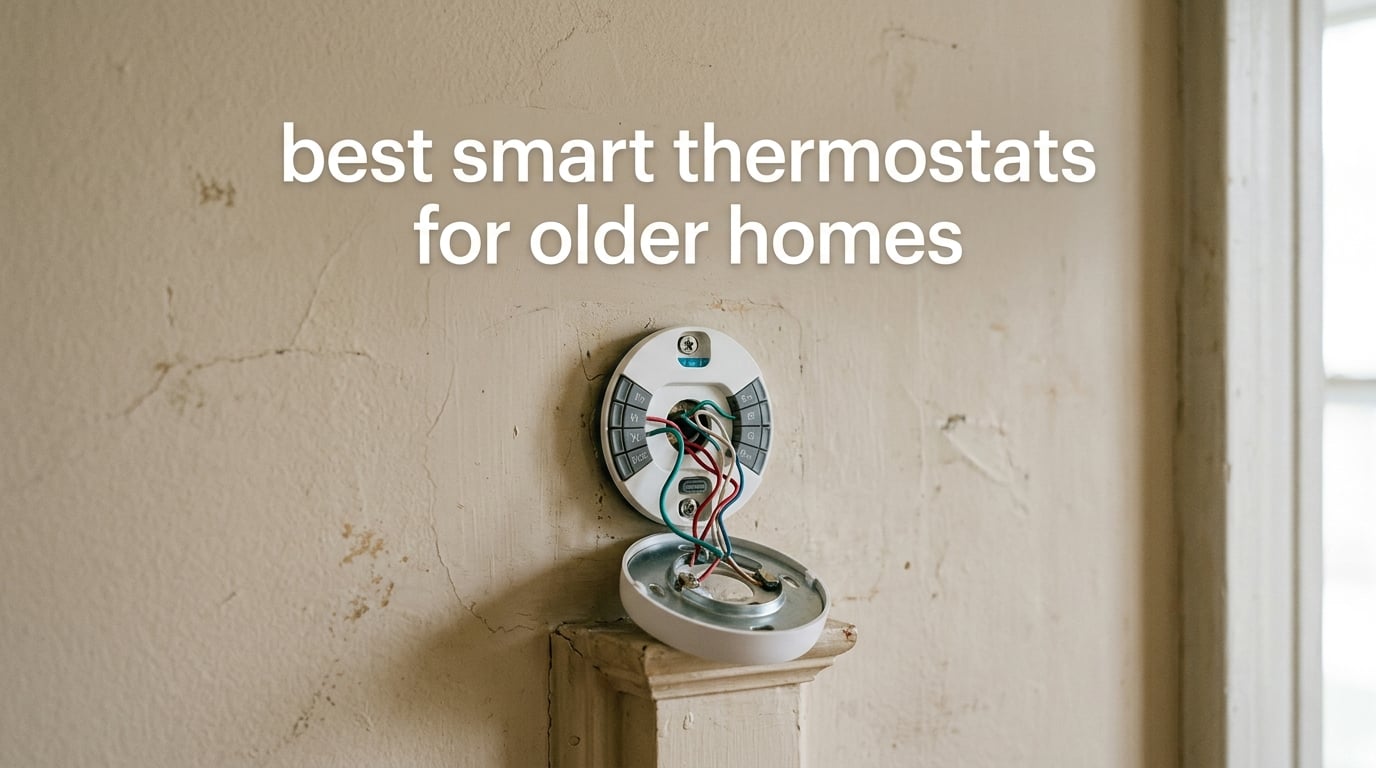
The best smart thermostat for an older home is one that works with the wiring you already have. Most homes built before the 1990s run a 24V low-voltage system and have no C-wire, the continuous power line that newer thermostats expect, which is why so many upgrades stall at the wall. We went through ten Wi-Fi thermostats that handle legacy wiring, from 2-wire heat-only boiler setups to retrofitted multi-stage furnaces, and ranked them on what actually matters in an older house: whether the install needs an electrician, whether the equipment still works afterward, and whether the app is usable by everyone in the house.
Heating and cooling is typically the largest line on a household energy bill, and a smart thermostat that trims unnecessary runtime is the easiest upgrade in the category. ENERGY STAR certified models are commonly cited at savings of roughly 8-15% depending on how you set the schedule, and the manufacturer’s own claims on the models below range from about 23% to 31% when the learning features are actually enabled. The wiring is the deciding factor, not the software, so that is where we spent the most of our research.
If you want a broader look first, our picks for the best smart thermostats overall and our guide to the best smart thermostats for saving energy cover the newer-build side of the market. This roundup is scoped to the retrofit problem specifically.
Table of Contents
Top 3 Best Smart Thermostats for Older Homes in 2026

Sensi ST55
- C-wire not required in most applications
- Battery powered
- Built-in level
- 3 year warranty

ecobee Smart Thermostat Enhanced
- Power Extender Kit included
- Occupancy sensing
- Trim plate in box
- 3 year warranty

Sensi Lite ST25
- Battery or C-wire power
- Large readable display
- App wire pre-check
- 3 year warranty
All 10 Smart Thermostats for Older Homes Compared in 2026
C-wire status is the first column that matters when you are shopping for a home built before 1990. Everything else follows from it.
| Product | Specifications | Action |
|---|---|---|
| Sensi ST55 |
|
Check Latest Price |
 Amazon Smart Thermostat Amazon Smart Thermostat |
|
Check Latest Price |
 Google Nest Thermostat Google Nest Thermostat |
|
Check Latest Price |
 Honeywell RTH9600WF Smart Color Honeywell RTH9600WF Smart Color |
|
Check Latest Price |
| ecobee Smart Thermostat Enhanced |
|
Check Latest Price |
 Honeywell Lyric T6 Pro Honeywell Lyric T6 Pro |
|
Check Latest Price |
 ecobee Smart Thermostat Essential ecobee Smart Thermostat Essential |
|
Check Latest Price |
| Sensi Lite ST25 |
|
Check Latest Price |
 Honeywell Home T9 WiFi Honeywell Home T9 WiFi |
|
Check Latest Price |
 Google Nest Learning Thermostat 4th gen Google Nest Learning Thermostat 4th gen |
|
Check Latest Price |
1. Sensi ST55 Smart Thermostat – The Drop-In for Legacy Wiring
Sensi Smart Thermostat, Wi-Fi, DIY, Alexa, Energy Star Certified, ST55
24V AC
C-wire not required in most applications
2 AA batteries included
3 year warranty
Pros
- Installs in roughly 10-15 minutes with a built-in level
- Works on two-wire boiler and baseboard systems with no C-wire
- Same footprint as a traditional dial so no wall patching
- Per-day custom schedules plus heat-only and cool-only programs
- Displays humidity on the unit and in the app
Cons
- Alert thresholds for temperature and humidity are not adjustable in the app
- Boiler systems can take 20-25 seconds to respond to a setpoint change
- Wi-Fi pairing can be finicky on some mesh routers
For our money this is the single safest upgrade in a pre-1990 house, and it earned the top slot for a simple reason: it is the least-friction swap we found. It runs on two AA batteries, so it does not need constant power from the wall, and the manufacturer states the C-wire is not required in most applications. Owners with 1960s-era and boiler heating systems report replacing legacy thermostats without calling an electrician.
The install is genuinely quick. A built-in level on the backing plate means you can get it straight without a second trip for a spirit level, and the app walks through each step. Dimensions of 1 inch deep by 5.88 inches wide by 3.75 inches tall match the footprint of a traditional thermostat, so the swap leaves no hole to patch and no paint to touch up.
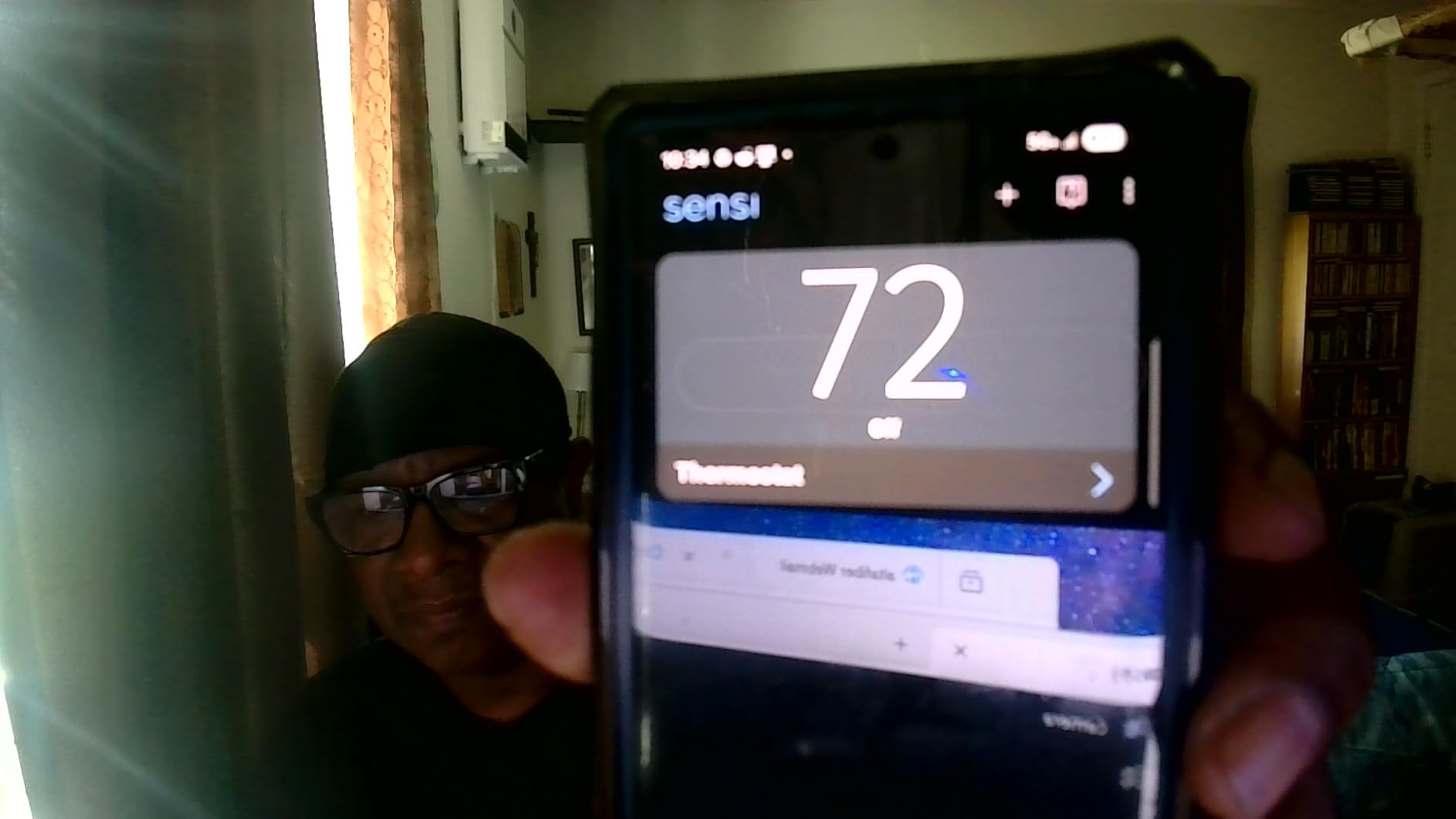
Where the older equipment shapes your experience is response time. On boiler systems, this unit can take 20-25 seconds to react after you raise the setpoint. That is not a fault; it is the valve and the boiler, not the thermostat. It just means the on-screen temperature lags the actual room temperature for a while after a change.
The app is where this model pulls ahead of cheaper units. Scheduling allows per-day custom programs, and you can run heat-only or cool-only programs, which matters if your older system has a furnace with no air conditioning attached. Reviewers consistently single out that flexibility, and the rating distribution backs the enthusiasm, with 75% of reviews at five stars.
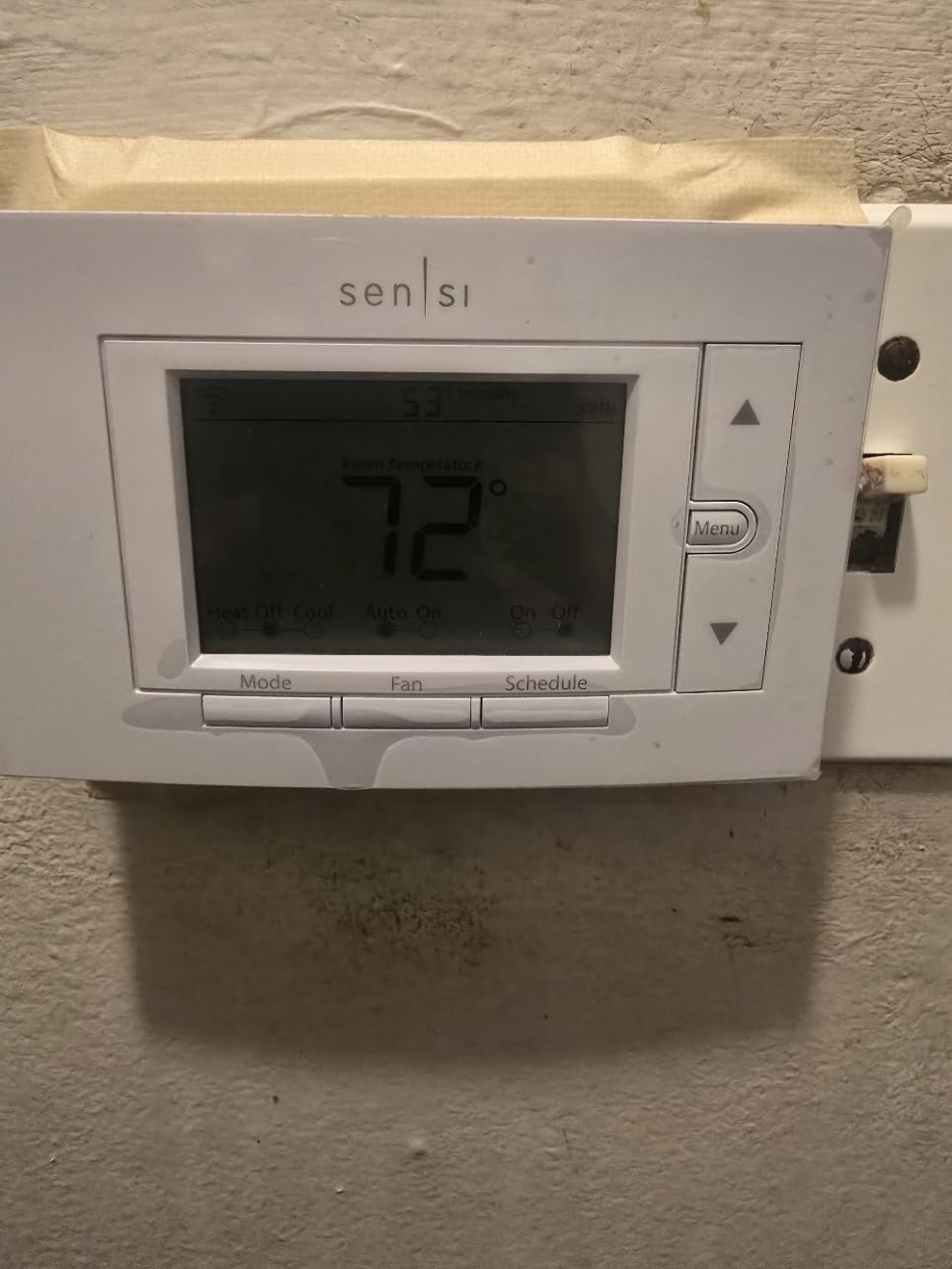
What to check before you order the ST55
Confirm your system is 24V low-voltage. If your heat is electric baseboard at 120V or 240V, this unit is the wrong category entirely and you need a line-voltage model. The unit itself is 24 volts of alternating current, so a gas or oil furnace, a boiler, or a standard forced-air system is what you want.
Check that your old dial has a heating cycle you actually want replaced. The ST55 fits the same physical footprint, but the wiring terminals behind it still differ by era. Two-wire and four-wire heat-only systems are both within scope here, which is why this is our pick for older homes.
Where the ST55 falls short
The alert settings are the weak spot. High and low temperature and humidity thresholds are not adjustable in the app, so if you rely on freeze alerts for a vacant older property, you are stuck with fixed values. That is a real limitation for anyone monitoring a cabin or a house between tenants.
Wi-Fi pairing is the second friction point. Some owners report trouble registering the unit on 2.4 GHz and 5 GHz mesh networks, and a few had the initial app registration fail and leave the panel locked. Both are setup issues rather than ongoing failures, but they are annoying when you are standing at the wall with a ladder in the room.
2. Amazon Smart Thermostat – Set It and Forget It With Alexa
Amazon Smart Thermostat, Save money and energy, Works with Alexa and Ring, C-wire required
C-wire required
24V low-voltage
Alexa controlled
Honeywell Home hardware
Pros
- Alexa app walks through installation step by step
- Home away and sleep schedules plus automatic Alexa control
- Comfort zones from select Alexa devices with presence detection
- On-the-go monitoring in the Alexa app
- Email points to local energy provider thermostat rebates
Cons
- C-wire required so two-wire systems need an adapter or extra work
- Loss of power can leave the unit unconfigured
- Less capable app than competing ecosystems
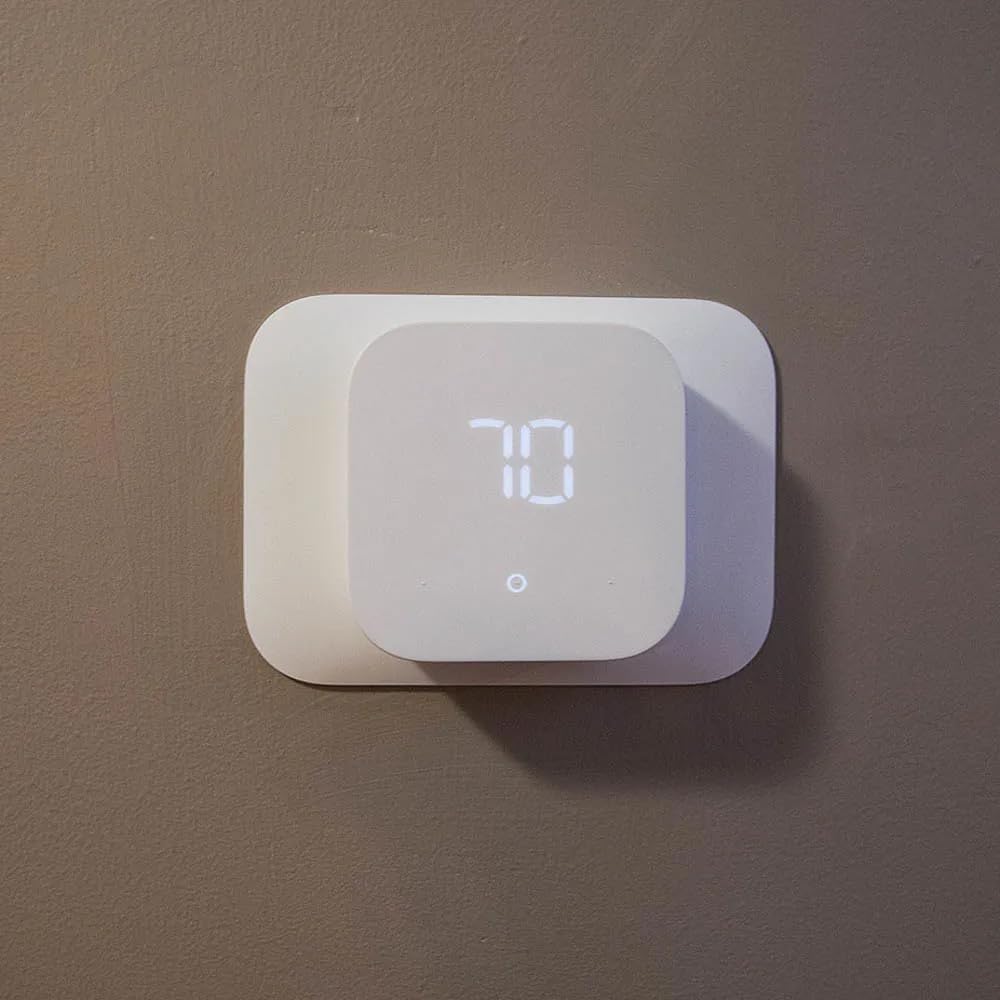
This is the pick when a C-wire is already present and the household lives in the Amazon ecosystem. It is built on Honeywell Home thermostat technology, and it covers air conditioners, boilers, furnaces, and heat pumps. The Alexa app handles installation step by step, which shortens the learning curve for first-time installers.
The automation side is the reason to choose it. You get home, away, and sleep schedules, or you can let Alexa adjust the temperature automatically, and comfort zones can be built from select Alexa devices using presence detection. For a household already running Ring cameras and Alexa speakers, that is a smaller learning curve than introducing a new app.
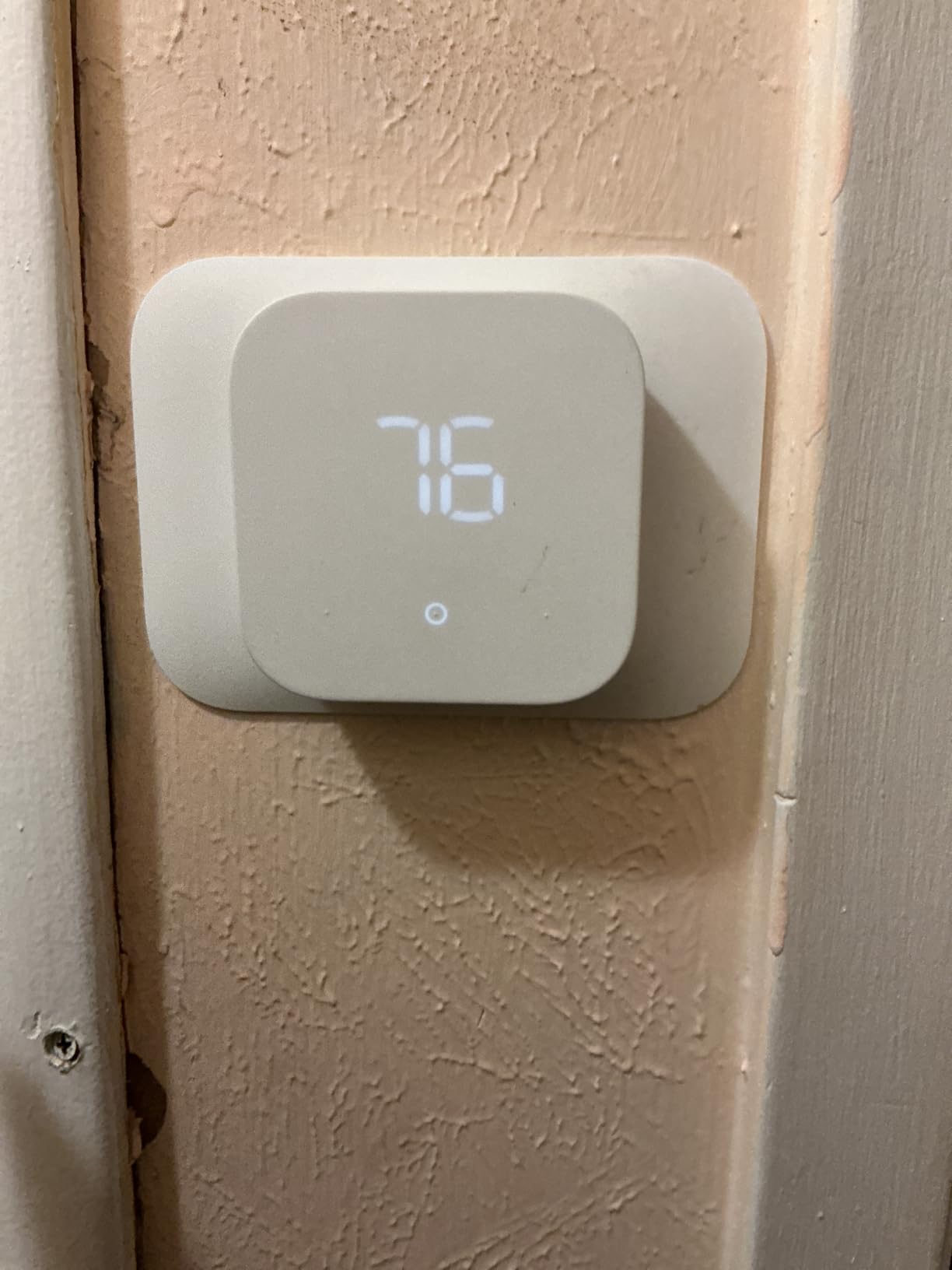
It also sends an email with details on home thermostat rebates from local energy providers, which is a genuinely useful nudge if your utility runs an ENERGY STAR program. The unit is ENERGY STAR certified, and the EPA estimate cited in the listing puts average annual savings at about 90 dollars for certified thermostats. Your actual result depends entirely on your schedule and your climate.
The rating distribution is the most polarized in this roundup, with 62% five stars and 14% one star. The one-star cluster is not about the hardware, it is about power. Because the C-wire is required for power, a wiring setback in an older house leaves you with a wall-mounted screen that cannot be configured.
What to check before you order
Count your wires first. If your existing thermostat has no C terminal, this unit is a poor fit for a retrofit and we would steer you toward the ST55 or the ecobee Enhanced instead. An adapter kit can bridge the gap, but then you are buying a second thing and running extra wire, which is the whole problem you were trying to avoid.
Also confirm the app situation. Everything beyond the physical display happens in the Alexa app, so if anyone in the house does not have an Alexa device, that is a friction point on day one. Variants come as a one-pack or two-pack of thermostat only.
Where it falls short
There is no battery fallback. If power is lost or the install has a wiring error, the unit can sit unconfigured, and the listed rating distribution shows a 14% one-star share, the highest in this group. Reviewers also describe the app experience as thinner than competing thermostat ecosystems, with less control over schedules.
Finally, this is a low-feature thermostat by design. It does not learn your routine, it has no room sensors, and it has no touchscreen. That is a fair trade for simplicity, but it is not the answer if you want occupancy sensing or whole-home balancing.
3. Google Nest Thermostat – Discreet Design With Power Stealing
Google Nest Thermostat – Smart Thermostat for Home – Programmable Wifi Thermostat – Charcoal
Battery powered
2 A batteries included
1.21 by 3.3 by 3.3 inches
1 year warranty
Pros
- Works without a C wire in many homes
- Unobtrusive charcoal design for hallway walls
- Automatic Eco setback driven by occupancy and phone location
- Google Home app makes schedules and remote edits intuitive
- Measures 1.21 inch deep and weighs 4.96 ounces
Cons
- Swipe-and-tap ring is confusing for older adults and less tech-savvy users
- No printed installation directions in the box
- Internet outages cause erratic behavior
- US-only hardware
The Nest Thermostat is the most physically unobtrusive option here. At 3.3 inches square and 1.21 inches deep, with a charcoal ring and a small 2 inch LCD, it disappears on an older hallway wall in a way a color touchscreen cannot. Reviewers upgrading from 1980s dial thermostats report roughly 30-minute installs for a confident DIYer.
On power, the honest answer is that it works without a C wire in most homes, and Google publishes a Nest Compatibility Checker you can run before buying. One detail that helps in legacy homes: the unused green wire on many older furnace boards is an easy power source, and several owners in this roundup report using it.

There is a real caveat. Heating-only, cooling-only, zone-controlled, and heat pump systems need a C-wire or a compatible power accessory. That list covers an enormous share of pre-1990 homes, so the no-C-wire marketing is narrower than it sounds. Check the compatibility checker before ordering.
Day-to-day behavior is where Nest earns its reputation. Automatic Eco setback fires when nobody is home, driven by the occupancy sensor and your phone location, and Savings Finder suggests schedule tweaks and checks for provider rebates. Display and humidity readings prove accurate once the initial calibration settles.

What to check before you order
Run the Nest Compatibility Checker online first. It takes about a minute and it settles the C-wire question before the box arrives. Pay particular attention to the exclusions listed above, because a heat-only system in an older home is exactly the case where the C-wire question becomes a hard stop.
Check the wall space too. The Nest is a small round unit, and if your old thermostat was a larger square plate you will have a visible gap. The 4th generation model includes an optional faceplate to cover an old mark; this one does not. Plan on a small cosmetic fix or a paint touch-up.
Where it falls short
The swipe-and-tap ring is the most cited weakness. Reviewers call it confusing for older adults and anyone less tech-savvy, and for aging-in-place households that matters. The minimalist interface also means common changes like switching between heat and cool, or holding a temperature, take more steps than on a button-based rival.
There is no printed installation documentation in the box, which pushes setup to online guides. Dependence on a stable internet connection is real: outages cause erratic behavior, and a one-star cluster describes persistent error codes with offline status in the app. The warranty is one year, the shortest in this roundup, and the hardware is US-only, so it will not work on UK or EU heating systems.
4. Honeywell RTH9600WF Smart Color – The Readable Screen
Honeywell Home RTH9600WF Smart Color Thermostat ENERGY STAR Wi-Fi Programmable Touchscreen Alexa Ready – C-Wire Required
Color high-definition screen
C-wire or power adapter required
2 year limited warranty
4.75 by 3.5 inch face
Pros
- Customizable color screen with large legible comfort information
- Shows indoor and outdoor temperature humidity and a daily forecast
- Works with Alexa Google Assistant Cortana and IFTTT
- ENERGY STAR certified with utility rebate enrollment support
- Fits the standard wall plate footprint
Cons
- C-wire or a separate power adapter is required
- Heating-only oil furnace systems will not work without a C-wire
- Not compatible with 120-240V electric baseboard heat
If the household includes someone who squints at a thermostat, this is the screen to look at. The customizable color high-definition display is the largest physical face in this roundup at 4.75 inches wide by 3.5 inches tall, and the home screen shows indoor and outdoor temperature, humidity, and a daily weather forecast on the unit rather than in an app.
Compatibility is broad on the equipment side. It handles forced air running on gas, oil, or electric, plus hot water and steam systems, and heat pumps with electric backup. That covers a lot of the heating types found in homes built before 1990, including the steam setups that disqualify most of the other units here.
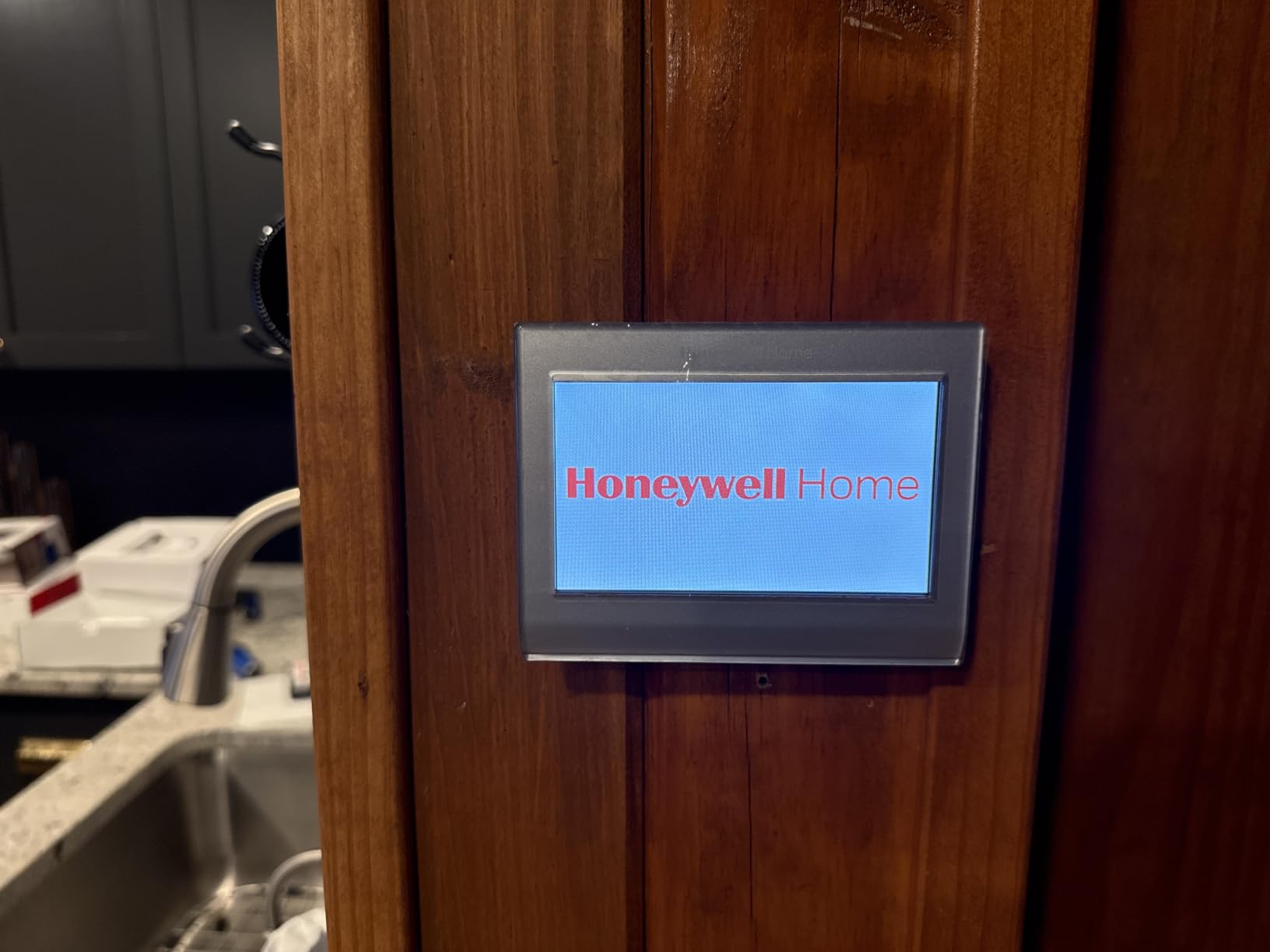
Voice and app control go through the full range: the manufacturer app, Amazon Alexa, Google Assistant, Microsoft Cortana, and IFTTT. It is also ENERGY STAR certified, and the unit itself surfaces utility rebate and incentive enrollment support, which saves you the search.
The catch is power. A C-wire or a separate C-wire power adapter is required, and this is the single biggest reason homeowners in older houses return this unit. It is a straightforward swap only once a C-wire is present, and the fit is otherwise clean because it uses the standard wall plate footprint.
What to check before you order
Ask two questions at the same time: do you have a C-wire, and can you get one if not. If the answer to the second is no, this is the wrong pick. A power adapter is the quick fix and it is inexpensive, but on genuinely old wiring the adapter route can turn into a return trip to the hardware store mid-install.
Rule out line-voltage heat. This unit is not for 120-240V electric baseboard, and a heating-only oil furnace will not work unless a C-wire is already present. Both exclusions are stated in the product documentation, not inferred.
Where it falls short
Beyond the power requirement, the real limitation is a shallower feature set than its screen implies. There is no room sensor support and no occupancy sensing, so the thermostat still reads the temperature at the wall, which in a drafty older house may not represent the rooms you live in. The 11.2 ounce weight and 1 year AAA battery requirement are unremarkable, and the two-year limited warranty is shorter than the three-year coverage on the Sensi and ecobee units here.
It is also one of the more expensive picks in the group, which is hard to justify when a comparable Honeywell unit below ships with a power adapter in the box.
5. ecobee Smart Thermostat Enhanced – The Bundle That Covers a Missing C-Wire
ecobee Smart Thermostat Enhanced, Programmable Wifi Thermostat
Power Extender Kit included
Compatible with 90% of systems
3 year manufacturer warranty
4 inch display
Pros
- Power Extender Kit in the box covers C-wire-free installs on 24V systems
- Trim plate gives a clean finish over the old thermostat footprint
- Built-in occupancy sensing preheats and precools
- Works with boilers furnaces and heat pumps
- Polished app with schedule and system activity views
Cons
- SmartSensors sold separately for whole-home balancing
- Higher cost than entry-level smart thermostats
- Heavier unit at nearly a pound
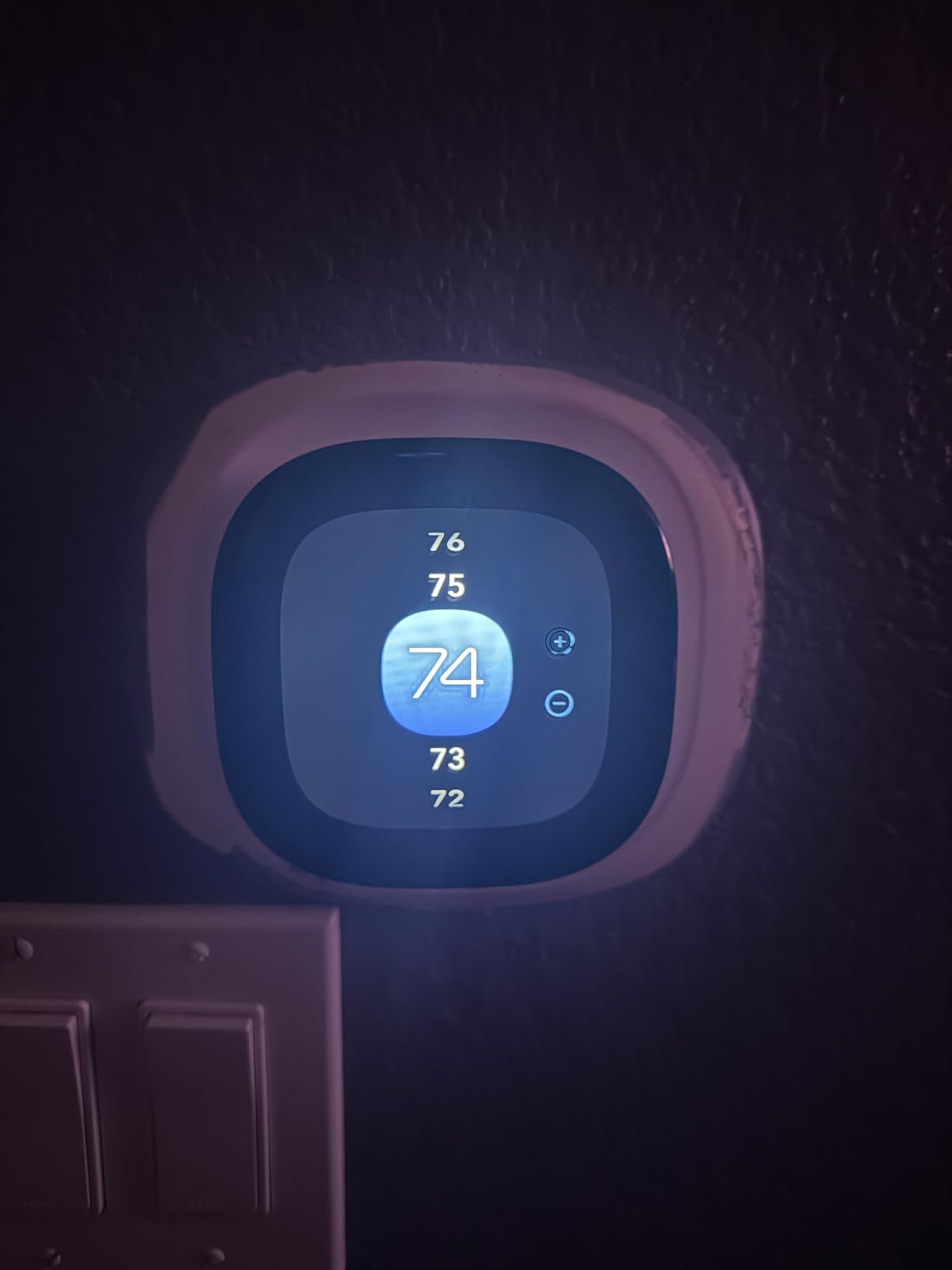
The deciding factor for this pick is what arrives in the box. ecobee includes the Power Extender Kit, which is the C-wire substitute that lets a hardwired smart thermostat draw power on a 24V system without a common wire. Buyers single that bundle out as the reason they chose it for a retrofit. A trim plate is also included, so the unit covers the footprint of the old thermostat cleanly.
It also has the most capable hardware feature set in this roundup. Built-in occupancy sensing detects when people are home and preheats or precools before arrival, so the house is not being heated for an empty room. That behavior is worth more in a drafty older home than in a tight modern one, where the wall reading is a decent proxy for the whole space.
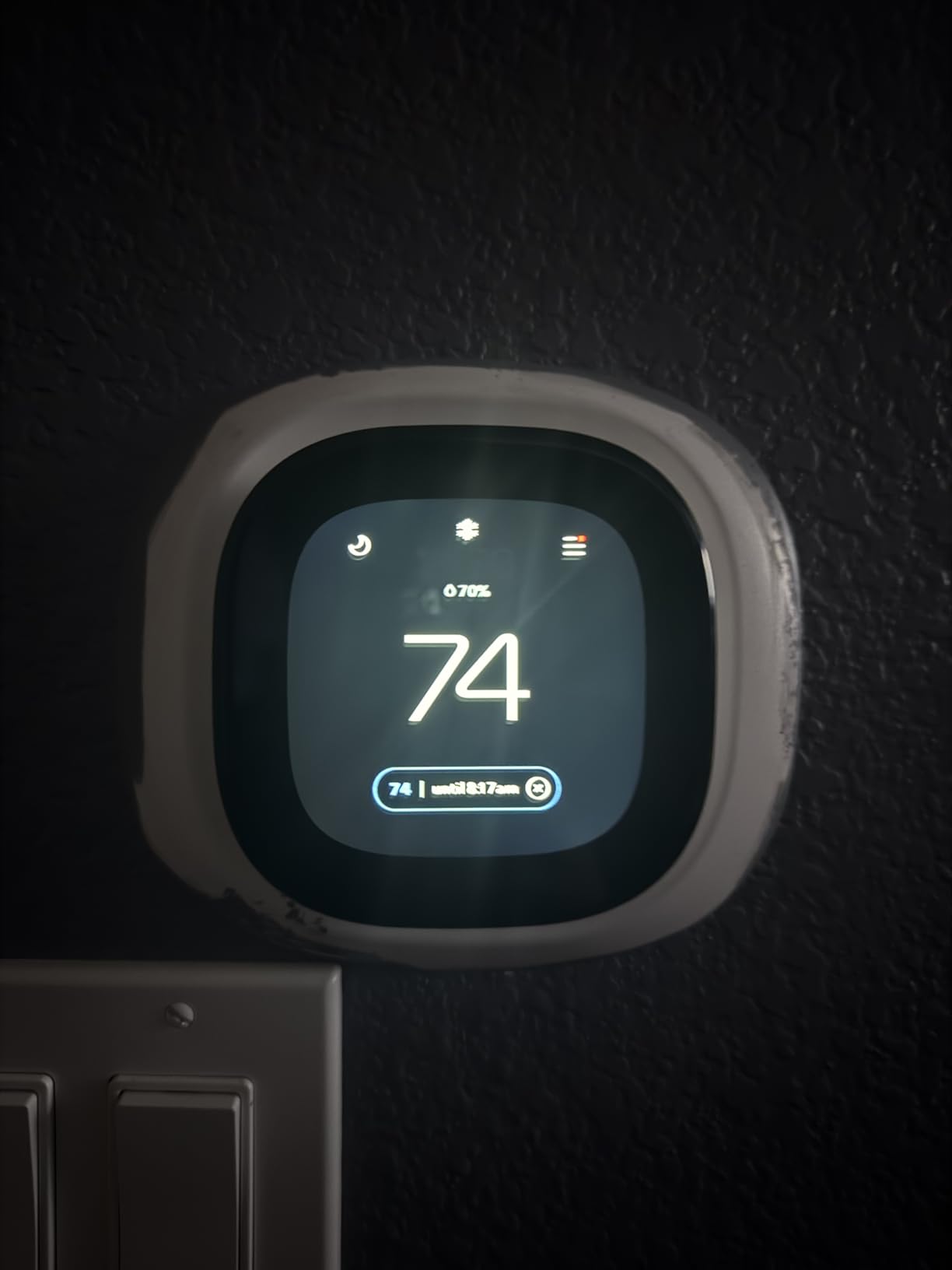
Compatibility is the broadest claim in the group at 90% of HVAC systems, and the manufacturer asks you to confirm with the online ecobee Compatibility Checker before purchase. That covers boilers, furnaces, and heat pumps, and the stated savings figure runs up to 26% per year on heating and cooling costs. It works with Amazon Alexa, Google Assistant, Apple HomeKit, and SmartThings, and is backed by a 3 year manufacturer warranty.
Weight is worth noting if you are mounting on an old plaster wall. At nearly one kilogram for the unit itself, it is the heaviest thermostat here by a wide margin, at 0.94 inch deep by 4.09 inches square. The included trim plate helps distribute that load.
What to check before you order
Run the ecobee Compatibility Checker. It is a short questionnaire about your system type and it is the fastest way to rule out a bad match before the box ships. If your home runs on 24V low-voltage, this is usually the most forgiving unit in the list.
Decide about room sensors early. If your upstairs is consistently colder than the downstairs, the thermostat alone will not fix that reading, because it only knows the temperature at its own location. Adding ecobee SmartSensors later is straightforward, but it is a separate purchase and it changes the budget math.
Where it falls short
SmartSensors are sold separately, in two-packs, and they are the reason this is not our top pick for a straight retrofit. If your problem is purely a missing C-wire, this unit solves it out of the box. If your problem is uneven temperatures across a two-story house, you are buying sensors on day one anyway, and the value case shifts toward whichever model makes that cheapest.
Cost is the other honest drawback. It sits at the top of the range in this roundup, and the app-heavy feature set assumes a household that will actually use schedules and occupancy data. Set-and-forget households will not get their money back.
6. Honeywell Lyric T6 Pro – Multi-Stage Control for Retrofitted Homes
Honeywell TH6220WF2006/U Lyric T6 Pro Wi-Fi Programmable Thermostat with Stages Up to 2 Heat/1 Cool Heat Pump or 2 Heat/2 Cool Conventional
Up to 2 heat and 2 cool stages
Battery powered with 2 AA batteries
5 by 2.3 by 6 inches
Fits standard 24V wiring
Pros
- Supports up to two stages of heat and two of cool
- Handles heat pumps and retrofitted equipment
- App and voice-assistant control replaces manual scheduling
- Standard 24V wiring keeps the install uncomplicated
Cons
- Does not support remote room sensors
- Some units ship in a contractor mode that blocks app registration
- Z-Wave based which limits some smart home integrations
This is the pick for a house where the heating equipment has been upgraded over the years. The T6 Pro handles up to 2 heat and 1 cool stages on heat pump systems, and up to 2 heat and 2 cool on conventional systems, which lets you keep running equipment that a single-stage thermostat would struggle to control.
That scenario is common in older homes. Someone replaced an old oil furnace with a heat pump, or added a second stage for capacity, and the existing thermostat can no longer command the new equipment properly. Reviewers choose this model for exactly that reason rather than for its software.
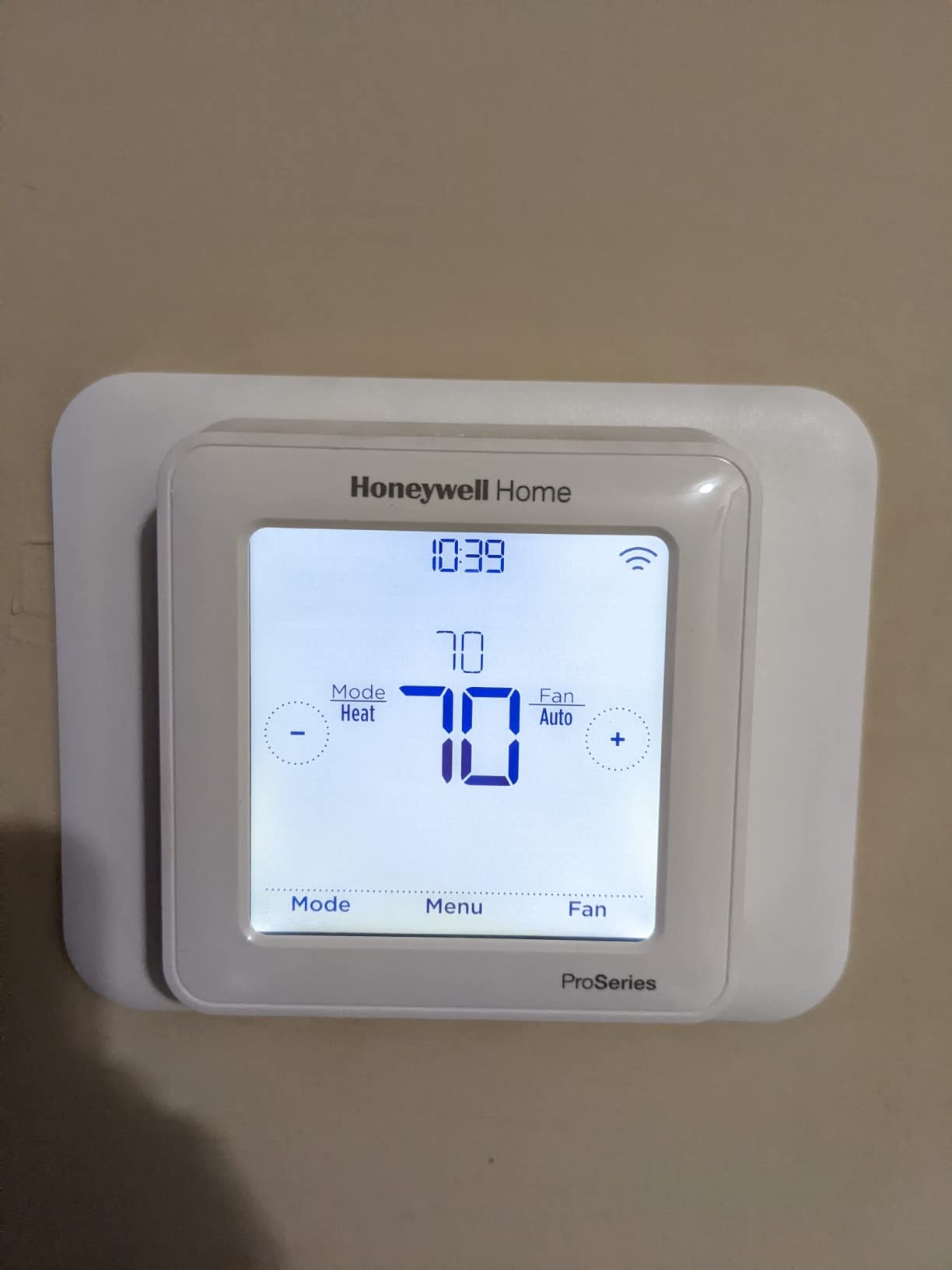
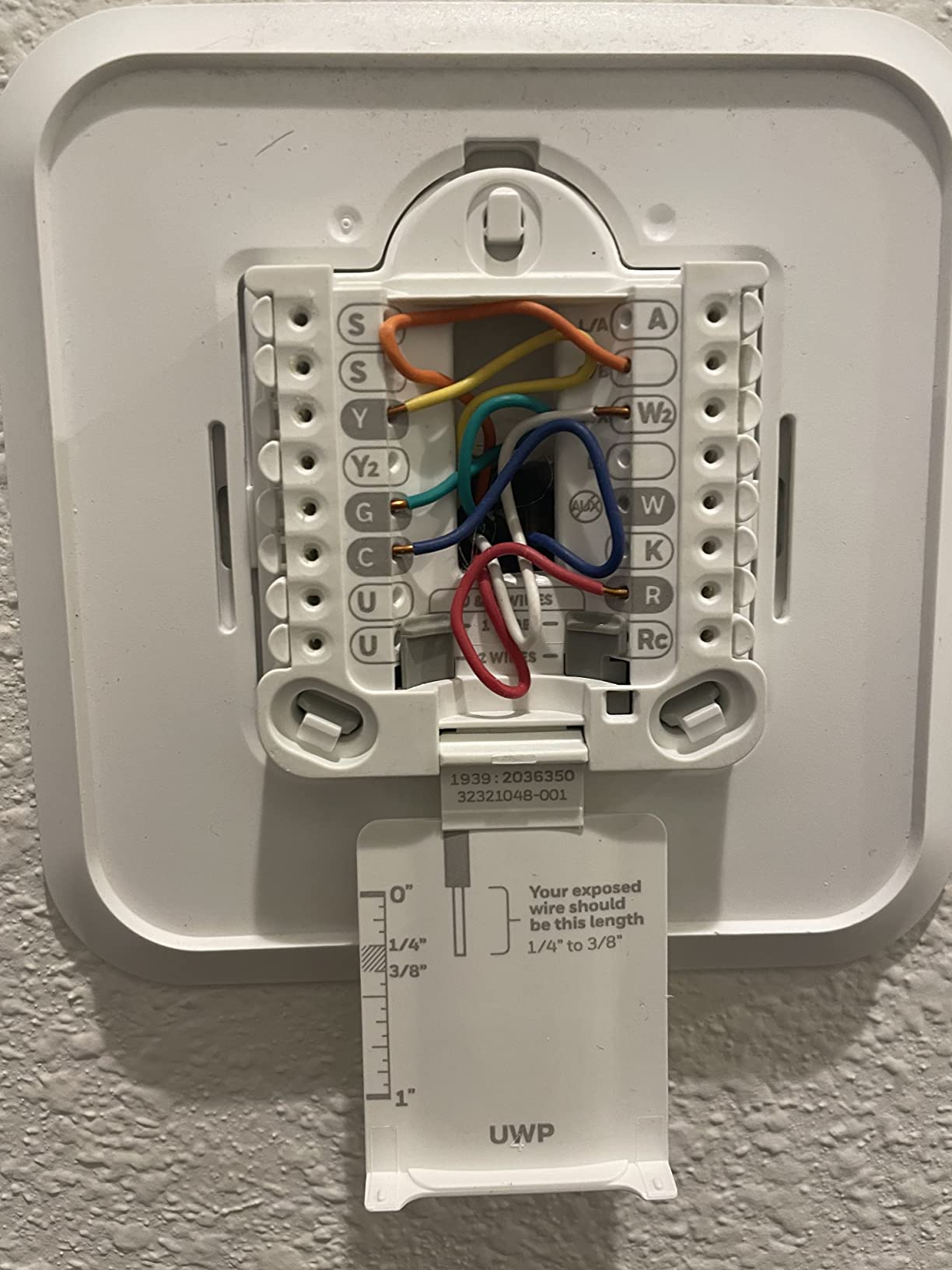
On the wire, it is a standard 24V low-voltage install with two AA batteries and Wi-Fi programming from the app, plus voice-assistant control. The body is 5 by 2.3 by 6 inches and it weighs 4 ounces, so it is a normal-sized wall unit. The 4.4-star average holds across thousands of reviews, with 74% at five stars.
There is also a practical upgrade path. Owners report a plug-and-play swap from a T6 using the same wall adapter, so going from an earlier Honeywell generation to this one is not a rewiring job.
What to check before you order
Find out how many stages your equipment actually runs. A two-stage furnace with a single-stage thermostat wastes capacity because the second stage almost never engages. If you see a two-stage board at the furnace, this is the correct model and a cheaper single-stage unit will be a downgrade.
Check your HVAC era and wiring at the same time. This unit fits standard 24V low-voltage wiring found in most homes, so the electrical side is usually not the problem, but confirm the terminal count at your existing thermostat before the box arrives.
Where it falls short
It does not support remote room sensors, so the uneven-temperature problem in a two-story older house stays unsolved. That is the main reason to step up to the T9 below instead.
Two smaller complaints recur. Some units ship in a contractor mode that blocks app registration until reconfigured, which is a confusing first ten minutes. It is also Z-Wave based, and Home Assistant users in particular note that Z-Wave limits how the device interacts with the rest of an open smart home setup.
7. ecobee Smart Thermostat Essential – App-First Comfort on a Budget
ecobee Smart Thermostat Essential – WiFi Thermostat, Energy Star Certified
Works with 85% of systems
Color touchscreen
3.62 inch round body
Battery powered
Pros
- Lower-cost way into the ecobee app and ecosystem
- Color touchscreen with free software upgrades for years
- Works with most 24 VAC systems including boilers and heat pumps
- eco+ adds humidity detection and a schedule assistant
- Can add a SmartSensor for the rooms that matter
Cons
- Power Extender Kit and trim kit are sold separately
- SmartSensors sold separately in two-packs
- Round body is smaller than the square units
This is the ecobee app at a lower tier, and the appeal for an older home is the software rather than the box contents. The 3.74 inch color touchscreen is controlled by tapping or the app, and free software upgrades are included for years, so the unit improves after you buy it.
Equipment coverage is the widest practical claim here at 85% of systems, spanning gas, oil, electric, dual fuel, forced air, conventional 2H/1C or 1H/2C, heat pumps, and boilers. For a pre-1990 home with an unusual boiler, that list is the reason this pick exists.
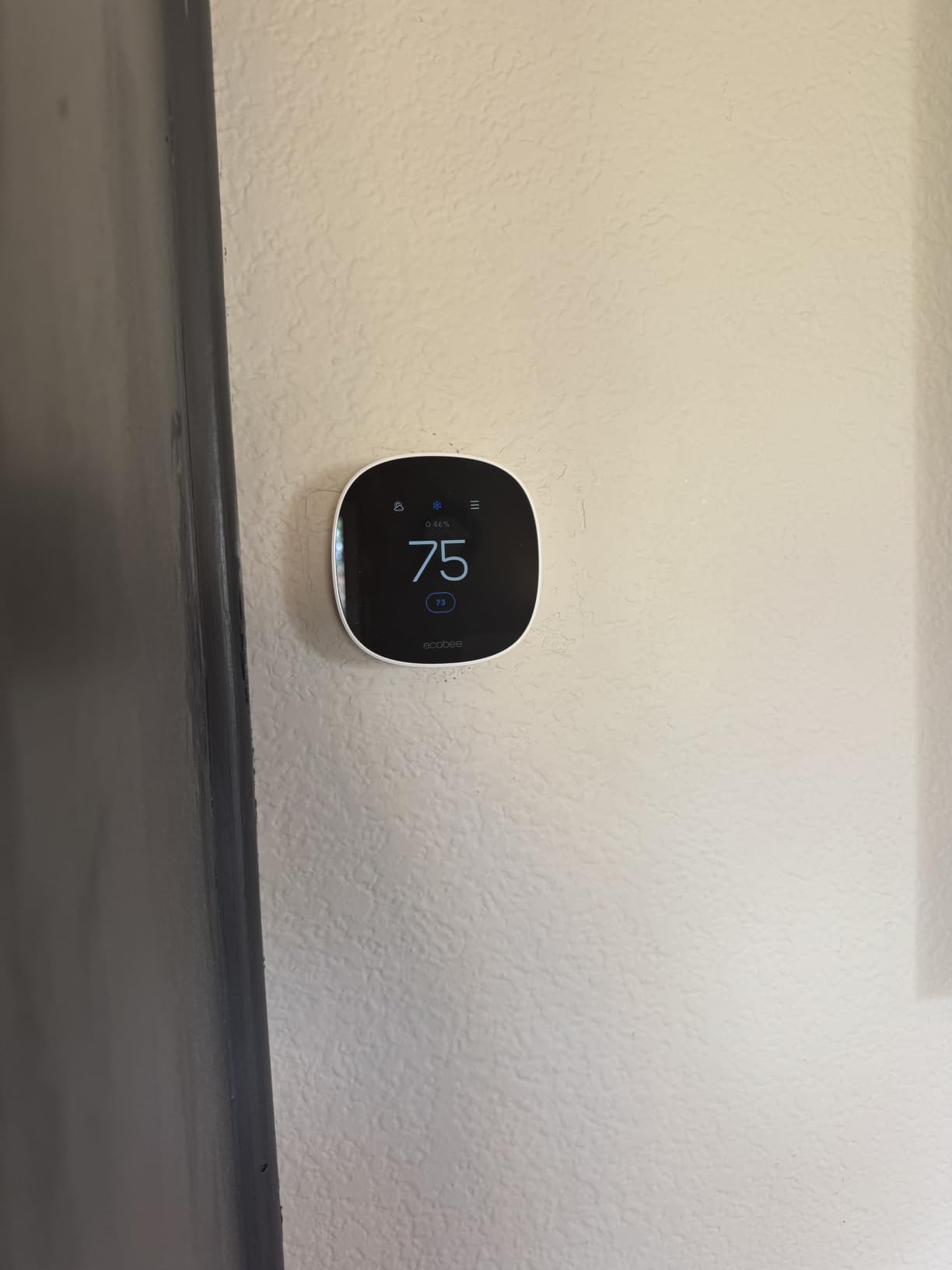
The eco+ feature set is the differentiator. It adds indoor humidity detection, a schedule assistant, and time-of-use preheat and precool, and the stated savings run up to 23% a year on heating and cooling. It works with Apple HomeKit, Google Assistant, and Alexa. Stated savings of 23% per year are on the box as well.
Body size is 0.91 inch deep by 3.62 inches square at 3.2 ounces, which is one of the lightest and least intrusive designs here. Round rather than square, so it reads as a deliberate choice on an old wall instead of a rectangle swapped for a rectangle.
What to check before you order
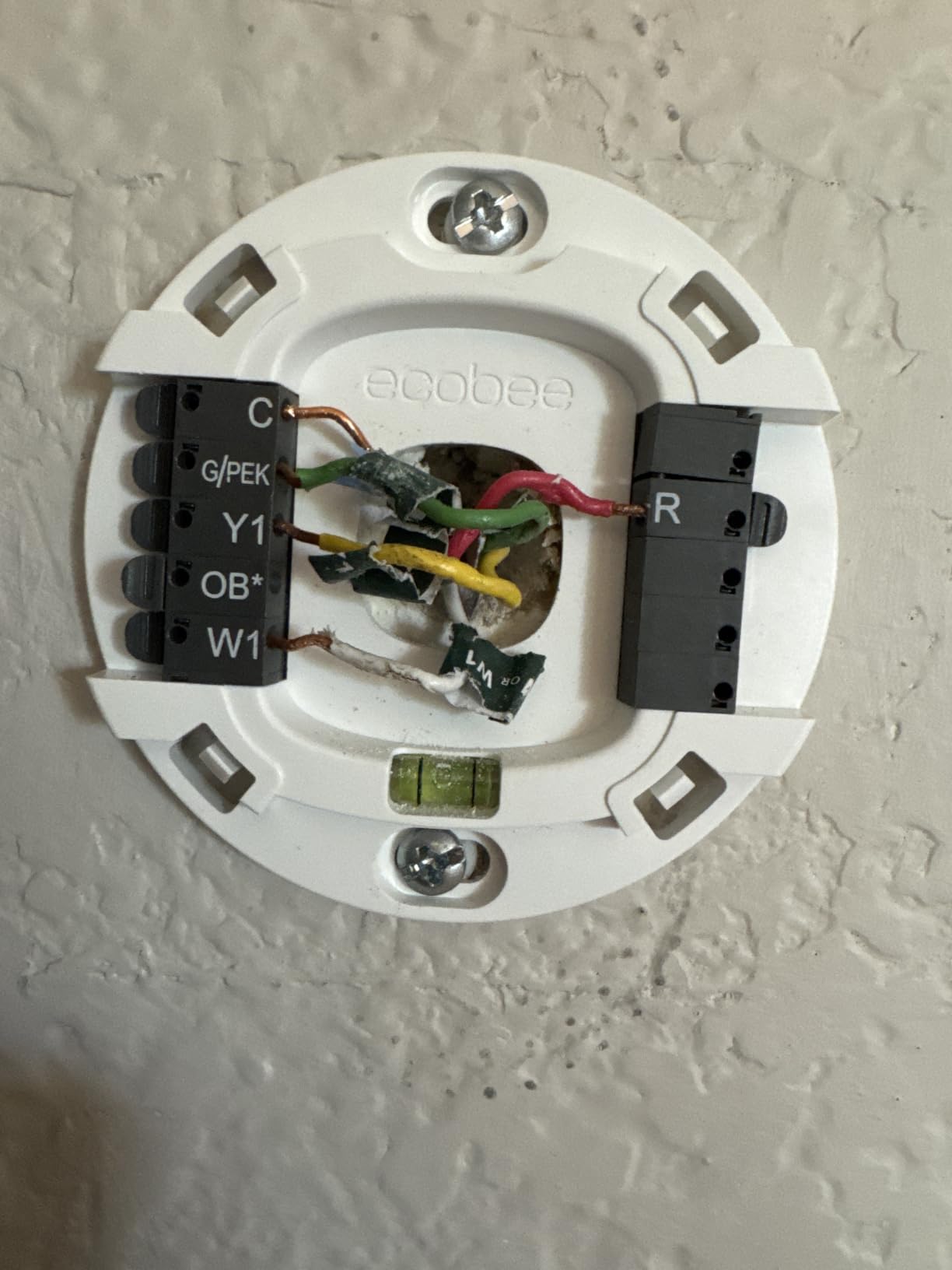
Budget for the Power Extender Kit separately. This is the one decision that can make or break a retrofit, and unlike the Enhanced model, the PEK and the trim kit are not in the box. If your home has no C-wire, add the kit to the purchase before you order the thermostat, not after.
Use the online ecobee Compatibility Checker and look at the exclusions rather than the headline number. The stated 85% figure is for 24 VAC equipment, and it does not cover line-voltage baseboard or steam systems that need their own category of thermostat.
Where it falls short
Sensors are optional and separate, so room balancing requires an extra purchase later. Owners who came from a previous ecobee note that the value model drops the hardware radar sensing the higher tier uses, and the eco+ software has to carry the automation work on its own.
The rating distribution is the second most spread in the group, with 68% five stars and 11% one star. The recurring complaint is not the touchscreen or the app, both of which reviewers like, it is discovering after delivery that the accessories for a C-wire-free install were never included.
8. Sensi Lite ST25 – Simple, Large, and Battery Powered
Sensi Lite Smart Thermostat, WiFi, Alexa, DIY, Energy Star Certified, ST25
Battery or C-wire power
2 AAA batteries included
5.07 by 3.13 inch face
3 year warranty
Pros
- Connected to Wi-Fi in 10-15 minutes on an old four-wire system with no C-wire
- App pre-check identifies existing wires before you buy
- Large display numbers readable from across a room
- Temperature accuracy within half a degree of a handheld service thermometer
Cons
- Occasional Wi-Fi dropouts that can require setup mode again
- No color display unlike higher priced Sensi models
- Fewer configuration options than the pricier units
The ST25 is the simplest thing on this list that still solves the C-wire problem, and for a first upgrade in an older house it is hard to argue with. It runs on two AAA batteries or a C-wire, needs the C-wire only for heat pump and heat/cool-only systems, and works with Amazon Alexa, Google Assistant, and SmartThings.
One owner report is the whole pitch: installed and connected to Wi-Fi in 10-15 minutes on an old four-wire system with no C-wire, and it worked on a basic cooling-and-gas-heat system where a Nest thermostat had refused. A built-in level on the backing plate is included, so it mounts straight.
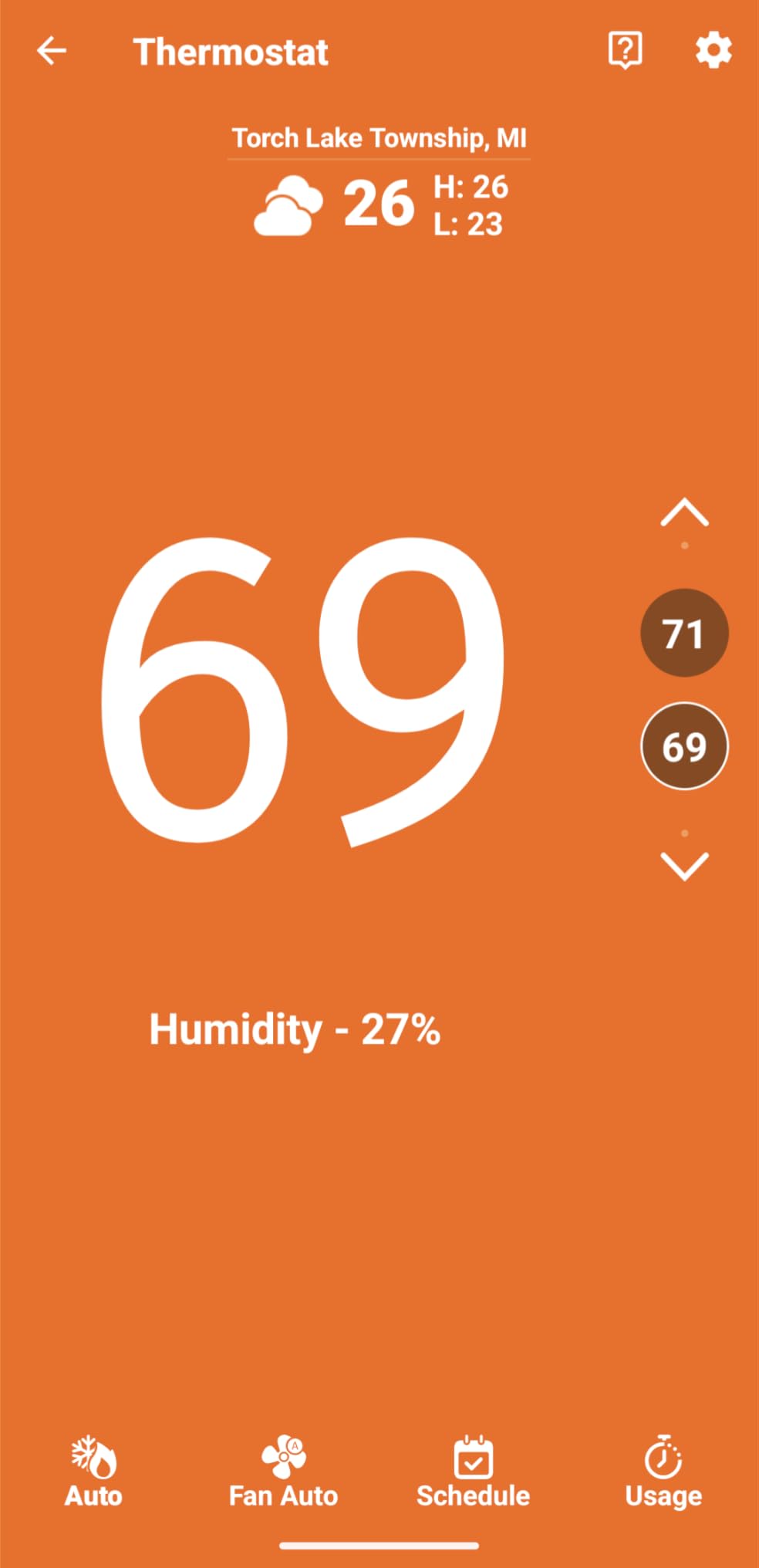
Readability is the other reason we like it for older houses. The display numbers are large and stay legible from across a room, which matters more today than any touchscreen feature, and temperature readings prove accurate to within half a degree of a handheld service thermometer. It is 0.88 inch deep, 5.07 inches wide, and 3.13 inches tall at 4.8 ounces, with a 3 year warranty.
The app includes a pre-check that lets you identify existing wires before buying, which is exactly the self-diagnosis step most guides skip. Use it, then buy.
What to check before you order
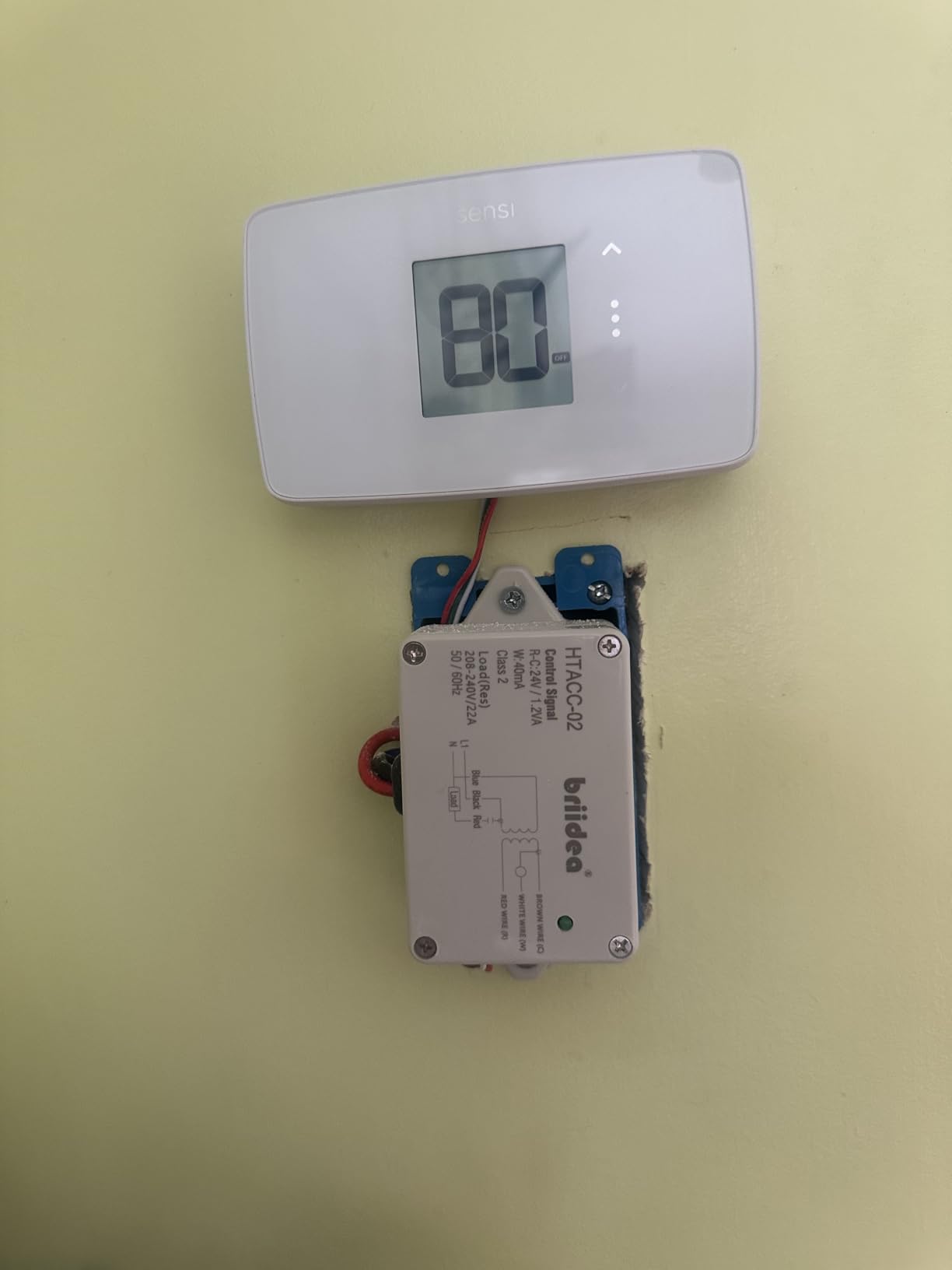
Confirm your system is not heat-only with a C-wire requirement. The rule is narrow: a C-wire is needed for heat pump and heat/cool-only systems, and is not needed on most others. That wording leaves room for exceptions on specific equipment, so verify your terminal count at the wall.
Check your Wi-Fi setup. If you run a mesh network, set the thermostat network to the 2.4 GHz band before pairing. This is the single most common install failure we saw reported for this model.
Where it falls short
Wi-Fi reliability is the main complaint, and it is the most-reported issue in the reviews. Occasional dropouts are reported, and some owners had to put the thermostat back into setup mode. If your home has flaky Wi-Fi in the hallway where the old thermostat lives, this will be an ongoing irritation rather than a one-time setup annoyance.
There is no color display, and the configuration options are fewer than on the costlier Sensi models, which some owners read as a limitation. Some units also drain batteries faster than expected depending on the HVAC system or the wiring behind the plate.
9. Honeywell Home T9 WiFi – Room Sensors Fix Uneven Old Houses
Honeywell Home T9 WiFi Smart Thermostat, Smart Room Sensor Ready, Touchscreen Display, Alexa and Google Assist
Power adapter included in box
Smart Room Sensor ready
0.94 by 3.7 by 4.92 inch body
2 year limited warranty
Pros
- Remote room sensors weight heating toward the rooms actually in use
- Sensors can trigger on occupancy or act as pure temperature probes
- Plug-and-play swap from a T6 using the same wall adapter
- Rarely loses Wi-Fi connectivity compared with other owners' thermostats
- Works with the Ring app so no extra app download is needed
Cons
- App can show a mismatched inside temperature and setpoint when a sensor drives control
- Humidity sensor reads roughly 10% high
- Remote sensors are large white blocks that stand out on the wall
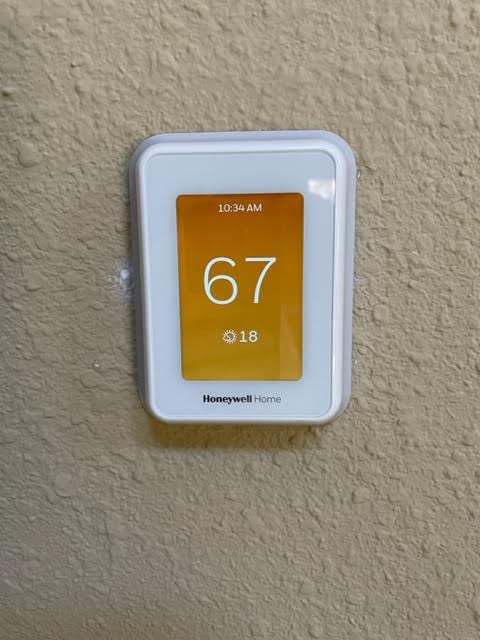
Older houses are rarely even. The hallway by the thermostat is one temperature, the bedroom above it is another, and the thermostat has no idea. The T9 addresses that directly with Smart Room Sensors, which let you weight heating and cooling decisions toward the rooms actually in use. It also runs 30% air recirculation continuously, which helps keep hot and cold spots from forming.
Power is handled in the box. A power adapter is included so the T9 works in most homes, which removes the single most common failure point in an older retrofit. Compatibility covers forced air on gas, oil, or electric, plus hot water and steam, and heat pumps with electric backup. Geofencing works through the Resideo app.
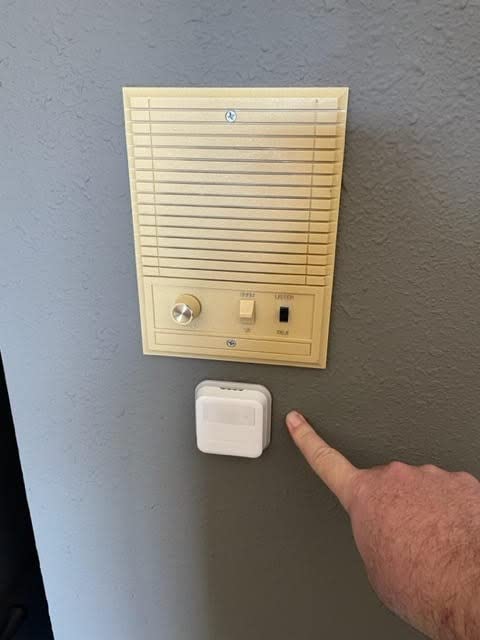
Owners in older homes rate this highly for reliable Wi-Fi, a genuine contrast with several competitors here. Sensors can act as occupancy triggers or pure temperature probes, and you choose which sensor drives control by time of day. The 4.4-star average comes with 74% of reviews at five stars.
Remote sensors mount with the included 3M Command strips, so no wiring is needed at the far end of the house. That makes this the least invasive way to fix a second-floor problem without opening walls.
What to check before you order
Decide how many rooms you are actually trying to fix before you count sensors. One sensor in the bedroom that is always cold solves most complaints. Two or three spread across the house is a different project with a different budget, and the sensors are sold separately.
Confirm your system type. It handles forced air, hot water and steam, and heat pumps with electric backup, but it is not for 120-240V electric baseboard heat. The included power adapter covers most 24V cases, though owners with wiring that has no common wire report the install can still turn into a troubleshooting session.
Where it falls short
The app is the biggest source of frustration. When a remote sensor is driving control, the app can show a mismatched inside temperature and setpoint with no clear indicator of which sensor is active, and the Resideo app is sometimes buggy enough to need a restart. The humidity sensor also reads roughly 10% high compared with other sensors, including on the remotes.
Two smaller limits: the fan can only be set to off, auto, or circulate, so you cannot command a specific speed, and the remote sensors are large white blocks that stand out on a wall. Energy usage data also takes several days to populate after installation, which is mildly annoying if you want to check savings immediately.
10. Google Nest Learning Thermostat 4th Gen – Learning With a Bundled Sensor
Google Nest Learning Thermostat (4th gen) + Nest Temperature Sensor (2nd gen) – Silver
Temperature sensor included
60% larger display
Works with most 24V systems
Matter compatible
Pros
- Works without a C wire in most homes and the compatibility checker settles it quickly
- Included temperature sensor fixes a thermostat on a wall that heats up during the day
- 60% larger display with Dynamic Farsight readable across the room
- Included faceplate covers the mark left by a rectangular thermostat
- Adaptive Eco reduced heating runtime after a short adjustment period
Cons
- 4th gen backplate is incompatible with 3rd gen mounts
- Some units report a false no power error on the R wire
- US-only hardware not compatible with UK boilers
The Learning Thermostat is the only unit here that ships with a room sensor in the box, and that turns out to matter more in an old house than the touchscreen. The included Nest Temperature Sensor goes in the room that actually matters, which fixes the common problem of a thermostat mounted on a wall that heats up during the day and reads warmer than the living space.
On power, it works with most 24V systems including gas, electric, oil, forced air, heat pump, and radiant, and no C wire is required in most homes. The online Nest Compatibility Checker verifies this before purchase, which takes about ten seconds. Owners report installs in homes from the mid-1980s that simply sense which wires are connected.
The learning side is the strongest in this roundup. Natural heating and cooling learns how outside temperature affects inside temperature and pauses the system to save, and the new Adaptive Eco uses outdoor temperature to find an energy-saving away temperature and returns to comfort within an hour. Sensor groups let you balance comfort across several rooms rather than programming each one separately. The manufacturer claims up to 31% savings on heating and cooling bills.
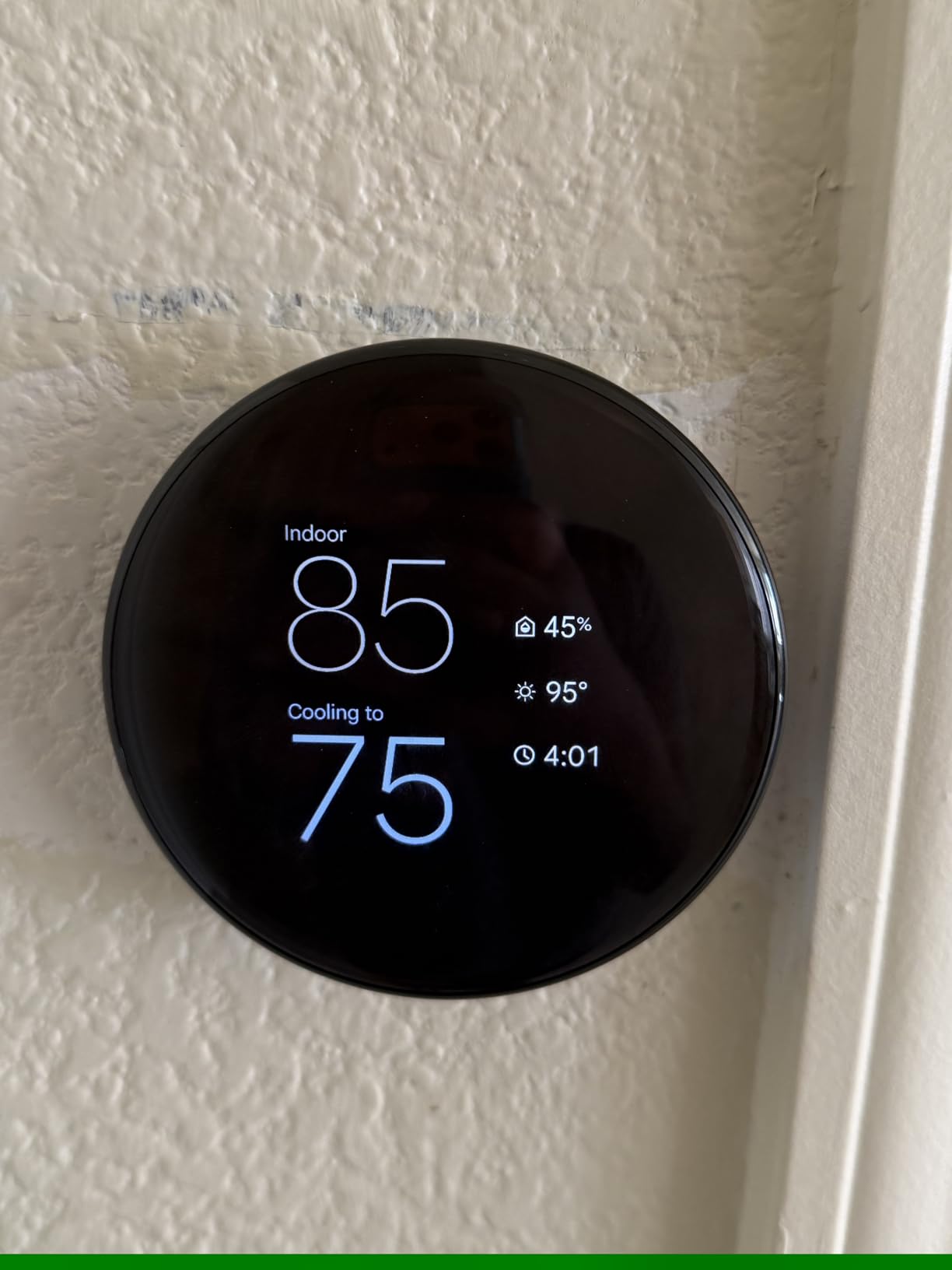
The display is 60% larger than the previous generation with a Dynamic Farsight line-of-sight display that auto-adjusts brightness, and the included faceplate covers the wall damage left by a previous rectangular thermostat. It is Matter compatible and works with Alexa, Siri, Google Assistant, and Apple HomeKit. The rating distribution is the strongest here, with 78% of reviews at five stars.
What to check before you order
Check whether you already have a 3rd generation Nest mounted. The 4th generation backplate is incompatible with 3rd generation mounts, so replacing an existing Nest can turn into a rewiring job. If you are starting fresh or replacing a dial thermostat, this is not an issue.
Place the bundled sensor deliberately rather than leaving it in the box. The most useful position in a drafty older home is the room you want the system to serve, which is usually not the hallway. The system also asks permission before making schedule changes and surfaces them in the Google Home app.
Where it falls short
Some units report a false no power error on the R wire in systems where a 3rd generation Nest worked without a C-wire, and Google support was unable to diagnose that setup failure. That is a small but real cluster of failures, and it lands in exactly the older-home scenario this article is about.
Users also find the learning schedule lowers the temperature more than they want, and the Eco setpoint runs high, so the first two weeks need manual adjustment. The minimalist interface means common changes like switching between heat and cool, or holding a temperature, take more steps than on a button-based rival. And the hardware is US-only, so it is not compatible with UK boilers and Heat Link systems.
Buying Guide: Choosing a Smart Thermostat for an Older Home
Do I have a C-wire? The only test that matters
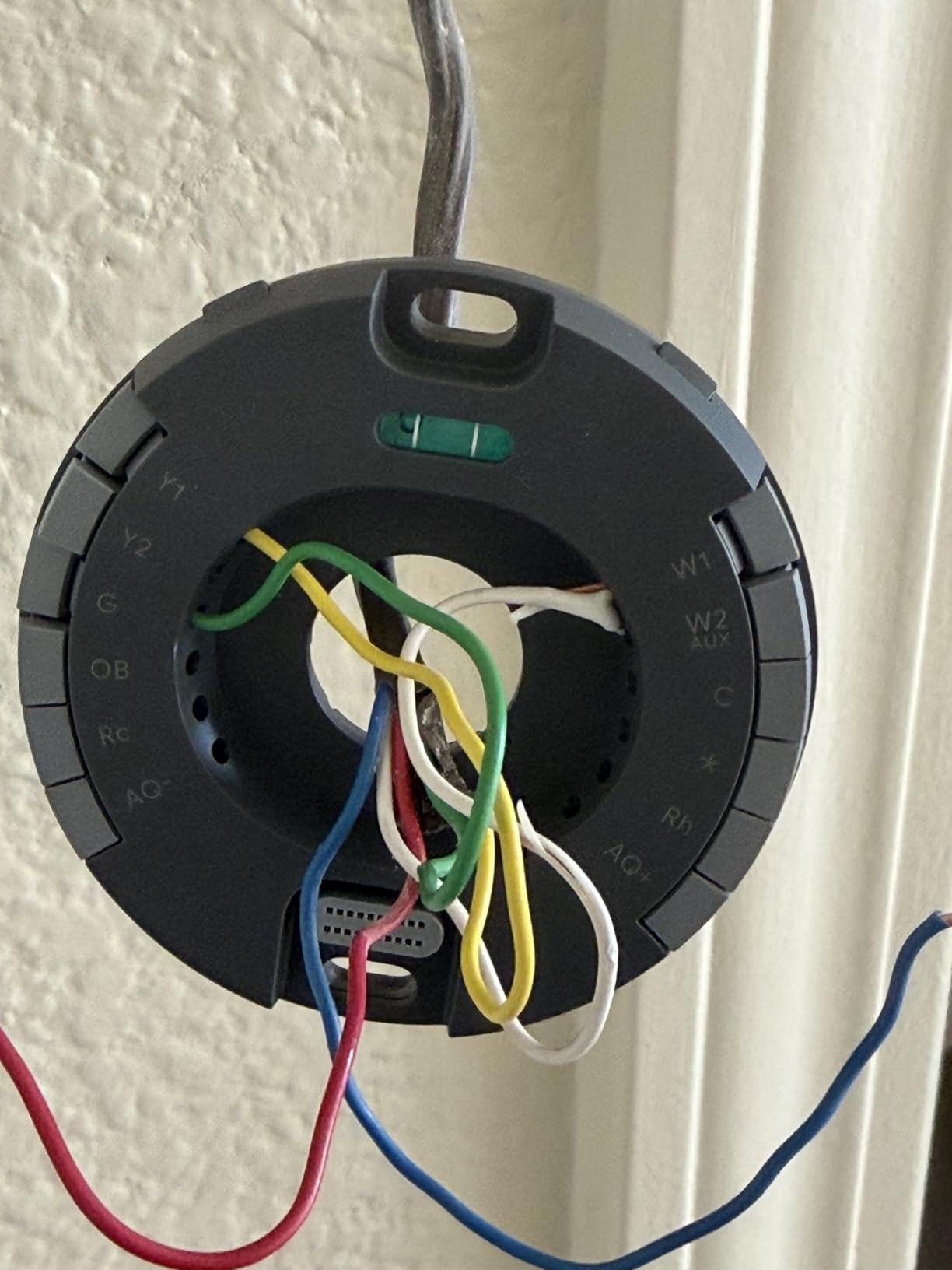
Yes, you can install a smart thermostat without a C wire, but only if the model supports one of the workarounds. The C-wire, also called the common wire, is the continuous 24V power line that lets a thermostat run a bright display, Wi-Fi, and a cooling function at the same time. Homes built before the 1990s frequently do not have it, which is the entire reason so many upgrades turn into contractor visits.
To find out what you have, start at the breaker. Turn off the HVAC breaker, then remove the faceplate from your existing thermostat. Count the wires and label each one before removing anything, because the order matters. Look for a terminal marked C; that is the common wire. If there is no C terminal, you are looking at a legacy wiring situation and you should read the next section before you buy anything.
Two other things to note from the same plate. If your old thermostat has only two wires, you have a heat-only system, and heat-only wiring is the single biggest compatibility surprise in this entire category. Many smart thermostats assume a modern heat-and-cool setup. If you see more than four wires, you likely have an air conditioner circuit and a more conventional system.
Finally, run the manufacturer’s compatibility checker before you order. Google, ecobee, and most other brands publish one, and the check takes about a minute. Our broader roundup of the best smart thermostats tested and ranked covers what to do once that question is settled.
What to do when there is no C-wire
There are three workarounds, and they are the only three. First is power stealing, where the thermostat briefly takes power from the heating circuit to charge itself before calling for heat. The Google Nest Thermostat uses this approach, and the 4th generation Learning Thermostat also works without a C wire in most homes. It is free and reversible, and it is the least reliable when your equipment is old or odd, which is exactly the situation in a pre-1990 house.
Second is a power adapter, sold as the Power Extender Kit for ecobee and as a C-wire power adapter for Honeywell. The kit installs at the HVAC unit and sends power out to the thermostat over the existing wire. The ecobee Smart Thermostat Enhanced includes one in the box; the ecobee Essential and the Honeywell RTH9600WF do not, so budget for it separately. This is the most dependable route when your equipment cooperates.
Third is running a new wire, which is what an electrician does. This is the permanent fix and it removes every power-related caveat, but it is the most invasive option and the one most people with older homes are trying to avoid. If you are already opening walls for another project, this is the moment to do it.
Which smart thermostat works with two wires?
Only a handful handle a 2-wire heat-only system, and among the models in this roundup the Sensi ST55 is the clear answer. It runs on two AA batteries, its manufacturer states the C-wire is not required in most applications, and owners confirm it works on two-wire boiler and baseboard systems. The Sensi Lite ST25 is the second option, since it runs on batteries or a C-wire, though it needs a C-wire for heat pump and heat/cool-only systems.
Everything else in this list either requires a C-wire outright, needs a power accessory, or excludes heat-only systems entirely. The Google Nest Thermostat works without a C wire in most homes, but the manufacturer explicitly lists heating-only and cooling-only systems as needing a C wire or compatible power accessory, so it is not the safe bet on a two-wire wall.
Keep the boiler response time in mind on two-wire hydronic systems. The ST55 can take 20-25 seconds to react after a setpoint change, because the boiler is slow, not the thermostat. It is normal behavior, but it surprises people the first week.
Why HVAC technicians are skeptical of Nest
Homeowners ask this constantly, and the short answer is reliability rather than quality. Across HVAC forums, technicians describe the Nest’s power-stealing approach as the source of callback work. When a smart thermostat draws power intermittently from the heating circuit, older or unusual equipment can fail to cooperate, and the symptom is a thermostat that randomly reboots or drops offline.
There is a second thread. Because the Nest swaps in so easily, it gets installed on systems that were never checked, and then the existing problem, a marginal transformer or a tired furnace control board, gets blamed on the new thermostat. Technicians would rather you run a C-wire and use a reliability-first unit. That is why Sensi and Honeywell come up so often as the picks they would actually put in a customer’s home.
None of this makes the Nest a bad thermostat. It makes it a better fit for modern wiring than for a 1960s furnace board, which is the distinction this roundup is built around.
Low-voltage vs line-voltage: steam, oil, and baseboard homes
Most of the roundup format breaks down if your heat is not low-voltage. A standard 24V system is what forced air, boilers, and heat pumps use, and every unit above targets that. Line-voltage systems, which are 120V or 240V, are a different hardware category entirely, and most of these thermostats will not work on them at all.
Electric baseboard heat is the clearest case. The Honeywell RTH9600WF and the T9 both state that they are not compatible with 120-240V electric baseboard heat. Radiant floor heating and some in-floor hydronic systems can also run line-voltage, and steam radiators are often controlled by their own high-temperature thermostats rather than a standard 24V device.
Oil heat is more complicated than people expect. Most oil systems still use a 24V low-voltage control circuit, so a standard thermostat will work, but a heating-only oil furnace will not work on the Honeywell RTH9600WF unless a C-wire is present. If you have oil heat, confirm the control circuit before you buy rather than assuming.
If you have steam radiators or line-voltage baseboard, you need a line-voltage smart thermostat designed for that range, and none of the ten units here is it. Search for that category specifically rather than trying to adapt one of these.
Ecobee vs Nest vs Sensi in a 1960s house
Ecobee and Nest both have power solutions, and the difference is what arrives in the box. Nest uses power stealing, which is free and silent. ecobee ships the Power Extender Kit with the Enhanced model and sells it separately for the Essential, which is more hardware but more predictable on older equipment. Sensi simply runs on batteries and sidesteps the question for most systems.
Between Sensi and ecobee, the value-versus-premium split is straightforward. Sensi wins on price, installation speed, and the widest stated tolerance for missing C-wires. ecobee wins on app quality, occupancy sensing, and the option to add room sensors when you need to balance rooms rather than just replace a thermostat. If your problem is wiring, buy Sensi. If your problem is comfort, buy ecobee.
Between ecobee and Nest, the deciding factor for an older home is the sensor. The Nest Learning Thermostat includes a temperature sensor, and ecobee sells SmartSensors in two-packs. If you have one cold bedroom, the included sensor settles it. If you have four rooms out of balance, ecobee’s per-sensor economics are the better long game.
Downsides of smart thermostats, and when to skip one
There are real downsides worth stating plainly. Power requirements are the biggest: several units here need a C-wire or a separate adapter, and that can mean a return trip to the hardware store or an electrician. Dependence on internet service is the second, since Wi-Fi drops cause erratic behavior on multiple models in this roundup.
Learning features can also work against you. Some owners find the Nest learning schedule lowers the temperature more than they want and find the Eco setpoint runs high. On a poorly insulated older home where comfort is already the complaint, an aggressive setback can feel like the system stopped working.
Skip the upgrade entirely if your heating is line-voltage baseboard, steam radiators, or radiant floor with no matching line-voltage smart unit in your budget. Also skip it if you rent and your lease does not allow modifying the wiring, or if your Wi-Fi does not reach the wall where the thermostat lives. Our picks for the best smart thermostats for home offices cover the zoning angle if you are splitting a space.
Removing a mercury thermostat safely
If your old home still has a mercury dial thermostat, the removal is straightforward but the disposal is regulated in many places. Photograph the existing wiring before disconnecting anything, label every terminal, and note that the old mercury switch should be recycled through a household hazardous waste facility or a municipal collection point rather than thrown in household trash.
Do the swap the same day you buy the replacement, and keep the original unit in case you ever need to reinstall it. That reversibility is why renters in older apartments can make this upgrade safely. If you are adding other smart-home hardware in the same room, our guides to the best smart plugs for homes and the best smart light bulbs for homes cover the rest of the setup.
When to call an HVAC pro instead of doing it yourself
A straightforward 24V swap on modern wiring is a 10-15 minute job, and the Sensi ST55, the Amazon Smart Thermostat, and the Sensi Lite ST25 all report installs in that range. Call a professional when your system is line-voltage, when you have steam or hydronic heat that needs its own controller, when your existing wiring has no common wire and you have decided to run a new one, or when the existing equipment is old enough that its control board is a suspect.
The value of a professional visit in those cases is not the wire. It is identifying whether the old furnace, boiler, or air conditioner will accept a modern thermostat at all, which is a real question in pre-1990 homes and one that no compatibility checker on a manufacturer’s website can answer for you.
Frequently Asked Questions
What is the best smart thermostat for an older home?
The Sensi ST55 is the best overall pick for older homes because it runs on two AA batteries, its manufacturer states a C-wire is not required in most applications, and it fits the same wall footprint as a traditional dial thermostat. Owners with 1960s-era and boiler heating systems report replacing legacy thermostats without an electrician. If you have a C-wire and want premium app features, the ecobee Smart Thermostat Enhanced is the alternative, since it includes a Power Extender Kit in the box.
Can I install a smart thermostat without a C wire?
Yes, if the model supports one of three workarounds. Power stealing borrows power from the heating circuit, as the Google Nest Thermostat does. A power adapter, sold as the ecobee Power Extender Kit or a Honeywell C-wire adapter, installs at the HVAC unit. Or an electrician can run a new wire, which is the permanent fix. Which one works depends on how old and unusual your equipment is.
Which smart thermostat works with two wires?
The Sensi ST55 is built for it. It runs on two AA batteries, its manufacturer states a C-wire is not required in most applications, and owners confirm it works on two-wire boiler and baseboard systems. The Sensi Lite ST25 is the runner-up since it runs on batteries or a C-wire. Most other smart thermostats assume a heat-and-cool setup and will not work correctly on a two-wire heat-only wall.
Why do HVAC guys hate Nest thermostats?
It is mostly about power reliability rather than the thermostat itself. Nest uses power stealing, which can fail on older or unusual HVAC equipment and leaves the unit randomly rebooting or offline. Because Nest swaps in so easily, it also gets installed on systems that were never checked, and existing problems like a tired furnace control board get blamed on the new thermostat. That generates callback work technicians would rather avoid.
What are the downsides of smart thermostats?
The main downsides are power requirements, internet dependence, and aggressive learning. Several models need a C-wire or a separate power adapter, which can mean extra parts or an electrician. Wi-Fi dropouts cause erratic behavior on multiple models. Some owners find the Nest learning schedule lowers the temperature more than they want, and the Eco setpoint runs high, which feels wrong in a poorly insulated older home.
The Best Smart Thermostat for Your Older Home
The best smart thermostats for older homes are the ones that match your existing wiring, not the ones with the longest feature list. The Sensi ST55 takes the top spot because it is battery powered, needs no C-wire in most applications, fits the footprint of a traditional dial, and holds a 4.4 rating across more than 23k reviews. If your wall already has a C-wire, the ecobee Smart Thermostat Enhanced is the better pick, because the Power Extender Kit is already in the box and the occupancy sensing earns its keep in a drafty house.
Before you order anything, pull off the faceplate and count your wires. That five-minute check decides your install, your adapter bill, and which of these ten you should be buying.