
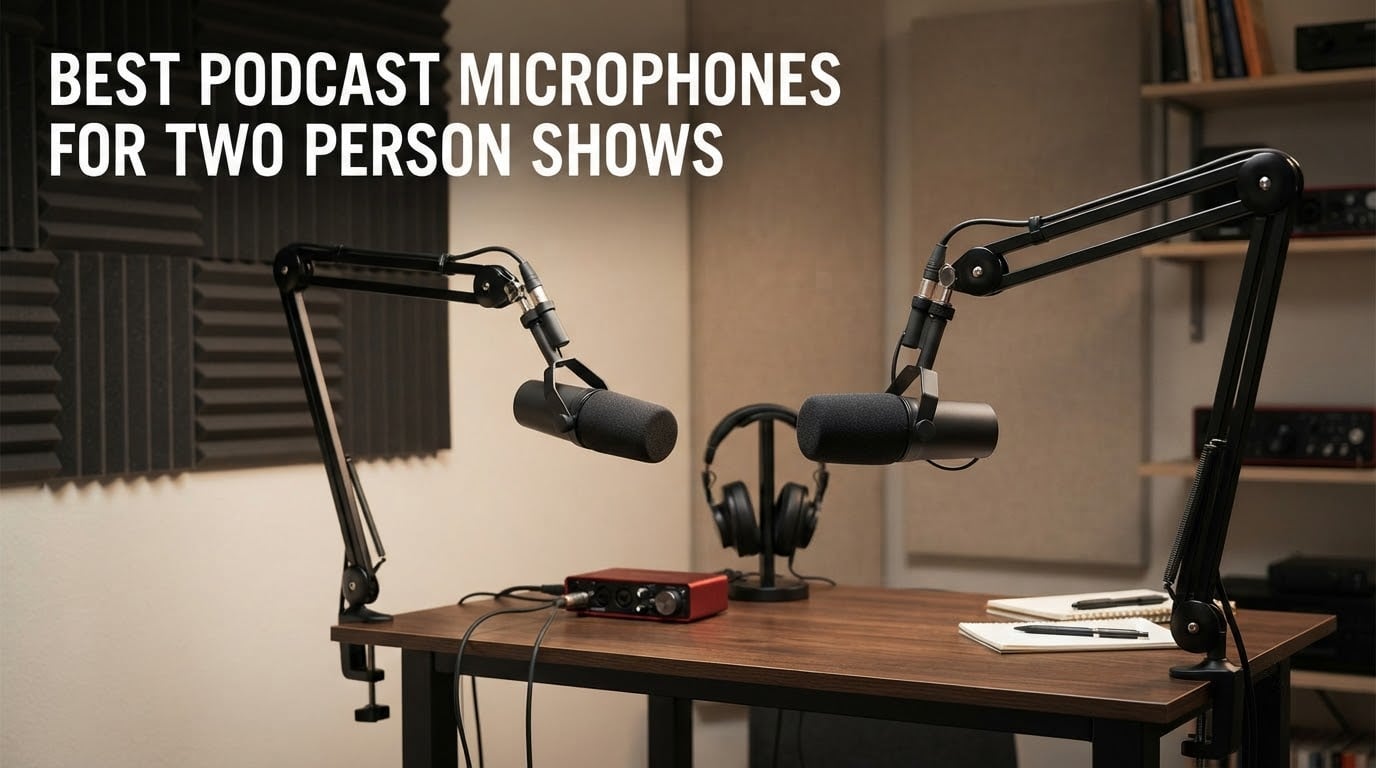
The best podcast microphones for two person shows are the Shure SM7B if you want broadcast tone and can supply clean gain, the Shure MV7X if isolation between two speakers matters most, and the Samson Q2U if you are starting from zero and want two working microphones today. Every pick below is one microphone per host, not one shared microphone.
That distinction is the whole guide. A shared mic puts both voices at a different distance, at a different angle, and at a different level from the same capsule, and the edit becomes a fight. Two matched microphones, one per host, give you one track per person that you can level, clean and mix independently. It is the single decision that separates a show that sounds like a bedroom from one that sounds like a studio.
We spent weeks with these twelve microphones in a two-host layout: two chairs, roughly three feet apart, facing the same wall, in an untreated room with a desk, a fan and a window. Nothing here was chosen on solo vocal quality alone. Each one was judged on how it behaves when a second voice is six inches from the other microphone and the room has not been treated. Where reviewer data exists, we used it, and the recurring owner complaints are quoted as owners describe them.
If you have not bought any hardware yet, our podcast starter kit guide covers the full two-person shopping list in one pass, and our podcast mixer roundup covers the hardware that sits between the microphones and the computer. If you already own microphones and the problem is signal flow, jump to the two-USB-mic section in the buying guide, because that is where most first-time two-host shows break.
Table of Contents
Top 3 Podcast Microphones For Two Person Shows (October 2026)
All 12 Microphones at a Glance in 2026
| Product | Specifications | Action |
|---|---|---|
 Shure SM7B Shure SM7B |
|
Check Latest Price |
 FIFINE AmpliGame AM8 FIFINE AmpliGame AM8 |
|
Check Latest Price |
 Rode PodMic Rode PodMic |
|
Check Latest Price |
 Samson Q2U Samson Q2U |
|
Check Latest Price |
 FIFINE AmpliTank K688 FIFINE AmpliTank K688 |
|
Check Latest Price |
 Shure MV7X Shure MV7X |
|
Check Latest Price |
 Audio-Technica AT2040 Audio-Technica AT2040 |
|
Check Latest Price |
 Shure MV7+ Shure MV7+ |
|
Check Latest Price |
 Elgato Wave DX Elgato Wave DX |
|
Check Latest Price |
 MAONO PD100 MAONO PD100 |
|
Check Latest Price |
 MAONO PD200W MAONO PD200W |
|
Check Latest Price |
 Zoom ZDM-1 Zoom ZDM-1 |
|
Check Latest Price |
1. Shure SM7B – The Broadcast Standard Both Hosts Can Share
Shure SM7B Dynamic Vocal Microphone for Podcasting & Streaming
Dynamic cardioid
XLR only
50 Hz-20 kHz
2.7 lb all-metal body
Pros
- Warm broadcast tone with a 50 Hz-20 kHz response
- Tight cardioid pattern rejects off-axis room noise and fans
- Built-in pop filter and shock isolation cut plosives and handling noise
- All-metal shielded body built for daily use
- Rear low-cut and presence boost switches shape the tone
Cons
- Very low sensitivity needs 60 dB or more of clean gain
- Dark voicing flatters deeper tones more than higher voices
- No onboard monitoring or controls
- Heavy build demands a sturdy arm
For a two-person show with budget behind it, this is the microphone we keep coming back to. The cardioid pattern is tight enough that when both hosts sit three feet apart facing the same wall, the near host’s mic hears mostly the near host, and the far host’s mic does the same. Twelve thousand owner reviews describe the same warm, smooth broadcast capture and the same build that survives constant handling.
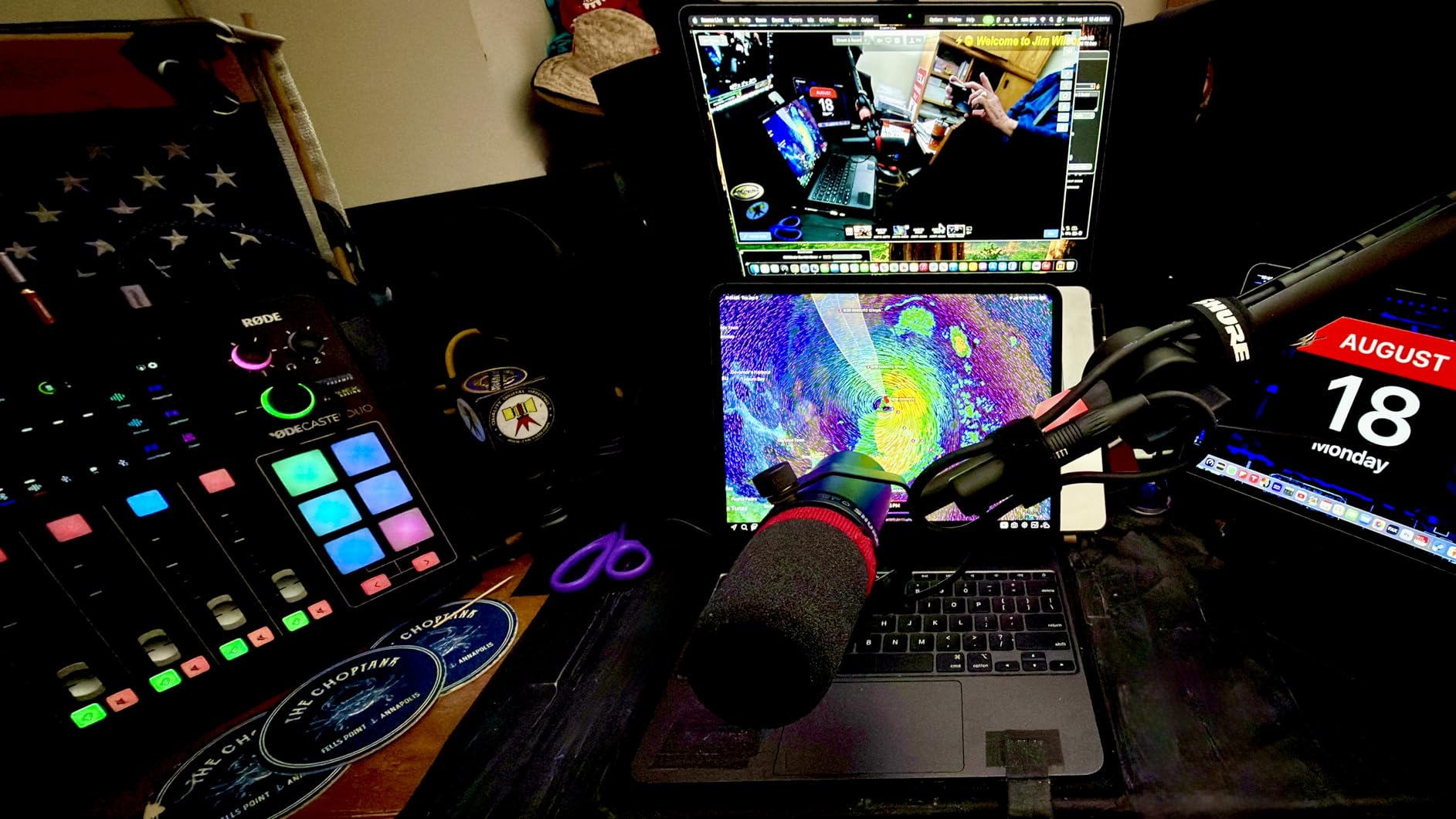
The single caveat that comes up in every round of owner feedback is gain. This is a low-output microphone, and reviewers repeatedly pair it with a Cloudlifter or a FetHead or a high-gain interface. If you buy two SM7Bs and feed them a noisy entry-level preamp, you will chase hiss for weeks. Buy the gain, or buy a more sensitive microphone.
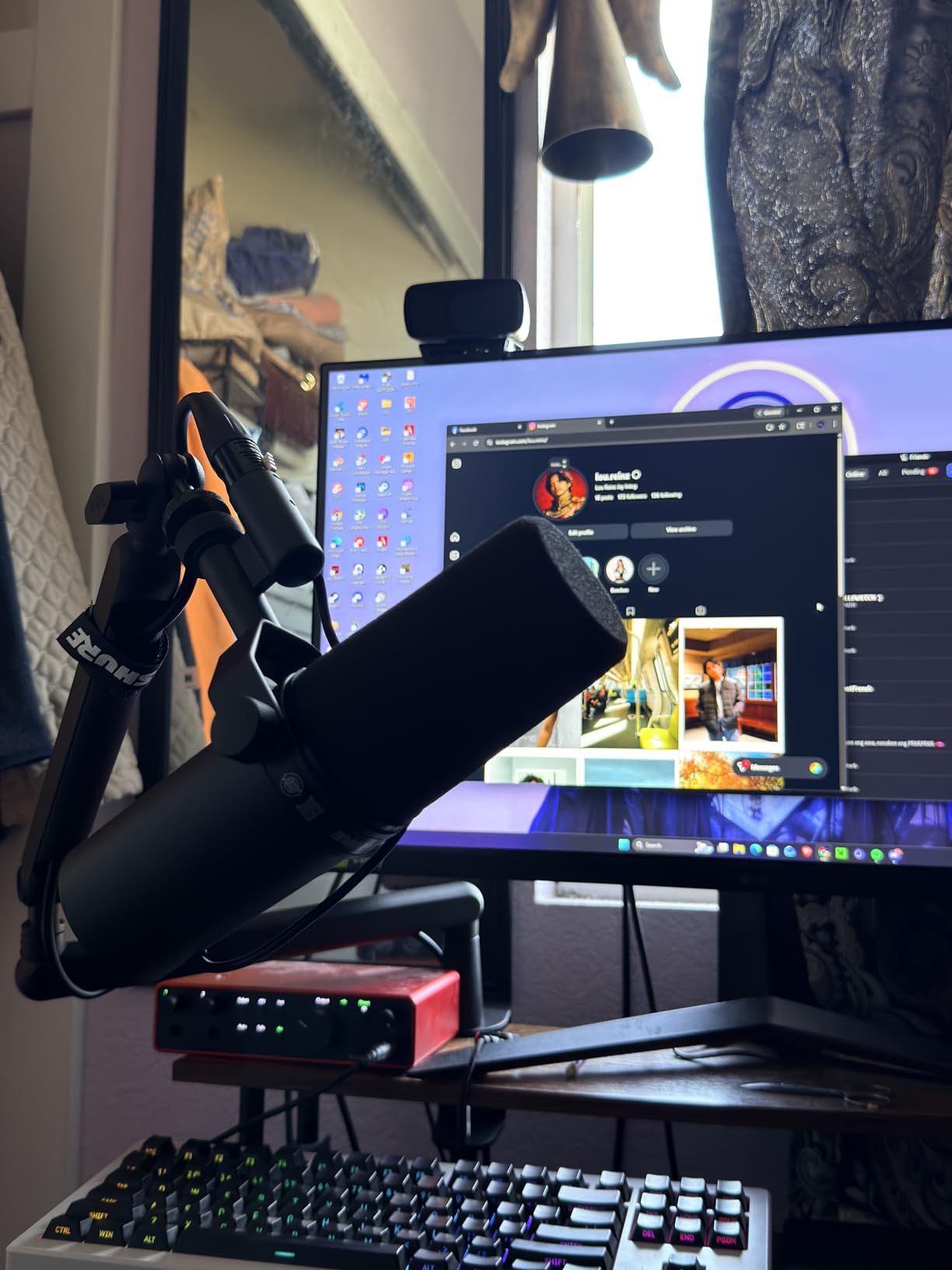
When two SM7Bs work better than cheaper pairs?
Two SM7Bs make sense when the show is long-form, the room is genuinely noisy, or the hosts have very different voice levels and you need a tight pattern to keep them separated. The pattern is the reason: it rejects the other host better than a wide cardioid dynamic, and reviewers note that the darker voicing suits deeper voices without effort.
They also share identical capture characteristics, which means a matched pair needs no corrective EQ to sound like one show. That matters more than most buyers expect, because mismatched pairs force you to match tones in software for every episode.
When two SM7Bs are the wrong buy?
They are the wrong buy if you are starting out and your interface has a modest preamp. Two hosts with very different speaking volumes also need more gain staging discipline, and reviewers of darker-voice-limited setups report needing post-processing to sound bright.
They are also a large cash outlay for a first season. If the budget is tight, the Rode PodMic and the Samson Q2U below deliver usable speech capture in an untreated room for far less, and the Q2U needs no interface at all to start.
2. FIFINE AmpliGame AM8 – USB and XLR in One Budget Body
FIFINE AmpliGame AM8 USB/XLR Dynamic Microphone for Gaming Streaming
USB and XLR
50 Hz-16 kHz
80 dB signal-to-noise
Tap-to-mute and gain knob
Pros
- USB and XLR in one body for an instant start and a later interface upgrade
- Clear balanced speech capture for calls and streaming
- Headphone jack and monitoring volume control in USB mode
- Included desk stand with 3/8 and 5/8 threads
- Cardioid dynamic design keeps keyboard noise down
Cons
- Mute is a touch button and only works over USB
- XLR mode disables the RGB ring and function keys
- Mostly plastic build
- XLR cable sold separately
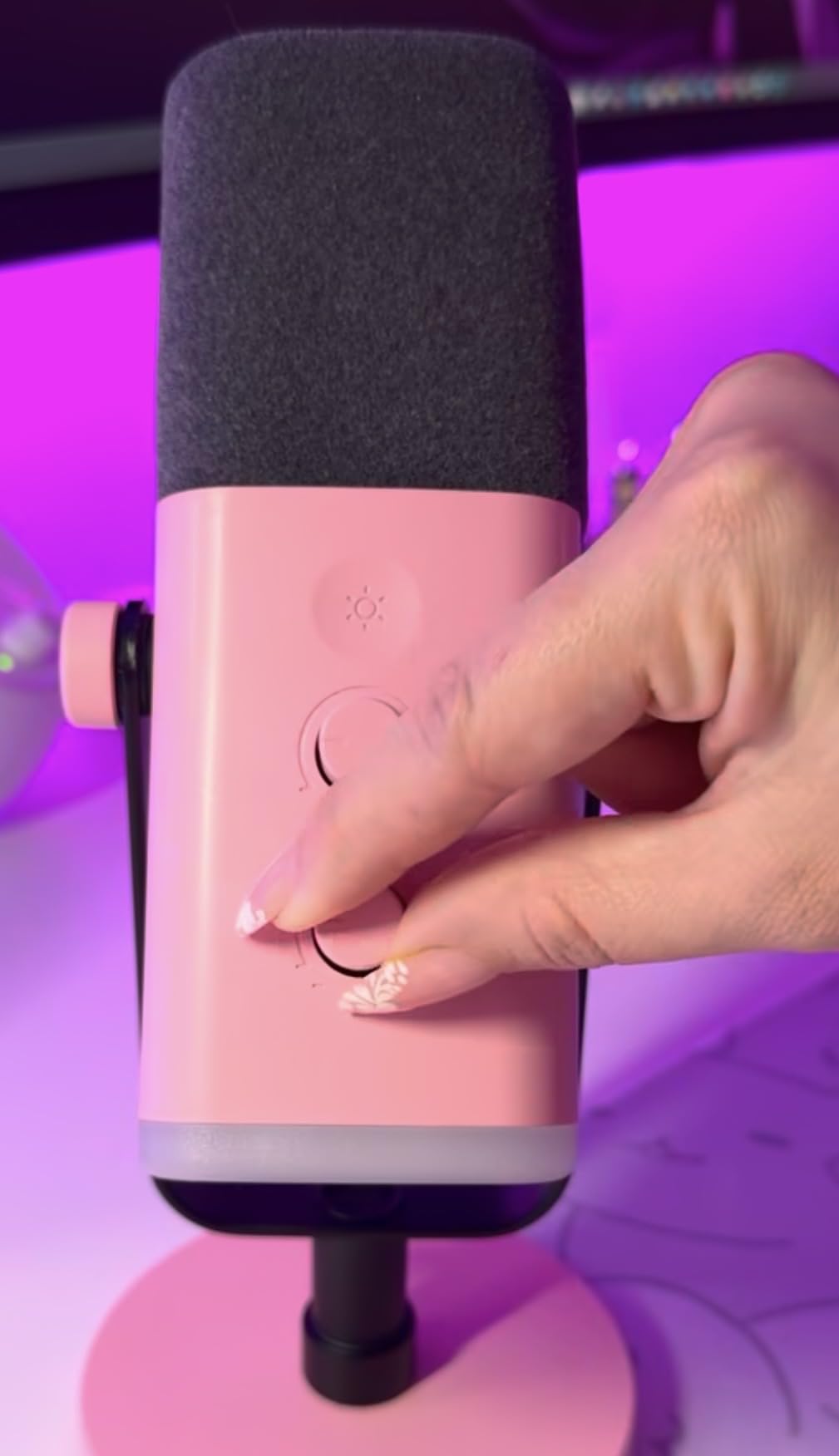
This is the microphone we recommend when a two-host show needs a video or livestream component, because the headphone jack and monitoring volume in USB mode let each host hear themselves without buying a second piece of monitoring hardware. The 80 dB signal-to-noise figure is the highest in this group, and owner reviews describe clear, full voice pickup that handles a noisy desk without software.
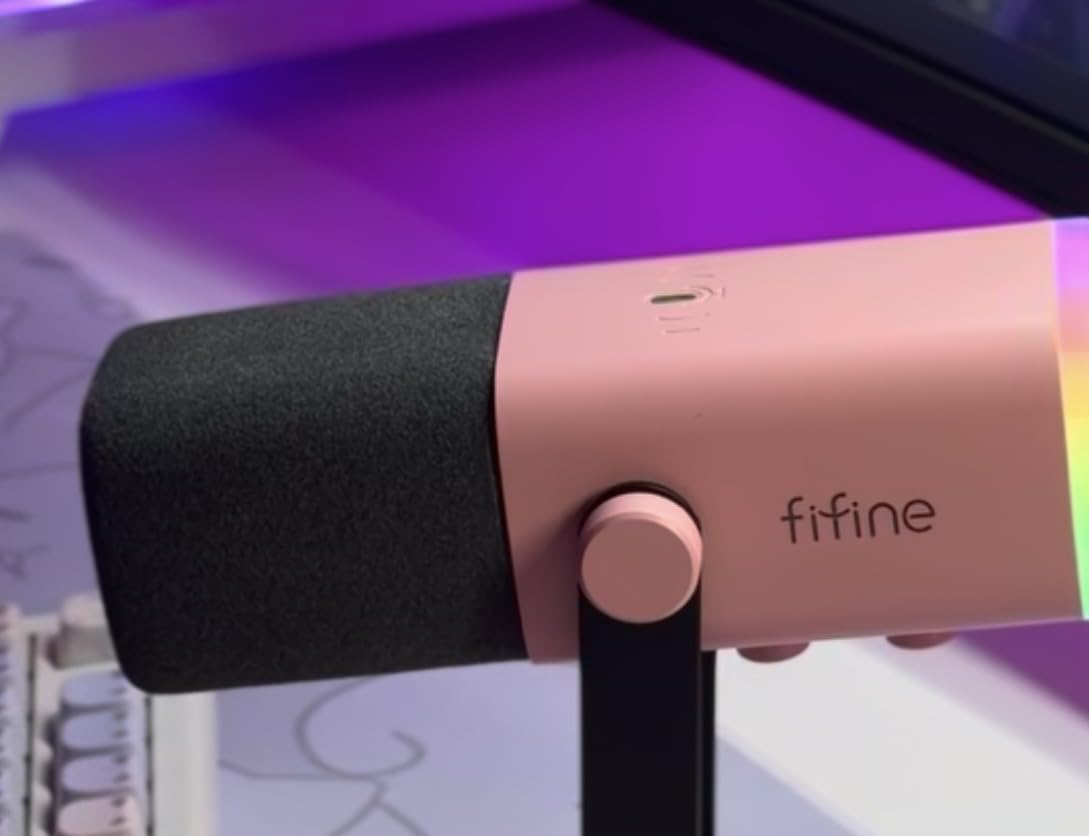
Dual USB and XLR output is the reason this mic shows up in two-host recommendations so often. You can start with two of them plugged straight into a laptop, and when the show grows, move both into an interface without changing microphones. Forum readers repeatedly name dual connectivity as the deciding factor for exactly that reason.
What works well for a two-host desk?
The included stand is better than most budget stands, and the built-in 3/8 and 5/8 threads mean a boom arm can be added later when the two hosts want to move closer to the mics. Tap-to-mute with an LED reminder is genuinely useful in a two-person show, because one host can stop a take without reaching for the computer.
The cardioid dynamic design is the quiet reason this mic works with two people: a fan, an air conditioner and a mechanical keyboard are all down several decibels compared with a condenser capsule listening from across a desk.
Where the AM8 falls short for two hosts?
Switching to XLR mode turns off the RGB ring and every function key, so the monitoring and mute features that justified the purchase disappear the moment you add an interface. The touch mute is not a physical switch, and the RGB ring is dim and can cut out if the cable is jostled.
The build is mostly plastic with a metal grille, so it does not feel as desk-stable as the metal-bodied options in this list. And you buy the XLR cable separately, which is an easy cost to overlook on a two-mic budget.
3. Rode PodMic – the Best-Sounding Mic Under a Hundred per Host
RØDE PodMic Cardioid Dynamic Broadcast Microphone, XLR
Dynamic cardioid
20 Hz-20 kHz
78 dB signal-to-noise
XLR output
Pros
- Warm broadcast tone reviewers call flattering to speech
- Internal pop filter and internal shock mount
- Metal body with an integrated swing mount
- Tight cardioid pattern rejects fans and room echo
- Two-year warranty
Cons
- Low output needs a lot of clean gain
- XLR only so an interface and cable are required
- No onboard monitoring or controls
- Weight can unbalance lighter boom arms
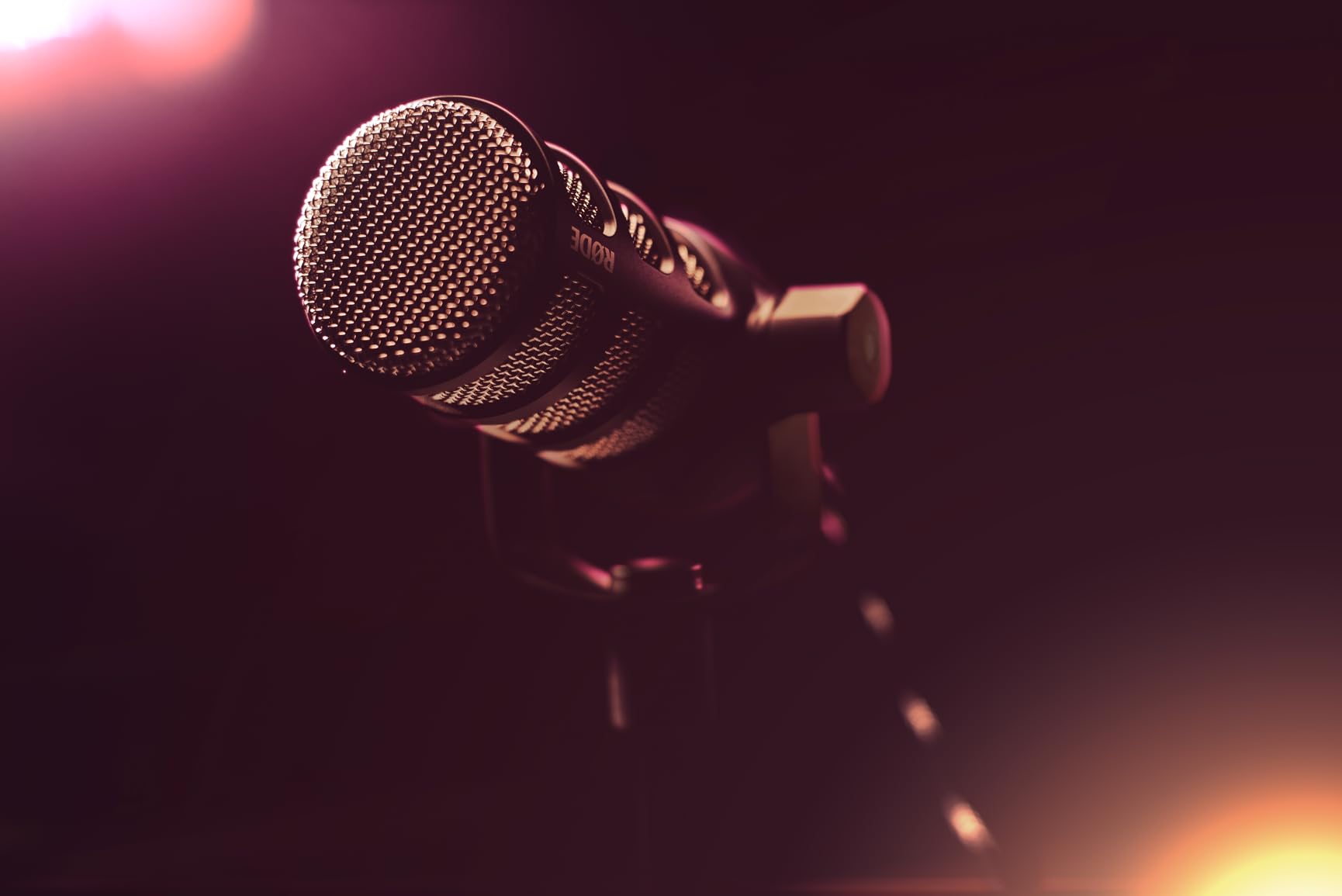
The PodMic is the most-recommended answer in podcasting forums when a two-person show asks what to buy, and the owner reviews back it up. Seven thousand reviewers call it the best-sounding microphone they have owned, and the 20 Hz to 20 kHz response is the widest in this group for a broadcast dynamic at this tier. The internal pop filter and internal shock mount mean two of them need no accessories to sound clean.
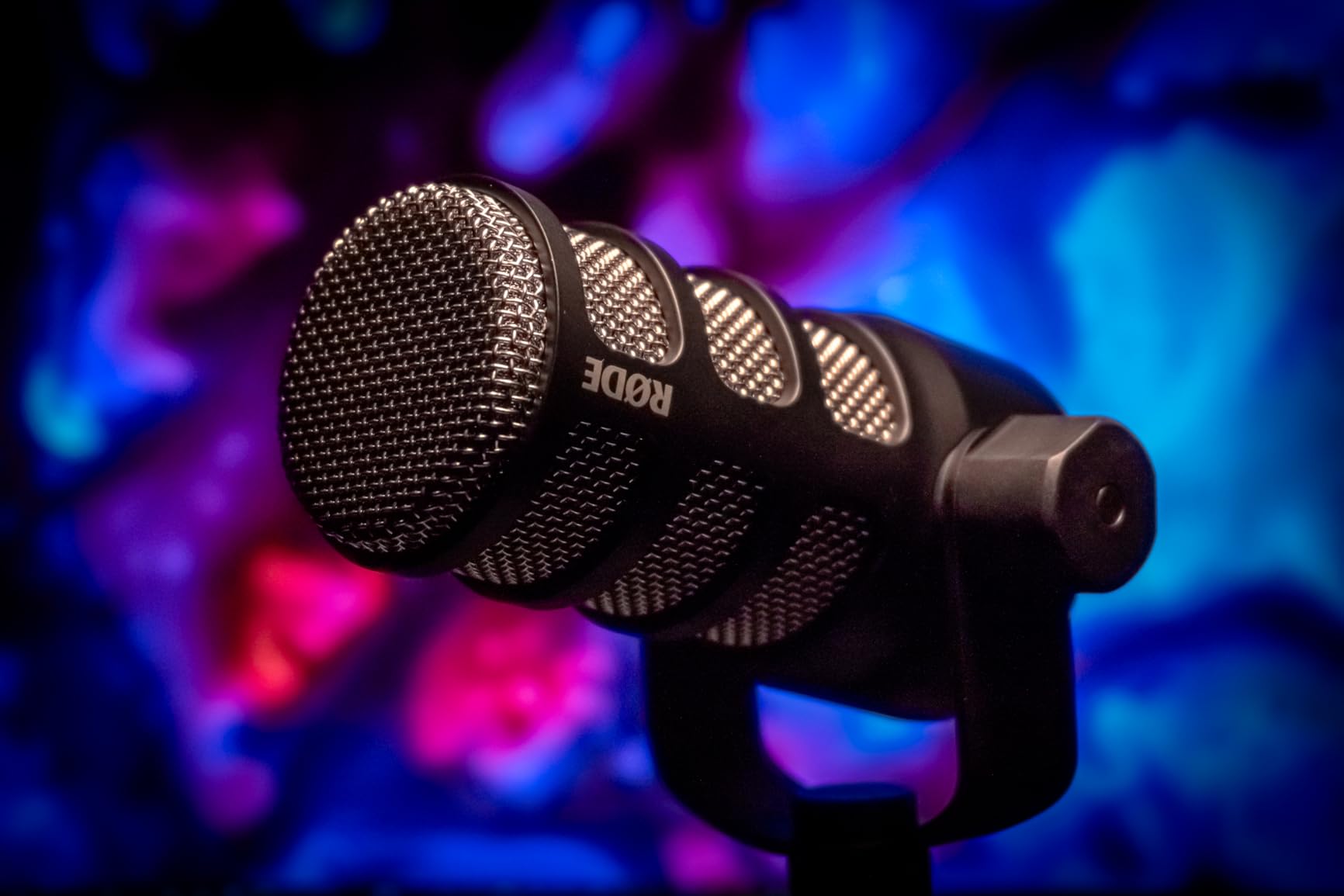
For two hosts, the cardioid pattern is the deciding feature. In a plain bedroom with a fan running, a PodMic pointed at its own host rejects enough of the room that the other host’s voice stays at a manageable level on the bleed track, and the wide response keeps consonants crisp rather than dull. That combination of warmth and rejection is why it tops most beginner shootouts against two comparable dynamics.
What works well in a two-host layout?
The integrated swing mount makes repositioning between two chairs simple, and the all-metal body survives being moved around, which matters when the show is recorded on a couch one week and at a desk the next. Owners also note how cleanly a matched pair behaves, with no corrective EQ needed to make two tracks sound like one show.
Forum readers who use this mic in a two-host setup point out that it pairs naturally with RODE recorder consoles and other quality XLR interfaces, so the mixing side of the rig stays simple even as the show scales.
Where the PodMic costs you something?
Gain is the recurring theme across thousands of reviews. This is a low-output design, and users either pair it with an inline booster or use an interface with enough clean gain; those who skip that step report hiss or a gain knob sitting near maximum. Two of them magnify the problem because both need the same headroom.
It is XLR only, so you also need an interface, a cable and a mic arm. And it has no onboard monitoring or gain control, which means every level decision happens at the interface or in software.
4. Samson Q2U – The Easiest Two-Mic Start for Beginners
Samson Q2U USB/XLR Dynamic Microphone Recording and Podcasting Pack
USB-C and XLR
50 Hz-15 kHz
70 dB signal-to-noise
Stand and both cables included
Pros
- Stand and windscreen and both USB and XLR cables in the box
- USB-C plug-and-play plus an XLR path in one microphone
- Dynamic cardioid design handles untreated rooms
- Lightweight body is easy to reposition for two hosts
- Two-year warranty and a long beginner track record
Cons
- Bundled desktop stand sits low for two-person interviews
- Dynamic capsule is duller than larger-diaphragm broadcast mics
- No onboard gain or mute or monitoring
- Interface needed for the XLR path
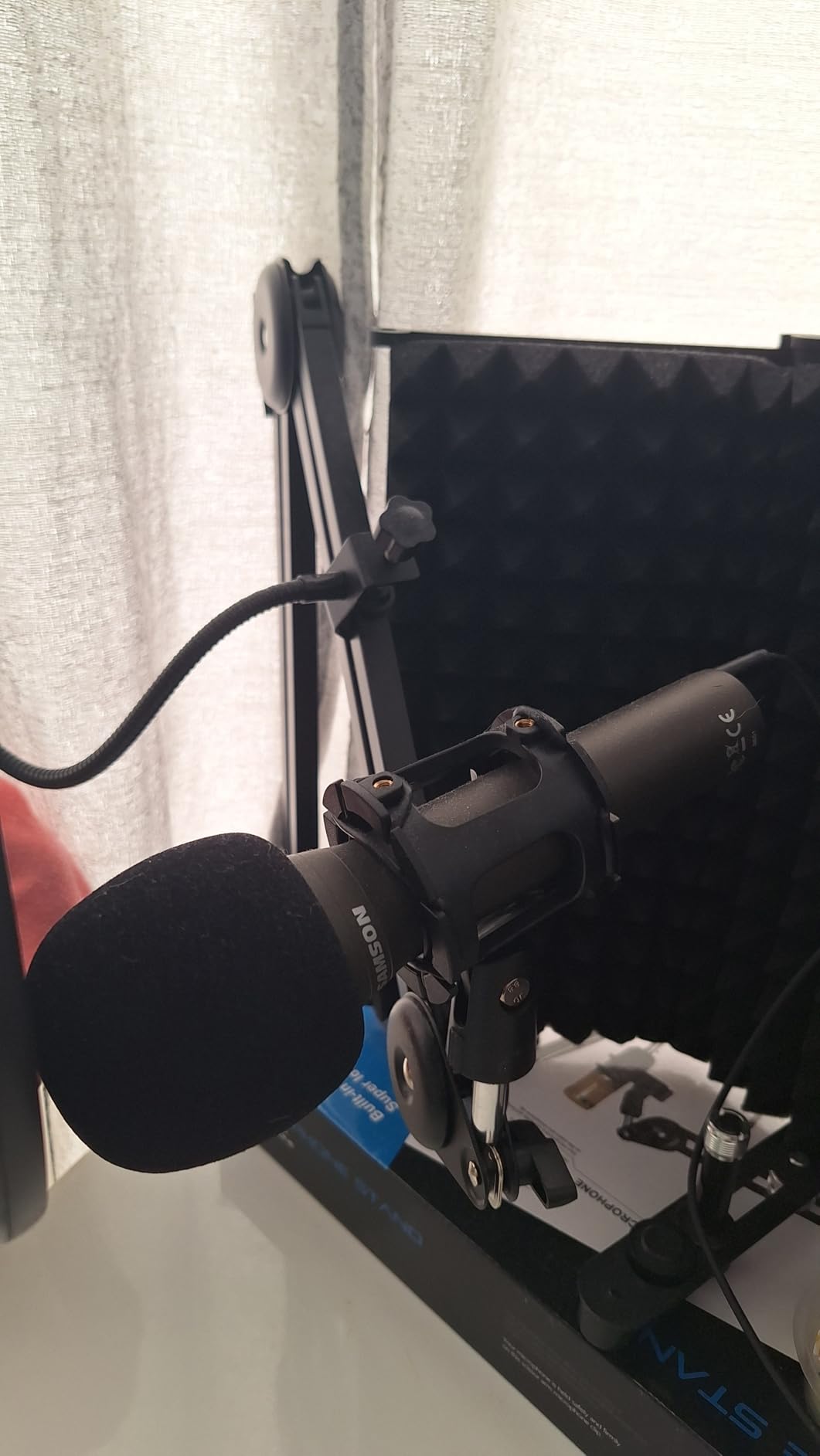
If a two-person show starts this month with no interface, no cable and no stand, the Q2U is the shortest path to a recording. Two of them plug into a laptop over USB-C and record, and the box already includes the desktop stand, the extension, the mic clip, the windscreen, the USB-C cable and the XLR cable. That complete kit shape is exactly what forum beginners describe buying.
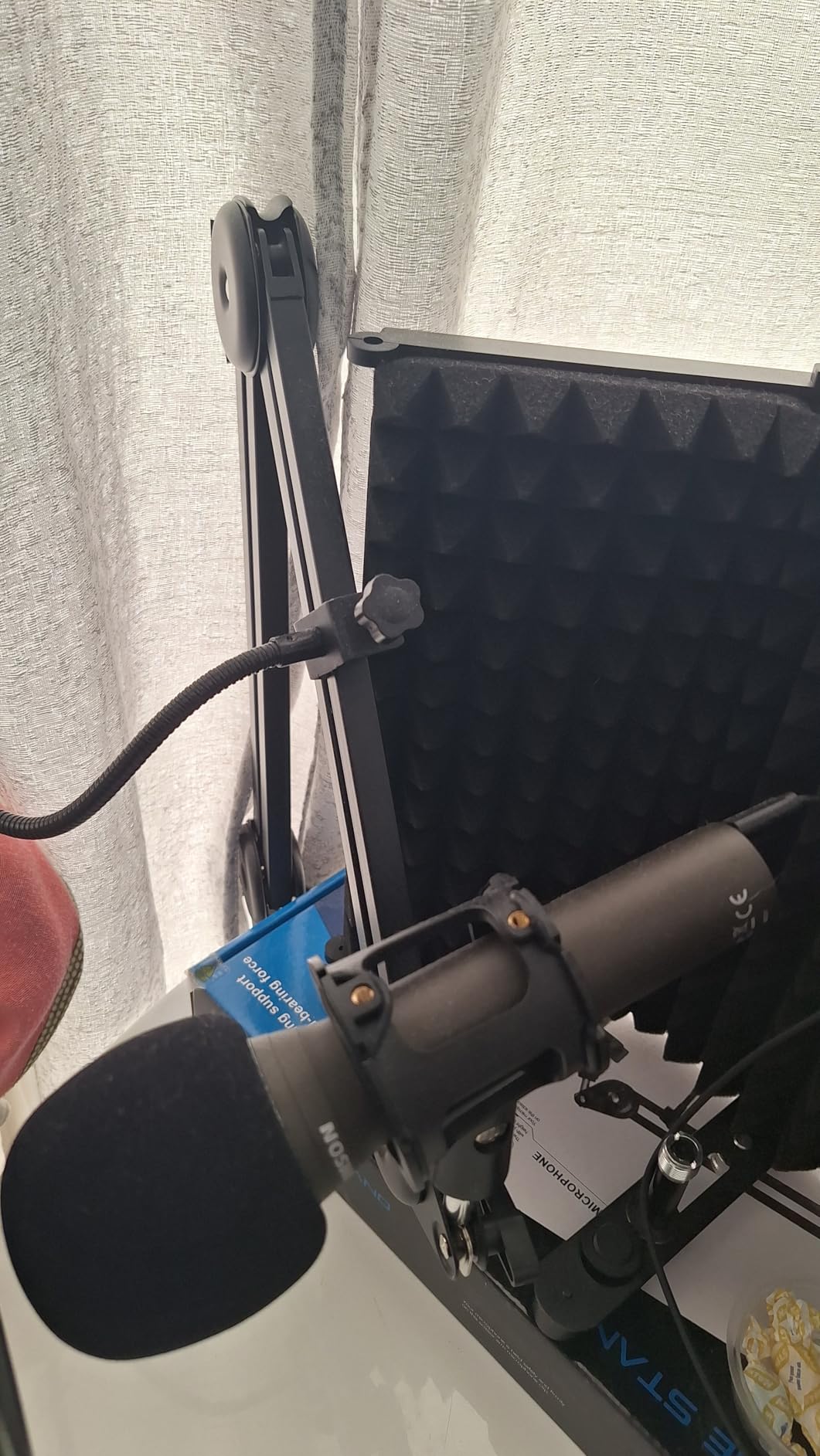
The dynamic unidirectional design is why it survives a bedroom. It handles loud sources and reflective rooms without turning every chair scrape into a rumble, and owner reviews describe it as a straightforward workhorse rather than a refinement upgrade. That framing matters for a first season, because you will replace this microphone only if the show outgrows it, not because it failed.
Why beginners end up with two of these?
It ranks high in the sales data for multipurpose dynamic microphones, and the reason is simple: it is the mic most first-time co-hosts buy, and when one host buys one, the other buys one. The lightweight handheld form factor makes it easy to reposition when the two of you are sharing a table and adjusting the distance between you.
Because the USB path and the XLR path are both real, a new show can grow into an interface later without changing microphones, which is the single most common reason people choose it over a cheaper USB-only capsule.
Where the Q2U disappoints?
The bundled desktop stand is basic and places the microphone low, which is wrong for two hosts sitting upright. Plan on a boom arm. The dynamic capsule is also less detailed and slightly duller than a large-diaphragm broadcast dynamic, a difference you can hear on consonants once the two hosts are close to their microphones.
There is no onboard gain, mute or monitoring, so the bundled stand is doing a lot of work the microphone is not. For a show that will grow into long episodes, that is a reasonable trade; for a first season on a laptop, it is the right call.
5. FIFINE AmpliTank K688 – Metal Build With a Shock Mount Included
FIFINE AmpliTank K688 Dynamic Microphone, XLR/USB Podcast Recording PC Mic
USB and XLR
50 Hz-16 kHz
130 dB max SPL
Shock mount and windscreen included
Pros
- Crisp clear voice capture that rejects fans and hard-drive noise
- Metal body with an included shock mount
- USB now and XLR later in one body
- Tap-to-mute and gain knob in USB mode
- Buyers commonly report buying two for a co-hosted show
Cons
- Needs a boom arm or stand to get close
- Stand and arm and XLR cable are sold separately
- Included mini desktop stand is flimsy
- Tap-to-mute can loosen over time
The K688 is the one we recommend when two hosts are sharing a small desk and the arm budget is tighter than the microphone budget. The 130 dB maximum SPL rating and the cardioid dynamic core mean it takes a close, confident speaking position without clipping, and the 80 dB signal-to-noise figure keeps fan and hard-drive noise down in an untreated room.
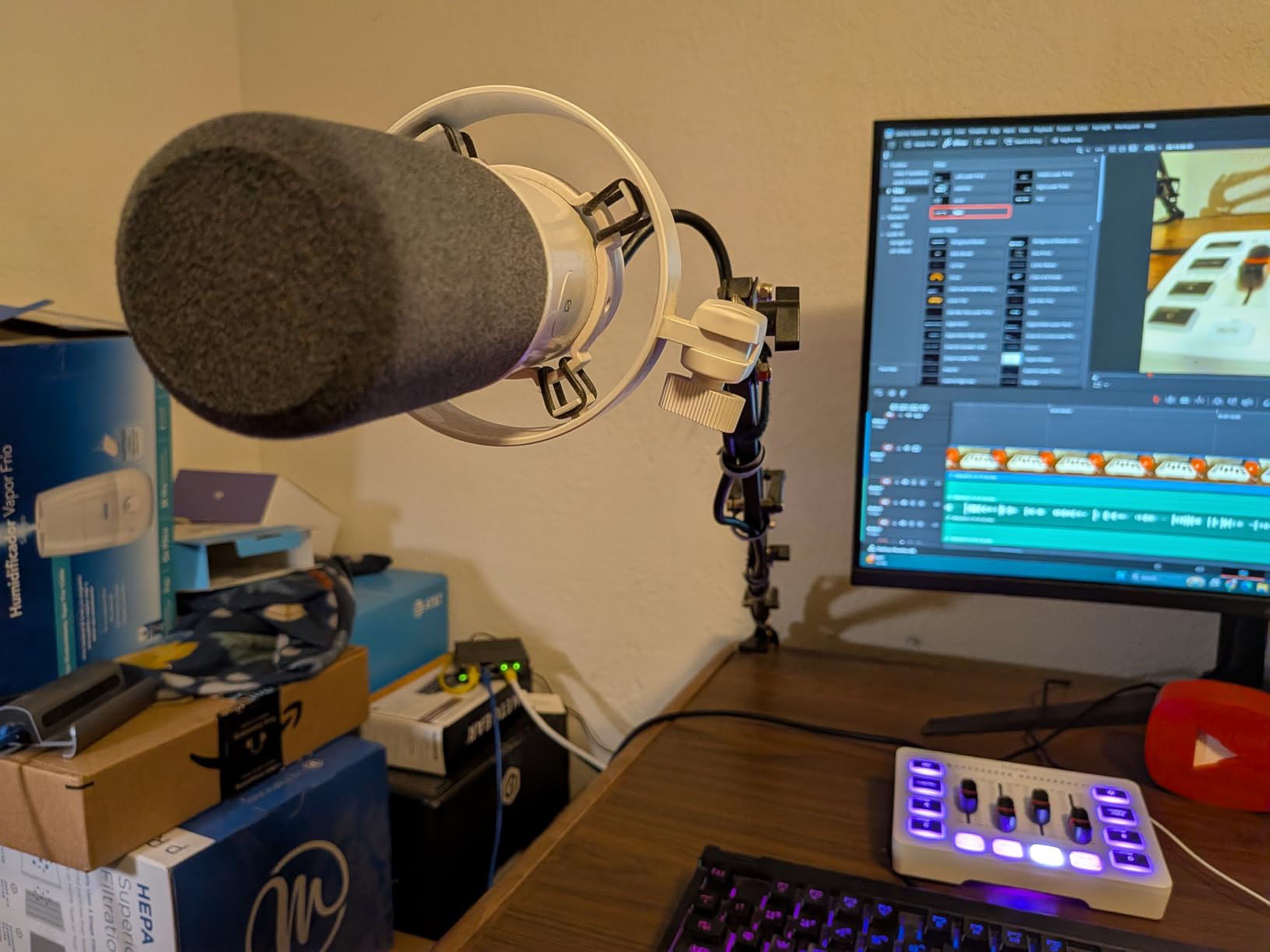
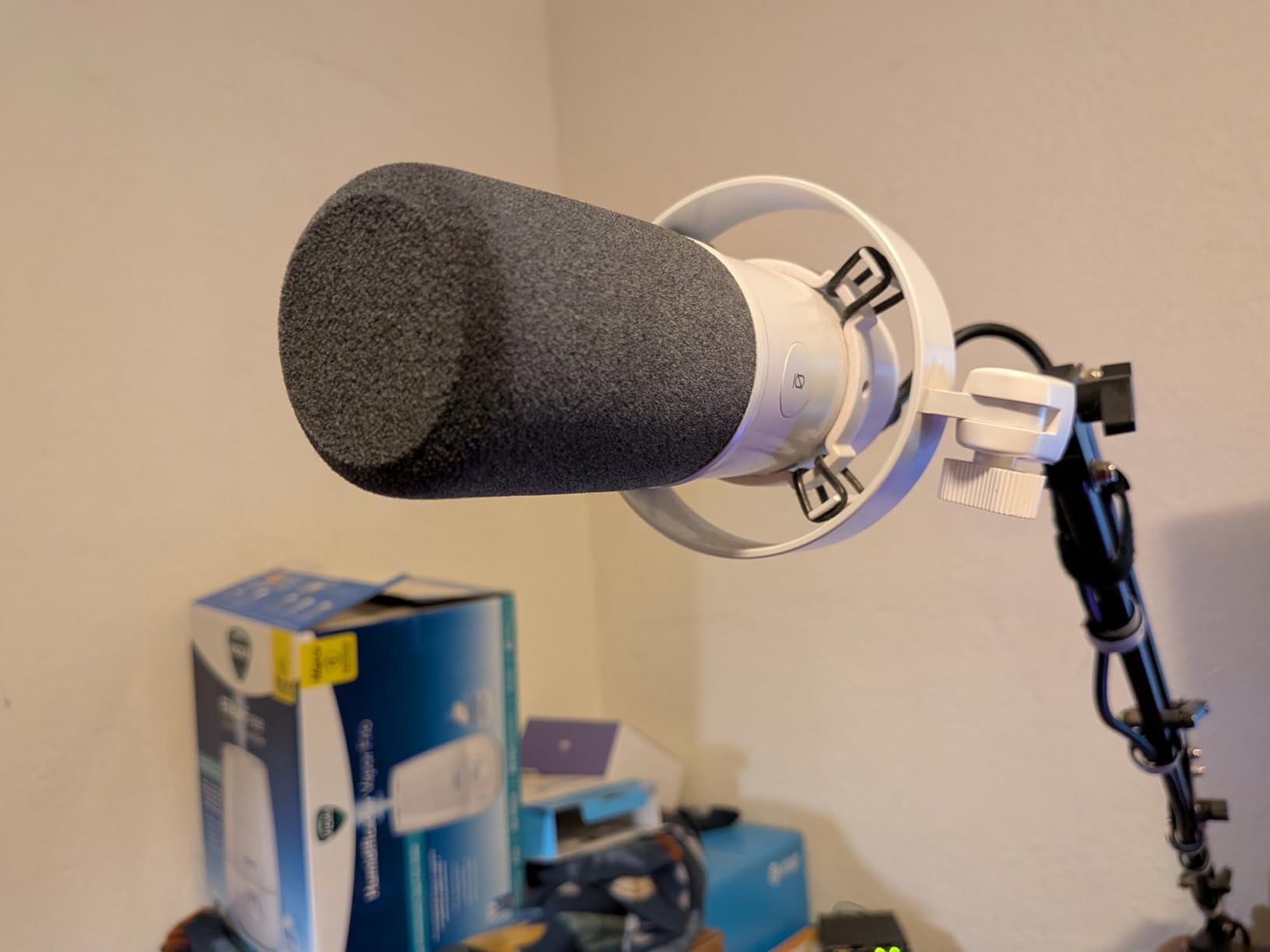
It is the only microphone here that ships with a real external shock mount and a windscreen, which matters more than it sounds for two people. Two hosts reading notes and shifting in chairs transmit desk vibration, and the included mount absorbs it without any extra purchase. The detachable 8.2 foot USB-C cable is long enough to reach a laptop from a shared desk without a hub.
Where this one earns its place in a two-host rig?
Two of them over USB, or one over USB and one into an interface, gives a matched pair with a shared capture character. The tap-to-mute and gain knob in USB mode mean each host can set their own level, which removes the loud-quiet-host problem before it reaches the recording.
Owners specifically call out the metal build and the included shock mount as feeling far more premium than the ticket suggests, and several mention buying a second unit for a co-host as a first purchase.
Where the K688 frustrates owners?
The recurring negatives are accessory omissions. The stand, the arm and the XLR cable are all sold separately, and the small included desktop stand is flimsy enough that owners report it sagging after a few months. The mic also needs to be close to the mouth, so without an arm the level will be noisy.
Some units develop a loose tap-to-mute spring over time. Budget for an arm, and this becomes a genuinely strong two-person choice.
6. Shure MV7X – Isolation First for Two Speakers in One Room
Shure MV7X XLR Dynamic Podcast & Recording Microphone – Black
XLR only
50 Hz-16 kHz
72 dB signal-to-noise
508 g metal body
Pros
- Rich broadcast-like capture owners compare to the SM7B
- Dynamic cardioid capsule with an integrated shock mount
- No phantom power needed
- Less likely to pick up the other speaker
- Adjustable yoke with a 3/8 adapter included
Cons
- XLR only so an interface and cable must be bought
- Still wants a good amount of gain
- No onboard monitoring or mute or gain controls
- Single XLR output cannot feed two computers at once
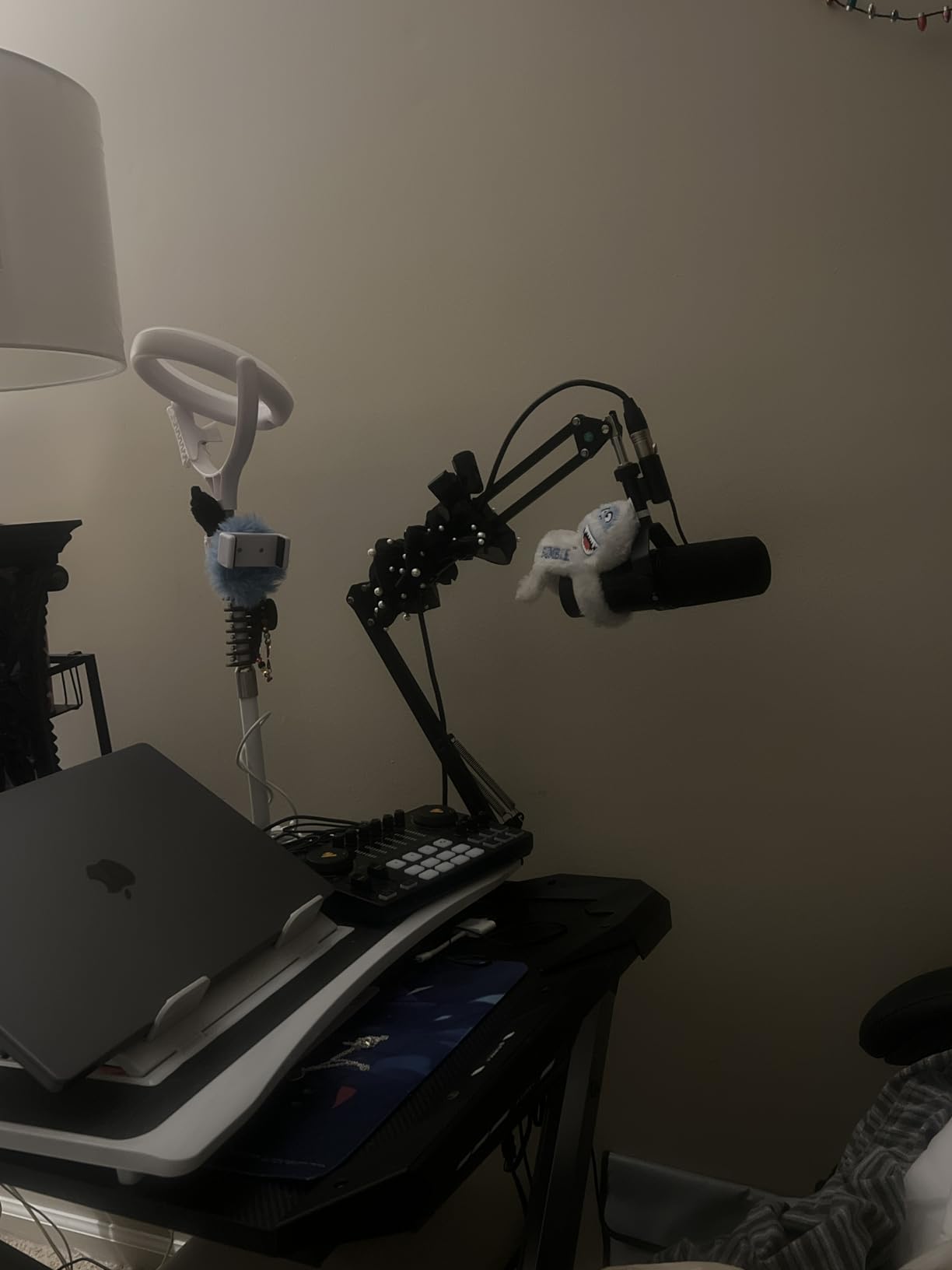
The MV7X exists because the SM7B leaves gaps in the midrange for many people, and the owners who moved up from the SM7B describe the MV7X as the sweet spot between the SM7B and a budget dynamic. Several two-host podcasters in the reviews specifically note that it cuts crosstalk between speakers far better than mismatched cardioid condensers, which is the exact problem this guide exists to solve.
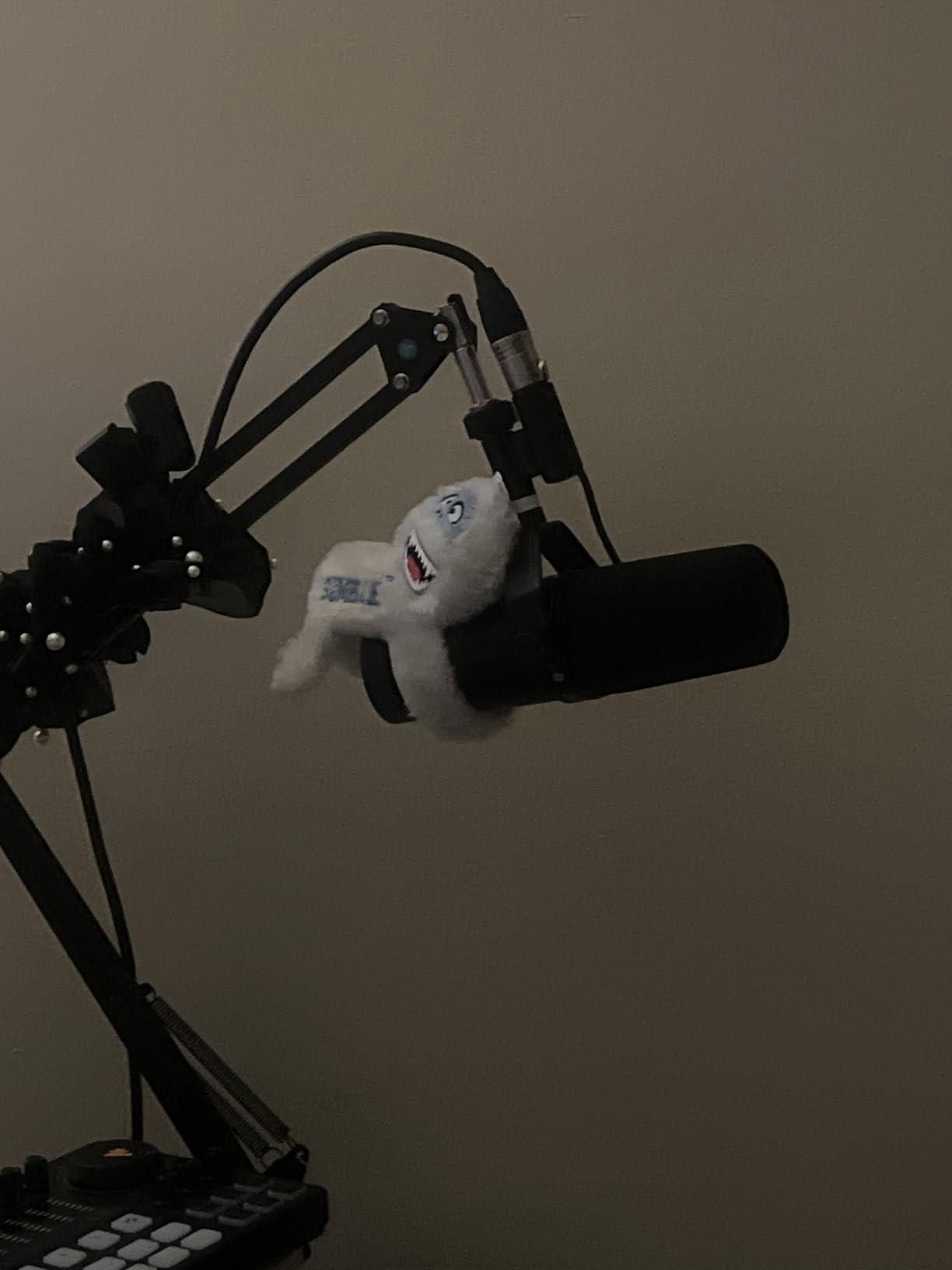
Because it is a dynamic and needs no phantom power, it drops into any two-channel interface without configuration, and its 508 g all-metal body is light enough for a mid-priced boom arm while still feeling solid. The adjustable yoke and the included 3/8 adapter mean two of them can be positioned independently, which is what you want when the hosts are not sitting at identical distances.
Why two-host shows gravitate to this microphone?
The balance is the point. It is more sensitive than the SM7B, so it needs less gain for the same level, but it is still dynamic and still tight in rejection, so it holds up in a room the SM7B also holds up in. Two of them into a two-channel interface is a clean, symmetrical rig with no external booster required.
Owners also highlight that the integrated shock mount means the microphone can be mounted directly on an arm without a separate suspension, cutting one accessory out of a two-person shopping list.
Where the MV7X stops short?
It is XLR only, so the interface, the cable and the arm are all extra, and the missing XLR cable is the most common owner complaint in that category. It also still wants a good amount of gain, with many users reporting a post-processing boost in their chain.
There are no onboard controls of any kind, and a single XLR output cannot feed two computers the way the MV7+ can. For a two-host show that also records video on a second machine, that limitation is real.
7. Audio-Technica AT2040 – The Tightest Off-Axis Rejection Here
Audio-Technica AT2040 Hypercardioid Dynamic Podcast Microphone
Hypercardioid
Response to 15 kHz
76 dB signal-to-noise
80 Hz high-pass filter
Pros
- Hypercardioid pattern isolates one voice from the other
- No proximity effect so speakers can get close without boomy low end
- Built-in 80 Hz high-pass filter cuts desk thumps
- Integrated shock mount and multistage foam windscreen
- Lighter and smaller than most broadcast dynamics
Cons
- Needs a lot of clean gain and can max out entry-level interfaces
- XLR only so an interface and cable are required
- Rolls off early with little deep low end
- No pad or extra low-cut control
The AT2040 is the crosstalk solution. Its hypercardioid pattern rejects more off-axis sound than a standard cardioid, and reviewers describe the isolation as beating cardioids at pulling one voice out of a two-person conversation. If your two hosts share a small untreated room and the other person shows up clearly on your track, this is the pattern you want.
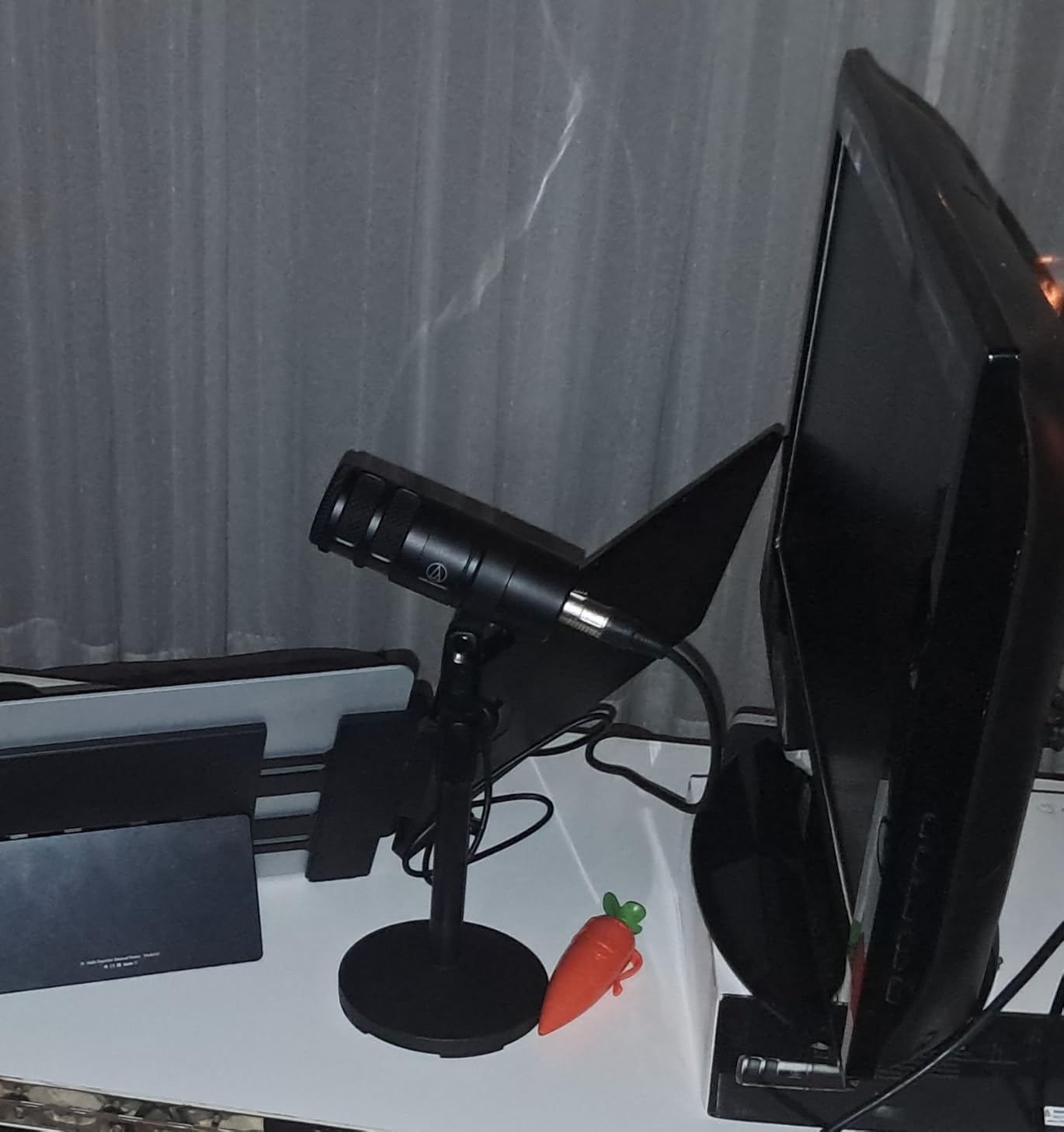
Two details make it comfortable for a whole episode. There is no proximity effect, so a host can lean in close for warmth without the low end swelling, and the built-in 80 Hz high-pass filter removes desk thumps and footfalls that two people in one room generate constantly. The multistage foam windscreen handles plosives without a separate pop filter.
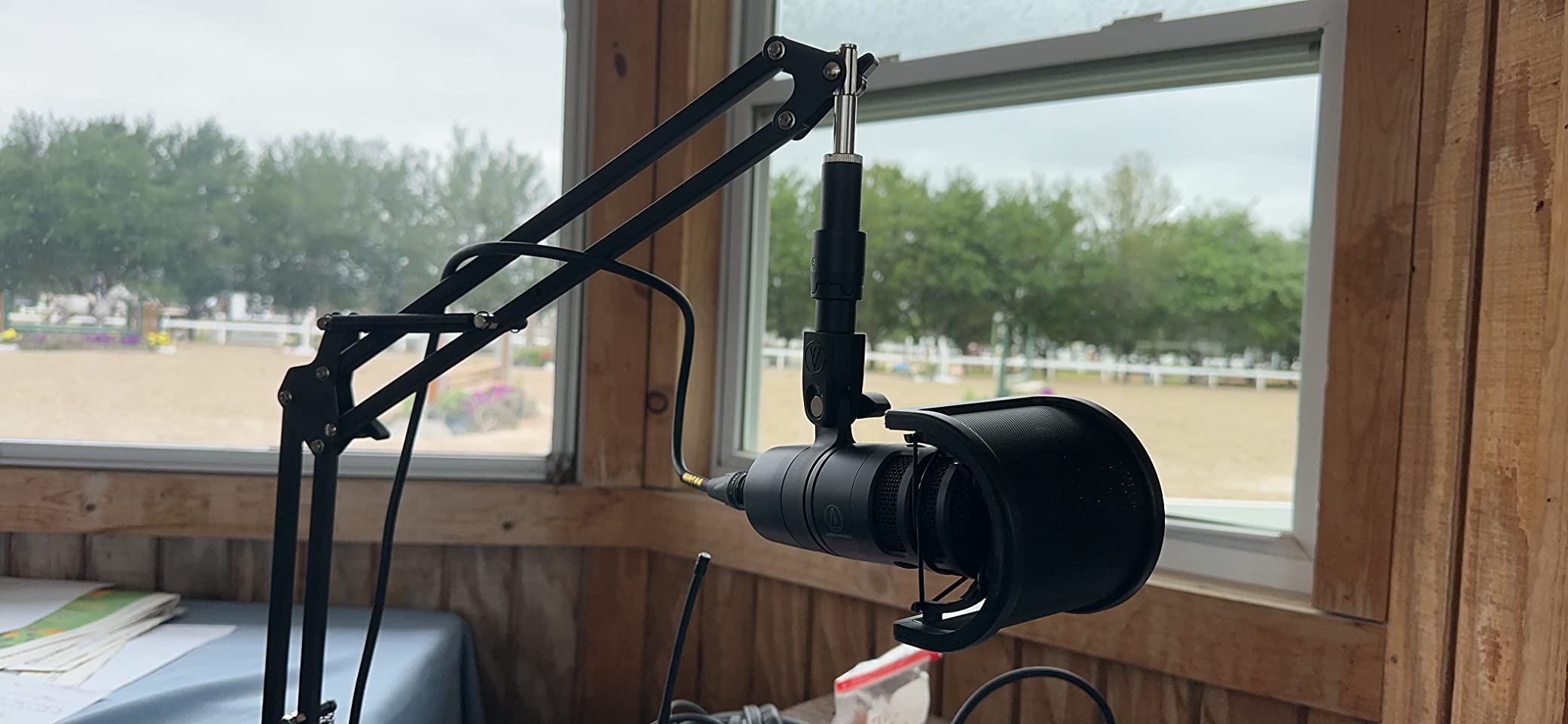
When a hypercardioid pattern is worth the trade?
It pays off when the hosts sit close together, when the room is reflective, or when you record in a car or a small cupboard studio. The rejection is the single measurable advantage here, and it is a large one when the alternative is fighting bleed in every edit.
At 2.2 pounds and roughly ten inches tall, it is also the easiest of the broadcast dynamics here to mount on a modest stand, which helps when two hosts are working from a small table rather than a proper desk.
Where the AT2040 disappoints?
It needs serious gain, and reviewers report maxing out entry-level interfaces, sometimes on an Elgato Wave XLR. Two of them need a preamp that can deliver that cleanly, or the rejection advantage is buried in hiss.
The response rolls off early, so there is little deep low end, and a minority of users who expected a deeper, boomier vocal moved up to a Shure instead. It is also XLR only, with no cable, interface or monitoring in the box.
8. Shure MV7+ – One Mic That Records Over USB and XLR at Once
Shure MV7+ USB-C & XLR Podcast Dynamic Microphone – Black
USB-C and XLR
50 Hz-16 kHz
LED touch panel
Simultaneous capture
Pros
- Records over USB-C and XLR at the same time
- LED touch panel with level metering and tap-to-mute
- Auto Level and real-time denoising cut setup work
- Plate and Hall and Studio reverb effects built in
- Lighter than most broadcast dynamics
Cons
- XLR cable is not included
- Bleed still needs software cleanup if monitoring on speakers
- Higher sensitivity means more frequent gain and EQ work
- Touch mute takes a moment to get used to
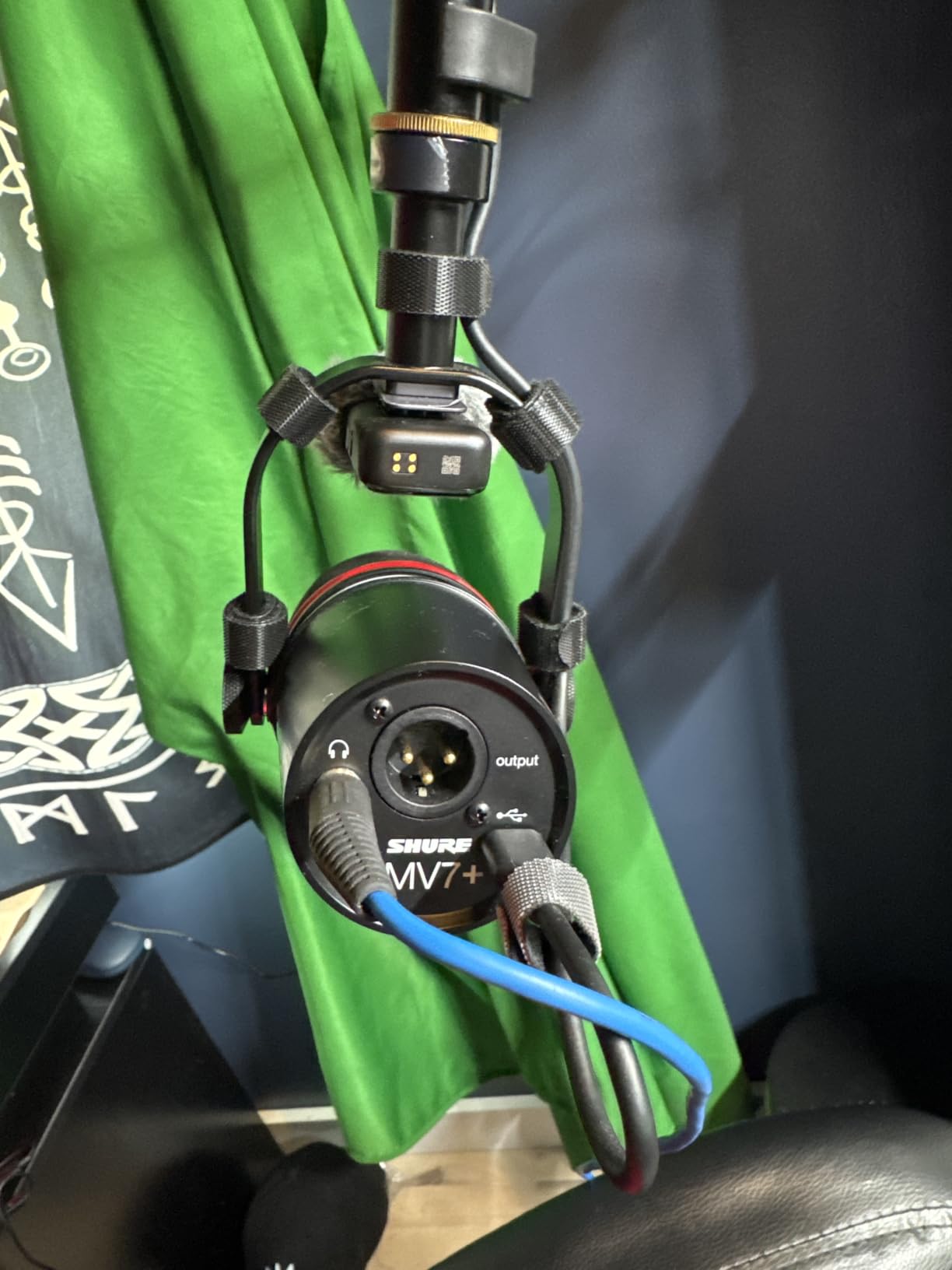
The MV7+ is the answer for a two-host show that also needs a video feed. Owners use it as a one-mic solution plugged straight into a laptop, and then drop it into a recorder for manual control and simultaneous XLR plus USB capture. That dual simultaneous output is the feature that makes a two-host rig with a camera possible without a second microphone.
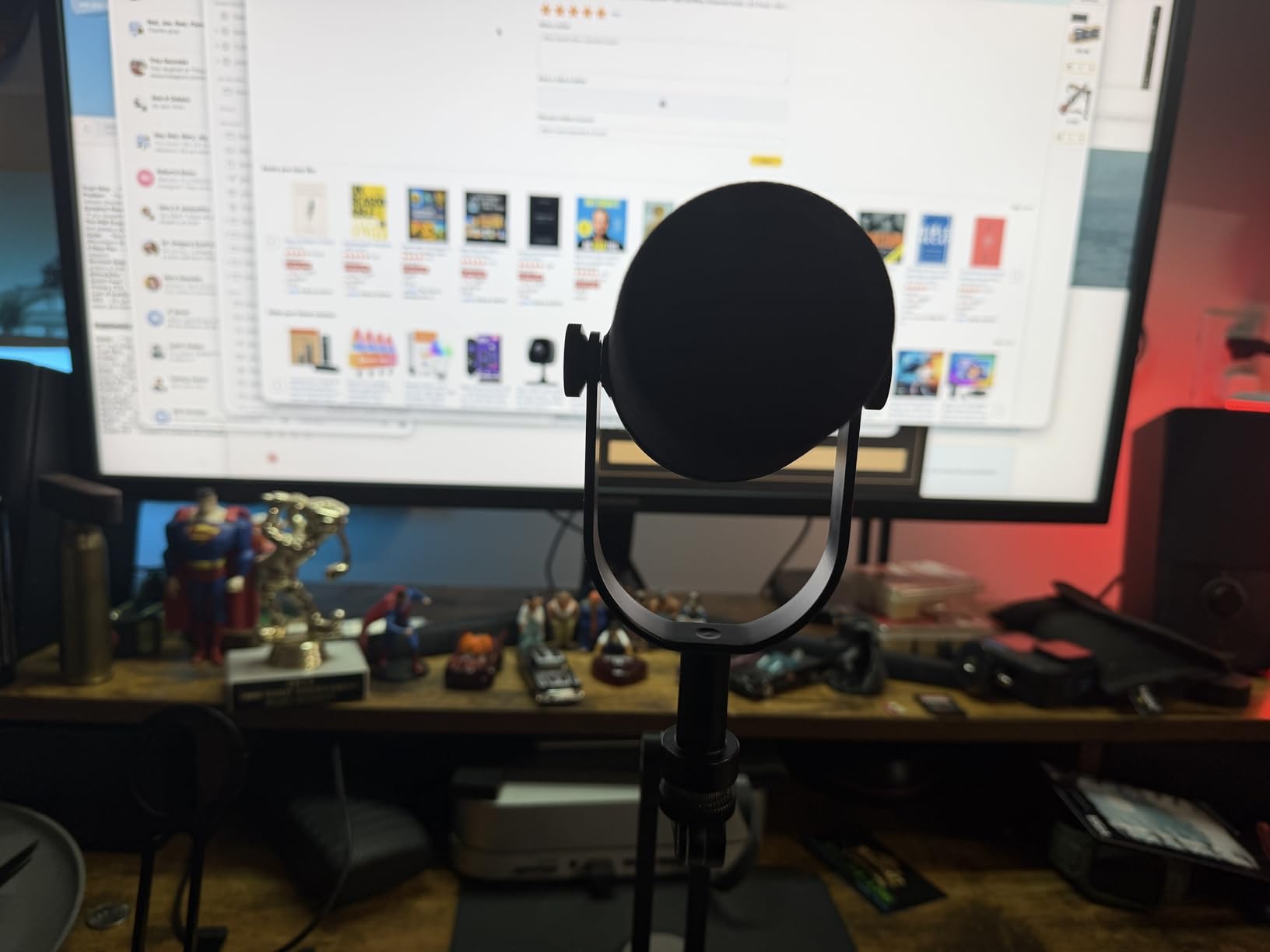
Two of these give each host independent level control through the full-colour LED touch panel, with real-time metering so neither host has to guess whether they are too loud. The Auto Level mode sets gain from distance and volume, which removes the single most common first-episode mistake, and the MOTIV app controls the device from a computer or a phone.
Where the MV7+ changes the workflow?
The built-in reverb effects, Plate, Hall and Studio, let a host add a vocal bed that would otherwise need a separate processor. For a two-person show recorded in an untreated room, the denoising and auto-level features do the cleanup work that would otherwise sit in your editor for every episode.
It is also lighter than the PodMic USB, which reviewers note makes it easier to run straight into a laptop without an arm, useful when the two hosts are recording away from a desk.
Where the MV7+ disappoints?
The raw tone is more ordinary than the SM7B, and it needs more frequent gain and EQ adjustment than a plain XLR dynamic because the capsule is more sensitive. If your room is reflective, the added sensitivity also means more speaker bleed, which reviewers note still needs software cleanup when you monitor on speakers.
The XLR cable is not included, and the mute is a touch sensor that takes some getting used to when you are mid-sentence.
9. Elgato Wave DX – Compact Body for a Crowded Two-Person Desk
Elgato Wave DX Dynamic XLR Microphone, Cardioid Pattern
XLR only
50 Hz-15 kHz
600 ohm impedance
407 g compact body
Pros
- Clear natural speech several owners compare to an SM7B
- Wide forgiving cardioid acceptance angle
- Compact footprint that clears the desk and the camera view
- Light enough for inexpensive boom arms yet solidly built
- Works with any XLR preamp or interface
Cons
- XLR cable is not included
- No on-mic controls or monitoring or gain adjustment
- Needs interface gain tuning in software before levels are right
- Deeper software features sit behind an Elgato interface
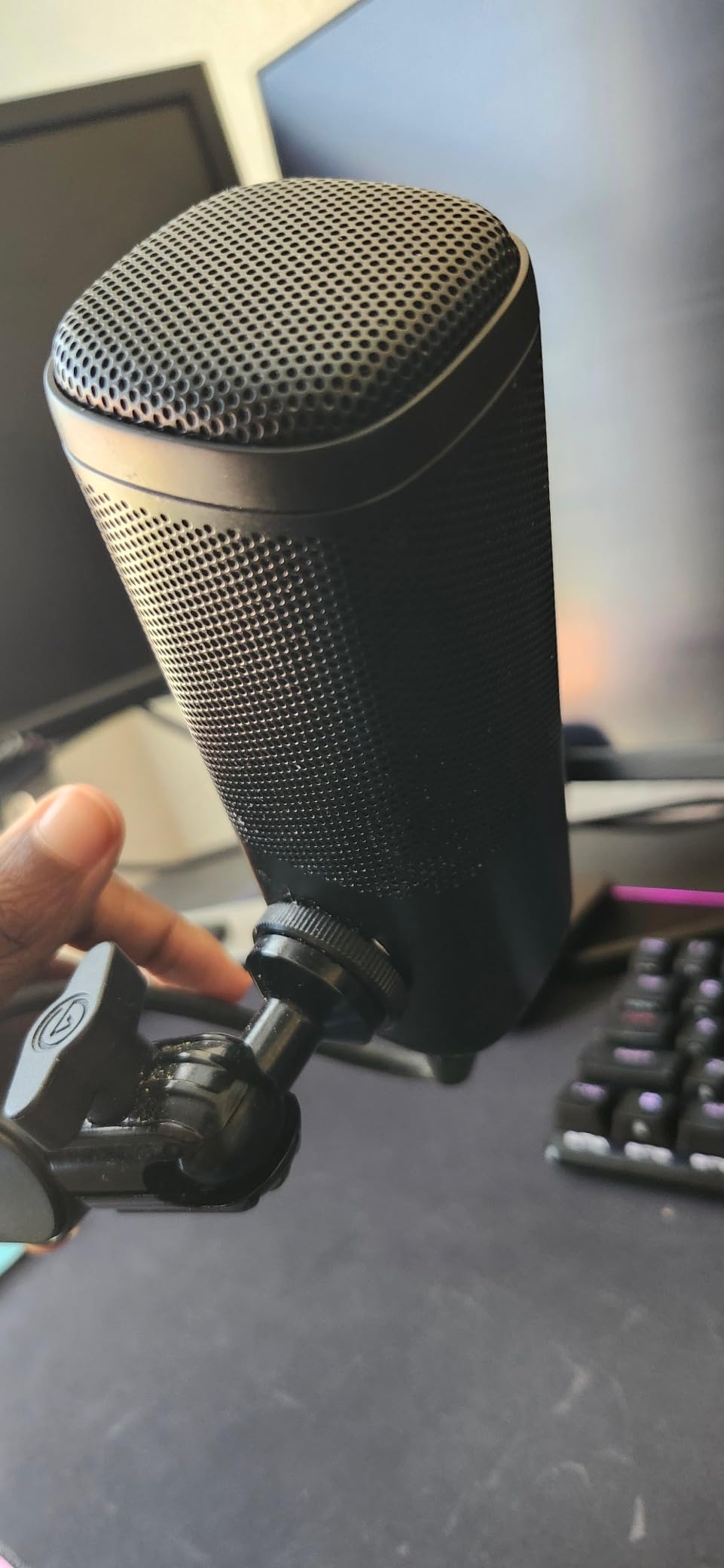
The Wave DX solves a specific two-person problem: desk space. At roughly 407 g and just over seven inches tall, two of them take up almost no room, which means the hosts can sit side by side for a video podcast without a boom arm pushing the frame out of shot. Owners running it in weekly service report results they describe as hard to distinguish from an SM7B.
The cardioid pattern has a wide, forgiving off-axis acceptance angle, which is a quiet advantage in a two-host conversation. It means the microphone tolerates a host who turns their head or shifts in their chair without dropping off the mic the way a very tight pattern would, while still rejecting the room behind the host.
When the compact body is the deciding factor?
If the two hosts share one desk, or the show is recorded for video in a small frame, footprint is a real constraint. The mono swivel mount with 3/8 and 1/4 thread adaptors included means two of them can be mounted on almost anything without buying extra adapters, and the light weight means an inexpensive boom arm holds it steady.
Reviewers also point out that it works with any XLR interface and needs no signal booster, so it drops into an existing two-channel rig without special hardware.
Where the Wave DX falls short?
There are no on-mic controls, no monitoring and no gain adjustment of any kind, so every level decision is made at the interface or in software. Reviewers consistently flag gain staging as the setup step that matters here: without the right preamp setting, the levels are simply wrong.
The XLR cable is not included, and the deeper Elgato software features only unlock with an Elgato interface, so a mixed-brand rig gets a more limited control surface.
10. MAONO PD100 – the Cheapest Complete XLR Kit in the List
MAONO PD100 XLR Podcast Microphone, Cardioid Studio Dynamic Metal Desk Mic
XLR only
60 Hz-14 kHz
78 dB signal-to-noise
Cable and weighted base included
Pros
- Metal body and heavy round base for more stability than typical desk mics
- Inner double-layer pop filter tames plosives without an extra accessory
- Cable and rod extender and weighted base in the box
- Cardioid dynamic core keeps room noise and hard drives down
- Compact size with adjustable height suits a small desk
Cons
- Requires an external audio interface or mixer
- XLR only with a narrower 60 Hz-14 kHz response
- Desktop stand is a compromise versus a boom arm
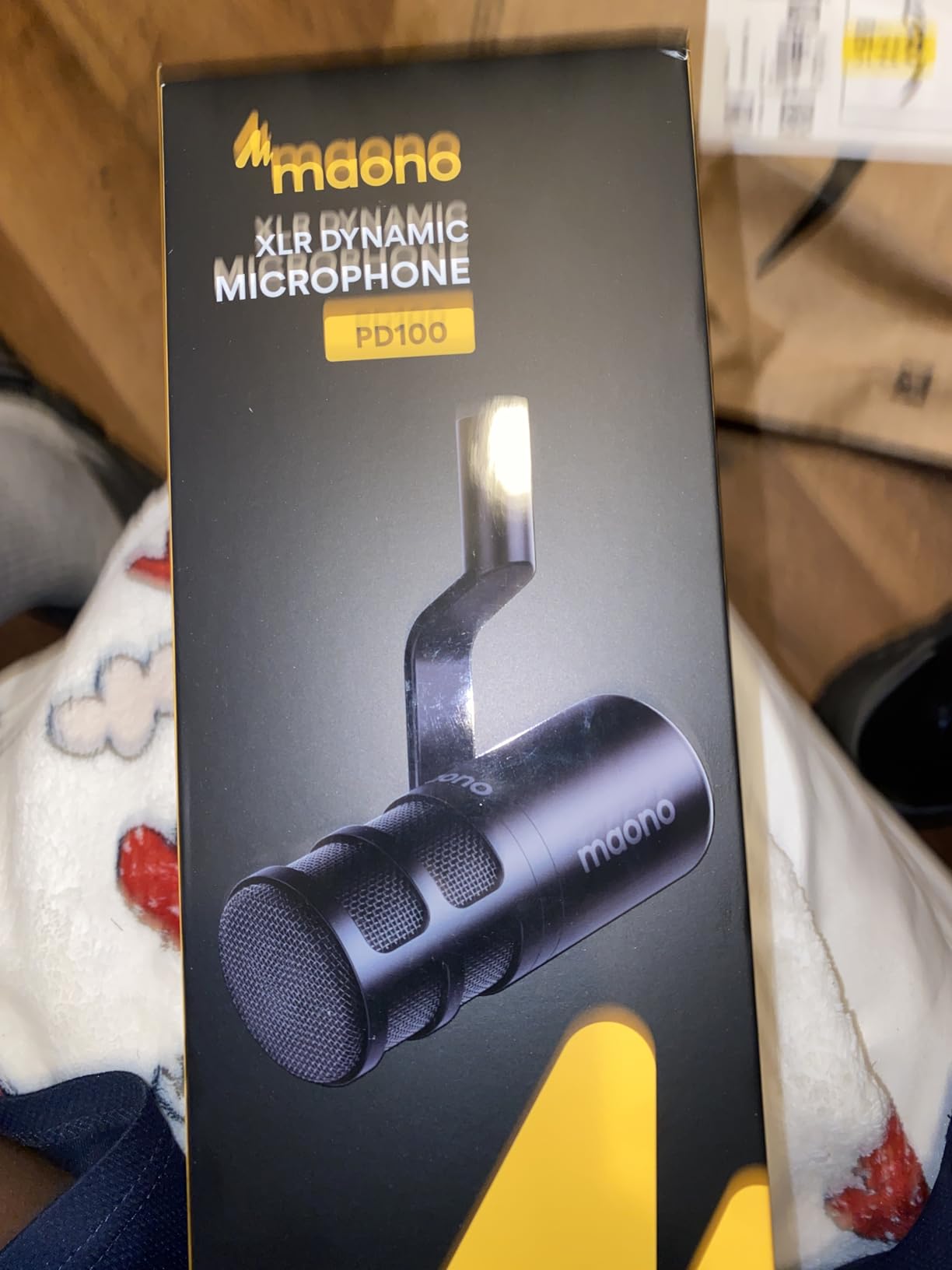
- Occasional reports of units arriving with damage
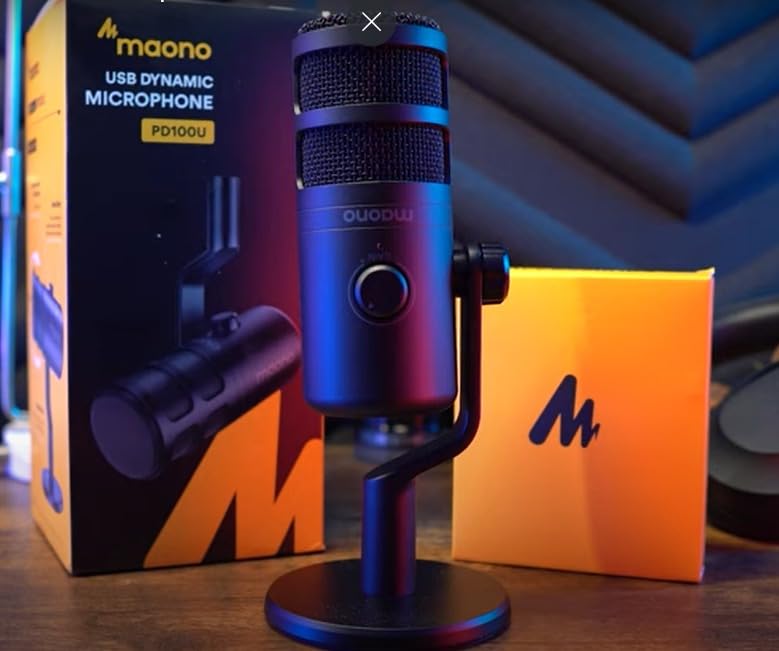
The PD100 is the lowest-cost way into a wired two-host rig that does not feel flimsy. The metal body sits on a heavy round base with a rod extender, and that stability is what separates it from the folding plastic desk stands in this category. Two of them will not tip when a host reaches across the table for notes.
The inner double-layer pop filter is the sleeper feature. It handles plosives without a separate accessory, which removes an item from a two-person shopping list that is already long, and the cardioid dynamic core keeps hard-drive noise and room rumble down for a microphone at this level.
What the included kit actually saves?
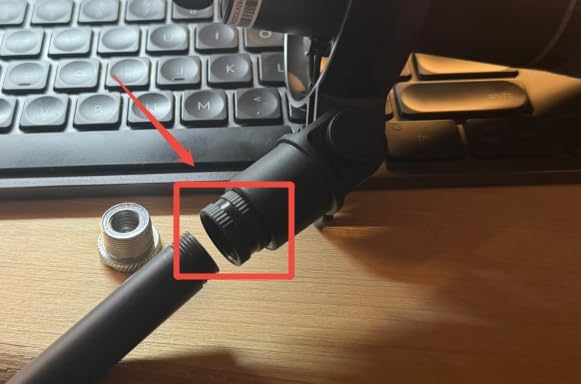
The box contains the microphone, a 6.56 foot XLR cable, the rod extender, the heavy round base and the user guide, plus built-in 5/8 and 3/8 threads for standard stands. For two hosts, that means you buy two microphones, an interface and two arms, and nothing else at the start.
The adjustable height suits a compact two-person desk better than most entry-level stands, because the rod extender raises the capsule toward the mouth rather than leaving it at desk level.
Where the PD100 costs you?
The 60 Hz to 14 kHz response is the narrowest in this list, so there is noticeably less low end and less top-end detail than a broadcast dynamic, and that difference shows on consonants in a two-person dialogue. It is XLR only, so an interface or mixer is mandatory.
The desktop stand is a compromise against a proper boom arm for a seated interview, and a small number of buyers report units arriving with damage, so inspect the package on arrival.
11. MAONO PD200W – A Matched Wireless Pair in One Box
MAONO PD200W Hybrid Wireless Podcast Equipment Bundle for 2
Wireless and USB-C and XLR
82 dB signal-to-noise
128 dB SPL
Two mics plus one receiver
Pros
- Two full microphones plus a single receiver built for duo shows
- Each microphone records to its own track for precise editing
- Three output paths per mic: wireless
- USB-C and XLR
- Cardioid pickup with three-stage noise cancellation
- MaonoLink app with four presets plus EQ and reverb
Cons
- 60 m range assumes no walls between mic and receiver
- Camera and Lightning accessories are sold separately
- Bulkier on the desk than compact XLR dynamics
- Wireless units need charging
The PD200W bundle is the only matched pair in this list that arrives as a pair, and for a two-person show that is a real advantage. You get two hybrid microphones, a Type-C receiver, two desktop stands, two cables and the adapter cable in one box, with each microphone recording to its own track and video captured in sync on camera.
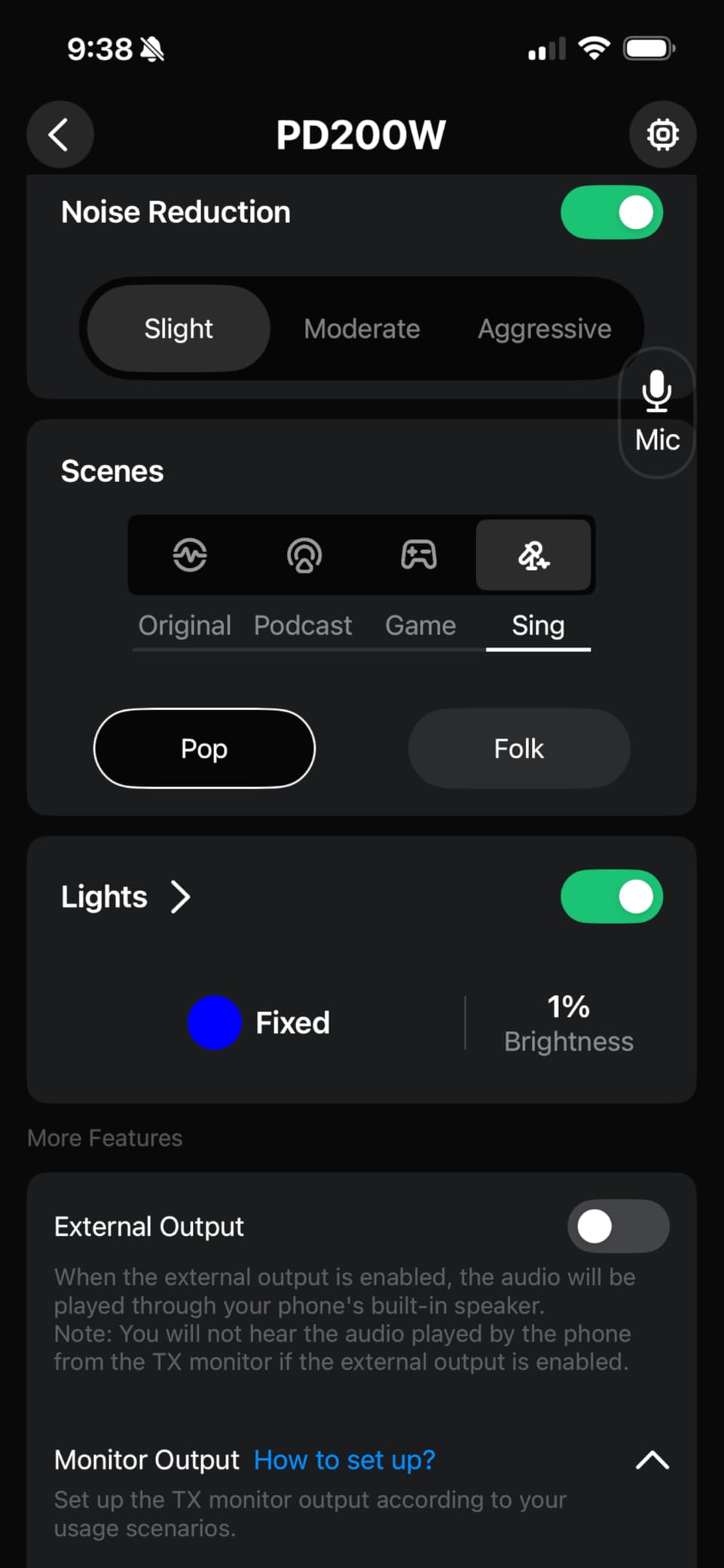
The 82 dB signal-to-noise ratio, 128 dB SPL handling and three-stage noise cancellation are the numbers that matter here, and buyers highlight the clean signal it delivers in rooms that are not booths. Each microphone also offers three output paths, so a host can move from a wireless take to a wired USB or XLR connection without changing hardware.
When a wireless pair beats two wired microphones?
Wireless is the right answer for two hosts who do not sit still, record in a car, or film on location, which is exactly the case forum readers raise when desk stands and boom arms are not an option. The MaonoLink app provides four master-tuned presets with EQ and reverb adjustment, which shortens the setup for a less technical duo.
Because the receiver takes both microphones, one device handles the whole two-person show, and the per-track recording gives an editor the same separation a two-channel interface would.
Where the wireless approach gets awkward?
The 60 metre range assumes no walls and no large venues between the microphone and the receiver, and for a two-person show the receiver has to sit on the table between the two speakers. Wireless units also need charging, which is one more thing to forget on recording day.
The package is heavier and bulkier on a shared desk than two compact XLR dynamics, and the camera and Lightning accessories for on-camera sync are sold separately.
12. Zoom ZDM-1 – Super Cardioid Isolation at a Mid Tier
Zoom ZDM-1 Dynamic Microphone for Podcasts, Voice-Overs, Vocals, and More, High SPL Capability, Sturdy Metal Body, and Large Diaphragm
Super cardioid XLR
78 dB signal-to-noise
High SPL handling
454 g metal body
Pros
- Large-diaphragm dynamic with smooth broadcast capture
- Super cardioid pattern for focused pickup and isolation
- High SPL handling keeps loud sources clean
- Internal shock mount isolates bumps and handling noise
- All-metal body and grille with a one-year replacement warranty
Cons
- XLR only so an interface and cable are required
- No pop filter or windscreen or stand included
- Smaller review base than the Shure and Rode options
- Few onboard controls
The ZDM-1 is a large-diaphragm dynamic with a super cardioid pattern, and those two specifications together make it a crosstalk tool rather than a general-purpose microphone. The pattern gives focused pickup and strong isolation between two speakers, which is the mechanism that keeps one host out of the other host’s track in a shared room.
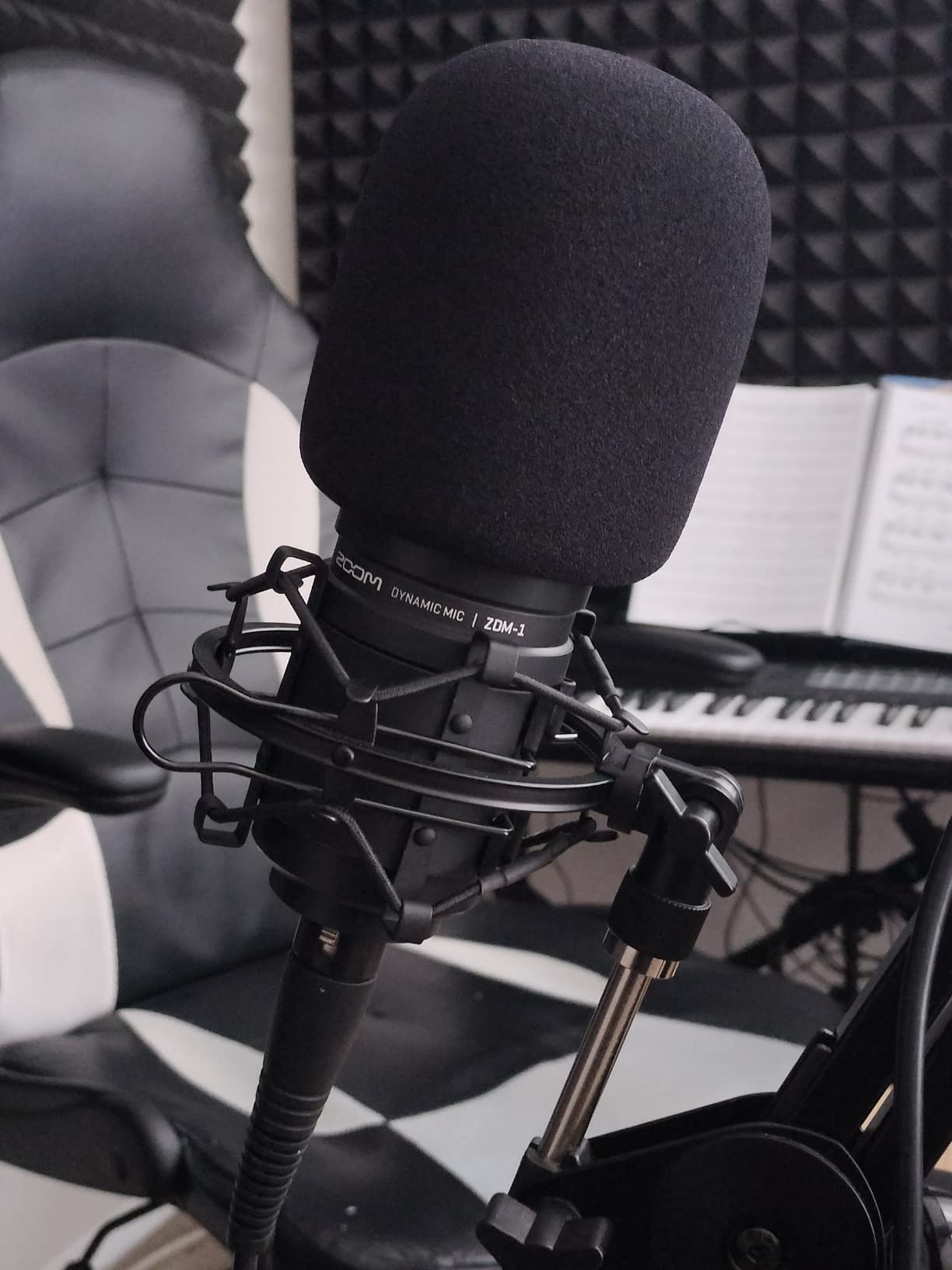
The internal shock mount isolates bumps and handling noise without a separate mount, and high SPL handling keeps the recording clean when a host laughs, claps or leans into the microphone. It is a dynamic, so no phantom power is required, and at 454 g of all-metal it mounts on a modest stand without a heavy arm.
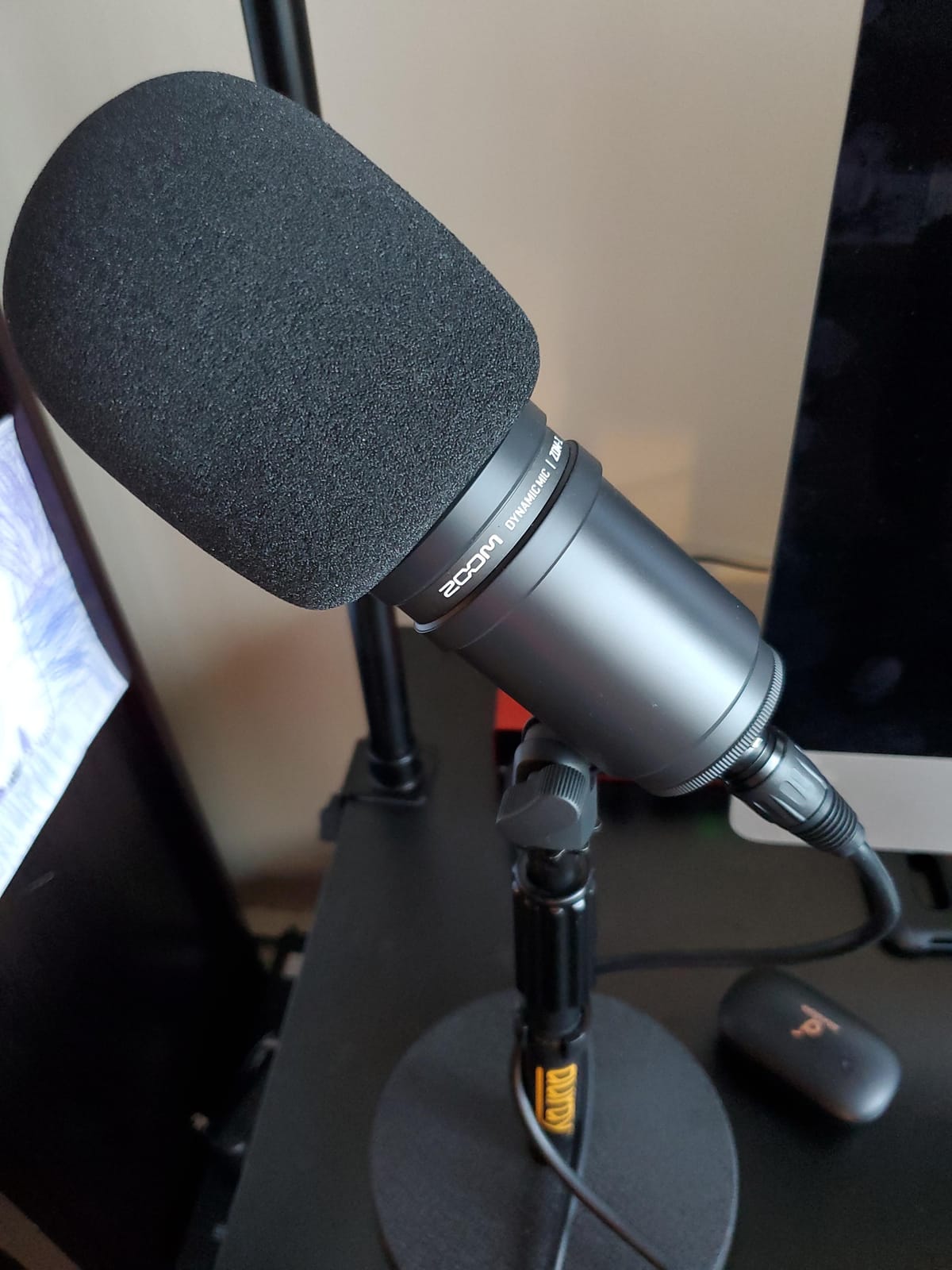
What a super cardioid pattern buys a two-host show?
It is a narrower pickup than a standard cardioid, so it rewards correct placement. Pointed at the mouth and kept close, it delivers the isolation the AT2040 promises with a larger diaphragm behind it, which is why it produces a smoother, more broadcast-sounding capture than its size suggests.
For a duo that argues, laughs and leans in, that combination of high SPL handling and a tight pattern is the right pairing, and the internal shock mount means two of them need no extra mounting hardware.
Where the ZDM-1 is the riskier buy?
It comes with nothing. There is no pop filter, no windscreen and no stand in the box, so a two-person purchase means two microphones, two pop filters, two arms and an interface before you record. That is the largest accessory bill of any XLR option here.
The review base is also the smallest in this list, so there is less owner feedback to lean on, and there are few onboard controls because everything is handled at the interface.
How to Build a Two-Person Microphone Setup?
Here is the sequence that produces a working two-host rig without overbuying. Start with the microphones, because the connection type they force determines everything downstream.
Rule one: buy two identical microphones
Matched pairs beat mismatched pairs for one reason: they need no corrective EQ to sound like a single show. Two different models have different tonal signatures, different output levels and different off-axis behaviour, so every episode starts with a level and tone matching session. A matched pair also makes gain staging identical, which matters when both signals arrive on the same preamp.
If you already own one microphone, buying a second of the same model is almost always the better move over buying a different one. The forum question about mixing two models comes up constantly, and the consistent advice is the same: match them.
Dynamic or condenser for a two-person room
Choose a dynamic microphone. A dynamic capsule has lower self-sensitivity, so a fan, a street outside a window or the other host’s voice entering from the side is quieter relative to the intended speaker than a condenser capsule would capture from the same distance. In an untreated bedroom, a condenser also picks up the room’s reverb, which is the sound listeners notice first.
Every microphone in this roundup is dynamic, and that is not a coincidence. Forum readers overwhelmingly favour dynamics in untreated rooms, and any ungrounded recommendation to buy a condenser for a bedroom recording will lose your trust before it wins a sale. A condenser only makes sense once the room is genuinely treated.
USB or XLR, and the two-USB-microphone problem
USB means no interface, no gain control and no extra cables. XLR means gain control, a hardware level meter, and a path to a mixer that can be upgraded indefinitely. A USB and XLR hybrid microphone gives you both, which is why the Q2U, the K688, the AM8 and the MV7+ are popular in two-host setups: a beginner can start on USB and move to an interface later without changing microphones.
Now the part almost no roundup covers. Two USB microphones on one computer is a known headache, and the operating system can fail to enumerate or route two USB audio inputs at the same time. Users land on workarounds involving aggregate devices, separate recorders or hubs, and the Audacity forum’s long-standing advice is to record the two microphones on two separate machines or recorders so you get two files and independent level control.
Our recommendation is simple. If both hosts are on one computer, use XLR into a two-channel interface. The minimum you need is two inputs, two gain knobs and two outputs for monitoring, and our podcast mixer roundup covers the hardware that sits between the microphones and the recording software. If you want zero setup, use one USB microphone and one XLR microphone into an interface.
Mic placement and the 3-to-1 rule
The 3-to-1 rule is a placement shortcut, not a law. Divide your room’s longest dimension by three and set each host’s microphone at that distance from their own mouth, angled inward toward the pair. The reason it works is that a microphone’s level drops off steeply as you move away, so doubling the distance roughly halves the level reaching the capsule.
Put each microphone at mouth height, angled slightly off-axis rather than straight at the lips, which softens plosives without a separate pop filter.
Keep each microphone on its own side of the room, pointed at its own host, never between the two hosts.
Maintain roughly three feet between the two hosts when the room allows it, and turn each mic inward so the capsule faces the mouth, not the wall.
Space the microphone about four to six inches from the mouth and keep it there, because a dynamic microphone needs to be close to reject the room.
Record thirty seconds of both hosts speaking and nothing else, then listen on headphones for bleed, hum and reflections before you record an episode.
If your hosts must sit three feet apart facing the same wall, the off-axis angle becomes essential. Angle each microphone about fifteen degrees inward and slightly downward, and check the level of the other host on each track by speaking alone. Crosstalk between two microphones in a small room is fixable at the source, and it is almost always cheaper to fix it there than in the editor.
Separate tracks, not one stereo file
Record each host to their own track rather than to a single stereo file. Two separate tracks mean you can edit a cough out of one voice without touching the other, balance the levels, and apply noise reduction to the track that needs it. A stereo file locks both voices together and turns every edit into a stereo problem.
If you must record to one device, use a two-channel interface with two physical inputs, and confirm in your recording software that each input lands on its own track before you record anything real.
What a two-person setup costs at three budgets?
Users search this question more than almost any other in the niche, because a two-mic rig is two of everything. The three configurations below are the shapes that work; exact figures change, so check current pricing before you buy.
Starter rig: two USB and XLR hybrid dynamics, two arms or desk stands, two pairs of closed-back wired headphones, and either the laptop or a two-input interface. Add two pop filters if the microphones do not have internal ones.
Serious home rig: two XLR broadcast dynamics, a two-channel interface, two boom arms, two pairs of closed-back headphones, and basic room treatment at the first reflection points behind each host.
Pro rig: two broadcast dynamics plus a recorder console, a two-channel interface as a backup path, two arms, monitoring, and real acoustic treatment. This is where the starter kit guide is worth revisiting for the accessories you still need.
Room treatment that costs almost nothing
Two microphones in one untreated room double the reflection problem, because each mic hears the wall behind the other host. The cheapest effective fix is at the first reflection point, the spot on your side wall or ceiling that a mirror would show in the microphone. Thick, soft absorbers mounted there cut the audible slap-back more than anything else you can add to the desk.
A rough target is a decay time of roughly 0.3 seconds in a small treated room, against 0.6 to 1.0 seconds in a typical untreated one. You can estimate your own room with a phone: record a single clap in the middle of the space and time how long the echo tail takes to fall away. Record a few seconds of room tone before the hosts speak, and do not delete it, because that clean sample is what your noise reduction will learn from.
Monitoring and headphones
Each host needs their own pair of closed-back wired headphones. Closed-back keeps the monitoring audio out of the room so it does not bleed into the other host’s microphone, and wired avoids the latency that makes a host doubt their own timing. Bluetooth introduces enough delay that hosts frequently talk over each other, which is a two-person problem before it is an audio problem.
Monitor on headphones only, never on speakers, until the room is treated. Speaker monitoring in an untreated room is the single most common cause of heavy bleed in a two-person show, and no amount of gain staging fixes it.
Frequently Asked Questions
What is the best microphone for two-person podcasting?
Buy two identical dynamic microphones, one per host. The Shure SM7B is the broadcast standard if you have clean gain available, the Shure MV7X is the isolation-first pick, and the Samson Q2U is the shortest route to a working show because both cables and the stand are included. Two separate microphones give each host a consistent level and their own track to edit.
What type of microphone is best for two people in the same room?
A dynamic microphone with a cardioid or tighter polar pattern. Dynamic capsules are less sensitive to room sound, off-axis voices and fans than condensers, which matters more when a second speaker sits a few feet away. A tighter pattern such as the hypercardioid on the Audio-Technica AT2040 isolates one voice more aggressively, at the cost of needing a more precise aim.
Can I use one microphone for two people instead of two?
You can, and it is the most common mistake in two-person shows. One microphone means each host sits at a different distance and angle from the same capsule, at a different level, and the whole conversation lands on one track that is hard to edit. Two matched microphones, one per host, is the cheapest quality upgrade available.
Can I use two USB microphones on one computer for a podcast?
It can work, but it is a known headache. Operating systems can fail to enumerate or route two USB audio inputs at once, and the usual workarounds are aggregate devices, a hub or two separate recorders. The most reliable two-host path is two XLR microphones into a two-channel interface, or a USB and XLR microphone used together.
What is a good budget microphone for podcasting?
For two hosts buying a pair, the Samson Q2U is the strongest budget start because it includes both cables, a desktop stand and a windscreen, and it works over USB-C and XLR. The FIFINE K688 is the alternative if you want a metal body and a shock mount included. Buy the same model twice rather than mixing two budget microphones.
The Verdict for Two Hosts Recording in One Room
Two hosts, one microphone each, and the same model on both sides. That is the decision that matters, and the twelve microphones above all solve it at different budgets. Two Shure SM7Bs give you broadcast tone and the tightest off-axis behaviour in an untreated room, provided you have clean gain. Two Shure MV7X units give you a more modern balance with less crosstalk between speakers. Two Samson Q2Us get a brand-new show recording today with nothing else to buy.
Wherever you land, the unglamorous work decides the result. Keep each microphone close to its own host, point it at that host rather than between them, record to separate tracks, monitor on closed-back wired headphones, and treat the first reflection point behind each host. That is what turns a pair of microphones into the best podcast microphones for two person shows.