
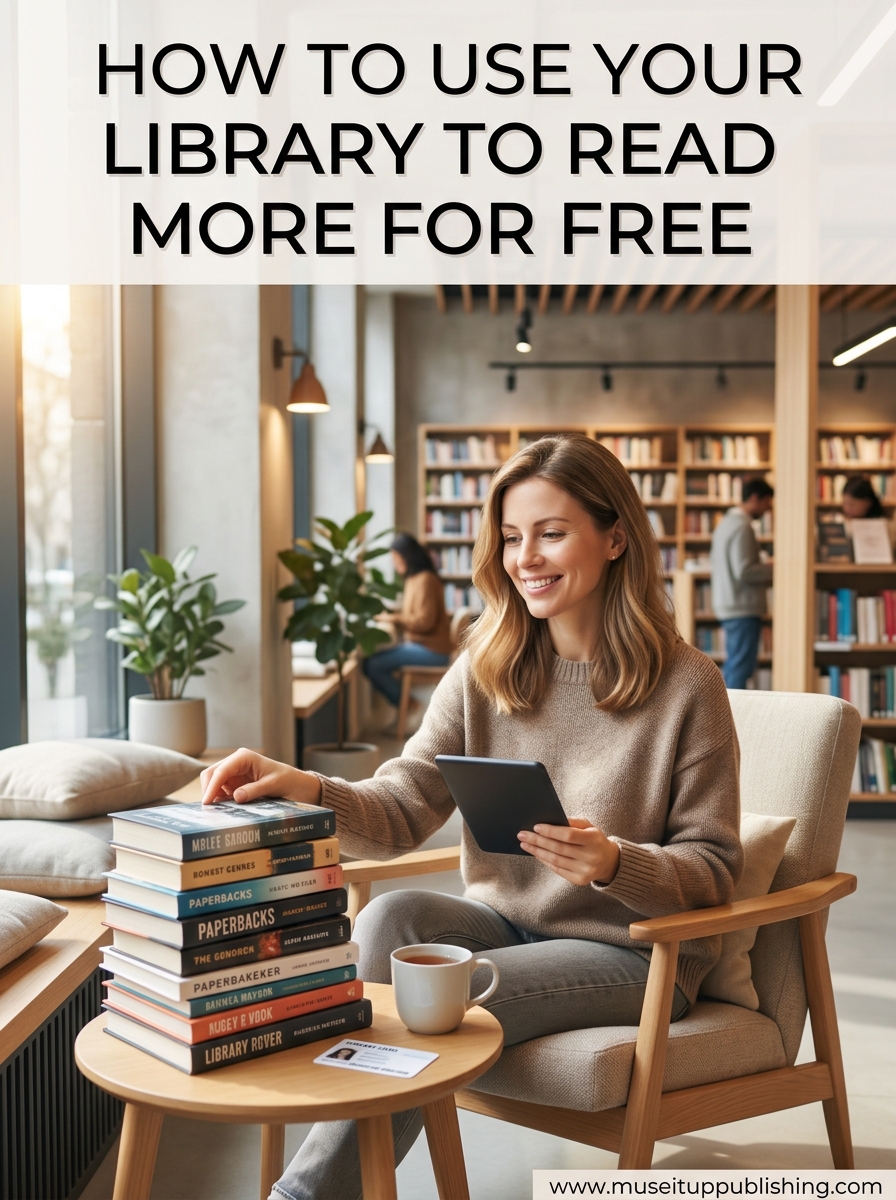
Yes, you can absolutely read books in a library without paying a single cent. Your local public library is one of the most powerful free resources available, yet most people barely scratch the surface of what it offers. Beyond physical books on shelves, modern libraries provide free ebooks, audiobooks, movies, music, research databases, and community programs — all included with your library card.
If you have ever wondered how to use your library to read more for free, this guide walks you through every step. I will cover getting a library card, mastering the Libby app, navigating digital platforms like Hoopla, transferring ebooks to your Kindle or Nook, and proven strategies to dramatically increase your reading without spending money.
The average American reads about 12 books per year. Library users often double or triple that number because they always have something queued up. Once you set up the right systems, reading more becomes almost automatic.
Table of Contents
Step 1: Get Your Library Card (Physical and Digital)
Your library card is the key that unlocks everything. Without it, none of the digital platforms will work. Getting one is straightforward, but there are a few routes depending on your situation.
How to Get a Physical Library Card
Visit your local public library branch with a valid photo ID and proof of address. A driver’s license usually covers both requirements. If you recently moved, bring a utility bill or lease agreement. The whole process typically takes about 10 minutes at the service desk.
Some library systems now offer online registration for digital-only cards. You fill out a form on the library website, receive a card number by email, and can start borrowing immediately without ever visiting a branch.
Getting a Digital-Only E-Card
Many large library systems offer eCards that give you instant access to digital collections. You do not need to set foot inside a building. Check your local library website for an online registration option.
E-cards are perfect if you only want to use apps like Libby, Hoopla, or cloudLibrary. You get the same digital borrowing privileges as a physical card holder.
Non-Resident Library Cards: Expand Your Access
This is one of the most asked questions in Reddit communities like r/books and r/Libraries. If you want access to a bigger library system, many major libraries offer non-resident cards for a fee.
For example, the Brooklyn Public Library and Los Angeles Public Library both offer non-resident eCards that grant access to their massive digital collections. Some libraries waive fees for teachers, students, or military members. Check the policies for any library system you are interested in joining.
Having cards from multiple library systems is one of the most effective ways to get more books. Different libraries buy different titles, so combining two or three systems dramatically increases what is available to you.
Fixing Expired or Inactive Cards
A common frustration I see in forum discussions is library cards suddenly not working in Libby. This usually means your card expired or your account has unpaid fines. Call or visit your library to check your account status and renew if needed.
Step 2: Master Libby and OverDrive for Free Ebooks and Audiobooks
Libby is the app you will use most. It is the consumer-friendly interface for OverDrive, the largest digital lending platform for libraries. Together, they offer millions of free ebooks and audiobooks.
How to Set Up the Libby App
Follow these steps to start borrowing free library books on your phone or tablet:
Step 1: Download the free Libby app from the App Store (iOS) or Google Play Store (Android). It works on iPhones, iPads, Android devices, and Kindle Fire tablets.
Step 2: Open the app and answer the prompt about whether you have a library card. Select “Yes” and enter your ZIP code or city to find your library system.
Step 3: Enter your library card number and PIN. If you do not know your PIN, contact your library or try the last four digits of your phone number — that is the default for many systems.
Step 4: Start browsing. Use the search bar to find specific titles or browse curated collections like “New Arrivals,” “Popular Now,” or “Available Now.”
Step 5: Tap “Borrow” to check out an available title instantly. If a book is checked out, tap “Place Hold” to join the waitlist.
How to Get Free Audiobooks With Your Library Card
Getting free audiobooks works exactly the same way as ebooks. In the Libby app, look for the headphone icon next to titles to identify audiobook versions. Tap borrow, and the audiobook downloads to your device.
You can listen directly through the Libby app or stream over WiFi. The app supports variable playback speed, a sleep timer, and bookmarks. Many Reddit users in r/audible say they have completely replaced paid audiobook subscriptions with Libby.
How to Use an Audiobook From the Library
Once you borrow an audiobook in Libby, it downloads to your device automatically over WiFi. Tap the title on your shelf to start listening. You can adjust narration speed, set a sleep timer, and skip chapters. The loan period is typically 14 to 21 days.
If you are not finished when the loan expires, you can renew it if no one else is waiting. If someone has a hold on it, you can borrow it again later.
Managing Holds and Wait Times
Popular new releases often have wait times of several weeks or months. Here is how to work around long lines:
Place holds on multiple books at once. When you have five to ten holds queued up, titles become available on a steady rotation. You always have something new to read.
Filter by “Available Now” when you want something immediately. These titles have zero wait time and you can borrow them on the spot.
Use the “Notify Me” tag for upcoming releases. Libby will alert you the moment the library adds a copy.
Check the estimated wait time before placing a hold. If it says “12 weeks,” consider borrowing a backlist title by the same author instead.
Kindle Integration: Read Library Books on Your Kindle
If you own a Kindle ereader, Libby makes it simple to send library ebooks directly to your device. When you borrow a book, select “Read with Kindle” from the options. Libby redirects you to Amazon, where you click a button to send the book to your Kindle.
This feature is available in the United States through most public libraries. It does not work in Canada or the UK due to publishing agreements. For those regions, use the Libby app itself on a phone or tablet.
Many people are confused about the difference between Libby and Kindle Unlimited. Libby is free through your library, while Kindle Unlimited is a paid subscription. They are completely separate services.
Step 3: Explore Other Digital Library Platforms
Libby is just the beginning. Your library card likely unlocks several other digital platforms, each with different strengths.
Hoopla: Instant Borrowing With No Wait Lists
Hoopla works differently from Libby. Instead of one copy per title with holds and wait times, every Hoopla title is available instantly. There are no queues.
Your library sets a monthly borrow limit, usually between 3 and 10 items per month. Hoopla offers ebooks, audiobooks, comics, movies, TV shows, and music all in one app.
Why Are Libraries Discontinuing Hoopla?
This has been a major frustration in online forums. Hoopla charges libraries per checkout, which gets expensive quickly. When budgets tighten, some libraries reduce monthly limits or drop Hoopla entirely.
If your library discontinued Hoopla, do not panic. You still have Libby, and many libraries offer alternatives like cloudLibrary, Freading, or Kanopy for streaming. Ask your librarian about current digital resources.
Other Platforms Worth Checking
cloudLibrary offers ebooks and audiobooks with a clean, easy interface. Freading provides a large catalog of ebooks with a token-based borrowing system. Kanopy streams documentaries, indie films, and educational content for free.
For kids, look into TumbleBooks and BookFlix. These platforms offer interactive picture books and early reading materials that make reading fun for children.
Gale eBooks and Research Databases
Libraries also provide access to serious research tools. Gale eBooks, EBSCOhost, and other databases give you free access to academic journals, encyclopedias, and reference materials. These are perfect for students, professionals, and curious readers alike.
Step 4: Tap Into Physical Library Benefits
Digital reading is convenient, but the physical library offers things no app can replicate. The browsing experience alone often leads to discovering books you would never find online.
Interlibrary Loan Programs
If your library does not own a book, ask about interlibrary loan (ILL). Libraries borrow books from other library systems across the country on your behalf. This service is almost always free and gives you access to practically any book in print.
ILL is especially valuable for obscure titles, academic books, and older publications that are not available digitally.
Library Programs and Community Events
Libraries host book clubs, author talks, writing workshops, children’s story times, and technology classes. These events are free and open to card holders. Attending book clubs is a great way to discover new titles and stay motivated to read more.
Free Media Beyond Books
Your library card may also unlock free movies on DVD, music CDs, video games, and even museum passes. Some libraries loan out tools, seeds for gardening, and WiFi hotspots. Check your library website for a full list of what they offer.
Step 5: Maximize Your Reading With Proven Library Strategies
Having a library card and the right apps is only half the battle. How you use them determines whether you actually read more. These strategies come from avid library users on Reddit, library blogs, and my own experience.
Add Everything to Your Holds List
This is the single most effective strategy I have found. Instead of waiting until you finish a book to find the next one, place holds on ten or twenty titles at once. When one becomes available, it is a pleasant surprise rather than a decision you have to make.
Libby lets you suspend holds, so you can manage when titles arrive. If your shelf is full, suspend new holds until you are ready.
Use Due Dates as Reading Motivation
A due date creates urgency. When you know a book returns itself in 14 days, you are more likely to prioritize reading it. This psychological trick is surprisingly effective for building a consistent reading habit.
Set a goal to finish each library book before it expires. Over time, this trains your brain to read regularly and helps you power through books you might otherwise abandon.
Read Across Multiple Formats
Do not limit yourself to one format. Combine physical books, ebooks, and audiobooks. Read an ebook on your phone during your commute, listen to an audiobook while doing dishes, and keep a physical book on your nightstand.
Different formats fit different moments. Audiobooks are perfect for commutes and chores. Ebooks work well for travel and bedtime reading. Physical books offer a tactile experience that many readers prefer for deep focus.
Use Multiple Library Cards for More Access
The more library cards you have, the more books you can access. Combine your local library with a non-resident card from a major system. Each library has a different collection, so you get access to titles that might be unavailable at one but available at another.
Libby supports multiple library cards. You can add cards from different systems and search across all of them simultaneously.
Master the Renewal System
Most libraries let you renew loans if no one else has placed a hold. In Libby, renewals are handled automatically three days before your book is due. If someone is waiting, the book returns on schedule.
For physical books, renew online through your library website or call the branch. Most systems allow one or two renewals per item.
Set Reading Alerts and Notifications
Enable notifications in Libby so you know when holds are ready or loans are about to expire. This prevents losing books mid-read and keeps your borrowing pipeline flowing smoothly.
How to Transfer Library Ebooks to Your Ereader
Sending library ebooks to a dedicated ereader can be confusing the first time. The process differs depending on your device.
Kindle Ereaders
Kindle users have the easiest path. In Libby, select “Read with Kindle” when borrowing. Amazon opens in your browser. Click “Get Library Book” and choose which Kindle device should receive it. The book appears on your Kindle over WiFi, usually within a few minutes.
This only works with Kindle-compatible titles in US libraries. Some publishers restrict Kindle lending, so not every book will have this option.
Nook, Kobo, and Other Ereaders
For non-Kindle ereaders, you need Adobe Digital Editions. This free software acts as a bridge between Libby and your device.
Download Adobe Digital Editions to your computer. Authorize it with a free Adobe ID. In Libby, select “Read with Adobe Digital Editions” and the book downloads to your computer. Connect your Nook or Kobo via USB, then drag the book from Adobe Digital Editions to your device.
This process frustrates many users, but it works reliably once you get the hang of it. Reddit users in r/Nook and r/ereader frequently help newcomers troubleshoot this workflow.
Alternative Free Reading Sources Beyond the Library
Your library is the best free reading resource, but it is not the only one. These alternatives complement your library access.
Little Free Libraries
Little Free Libraries are small book-exchange boxes in neighborhoods worldwide. You take a book and leave a book. Find nearby locations using the Little Free Library map on their official website.
Project Gutenberg
Project Gutenberg offers over 70,000 public domain ebooks for free download. These are older classics whose copyrights have expired. The catalog includes works by Shakespeare, Jane Austen, Mark Twain, and thousands of others.
BookBub Free Deals
BookBub sends daily emails with discounted and free ebooks. While most deals are low-cost, free titles appear regularly, especially from indie authors and publishers running promotions.
Frequently Asked Questions
Can you read books in a library without paying?
Yes, absolutely. Public libraries provide free access to physical books, ebooks, audiobooks, movies, and digital resources. All you need is a free library card from your local library system.
How to get free audiobooks using your library card?
Download the free Libby app, connect your library card, search for audiobooks using the headphone icon filter, and tap Borrow. The audiobook downloads to your device instantly and you can listen for the full loan period, typically 14 to 21 days.
How do you use an audiobook from the library?
Borrow an audiobook in the Libby app, tap the title on your shelf to start listening, and use built-in features like variable speed, sleep timer, and chapter navigation. The audiobook streams or downloads over WiFi and returns automatically when the loan expires.
Where can I listen to audiobooks for free without paying?
Your local library through the Libby app is the best source. Other free options include Hoopla if your library offers it, LibriVox for public domain audiobooks, and podcast-style serialized audiobooks on platforms like Spotify Free.
Why are libraries discontinuing Hoopla?
Hoopla charges libraries a fee per checkout, which becomes expensive when usage is high. When library budgets tighten, some systems reduce monthly borrow limits or drop Hoopla entirely to control costs.
How do I get a library card if I dont live in the area?
Many large library systems offer non-resident cards for a fee, sometimes waived for students or military. You can also check whether your state offers statewide access programs, or look for libraries that offer digital-only eCards to anyone in your region.
Conclusion: Start Reading More for Free Today
Learning how to use your library to read more for free is one of the highest-value habits you can build. A single library card unlocks millions of books across apps like Libby, Hoopla, and cloudLibrary — all without spending a dollar on subscriptions or retail purchases.
Start by getting your card, downloading the Libby app, and placing holds on five books today. Add titles to your queue constantly, read across multiple formats, and consider a non-resident card to expand your collection. Within a few weeks, you will have a steady stream of free books arriving on your device.
Your library is already paid for through your taxes. You might as well use it.