
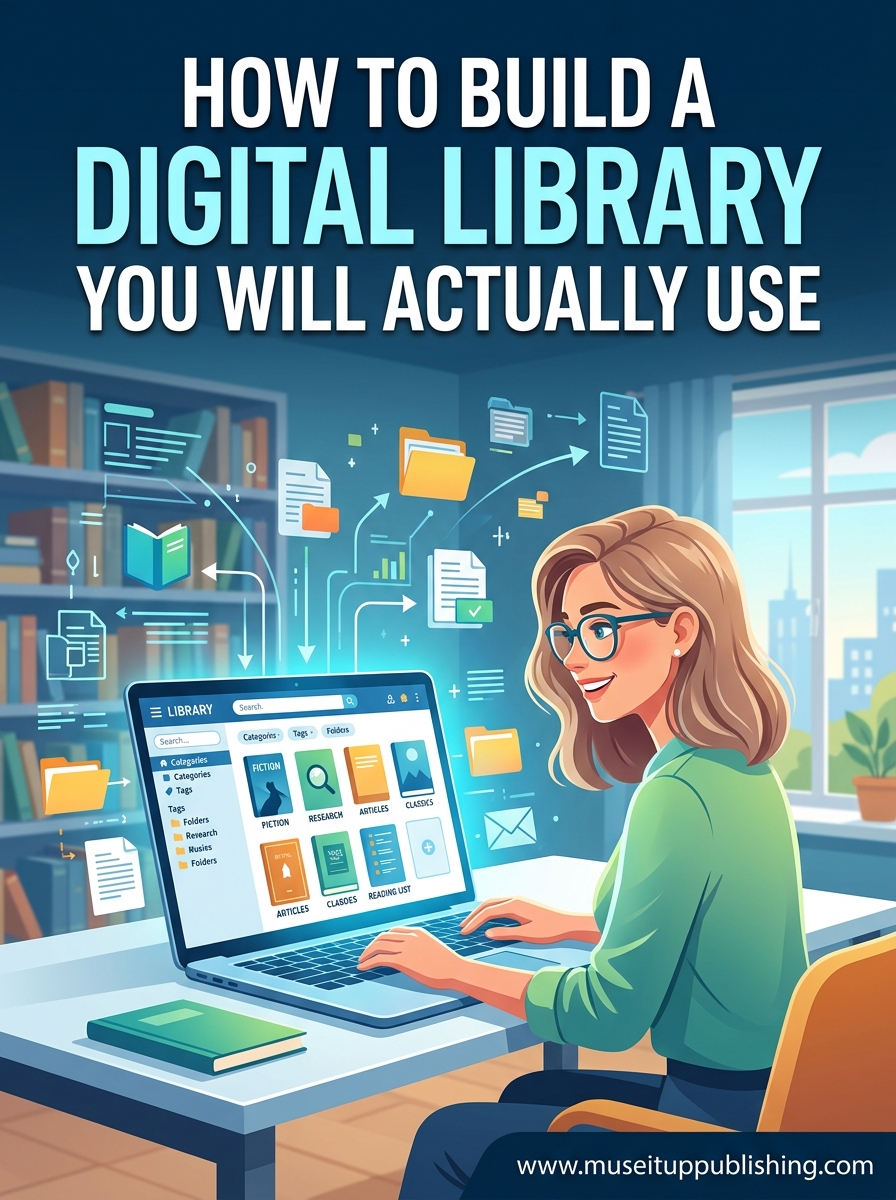
I once bought the same novel twice in the same month. I owned it already, it was sitting on a shelf two rooms away, and I had no way to check. If you have more than 50 books, you have probably done the same thing.
Learning how to build a digital library solves this problem for good. A personal book database gives you a searchable catalog of every title you own, every book you have borrowed, and every book you want to read next. In this guide, I will walk you through the entire process from choosing a platform to building an organization system you will actually maintain.
Whether you have 80 paperbacks or 800 books spread across physical shelves, e-readers, and audiobook apps, the steps below will help you create a digital bookshelf that works for your real reading life.
Table of Contents
What Is a Digital Library and Why You Need One
A digital library is an electronic catalog of your books that lets you track, organize, and find your entire collection from any device. Think of it as a personal book database that lives on your phone, tablet, or computer.
Unlike a physical shelf, a digital library lets you search by title, author, genre, or custom tag in seconds. You can see what you own, what you have read, and what is still sitting in your to-be-read pile without leaving your couch.
The biggest benefit is avoiding duplicate purchases. When you can check your phone and see exactly what you already own, you stop wasting money on books you already have. Reddit users in r/books and r/bookshelf consistently rank this as their number one reason for cataloging their collections.
A book tracking system also helps you stay on top of borrowed versus owned books. If you have ever lent a book to a friend and forgotten who has it, or borrowed from the library and lost track of return dates, a digital catalog fixes that too.
How to Build a Digital Library: Step-by-Step
Building a digital library comes down to five core steps. Each one builds on the last, so work through them in order.
Step 1: Choose your platform. Pick a cataloging app that fits your collection size and format mix. I cover the best options in the next section.
Step 2: Create your account and set up your library structure. Before adding a single book, decide on your tagging system. Will you sort by genre, location, format, or reading status? Planning now saves hours of reorganization later.
Step 3: Add your books. Use barcode scanning for physical books, ISBN lookup for quick entry, or CSV import if you are migrating from another app. For collections over 200 books, a Bluetooth barcode scanner makes the process significantly faster.
Step 4: Organize with tags and categories. Apply your tagging system consistently. Mark each book with its format (physical, ebook, audiobook), reading status (read, reading, not started), and any custom tags that match how you think about books.
Step 5: Build a maintenance routine. Set a recurring reminder to add new books, update reading statuses, and remove books you no longer own. A monthly check-in of 15 to 20 minutes keeps your catalog accurate without becoming a chore.
Choosing the Right Platform for Your Collection
The platform you choose determines everything about your experience. After researching what real users recommend across Reddit forums and book communities, three options stand out for personal collections.
Libib is the most recommended personal library app for home collections. It handles books, movies, music, and games in one place. The free tier supports up to 100 libraries and includes barcode scanning through your phone camera. A paid plan adds unlimited items and advanced features. Libib is ideal if you want a clean, visual digital bookshelf with cover art display.
LibraryThing appeals to power users who want deep cataloging tools. It supports over 2,000 data fields per book and has an active community of serious collectors. The interface is less polished than Libib, but the depth is unmatched. LibraryThing charges a one-time or yearly fee for accounts over a certain size.
OpenLibrary is the best free option and is backed by the Internet Archive, a non-profit organization. It offers a public API, data export, and no paywall. OpenLibrary is a strong Goodreads alternative if you care about data ownership and long-term sustainability. The trade-off is that the interface is more utilitarian and less mobile-friendly.
If you are looking specifically for a Goodreads alternative, consider what drove you away. Many readers left Goodreads after the Amazon acquisition and the API shutdown that followed. If data portability matters to you, prioritize platforms that offer CSV export and open data access.
For mobile-first users, test each app on your phone before committing. You will do most of your cataloging and checking on a mobile device, so the app experience matters more than the desktop version.
Adding Books: Barcode Scanning vs Manual Entry vs ISBN Lookup
How you add books to your digital library determines how fast the process goes and how accurate your catalog is. There are three main methods.
Barcode scanning is the fastest and most satisfying method for physical books. Point your phone camera at the barcode on the back cover, and the app pulls title, author, cover art, and publication data automatically. Users on r/bookshelf describe the scanning process as genuinely fun, almost addictive. A Bluetooth scanner speeds things up even more for large collections.
ISBN lookup works when a barcode will not scan or is missing. Type the 10 or 13 digit ISBN number into the search field and the app fetches the book data. This method takes about 15 seconds per book compared to 3 seconds for scanning.
Manual entry is the slowest option but sometimes necessary for rare books, self-published titles, or books without standard barcodes. You type in the title, author, and other details yourself.
For large collections, forum users with 700 or more books recommend batching by room or shelf. Scan everything on one shelf, then move to the next. This approach prevents burnout and gives you visible progress as each shelf gets cleared.
If you are migrating from Goodreads or another platform, look for CSV import support. Exporting your existing list and importing it into your new cataloging app can save hours of manual entry.
Organizing Your Digital Bookshelf With Tags and Categories
The difference between a digital library you use and one you abandon comes down to organization. A good tagging system makes your catalog searchable in ways that match how you actually think about books.
Start with three core tag categories. First, format tags: physical, ebook, audiobook. This lets you instantly see what you own in each format and avoids buying an ebook of a book already on your shelf.
Second, reading status tags: read, currently reading, not started, abandoned. This turns your catalog into a reading tracker, not just a static list. You can see at a glance what is sitting unread and prioritize accordingly.
Third, location tags for physical books: living room, bedroom, office, storage, lent out. If books are scattered across multiple rooms or shelves, location tags help you find the physical copy in seconds. This is especially helpful when moving or reorganizing your home.
Beyond the basics, add genre or mood tags that match your reading habits. Common options include fiction, nonfiction, fantasy, memoir, reference, and to-read-next. Keep your tag list under 20 categories to avoid over-tagging, which makes filtering harder instead of easier.
Most cataloging apps also support custom fields. Use these for notes like purchase date, price paid, condition, or who you lent the book to. These details turn your catalog into a real collection management tool.
How to Actually Use Your Library (Not Just Catalog It)
The most common reason digital libraries fail is that people build them and then stop using them. The cataloging phase is exciting. The maintenance phase is where most people give up. Here is how to build habits that keep your library alive.
Set up a simple monthly maintenance routine. Pick one day a month, spend 15 to 20 minutes adding any new books, updating reading statuses, and removing books you sold or donated. Put it on your calendar. This small time investment prevents the catalog from going stale.
Connect your library to your reading goals. If you track how many books you read per year, use your catalog to measure progress. Mark books as finished, review your completed list quarterly, and pull your next read from your to-start pile instead of browsing randomly.
Use mobile access for real-time decisions. The moment you are in a bookstore and unsure whether you already own something, pull out your phone and search your catalog. This single habit pays for the entire effort of building the library.
Back up your data regularly. Export your catalog as a CSV file every few months and save it to cloud storage. If your chosen app ever shuts down, changes its pricing, or gets acquired, you will not lose years of cataloging work. Data export is the single most important feature for long-term trust.
For audiobook listeners, make sure your cataloging app or system accounts for audiobooks separately. Track narrator, length, and source (Audible, library, Libby) so you can find the right format when you are ready to listen.
Common Mistakes to Avoid When Building Your Digital Library
After reading through hundreds of forum posts from people who tried and failed to maintain personal book databases, a few patterns emerge.
Mistake 1: Over-tagging. Creating 40 tags feels organized but actually makes your library harder to use. When every book has six tags, filtering becomes noise. Stick to 10 to 15 tags that map to how you actually search for books.
Mistake 2: No data backup. Relying entirely on one app with no export capability is risky. Apps get acquired, shut down, or change their free tiers. Always use a platform that supports CSV export, and actually run the export every few months.
Mistake 3: Ignoring digital formats. Many people catalog their physical books and forget ebooks and audiobooks. If half your reading happens on a Kindle or through audiobook subscriptions, those titles belong in your catalog too.
Mistake 4: Skipping the maintenance routine. A catalog built in a weekend and never updated becomes useless within months. The 15-minute monthly check-in is what separates a library you use from one you abandon.
Mistake 5: Choosing a platform with no future. Free apps that have no revenue model are risky. Before investing hours cataloging, check whether the platform has been around for years, has a sustainable model, and offers data export. Non-profit backed options like OpenLibrary offer more longevity guarantees than ad-supported startups.
FAQs
How do I create my own digital library?
Pick a cataloging app like Libib, LibraryThing, or OpenLibrary. Create an account, add books via barcode scanning or ISBN lookup, then organize them with tags for format, reading status, and location. Set a monthly maintenance routine to keep your catalog current.
Can I build a little library myself?
Yes. A little free library is a small physical book-sharing box you can build and place in your yard or neighborhood. For a digital version, you can create a shared online catalog using platforms like OpenLibrary or Libib and invite friends or neighbors to browse and borrow.
Does owning 1000 books make your home a library?
There is no official threshold, but once your collection passes several hundred books, a cataloging system becomes essential. At 1000 books, a personal book database is the only practical way to track what you own, avoid duplicates, and find specific titles quickly.
What is the most checked out book?
According to public library records, the most checked out book of all time is thought to be Dr. Seuss’s The Cat in the Hat or similar children’s classics, with estimates in the hundreds of millions of checkouts globally.
Is there a free alternative to Goodreads?
Yes. OpenLibrary is a free, non-profit-backed alternative run by the Internet Archive. Libib offers a free tier for personal collections. LibraryThing has a free tier for smaller libraries. All three offer data export, which Goodreads has restricted since the Amazon acquisition.
What happens if my cataloging app shuts down?
This is why data export matters. If you use a platform that supports CSV export and back up your catalog every few months, you can import your entire collection into a new app with minimal effort. Always choose platforms that let you own your data.
Conclusion
Learning how to build a digital library is one of the highest-impact projects a book lover can take on. The right cataloging app, a simple tagging system, and a 15-minute monthly routine are all you need to stop buying duplicates and start actually using your collection.
Pick a platform this week, scan your first shelf, and see how it feels. The momentum from those first 50 books will carry you through the rest. Your future self, standing in a bookstore checking their phone before buying, will thank you.